
DOWNLOAD THE APP


Customer Services
Copyright © 2025 Desertcart Holdings Limited
DOWNLOAD THE APP



🎉 Elevate Your Viewing Experience!
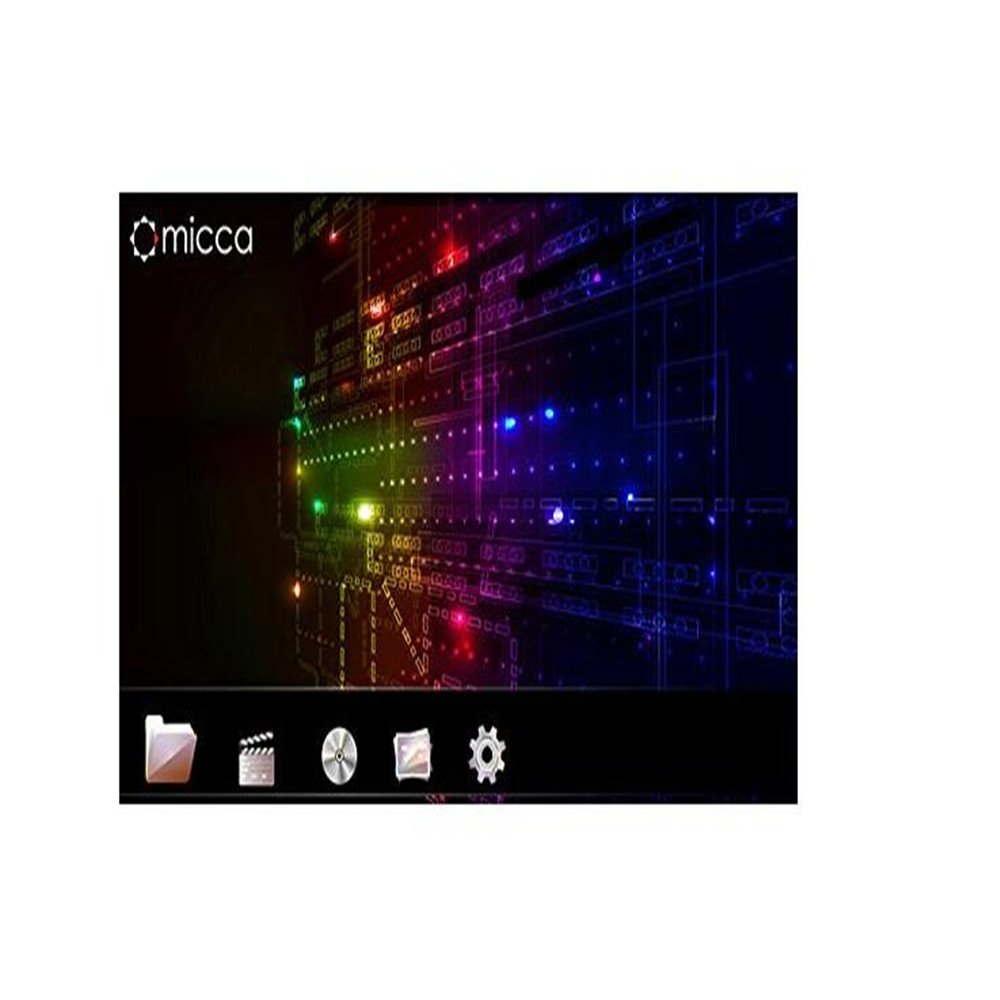
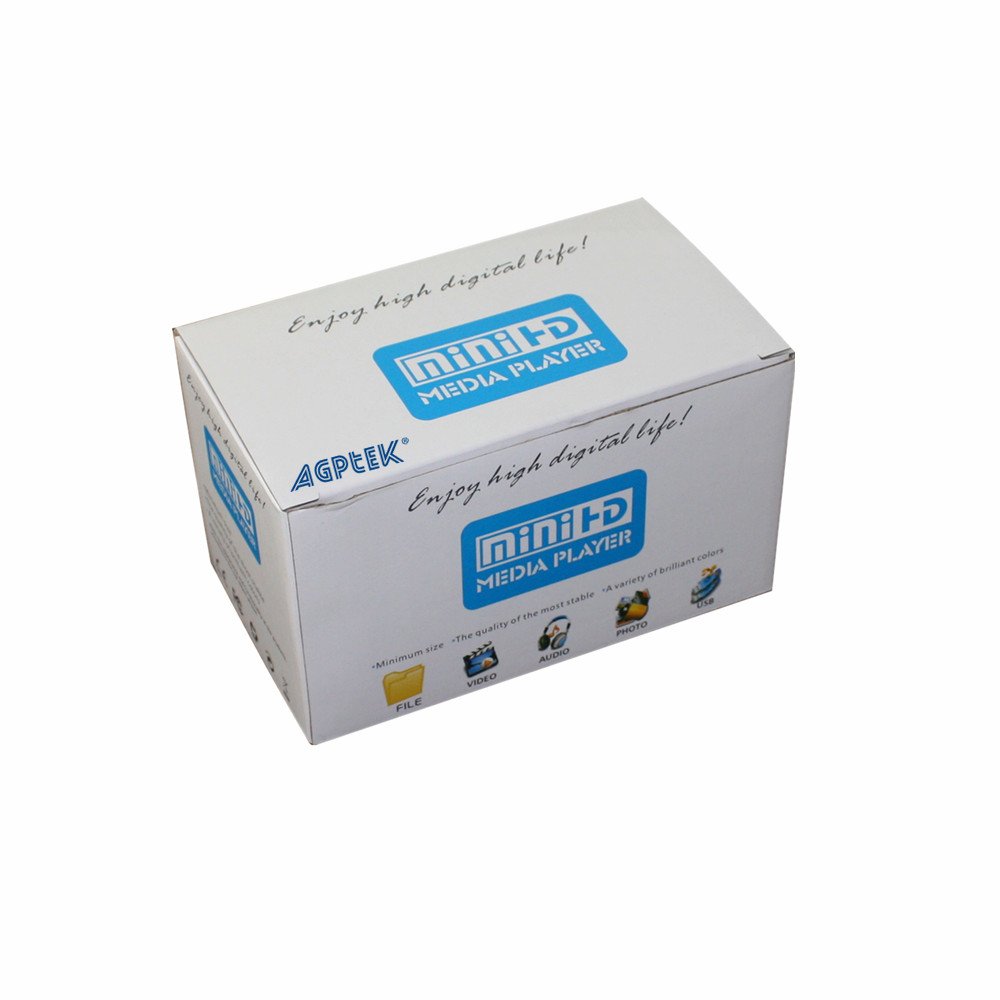
The AGPtEK Multi Media Player is a versatile device that allows you to play high-definition content directly from USB drives and SD cards. With its user-friendly remote and robust file management capabilities, it transforms your TV into a multimedia hub, ensuring you never miss a moment of entertainment.
J**K
Very quirky, but it works.
I borrowed a digital projector from a friend and wanted a way to use the projector to view still images directly from a camera memory stick and/or a USB flash drive. (I'm doing paintings from my digital images and wanted to project the images onto board or paper to trace, so that I only had to think about the painting, and not the drawing of the images.)At first, I didn't think the device worked. But then, I realized I needed to go into the Setup Menu, via the remote, and select "VGA output," which is how I'm connecting the device to the projector. I randomly chose the first VGA option. When I did, the projector projected a clear setup screen. (The screen had been bright orange and jumpy and staticky, up 'til that point.) I have never quite figured out which button gets me out of the Setup Menu. It always seems to happen only after I've tried different several buttons. And it seems to revert back to a default setting every time it is turned off. So, I've had to keep going back and setting it up for VGA output over and over.Anyway, so I do find the operation of the device VERY quirky. But, I have managed to finally view still images with my friend's projector, from both an SDHC card and a USB drive. And again, I didn't think it was going to be able to view the images on the USB flash drive at first. I kept getting "!" messages on the screen, and only after hitting the ">" button on the remote many times did the images finally start displaying. But, I also tested it by hooking it up to my TV and viewed images from an SDHC card on my TV. The color seems accurate. The resolution seems good. It's doing what I needed/wanted it to do, for a very reasonable price. And, since it took me quite a while to figure out what I might be able to use with my friend's projector, and I have gotten this little device to work - finally! - I am happy.I just contacted the seller with several questions, asking for clarification about the use of the device. With any luck, maybe they'll add some kind of Quick Start sheet to the package. It does come with a little manual that's in passable English. But, as you can see, it hasn't helped me the issues I've had with the device. Keep playing with the remote. You'll figure it out!
H**G
It didn't work. I would turn it on and ...
It didn't work. I would turn it on and it would immediately shut itself off. I tried this from both the remote and the unit itself, with the same result. I returned the unit for a replacement but the same thing happened with the replacement. The seller was gracious and never gave me a hard time and offered possible solutions but the problem was obviously internal with the device and curiously the seller never addressed that there was a defect in the manufacture. Eventually the seller refunded my money without me having to go through the bother of returning the replacement unit. And while I'm at it, the remote was poorly laid out, with tiny buttons and the most important buttons in improbable places, plus it was impossible to use in a darkened room. STAY AWAY!
O**U
Does not support MKV
These are the problems found in this player:1, not MKV format support as specified , lie.2. Only support HDMI input to the tv, the AV input gave me a blank screen,3. This product is one of the many similar products that are the same, it is only different in the outside.But for the cheap price, I should not complain so much, I guess.
D**R
Motion portrayal problems with HD video
If you don't want to watch HD material, this is a fine player. On most HD material I tried this player drops frames. The frame rate is approximately 4 or 5 frames per second, rather than the 24 or 30 frames for normal video. The result is a jerky stroboscopic appearance. If you're going to watch standard definition video, or listen to audio files, or look at images, this won't be a problem.
F**S
just select RAWDATA to get GREAT sounding DTS and/or Dolby Digital
I purchased another media player. It could not decode the DTS and/or Dolby surround sound tracks on my media files that I have stored on an external hard drive. This one does though. The audio, from this player, connects with an Toslink Optical Cable and, in the Audio Setup Menu, just select RAWDATA to get GREAT sounding DTS and/or Dolby Digital. Well worth the money.
D**F
Four Stars
simple use
M**E
Total garbage. These should be removed from amazon
Total garbage. These should be removed from amazon. I can't believe Amazon would let a product go on their website that doesn't work. Buyer beware!
D**O
Five Stars
This was a gift working perfectly so far and he uses it every day
Trustpilot
2 days ago
2 months ago