Some deliveries may take a little longer than usual due to regional shipping conditions.

DOWNLOAD THE APP


Customer Services
Copyright © 2025 Desertcart Holdings Limited
DOWNLOAD THE APP
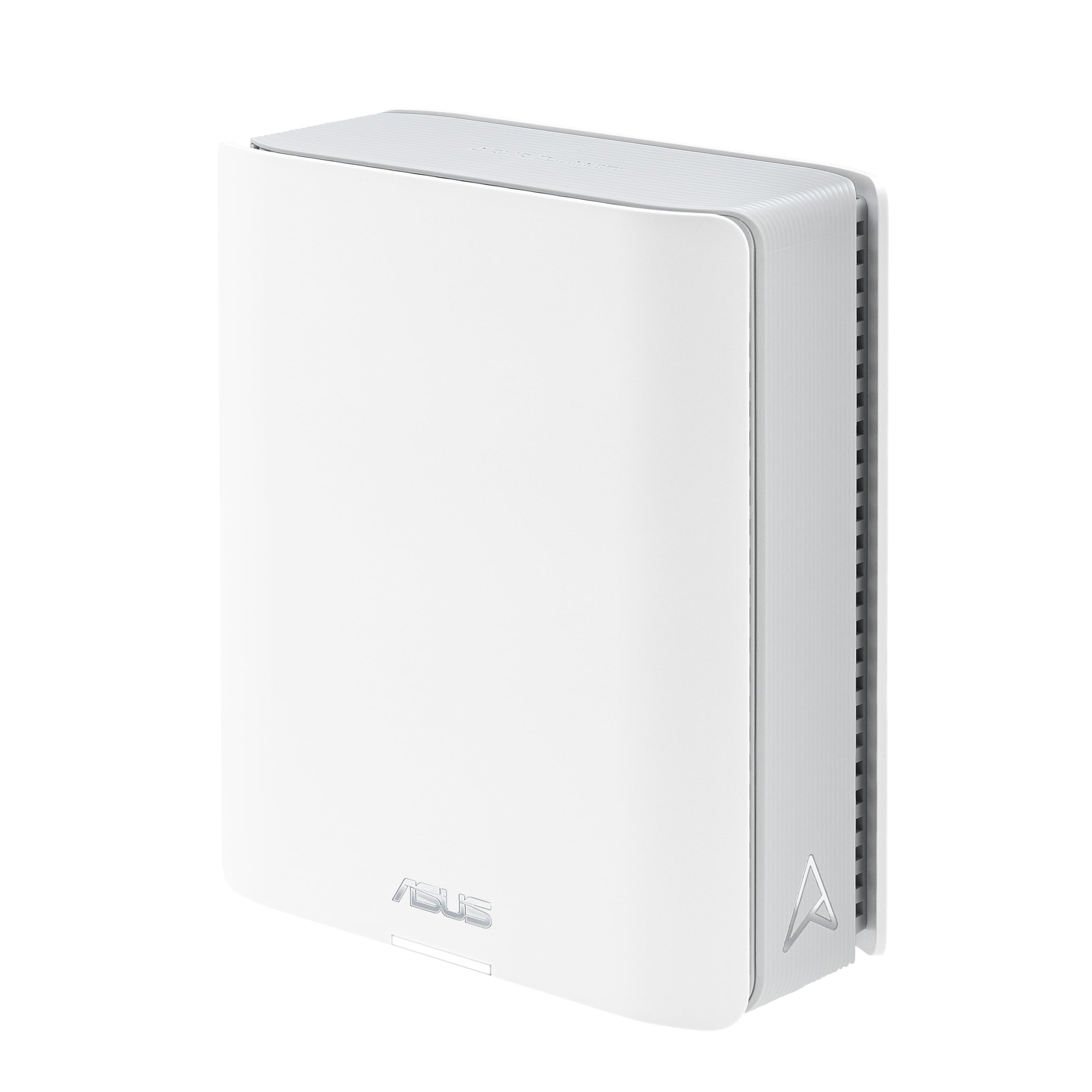
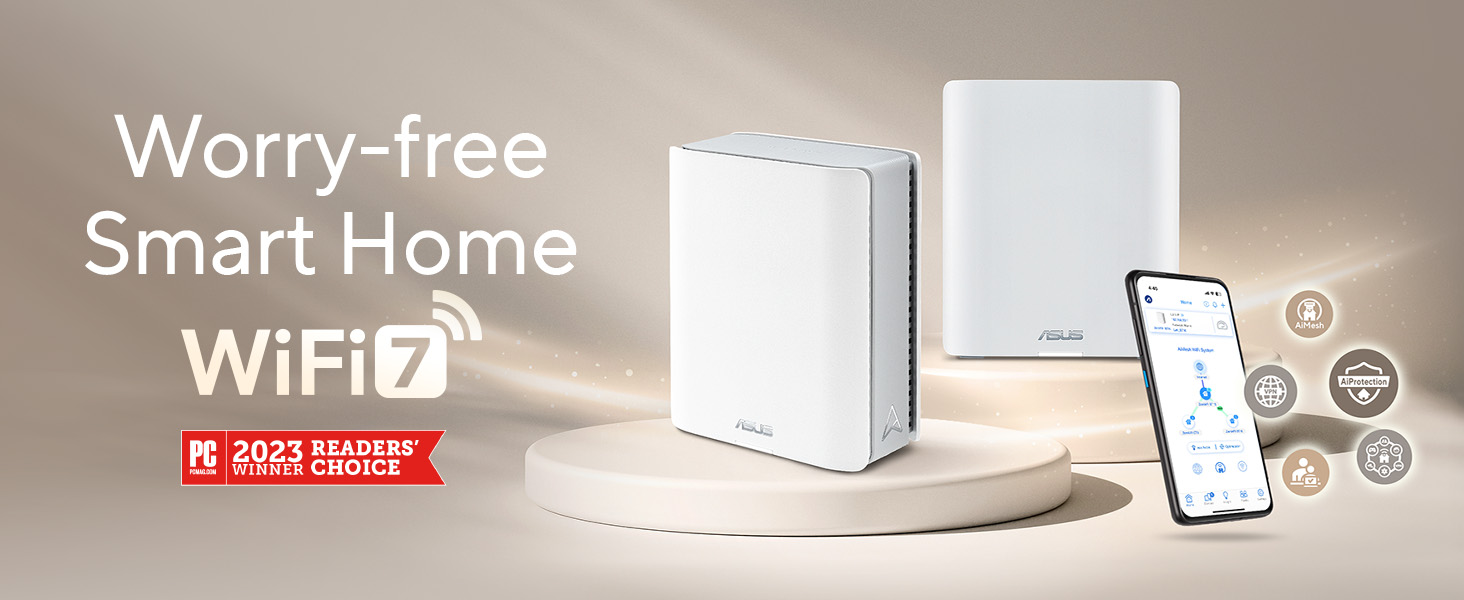
🚀 Elevate your home network to WiFi 7 speed and security — because buffering is so last decade.
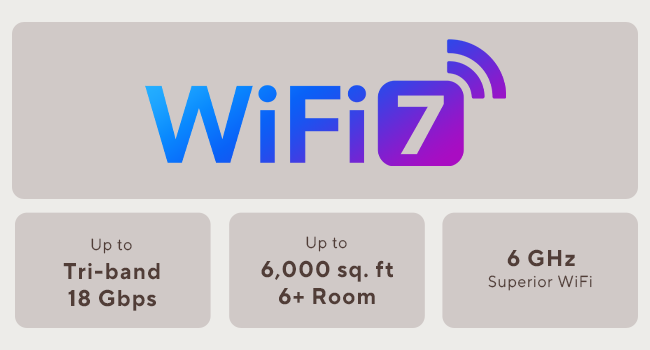
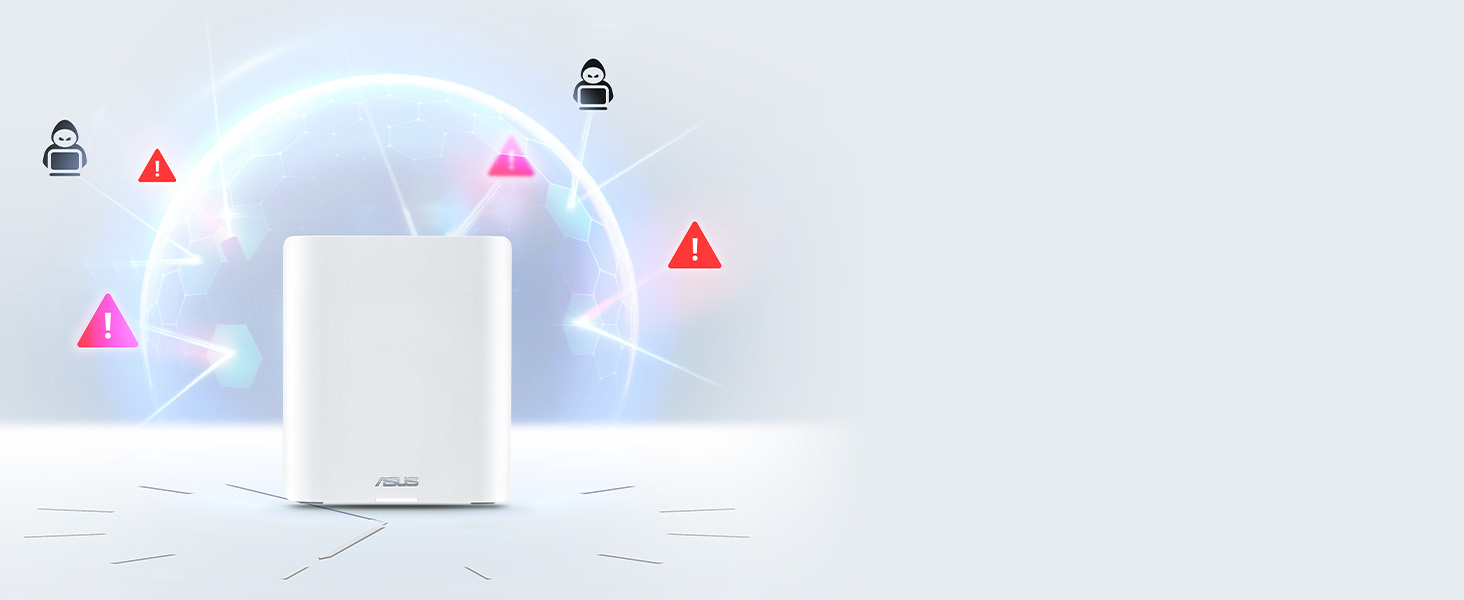
The ASUS ZenWiFi BT10 is a cutting-edge tri-band WiFi 7 mesh router delivering up to 18 Gbps speeds and AI-powered coverage across 3000 sq.ft. Equipped with dual 10G Ethernet ports, advanced security features, and smart SSID management, it’s designed for seamless connectivity, robust protection, and smart home integration — perfect for tech-savvy professionals ready to future-proof their digital lifestyle.









| ASIN | B0DH8PY5VL |
| Best Sellers Rank | #7,542 in Electronics ( See Top 100 in Electronics ) #111 in Computer Routers |
| Customer Reviews | 3.9 3.9 out of 5 stars (660) |
| Date First Available | September 15, 2024 |
| Item Weight | 1.88 pounds |
| Item model number | BT10 1PK |
| Manufacturer | ASUS |
| Product Dimensions | 2.83 x 7.32 x 6.26 inches |
A**Z
Runs smooth as silk, with great coverage and lots of configurability
The Asus ZenWiFi Pro ET12 is an excellent router. I purchased a two-pack for our 3,300 sq. ft. single story house. We get our full internet bandwidth of 300+ Mbps in every room of our house, with dozens of connected devices. All the devices, including our older 2.4 GHz thermostats, show strong signals. Each mesh node is the same hardware device, so adding an additional node is as simple as purchasing an additional ET12 unit. The initial setup is very straight-forward, and will get you operational in just a few minutes. Initial configuration is accomplished via the Asus Router app. A nice feature is that no registration with Asus is required to use the mobile app, unlike with some other companies. The lower-level technical aspects of your home network configuration is managed through the Asus router webpages. So, you can uninstall the Asus Router mobile app after initial setup if you want, unless you want to access your network configuration remotely (which requires enabling remote access in the webpages). For my uses, network configuration via webpages is a huge plus - After spending an hour or two fine-tuning my configuration, I always like to save my home network configuration settings locally, just in case I need to reset and restore my network settings for some reason in the future. With mobile app-only router configuration, I haven't been able to export / import my configuration, and some of my configuration settings have been lost in the "cloud". NOTE: One truly excellent feature on the Asus ET12 that I haven't seen on other routers (so far) is the capability to connect to all three WiFi frequencies (2.4 GHz, 5 GHz, and 6 GHz) using a single SSID for your mesh network. For some reason, other manufacturers' routers have required the newer 6 GHz band to use a different SSID than the rest of the mesh network, which defeats a good chunk of having a mesh network in the first place. To enable this functionality, you need to switch the "Smart Connect" option to "Tri-Band Smart Connect". Once it is enabled, the Asus ET12 handles the WiFi 6 and WiFi 6E handoffs seamlessly with a single SSID. The only minus (and, it's a tiny one) is that the ET12 doesn't support an IoT network. That's OK, if you configure your Guest network to be isolated from your Intranet (the default setting). Assigning our IoT devices to the Guest network assigns the guest and IoT devices to a different IP address range than your main network, so your main LAN network is not accessible to the guest / IoT devices. A separate IoT network would provide additional isolation between devices, but having the Guest network on a different IP address range is still decent security. I am glad to see the different IP address range for the Asus ET12 Guest network, since some other manufacturers don't always do this. When other manufacturers assign all devices to the same IP address range, you have to rely that the manufacturer has properly isolated the Guest and IoT devices in their firmware somehow instead of relying (partly) on IP Address isolation. Overall, the Asus ET12 is a great 6E Mesh system, with plenty of functionality and bandwidth to cover our needs for many years to come.
E**N
Review for Apple HomeKit Users
I had some initial concerns changing to this Asus BT10 router from a HomeKit-compatible Linksys Velop router, but it actually worked out almost as well I had hoped. When I installed the old Linksys router, I used the same WiFi SSID and password from the previous (Netgear) router, and the HomeKit devices switched over with only minor issues. This didn’t work when I tried the same thing with the Asus router. Any device I added with the Linksys router did not transfer. (With the HomeKit Linksys router, I did not have to be on only a 2.4 GHz SSID to install the IoT (internet of things) devices, which was convenient.) Only devices that were installed prior to the Linksys (and Thread devices) transferred to the Asus. I also could not install any new devices to my “Home” with the Asus. I ended up creating a new Home and reinstalling all of my devices to this new Home. I think if I had used a non-HomeKit router before the Asus, and used the same SSID/password combination, this would not have been in issue. Also, I have not switched over to the new Matter-based architecture for HomeKit when I installed the Asus. The documentation for the BT10 (and some other Asus routers) talk about creating an SSID for IoT devices on the 2.4 GHz frequency. I couldn’t find any information on how this was set up, which is partly why I had initial concerns. This actually worked really well. The BT10 lets you create SSIDs on different frequencies using the same subnet. (The default subnet was 192.168.50.1, which I changed to 192.168.1.1.) What this means is you can set up an SSID for your IoT/HomeKit devices on 2.4 GHz, and a *different* SSID for your main WiFi using 2.4/5/6 GHz, and they would all be on the same subnet (e.g., 192.168.1.x). So when I had to re-install my HomeKit devices, I just pointed my phone on the 2.4 GHz SSID and had no issues (I decided to use only the 5 and 6 GHz frequencies on my main WiFi network). No more turning the 5 GHz on and off to install devices. Being on the same subnet means I can control the devices locally on my LAN. I cannot see my HomeKit devices when on a different subnet. The Guest SSID used a different subnet (192.168.52.x was the default). Virtual LANs also seem to use a different subnet, so users on these subnets can’t see or control the HomeKit devices. A nice touch is you can list the devices by the network/SSID (i.e., Ethernet, Wireless SSIDs) they’re on using a browser interface. Normally you get the one list of wireless devices which makes it hard to distinguish all of the IoT devices. So as I added my HomeKit devices, I checked the 2.4 GHz device list so I can rename them on the list instead of using the generic manufacturer name so I can keep tabs on them. I generally used the browser interface for all of the setup instead of the iOS app. It also shows the transmission rates to each device which tells me how good the signals are to my devices outside. So far I haven’t seen any “no response” errors from the devices on the Home app with no difference in performance to the old Linksys (e.g., turning devices ON/OFF.) (I’ve since switched to the new Matter architecture for the Home app without any issues. I had to unplug/plug a few old devices, but otherwise it was fine.) (Random Router Ruminations) A couple of reasons why we switched from the Linksys was because of some WiFi dead spots where I think it was switching nodes. The WiFi would also hang for a bit while the Ethernet was totally fine. So far we have not encountered such issues with the Asus. The speeds are about what I would expect (we have no WiFi7 devices, just 6/6E, but now ready for the next upgrade cycle). I run 10Gb Ethernet among my desktops, and although I didn’t need 10Gb from the router, it’s nice knowing that it’s there if I ever get >1Gb/s internet connection. I’m not running an Ethernet backhaul between the nodes, but I get close to 1Gb Ethernet speed (~700Mb/s) with my WiFi 6 laptop next to the satellite. On an iPad Pro M2 running WiFi 6E I get over 800 Mb/s. For fun, using a 10Gbps Thunderbolt Ethernet dongle, I connected my laptop to the 10G port of the satellite node and got 1700 Mbps, almost double of gigabit Ethernet. Obviously the speed will depend on the placement of the nodes, but that’s not bad for magic wires. All of this was on the Dec 2024 firmware, which it automagically updated itself to as I was setting it up. It’s a bit expensive ($650), but that’s what I get for wanting the 10Gb ports (actually, one of the cheaper 10Gb Ethernet mesh routers, probably because it's only a tri-band wireless device). So far no issues using it with HomeKit (or Home, whatever Apple is calling it now), and it’s been pretty solid overall. I’m very happy with this router. Of the many, many routers I’ve had over the years (D-Link, Netgear, Linksys, Apple), the Apple routers have been the most stable and consistent. The Asus has been just as stable, with the benefit of newer tech and therefore faster speeds.
G**B
If you need 2.4 ghz, forget it
5 and 6 ghz performance is outstanding, but 2.4 ghz is non-existing - full signal strength, but 0-.5 mbps performance if luck. I have a 5 node mesh, and have tried for weeks, limiting to just one node, all the way up to five, and trying every one as the main router with factory resets in between. Tried every possible 2.4 ghz setting in the General and Professional tab, and verified with a Wifi Scanner the optimal band (live in a large home and not near neighbors, so interference is not an issue. Disabled the 2.4 band using the scheduler (as the actual Enable Radio button doesn't work either), and reverted to my prior Amplify Alien 6 mesh for 2.4 ghz, and everything works perfectly, with 60-110 mbps downloads - same distance from a node as the ET-12 test. Asus customer support is HORRIFICLY bad - impossible to understand, and they ask for the same information over and over, as though you've never talked to them, and then they either never follow up or eventually follow up with a mis-statement of the very specific issue being reported. After three weeks, not one solitary bit of help, and Ive invested more than 20 hours on this issue. I even tried an AXE1000 ROG and the issue is the same for 2.4. I would easily blame my environment, but the Amplifi Alien test shows it is not, and my prior Orbi and Velop setups also did not exhibit 2.4 ghz performance issues. The older Velop mesh was just unreliable in terms of random reboots and node disconnects, and while the Orbi 960 had stellar performance, the inability to segregate 2.4 and 5/6 ghz bands into distinct SSID's caused too much of an issue with several 2.4 only devices (ie camera, lights, security, thermostats, etc.) that could not connect or be configured.
S**A
Amazing coverage and far more reliable than Deco. Software updates are quick and consistent. Just a heads-up: if you’re using the DMZ function on a Bell Gigahub, it might crash once a week. A simple reboot fixes it, and everything runs smoothly again.
H**.
It is easy to setup, works and no issues so far
S**.
I just upgraded my router to this one. NO regret. Very easy installation, and set up. I put one at basement, and one at living floor. Now connection speed is fast and steady. This will be an excellent investment, and I highly recommend this product to anyone who want an upgrade. I am writing this review for extension for 90 day warranty of this router
V**O
Simplemente perfectos, buena calidad de conexión y muchas funciones útiles
D**Z
UPDATE: Con la última actualización de MacOS Sonoma (7 de Marzo 2024) ya me dejó conectarme a la red Wifi 6E. ----- A pesar de que la laptop ya trae WIFI 6E y el router tiene una red de 6GHZ, la laptop no ve la red y no se puede conectar a ella, solo a la Wifi 5 y 2.4 Según revisando con MacOs Sonoma se soluciona para algunos aparatos y actualizando el firmware del router a la versión beta lo soluciona en otros, lamentablemente eso no funcionó en mi caso. Salvo eso, el producto esta muy bien, seguramente en alguna actualización futura ya podrá ver la red. UPDATE: Es un tema de la computadora, compré otro aparato que también soporta wifi 6E y este aparato si puede ver la red, es un tema que la laptop se actualice y ya pueda usar la nueva red.
Trustpilot
2 months ago
4 days ago