

Desert Online General Trading LLC
Dubai, United Arab Emirates
Desert Online General Trading LLC
Dubai, United Arab Emirates




🔄 Switch It Up: Elevate Your Workspace with Effortless Control!
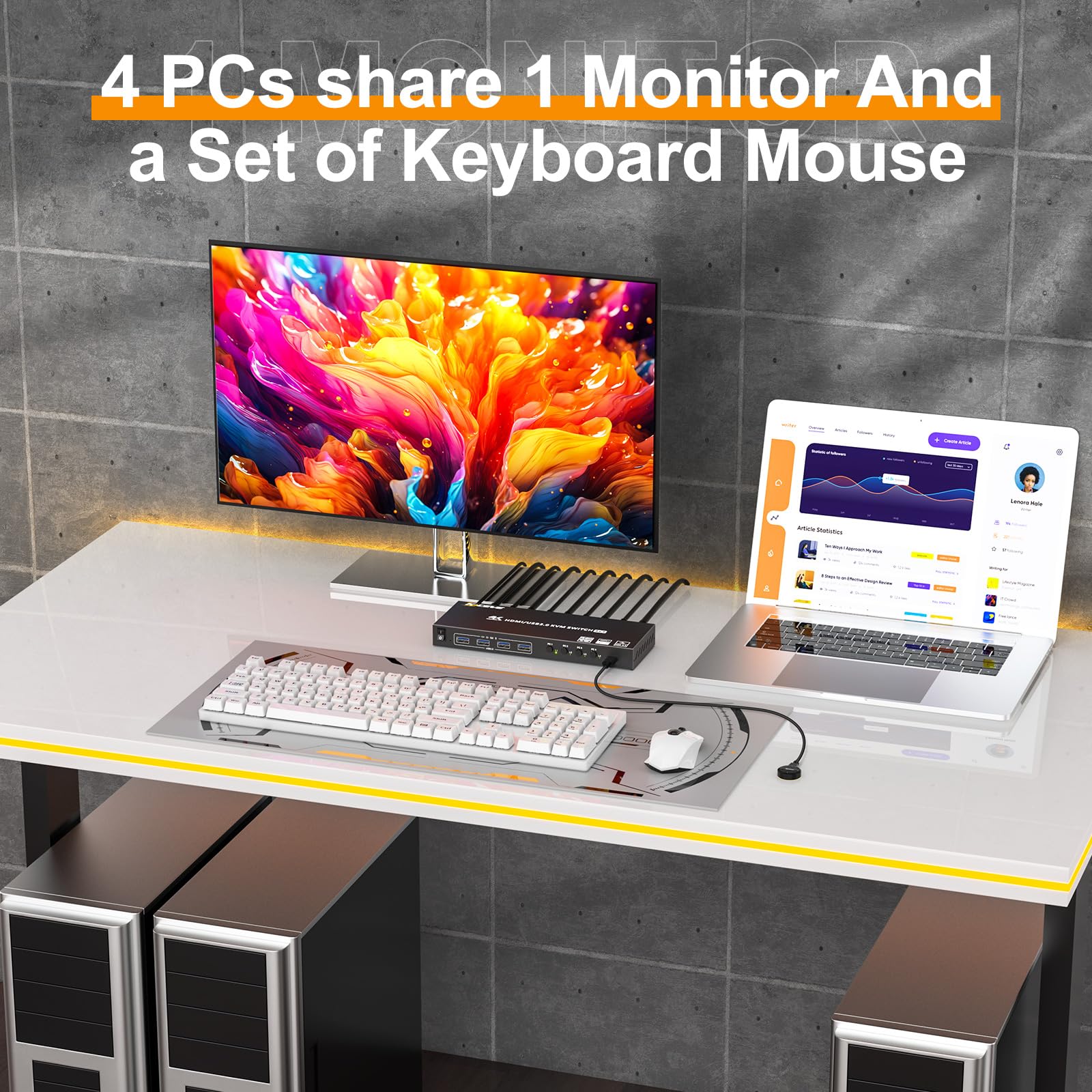
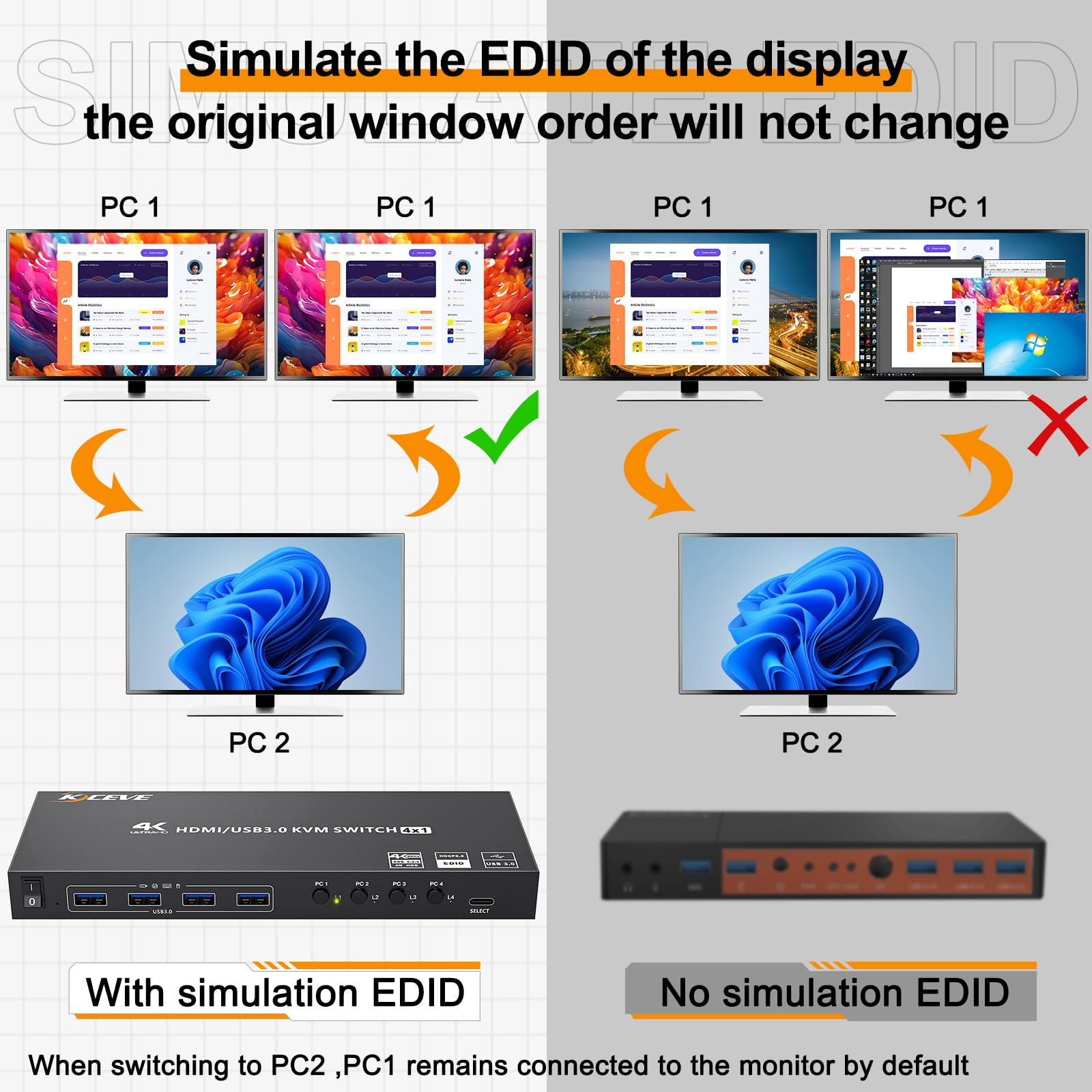
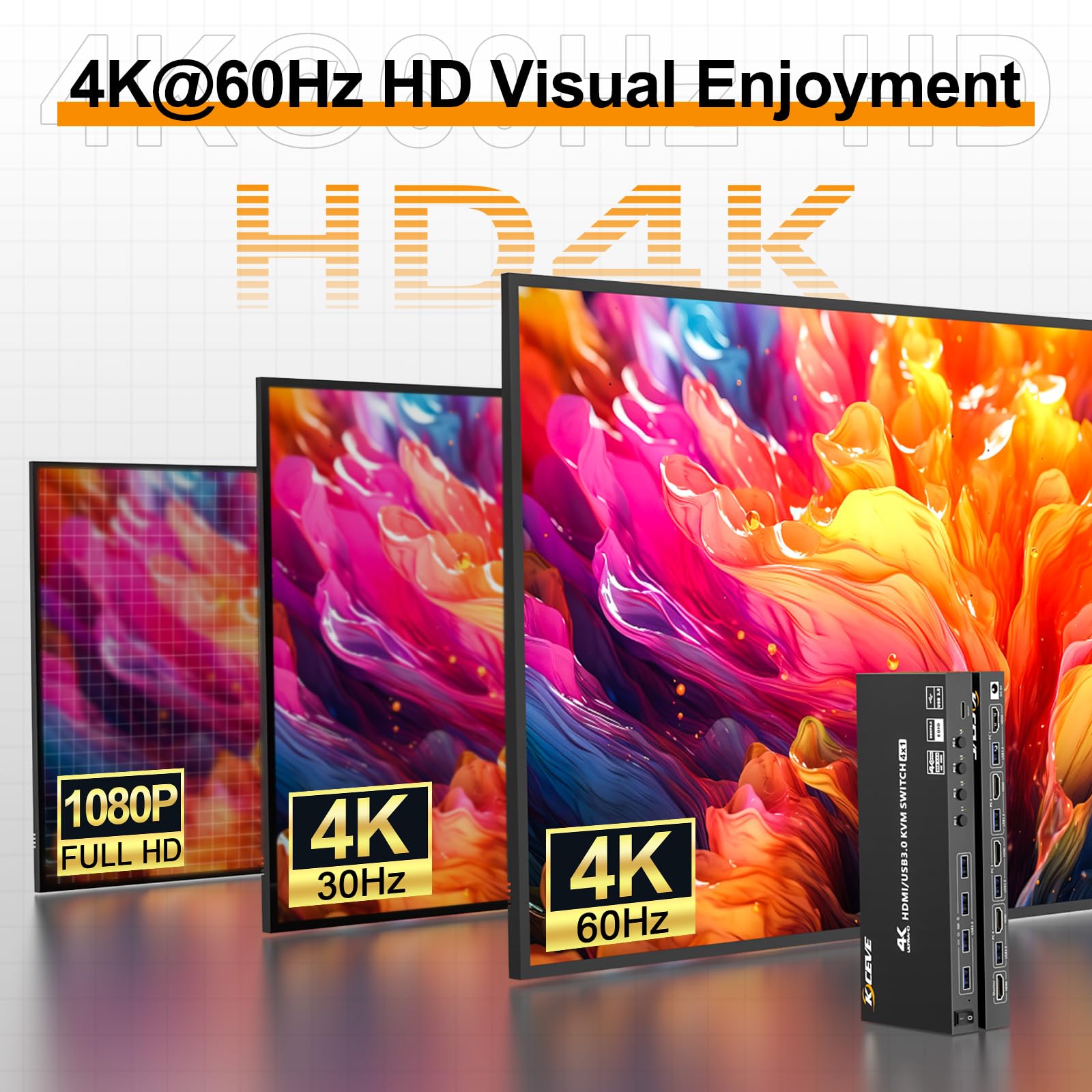
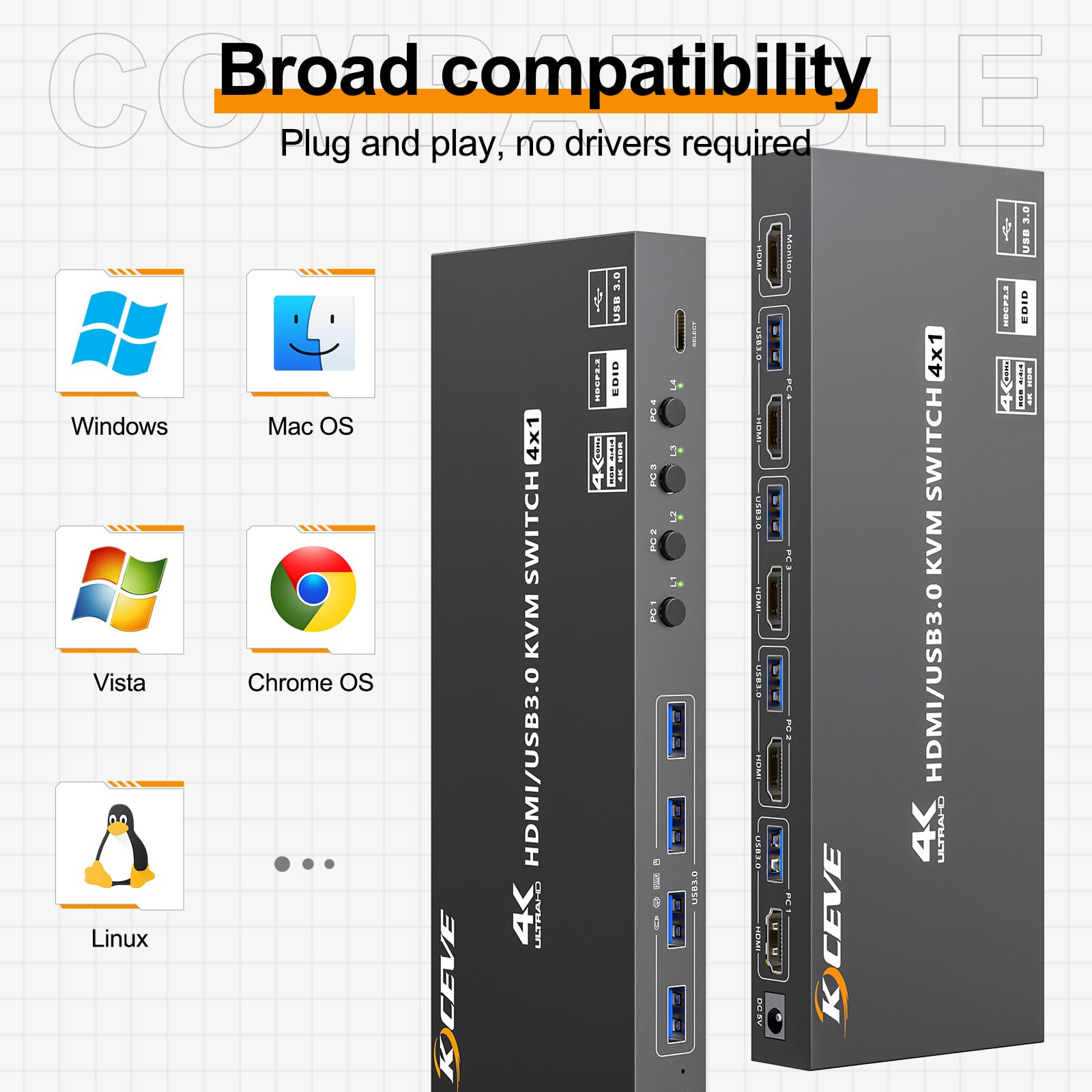
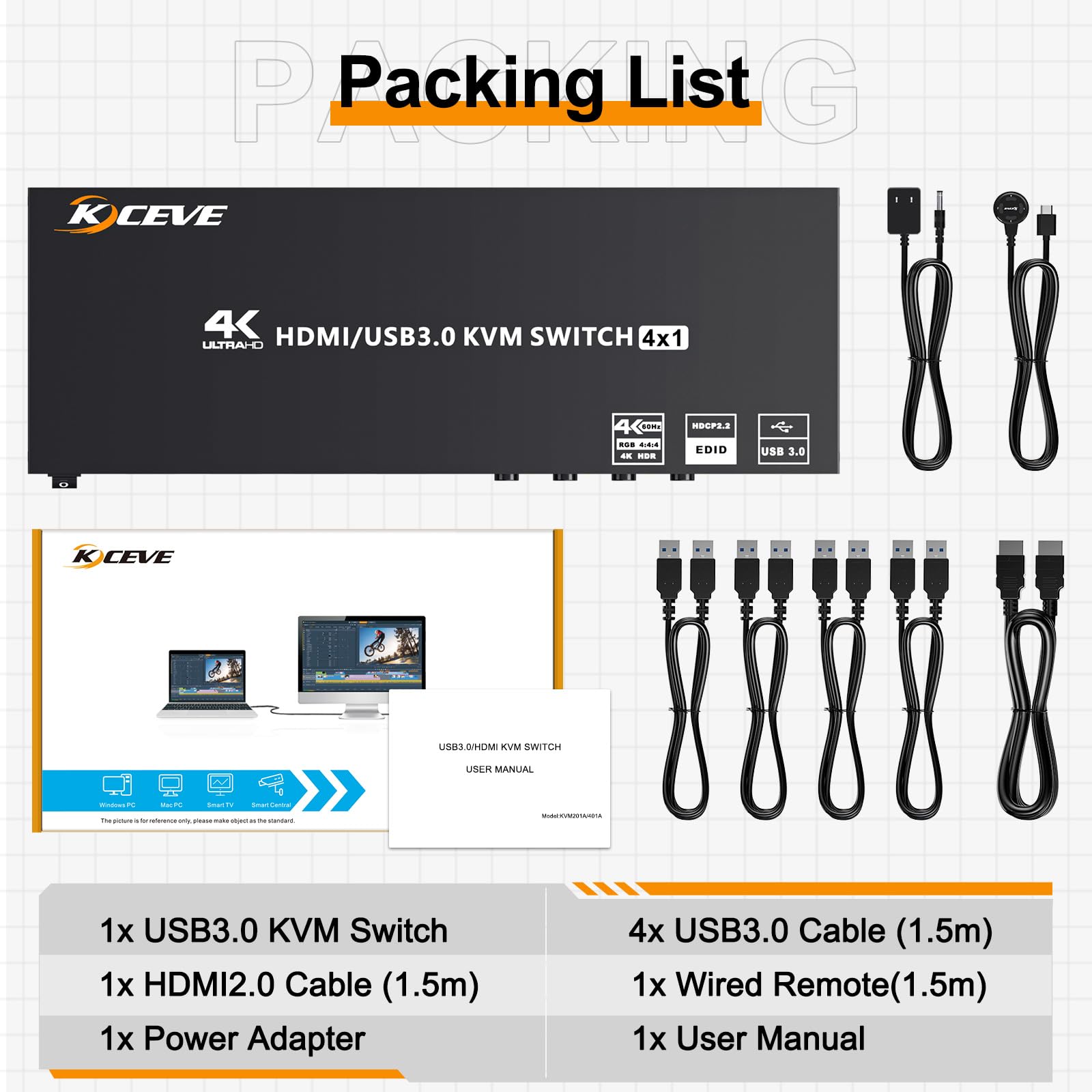
The Camgeet HDMI KVM Switch allows you to control up to 4 computers using a single monitor, keyboard, and mouse setup. With support for 4K@60Hz resolution and USB 3.0 data transfer speeds, this device is perfect for professionals seeking efficiency and high-quality visuals. It features EDID simulation for seamless window management and is compatible with a wide range of operating systems and devices.


B**H
EDID works (model 8K@60Hz 4K@144Hz)
Main reason I bought this is for the EDID simulation, so I don't lose my monitor in switching. It works under XFCE (X11 on Linux) without issue. I only used 2.5K@144Hz, but it should do 4K@60Hz as well. Did not test higher.
S**E
Works well and good value
Connect 4 usb-3 devices and a monitor to up to 4 computers via HDMI. You will need extra HDMI cables for each PC, but comes with one to connect the monitor, and several USB A-A cables.PC selection is fast, simple and works well. You may want to consider cable management lol.Solid unit, decent quality.
C**S
Great value and it works fine
Anyone with a homelab rack with a number of machines in it can tell you how expensive some high end KVMs are. I'm not willing to shell out that amount of money for a homelab. I found KVM and it fits the bill.The build quality is solid. Steel shell, feels solid, doesn't generate much heat. The video output does work with up to 4k60. It seems like EDID does get passed through, as my servers seem to automatically adjust their display output to 4k when switched to, which is a nice plus not having to mess with that.The only gripe is the weird source selector. Every KVM I've used has some sort of weird setup that's different from all the others and not super intuitive. They give you a little circular pad about a 1.5" in diameter. The buttons are small and the print is even smaller so it can be hard to know which server you're switching to until you just memorize which goes to which. That can be really annoying, especially in the beginning or if you're working with other people. Not even close to a deal breaker, but something to be aware of.
J**
Good product. Solves a problem. Creates efficiency.
Does the trick to allow two computers (one tower, one laptop) to connect to a single monitor. Allows all the peripherals to be used with one cable without switching all the connections.
E**.
I couldn't get it to work with an ultrawide (DQHD) monitor
I have a 49" DQHD monitor connected to my gaming machine. The combination has been flawless for several months. I inserted the KVM using a brand new 3' 8k HDMI 2.1 cable, one of the supplied USB cables and powered everything (including the KVM).The proposed resolutions did NOT include DQHD (nor WQHD by the way), making this KVM useless to me. I retested after turning EDID off per the included booklet, but that didn't change anything.DQHD is less pixels than 4k! And it's not like I only got 60Hz (or less). Plainly not available...The product was thus returned.And for what it's worth, I was back running DQHD @240Hz (@~120Hz gaming) without the KVM.
S**X
This kvm switch supports touchscreen input over usb!
I own several Kceve branded switches as they are reasonably priced and most importantly support touchscreen input on portable monitors. I install 4K 13", 15", & 18" Touchscreen monitors in my Jeeps and use KVM switches to connect them to computers and android mini PC's. Also having a 5G modem and router allows me to connect to my proxmox home server at home. I can work and play as if I was home for literally anywhere.
M**T
May work if you don't need variable refresh rate
I've been looking forward to an affordable HDMI 2.1 + USB 3.0 KVM for some time. Unfortunately, while USB device switching worked fine, as did a Chromebox @ 4K60, my main PC did not work (RTX 3080 + LG OLED 55C9 @ 4K120 12-bit). This setup works as expected with a direct HDMI 2.1 connection, but with this KVM the display always reports no signal, even after reducing refresh rate to 60Hz (so perhaps it's 12-bit, or perhaps it's VRR/GSync that doesn't work). Hopefully there are plenty of configs where this product work, but it does not work in mine.Edit: the seller confirmed that variable refresh rate (aka GSync/Freesync) was the issue, and has added this information to the page so others don't hit this issue. I had to return mine since this still meant it didn't work for me, but updating to 3* now that product info is correct.
R**Y
Great HDMI/USB KVM
Other KVMs that I've tried have been flaky. This one detects live computers and lets me switch with ease. It can take a a couple of seconds for the keyboard and mouse to detect after a switch, but that is normal for the hosts I'm connecting to. The connectivity is solid and my servers keep running without losing signal.
Trustpilot
1 day ago
3 days ago
1 month ago
2 months ago