

Desert Online General Trading LLC
Dubai, United Arab Emirates
Desert Online General Trading LLC
Dubai, United Arab Emirates

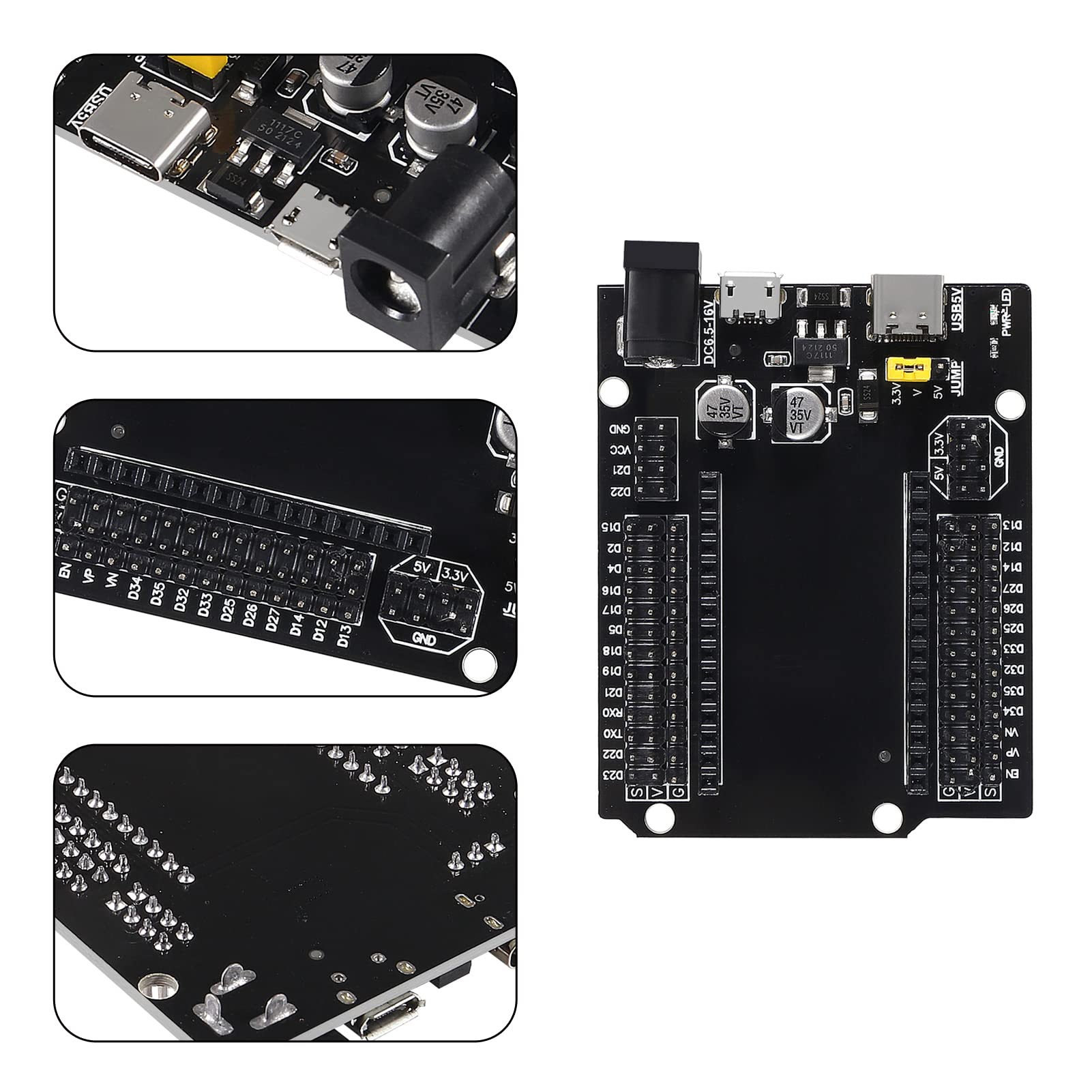

🚀 Elevate Your Innovations with ESP32!
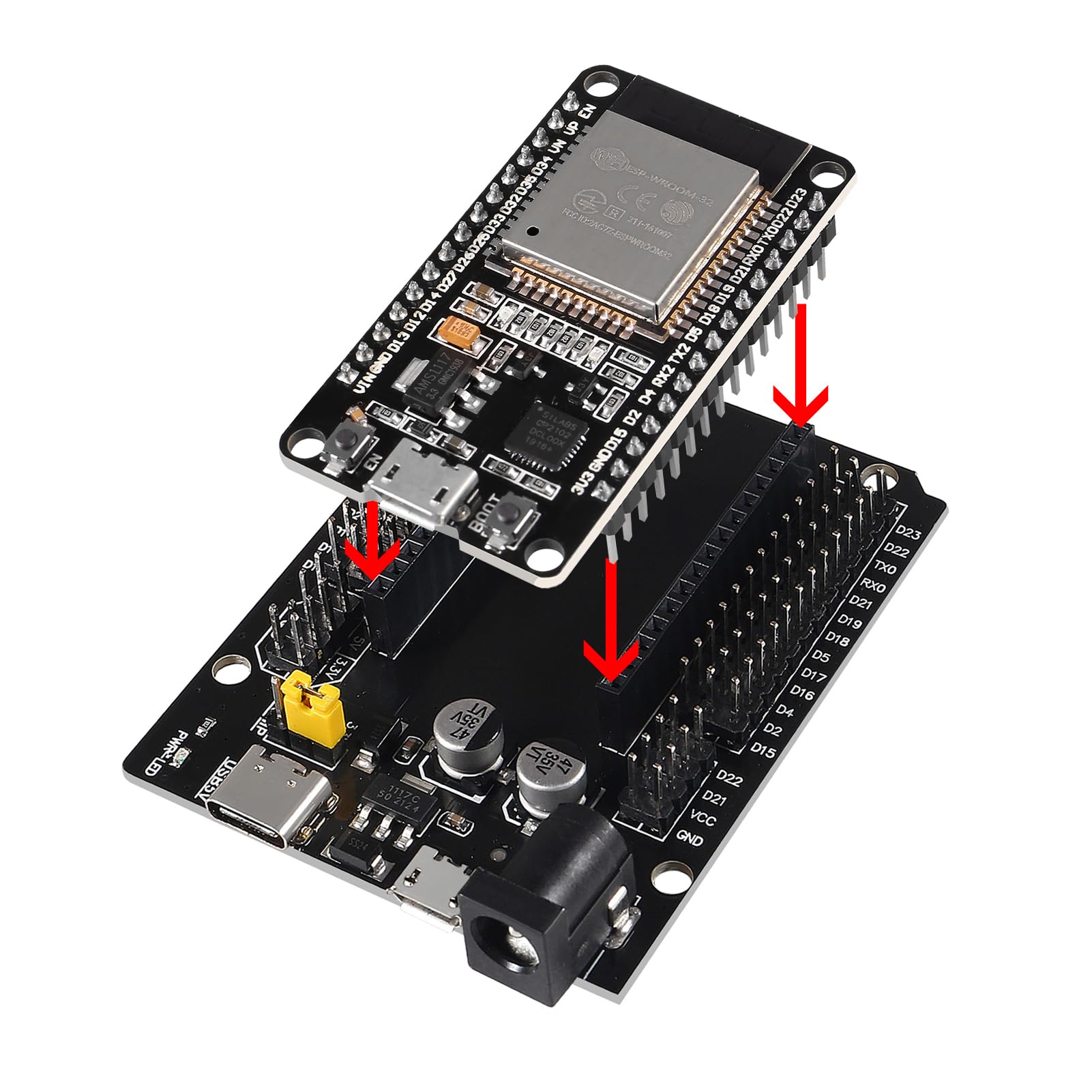
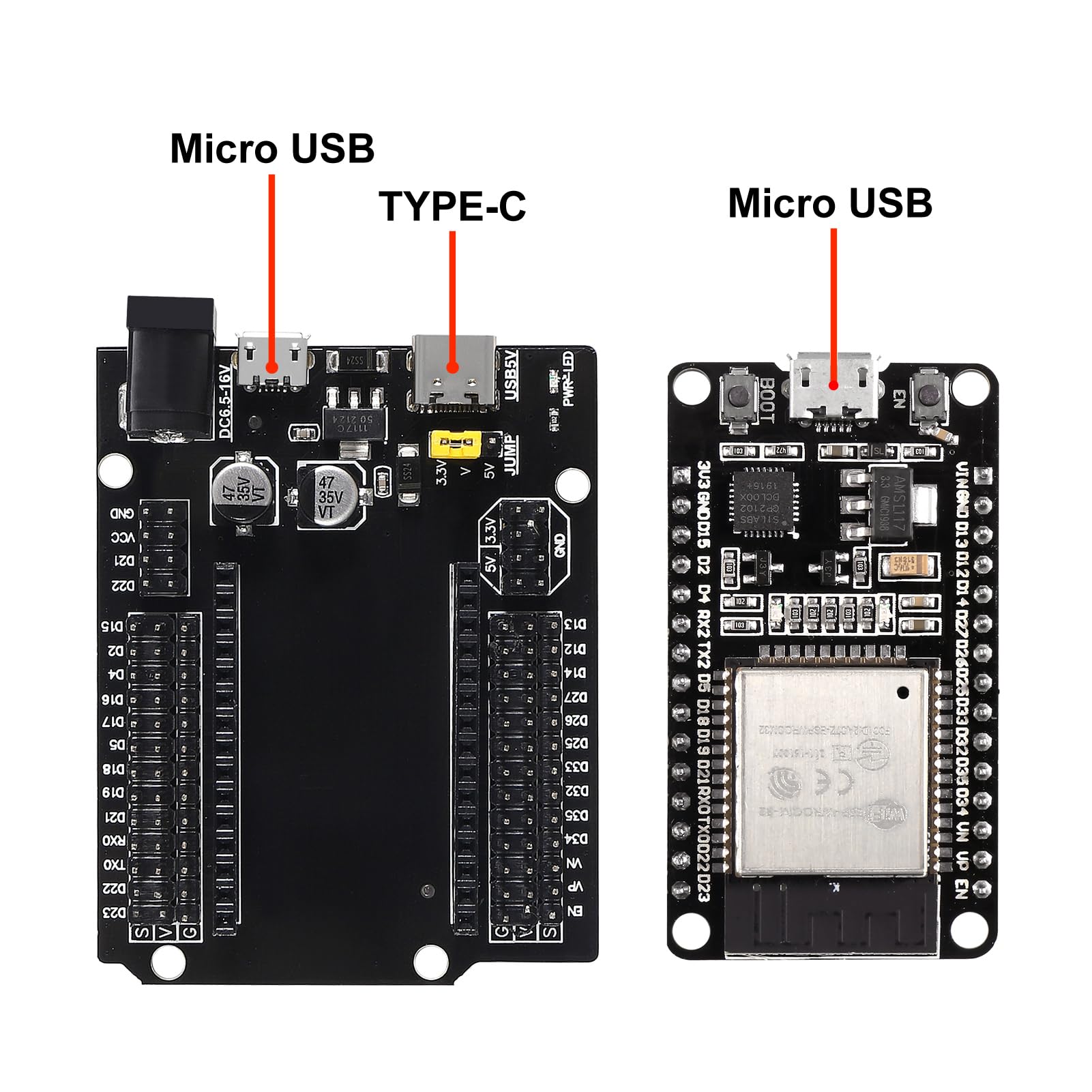
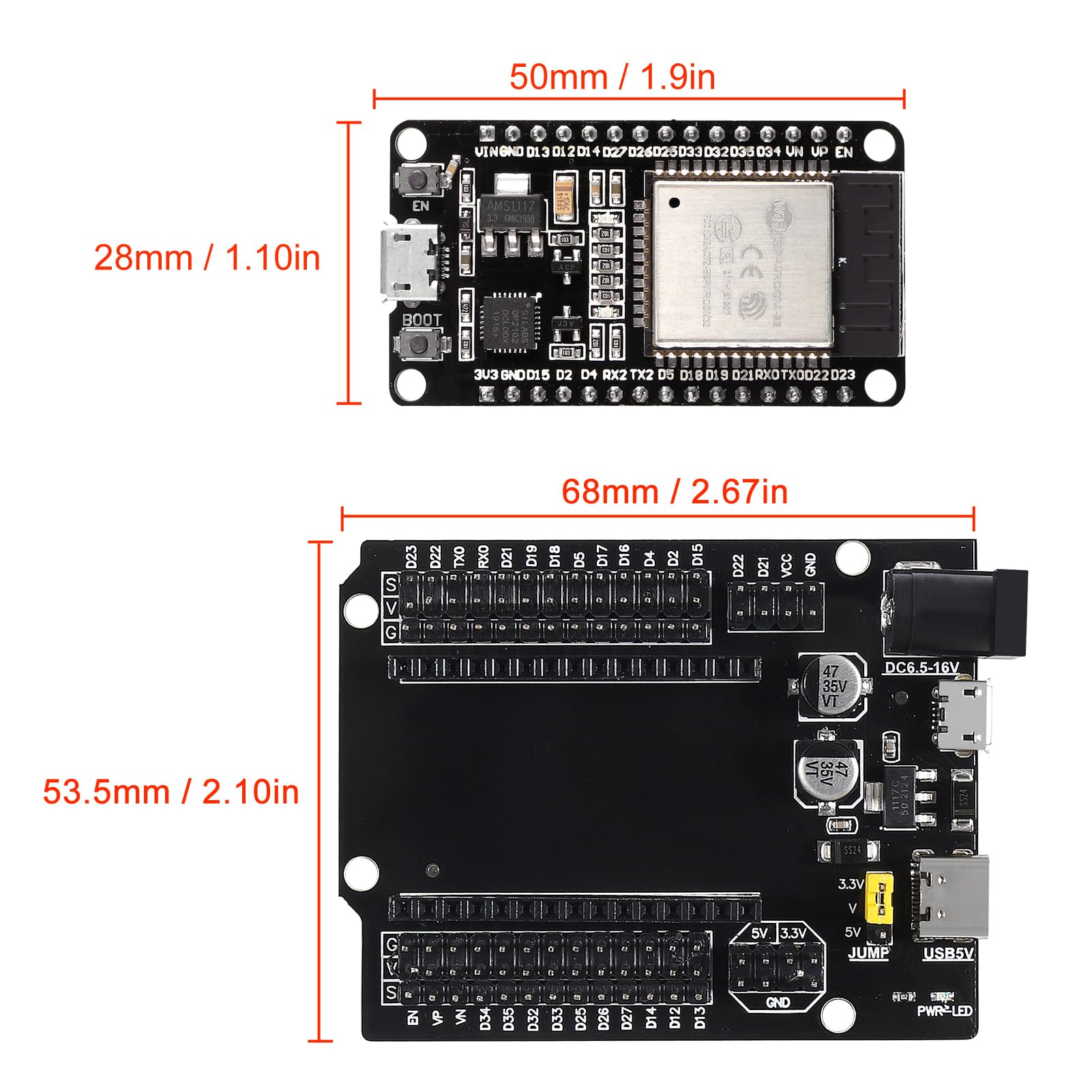
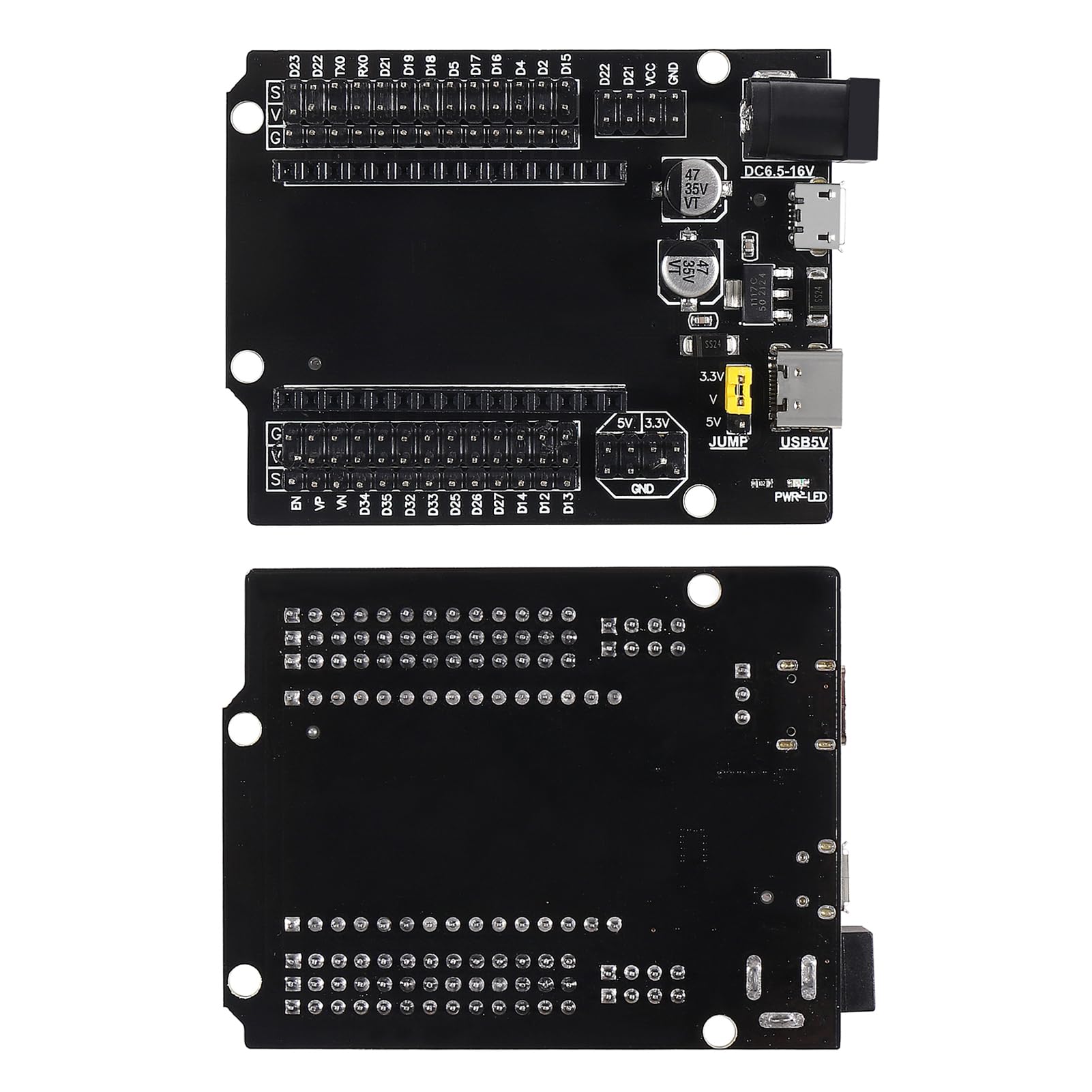
The 3 Set ESP32 ESP-32S WiFi Development Board is a powerful dual-core microcontroller featuring 2.4GHz Wi-Fi and Bluetooth capabilities. It includes a GPIO breakout board and supports multiple power supply options, making it ideal for a wide range of electronic projects. With fast data transmission and user-friendly debugging, this kit is designed for reliability and scalability.
| Processor Brand | Espressif |
| Wireless Compability | Bluetooth |
| Processor Count | 2 |
| Connectivity Technology | Wi-Fi, USB, GPIO |
S**Y
Easy to use
Works great. Took some time to find the correct driver but flawless now. A little more documentation about the board would be nice.
D**A
These work great and I will be buying more!
I'm using these to run WLED & LEDFX and they work great! I didn't need the development boards for this project so I unfortunately can't give any opinions on them, but I'm sure I will find a use for them in the future. All 3 of the ESP32 units I received are running WLED/LEDFX with no issues at all.Great product.
S**.
Wifi range seems noticeably less than similar ESP-32s
Maybe there's a setting that I'm not aware of, but with these boards I'm not able to connect to my access point in the next room through a concrete wall. My other ESP32s have no problem. The on-board antennas look identical. These connect fine if I move so that they have line of sight with the Wireless access point. That's not going to be possible for all my intended use-cases though.Other than that they've been working without issue.
D**S
Great functionality in a small package.
I love how easy these ESP32's are to use and how powerful they are. I started out with Arduino's, but now I'm in the process of moving all my projects over to ESP32's!
I**S
Precio
Económico y versátil. Se uso con WLED para proyecto control tiras Led RGB
N**L
Faulty Board
I purchased 3 of the ESP32 boards with 3 expansion boards.The good news: the expansion boards all work properly. Very easy to use.The bad news: the ESP32-WROOM boards were all faulty the same way.The initial issue:They do not automatically run the program when power is applied to the USB. You must press the reset button to run the program.The actual cause:There are 3 ground pins on this board."Good ground" is in the upper-right corner (opposite 5V)."Left ground" is a few pins above 5V."Right ground" is a few pins below good ground.If you connect a meter and check for connectivity:Good-to-Good: (The stupid test). Full connectivity. This is expected.Good to Left-ground: With no power applied, there is connectivity but there is a micro delay before it reaches full connection. There appears to be some kind of a capacitor or inductor before this pin. This means, when power is first applied, there is a microsecond when it doesn't have connectivity. The USB power appears to use this pin. If you jumper Good-Ground to Left-Ground, then it correctly runs the program when power is applied to USB.Good to Right-Ground: Completely not connected. Right-Ground is not grounded. It is floating. This is almost certain to screw up any electronics that you connect to it. Moreover, depending on what is connected, this could be a fire hazard. DO NOT USE.If they can't get ground right, then who knows what else is screwed up. DO NOT USE.
L**X
Modules look good, breakout boards- not so much- two different models ordered
After a week or so of use- it would've been helpful to put some pin designators on the module itself, or on near the sockets on the board. The labels near the screw connector are good, but you have to count the connections to find the corresponding hole in the socket.I just got these type-C connector boards. I opened a bag with a module, and one with the breakout board. The module looks fine. The breakout board looks horrible. At least two of the pins haven't been soldered. And it has a strange, uneven haze on both sides that doesn't wipe off. See photos. These are going back.Today (a couple days later) I got the narrow modules and breakout boards (with the screw terminals). Again- the modules look good. The breakout board's top looks like it was left out in the rain, and the bottom has some kind of residue on it. I used a dilute IPA solution to wipe one end of both sides of the breakout board. The stuff on top wiped clean, but the bottom didn't. These breakout boards, like the others, appear to be hand-soldered. It's not good, but the one I just opened looks like the soldering job is okay (a little sloppy, but electrically okay). I will test the modules and report back. I attached photos of the breakout board, both sides.
C**T
Works well with Home Assistant
Using for Temp and Humidity with added DHT on Home Assistant works well took a few tries to upload to it. One other thing make sure you have a good USB Cable not all are the same if you can't connect try different cable.
Trustpilot
4 days ago
1 week ago