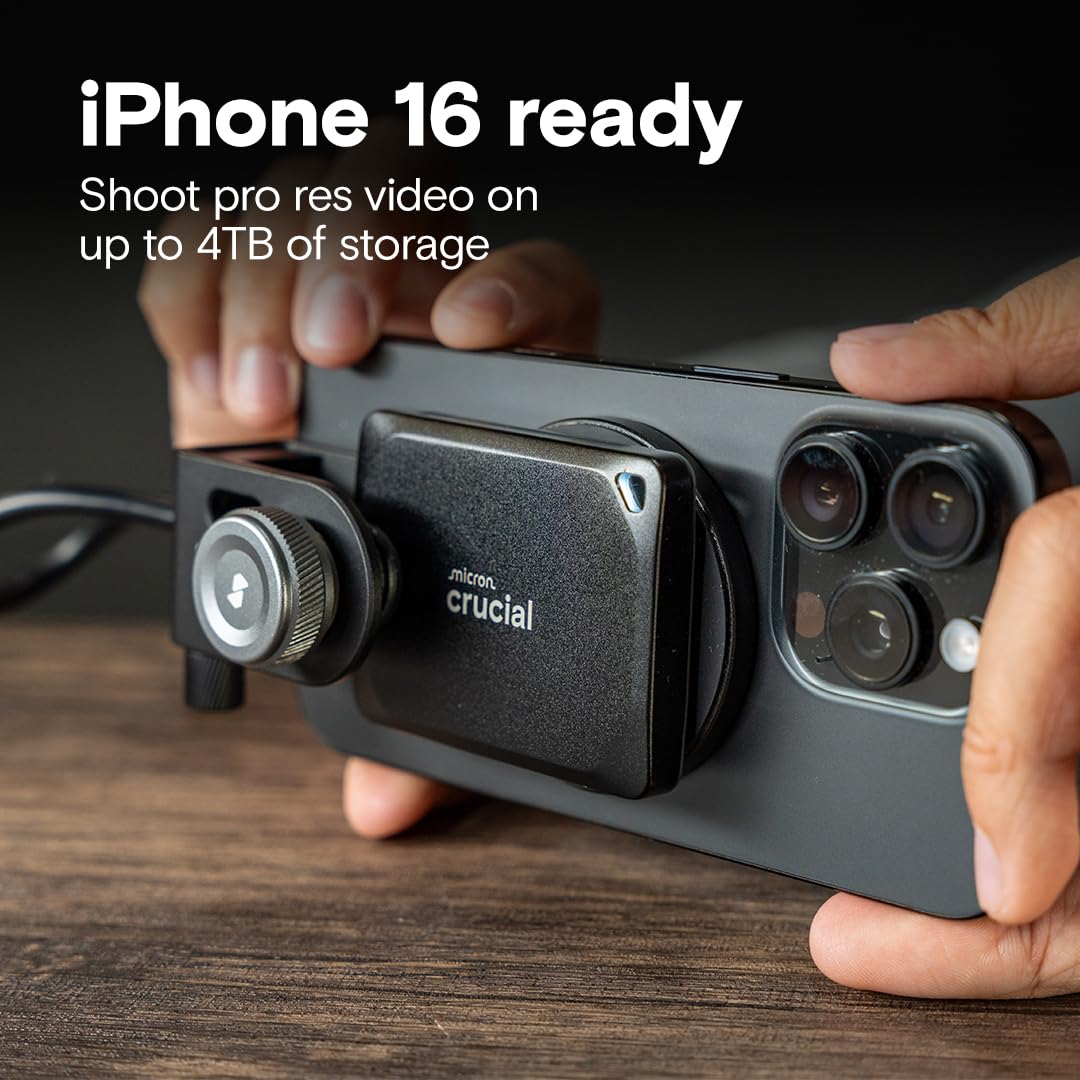
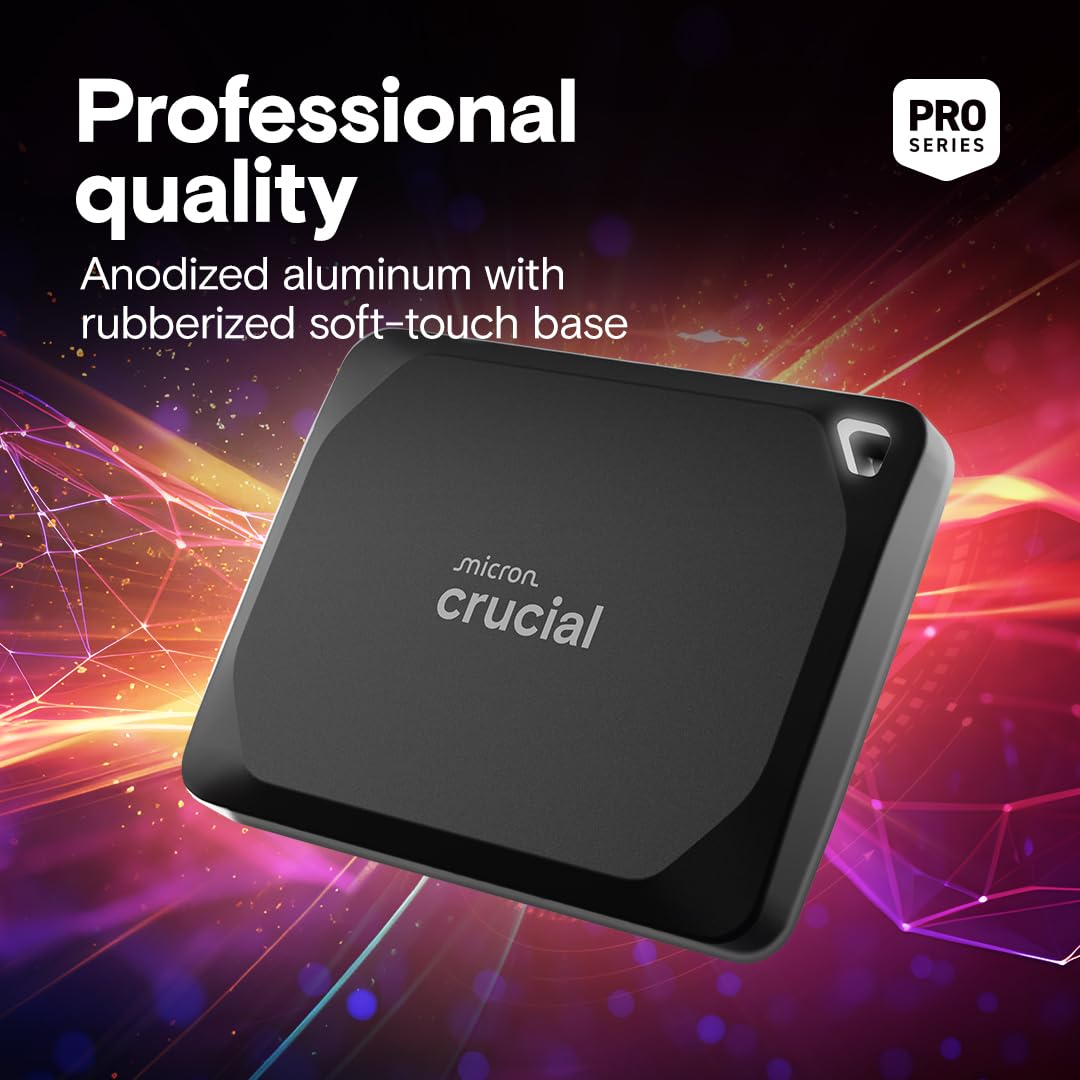
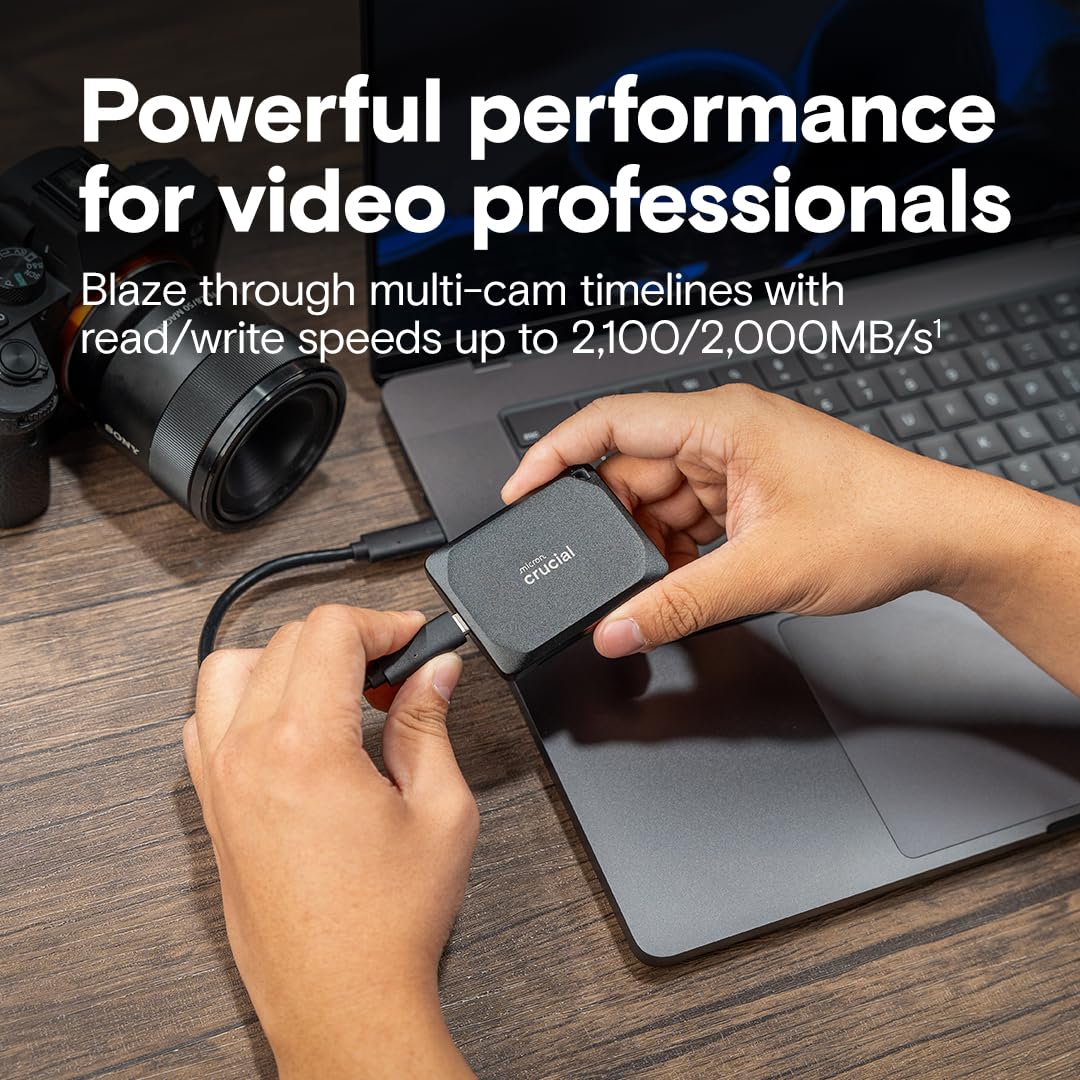
🚀 Power your creativity with speed and durability that professionals demand!
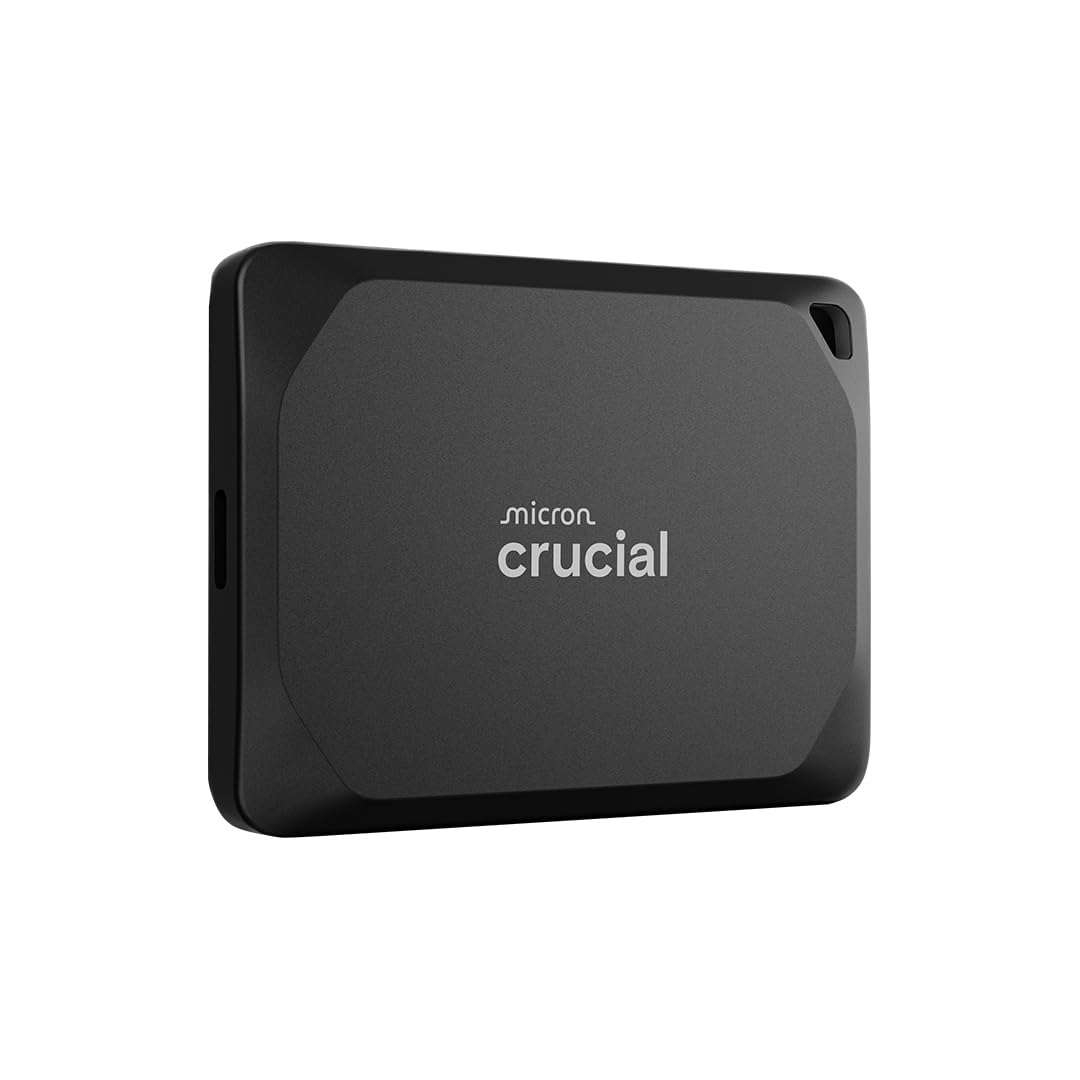
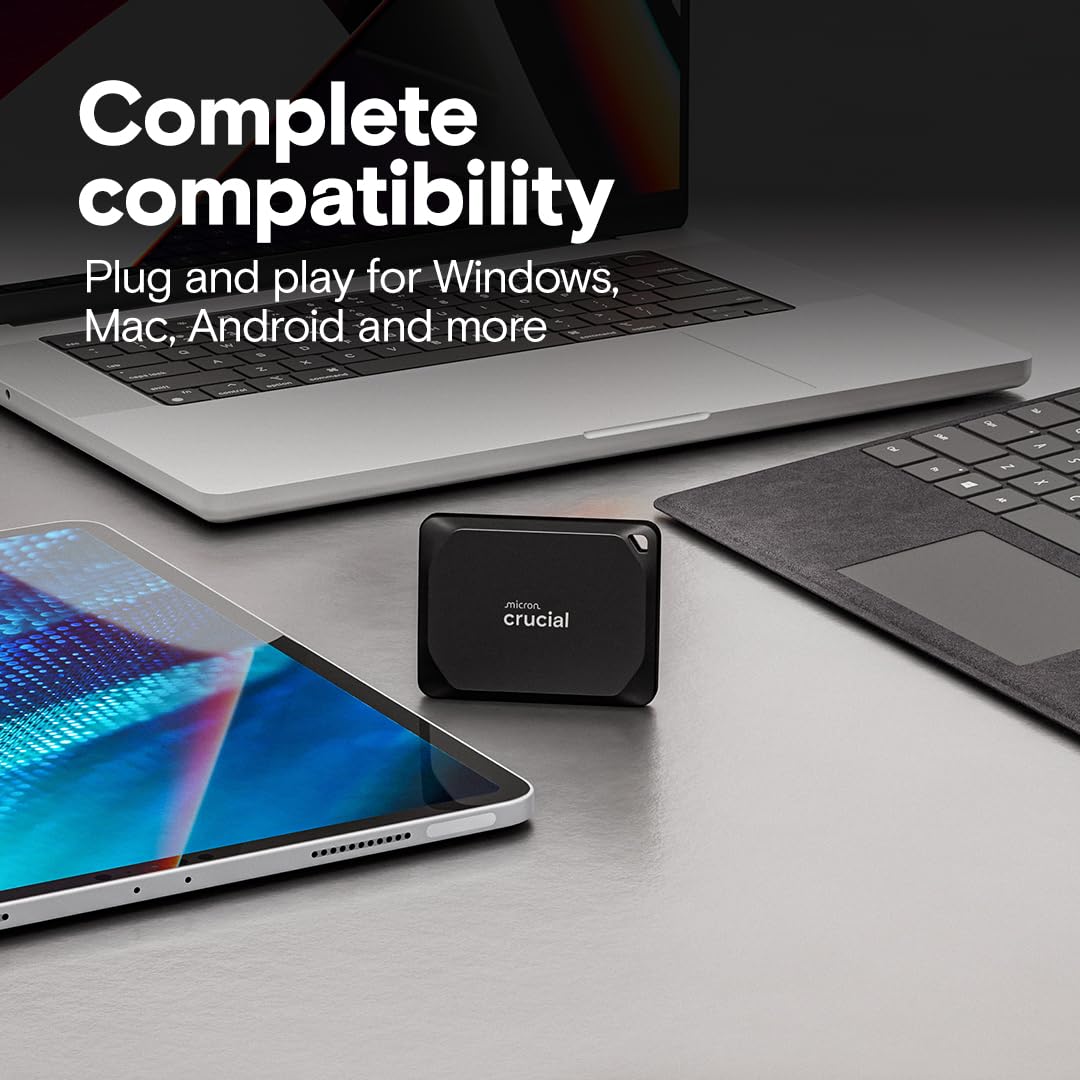
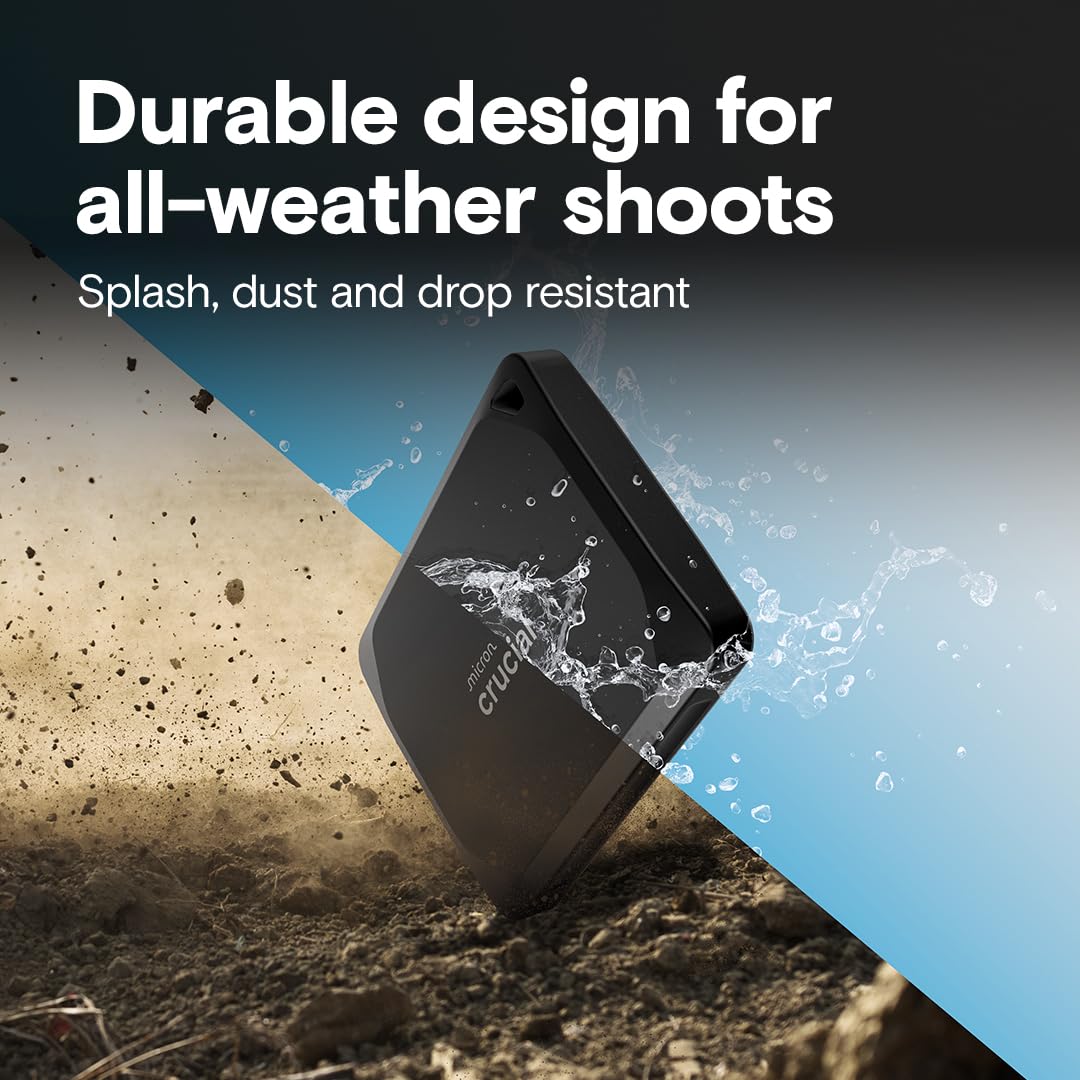
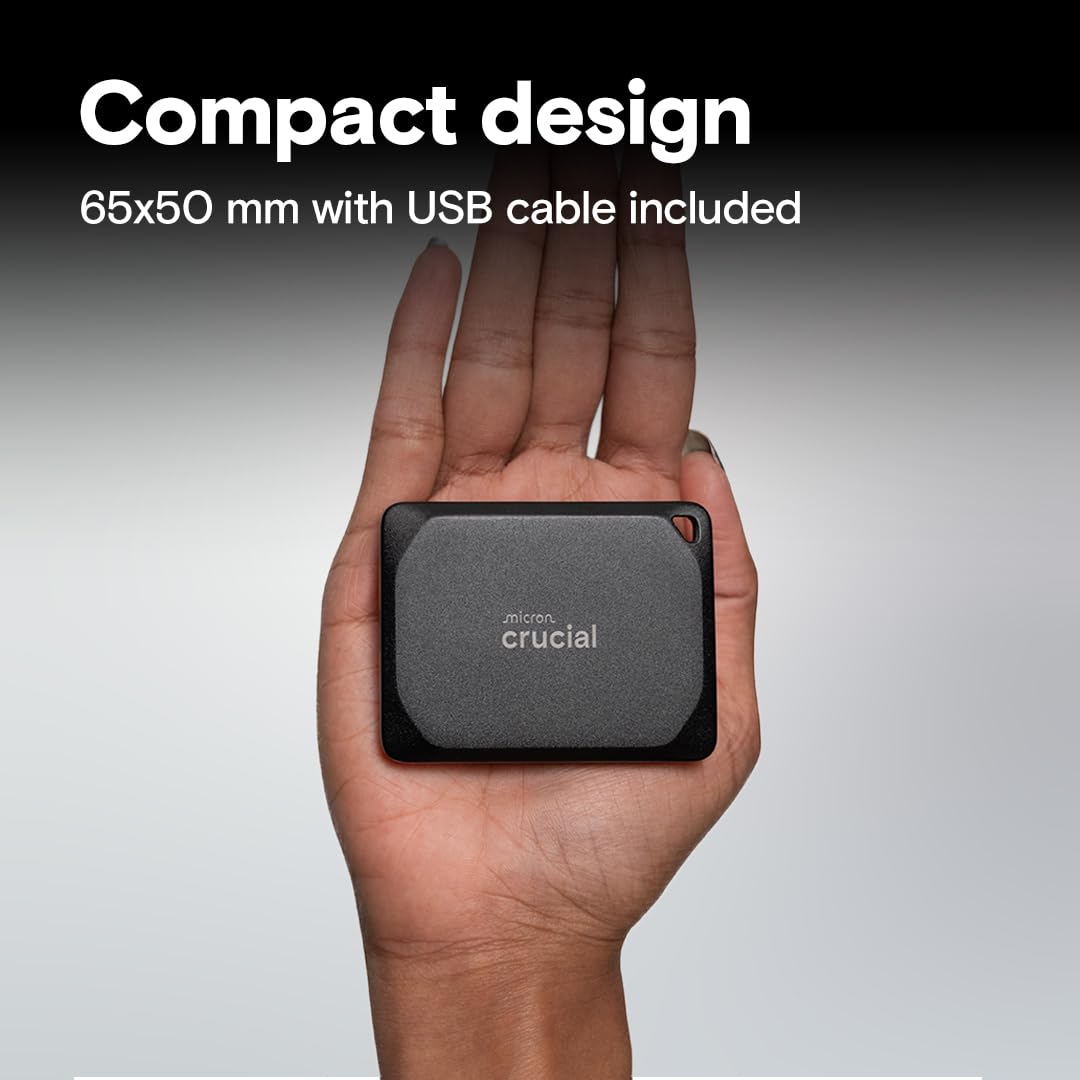
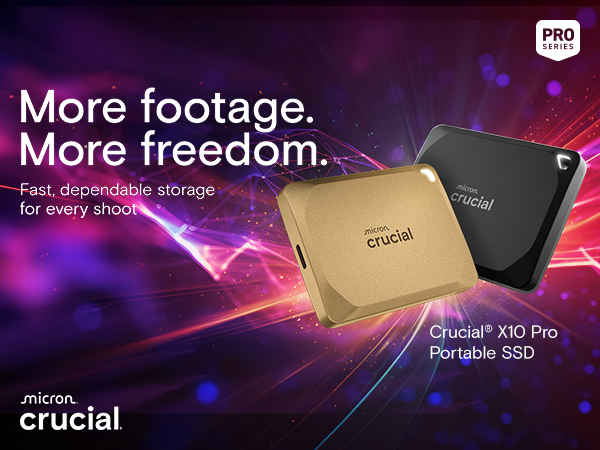
The Crucial X10 Pro 2TB Portable SSD delivers ultra-fast USB 3.2 speeds up to 2100MB/s read and 2000MB/s write, housed in a compact, rugged design with IP55 water/dust resistance and 7.5 ft drop protection. Compatible across major platforms including PC, Mac, consoles, and mobile devices, it offers massive 2TB storage ideal for professional creators needing reliable, on-the-go performance. Bonus software enhances photo management and backup, making it a top-tier choice for demanding workflows.



| ASIN | B0C9WGS6MC |
| Additional Features | Portable |
| Best Sellers Rank | #18 in External Solid State Drives |
| Brand | Crucial |
| Built-In Media | Crucial X10 Pro Portable SSD, USB-C cable, Mylio Photos+ redemption code |
| Cache Memory Installed Size | 2 TB |
| Color | Black |
| Compatible Devices | Camera, Gaming Console, Laptop, Tablet |
| Connectivity Technology | USB |
| Customer Package Type | Standard packaging |
| Customer Reviews | 4.1 out of 5 stars 3,522 Reviews |
| Data Transfer Rate | 20 Gigabits Per Second |
| Digital Storage Capacity | 2 TB |
| Enclosure Material | anodized aluminum |
| Form Factor | Portable |
| Global Trade Identification Number | 00649528939531 |
| Hard Disk Description | Solid State Drive |
| Hard Disk Form Factor | 2.5 Inches |
| Hard Disk Interface | USB-C |
| Hard-Drive Size | 2 TB |
| Hardware Connectivity | USB Type C |
| Installation Type | External Hard Drive |
| Item Height | 10 millimeters |
| Item Weight | 42 Grams |
| Manufacturer | Crucial |
| Media Speed | 2000 Megabytes Per Second |
| Model Name | Crucial X10 Pro |
| Model Number | CT2000X10PROSSD902 |
| Number of Items | 1 |
| Read Speed | 2100 Megabytes Per Second |
| Specific Uses For Product | Storage |
| UPC | 649528939531 |
| Warranty Description | 5-year limited manufacturer Warranty |
K**N
Fast, Small, Perfect for my PC Backups... Go For the Gold
I don't know why but the gold color was quite a bit less than the other colors. I'll take that! The drive is plug and play. I set it up with my backup software and I'm doing a weekly full is a few minutes and daily differentials in seconds. Compared to my old mech drive, a full backup took over an hour. I'm using the drive with an SP9 which I don't think uses the full drive speed so it's a bit future proof. The storage capacity means I can keep 3 or 4 weeks of full/differential backups on a drive. That's calculated, so far only 2 weeks but plenty of space left. I'm powering it directly from the USB-C port of the SP9. It's detected quickly. Not sure if it's necessary but I use the eject function in the system tray before disconnecting it. It fits perfectly into the side pocket of my neoprene SP9 envelope with room to spare.
F**W
Amazing! Hands down the best, fastest and most reliable SSD that I have ever owned.
Absolutely hands down the best external SSD that I have ever owned. It's blazing fast, reliable, very portable and holds a ton of media. It's so fast that you can plug it directly into your Mac or PC and edit videos straight from the SSD. I do a lot of data recovery, system backups and restores for my tech clients and this drive is so fast that I have actually decreased my processing time by more than triple of what it use to take. I now own 3 of these and will definitely be buying more.
G**G
Ya gotta be an IT specialist-2025 update-this company is terrible.
First of all....I'm an older gent who knows enough about this stuff to utilize digital life and love it. This SSD is fast and small. I thought the price was great for 4TB. The downside is twofold thus far.... 1.) This drive disconnects and reconnects a few times an hour all on its' own. It doesn't matter if it is sitting or being used. It doesn't feel hot and is not the cable. 2.) Getting some kind of encryption on this to protect the data is a nightmare. I've downloaded the Storage Executive software and while it is comprehensive in its' scope, and mentions encryption, there is no way to simply password protect this drive. Crucial sends me to Bitlocker but it doesn't handshake and I'm tired of reading endless MS forums to sort this out. Do I need "Bitlocker to Go"? Do I need to have "MS10 Pro edition" to simply get this damned thing encrypted? It's maddening that Crucial simply can't make this easy. I have used WD drives for years and they are bulletproof plug and play in this regard. I'm going back as I am quickly losing faith in this drive. 3.) I wrote tech support, let's see what happens tomorrow if they will redeem themselves. I think if I was 30 years old and could navigate all the jargon with drives etc. I might stand a chance but why would anyone go through this nonsense? 10-10-2024......Still waiting for the encryption software I was promised for this drive. On top of that the drive is now disconnecting and reconnecting by itself while remaining docked to my computer. I regret buying this SSD and will stick with Samsung or WD next time. Crucial needs to do what they say they will, it's not worth saving a few bucks and spend so much time screwing with this. 2/14/2025 Here I am still trying to get an SSD out of this company that actually works. I spent a lot of time following their directions with reformats, Executive and disk analysis. They finally issued an RMA and I sent it back to them in the required timeframe. Now they have accepted it and tell me they have no stock with which to replace my defective unit. Funny how the encryption software FINALLY comes out after waiting over a year and now I don't have a drive. I would just like my money back and be done with this company. 3/7/2025 I just downgraded my rating to one star based on my experience with this comapny. Why Amazon shows this as an "Amazon Choice" is beyond me. It is going on 2 years and I still don't have a drive that works with no definitive time I can expect to have it replaced. They have my drive now for months and I have spent dozens of hours with tech support trying to manage the drive before I sent it in. Today, I asked for a refund. I have lost all faith in this POS comapny and their drives. My drive hasn't worked properly from day one and all I get is jerked around by Micron. They send me endless internal memos until I got angry and told them to stop. The day another replacement drive shows up and fails is the day my head explodes with this company. I am going to ask Amazon to intervene at this point . It just figures when they FINALLY come out with encryption software I don't have a drive to use it on. Honestly, these people suck.
C**N
X10 Pro: High-Speed Performance Backed by Real-World Testing
I recently purchased the X10 Pro for use with my MacBook Pro (M4 Pro chip), and I’m thoroughly impressed. Here’s a breakdown of my experience: System Setup: I’m running a 16-inch MacBook Pro (Space Black) equipped with the M4 Pro chip featuring a 14-core CPU, 20-core GPU, and 16-core Neural Engine, paired with 24GB unified memory and a 1TB SSD. My system also includes Thunderbolt 5 ports, HDMI, SDXC card slot, and MagSafe 3—a powerhouse configuration that provides excellent compatibility with high-speed external devices like the X10 Pro. These specs allowed me to fully leverage the drive’s capabilities during testing, ensuring accurate performance validation. Performance: The X10 Pro delivers exceptional speeds, meeting and even exceeding its advertised claims of 2100 MB/s read and 2000 MB/s write. Using Blackmagic Disk Speed Test, I observed write speeds of 2136 MB/s and read speeds of 2346 MB/s in optimized workloads like ProRes 422 HQ and Blackmagic RAW at 1080P HD resolutions. Real-time averages during general usage (as shown on the test’s odometer gauges) were around ~830 MB/s write and ~911 MB/s read, which still reflects solid performance under varied tasks. Usage and Setup: I ran my tests utilizing a 300GB partition created in Disk Utility, with the rest of the drive reserved for virtual machine partitions and Time Machine backups. In one backup, I transferred 51.17GB in just 7 minutes—a testament to this drive’s speed and reliability. For high-demand tasks like VMs and backups, the X10 Pro is a rock-solid performer. Heat Dissipation: During extended testing with Blackmagic Disk Speed Test (30 minutes), the drive became warm to the touch—noticeable but not alarming. The heat level is reasonable and well within expectations for a high-speed external drive. While it won’t double as a hand warmer on a freezing day, it performs efficiently without concerns about overheating. Included Cable: The drive comes with a USB 3.2 Gen2 Type-C to C cable, supporting speeds up to 10 Gbps on compatible devices. Full USB 3.2 Gen2 2x2 performance (up to 20 Gbps) requires a specific USB-C host port, which many devices—including my MacBook Pro—don’t support. Even so, the X10 Pro achieves excellent speeds with the bundled cable and setup. Final Thoughts: Overall, the X10 Pro lives up to its claims, offering fast and reliable performance for both general and specialized workloads. It’s a solid investment, and I’d highly recommend it to anyone in need of high-speed external storage, especially for demanding applications.
M**R
Great External Hard Drive
It is impressively fast. On my USB‑C 3.2 Gen 2 port, I consistently see transfer rates over 1 GB/s. It’s compact enough to slip into a pocket, completely silent in operation, and it never gets so hot that it’s uncomfortable to handle. On sale the price is great.
T**R
Comes with odd partitioning
First off, this is a wonderful SSD. It is lightning fast, and, aside from some initial issues, compatible with a huge range of devices and operating systems. It's probably the fastest external SSD that I have ever personally used, but I don't have benchmarks or anything to back that up. I was able to move 400 gigabytes of downloads from my computer to the drive in less than 30 minutes. The compatibility with crucial storage executive is also useful. However. They did something incredibly stupid and I'm having trouble trying to figure out exactly why. Instead of formatting the entire drive as a single partition with a common format such as exFAT, they broke it up into two partitions. One partition is the main drive, and is formatted like you would expect, but in front of that is a very tiny unknown partition. That causes severe issues on Android, because Android tries to mount the first disk/partition that it comes across, and since crucial decided to put an apparently pointless and unformatted partition right at the front of the drive, that's the one that Android sees. So unless you go in and nuke the partitions and reformat the whole drive, you're going to have compatibility issues depending on what you plug this into. I have no conceivable idea why they would have this second tiny partition. It was only a few hundred megabytes, not big enough to really hold anything substantial. It didn't seem to have a file system that could be recognized by any disc software that I'm aware of, and it's apparently not necessary for using with the crucial storage executive (which I initially suspected). Removing all of the partitions and reformatting the drive does not affect its ability to be managed by the crucial storage executive. So... There's literally no reason that they should have put this partition in, and all it does is decrease the capabilities of the drive, so whoever made this decision is some kind of idiot. (Edit: It's almost infinitely unlikely, but it's possible, in the most exotic and extreme sense, that they use this partition to store extra blocks of NAND to compensate as individual cells fail. If this is the case, this is the dumbest implementation I've ever seen on an SSD. Usually they are under-provisioned at the hardware and firmware level, and the firmware has access to a little bit more flash memory than the operating system does. When cells fail, they activate the appropriate number of reserve cells, extending the useful life and preserving the actual capacity of the drive. Again, I emphasize, this almost is required to be done at the firmware level. Implementing this with some kind of hidden partition just doesn't make sense. The user should never see the over-provisioned flash memory reserved for repairs. If this is indeed the case, I recommend not using this drive, as it is designed with an inherent fault. However, since I've never seen this done anywhere else, I doubt that's the case. It's just literally the only thing I could think of.) There's a decent chance that that complaint doesn't apply to you, but for those who use it in a professional IT or with multi-device administration, it's not going to behave quite the way you expect right out the box.
C**Z
My New Go-To SSD
Small. Robust. Incredibly fast. I’ve used Crucial for over two decades, dating back to PC builds in high school where I used their RAM and hard drives. They have a long history of being highly dependable as well as delivering top notch performance. I bought this with confidence based in that experience. It still over-delivered. I knew this would be small, but holding it in my hand blew my mind. It doesn’t even fill my palm The build quality is extremely high. It feels extremely robust. Transfer speeds are the fastest I’ve experienced in a portable SSD. Absolutely insane. When registering it on Crucial’s website, they also gave me a free month of Adobe CC Pro—a very nice perk for a freelance designer and photographer like me. Saved me $70. Overall the value of this product far exceeded my expectations. I would be another tomorrow if I needed it and will consider this my go-to SSD moving forward.
G**N
Tiny but mighty.
Lightning fast. Filled up the remaining port on my Mac Mini. I moved music and pictures to it, and they work as if they are on the computer's built - in hard drive. Excellent value.
Trustpilot
2 weeks ago
3 weeks ago