
DOWNLOAD THE APP


Customer Services
Copyright © 2025 Desertcart Holdings Limited
DOWNLOAD THE APP
🎨 Elevate your disc game with flawless, custom labels that mean business!
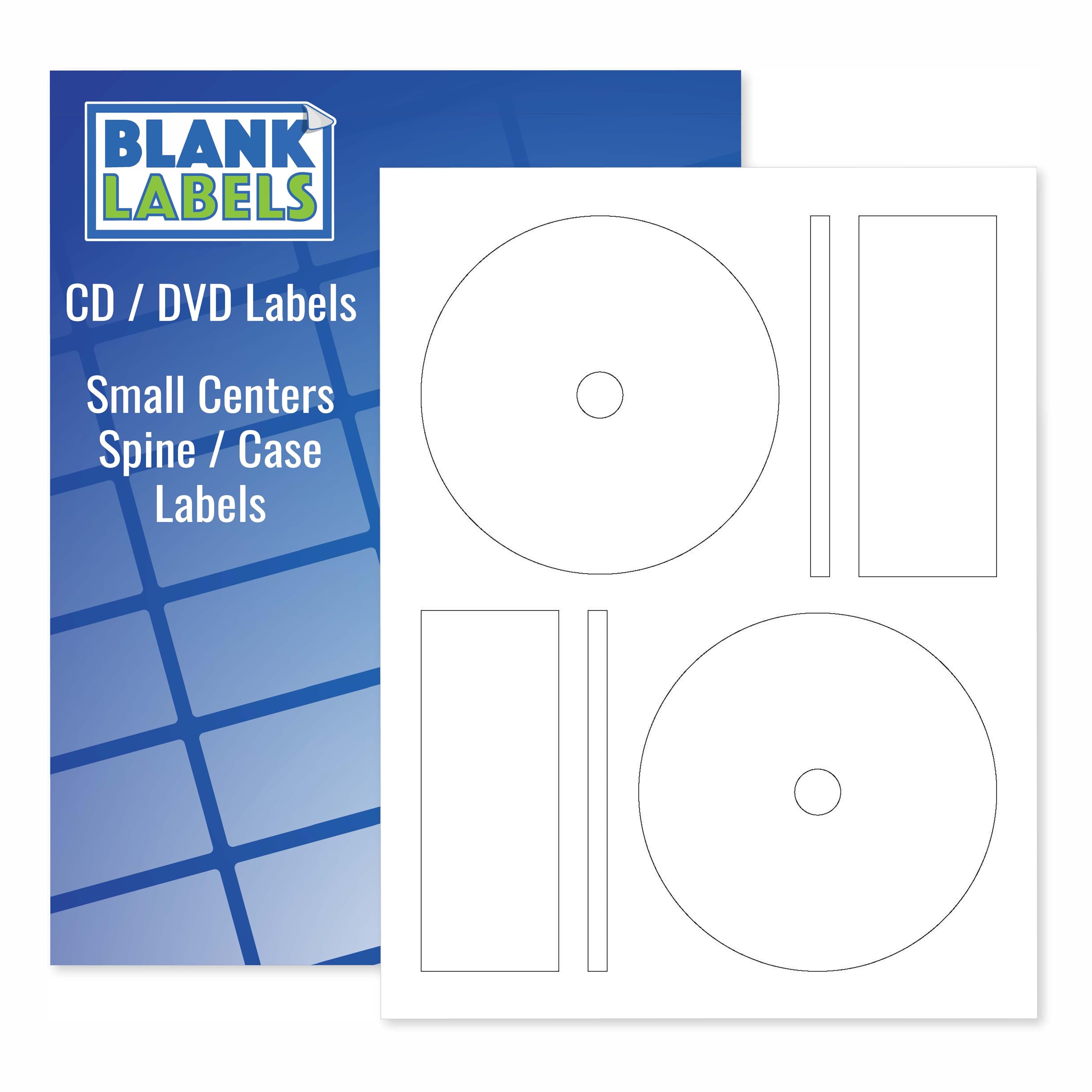
Blank Labels CD/DVD Full Face Labels offer 20 disc and 40 spine labels on 10 sheets, featuring a permanent white matte finish compatible with inkjet and laser printers. Proudly made in the USA, these labels provide a precise fit for standard discs, smudge-resistant durability, and professional-grade print quality—perfect for small businesses, creatives, and organizational pros looking to upgrade their media presentation.


| ASIN | B00JJEEW66 |
| Best Sellers Rank | #242,670 in Office Products ( See Top 100 in Office Products ) #15,053 in Labels & Stickers |
| Brand | Blank Labels |
| Colour | White |
| Country of Origin | USA |
| Customer Reviews | 4.3 4.3 out of 5 stars (133) |
| Date First Available | 11 January 2020 |
| Item Weight | 141 g |
| Manufacturer | Blank Labels |
| Manufacturer Part Number | BL-FFM-10 |
| Material | Paper |
| Model Number | BL-FFM-10 |
| Net Quantity | 10.0 Count |
| Number of Items | 20 |
| Shape | Round |
| Size | 10 Sheets |
D**N
Four stars because it doesn't really mention anywhere a suitable template. I found out the Memorex WL-5025 Full works best and lines up perfectly. Labels stick well but bubble a little. Nothing an old debit card can't iron out. Also run a pen through the center hole to flatten out the paper so that the laser spindle doesn't stick to it, or gently trim the paper in the center hole with an exacto blade. Helpful tip: Test loading on your printer with a few low-quality draft prints. Results can depend on your printers capabilities. I found with my Pixma 3620 that if I loaded more than one page, the printer would grab the next page slightly off and each consecutive label was slightly more off kilter from the center, but that if I loaded one page at a time and printed page by page, the results were perfect and consistent.
N**L
Printing on this is easy! I recommend using a pen to outline the sticker edges and scan it. I sent the scan to my iPad and colored inside the lines to do a test print, and then did that a few times more on the same sheet to get a gauge for where my printer would align, so I could make the most of my papers, and it works great! the sticker separates with ease, and binds to whatever you stick it to with great adhesion! Personally I'm always a little anxious about how quickly ink dries especially on non-printer paper, but this paper dries pretty nice! I let it sit for a few seconds while I burn some new CDs, and haven't had issues with smudging!
M**N
Ordered these to make Christmas gifts. The description states that they work with the avery 5931 template. NO! The layout is wrong on that template. You are better off using the Memorex WL-5025 template. Trust me on this. Otherwise you will waste these because the margins are way of on the Avery template, and your image won't be centered correctly. Even the spine labels are arranged differently than the avery templates. After figuring it out, that they tell you the wrong template in the description, they work ok.
D**.
Not much to say about these labels except for the fact that they work just fine with my CD Stomper equipment.
A**D
These labels worked perfectly well for creating CDs with custom artwork. I used the word processor template for the Mem**ex brand labels and it was a perfect match. Printing a whole stack of labels with an inkjet printer had no issues and the labels peeled from the sheet easily and stuck well to the CDs. Overall, I am very pleased.
Trustpilot
1 month ago
3 weeks ago