🚗 Capture Every Mile, Own Every Moment!
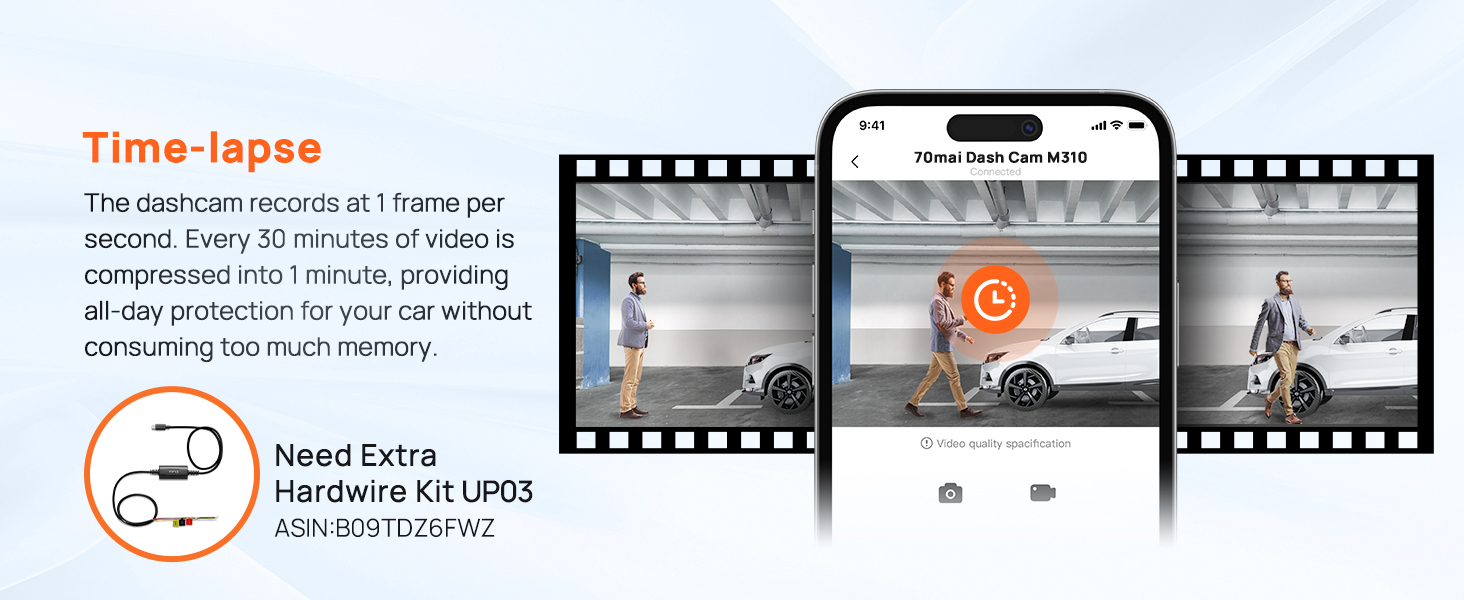
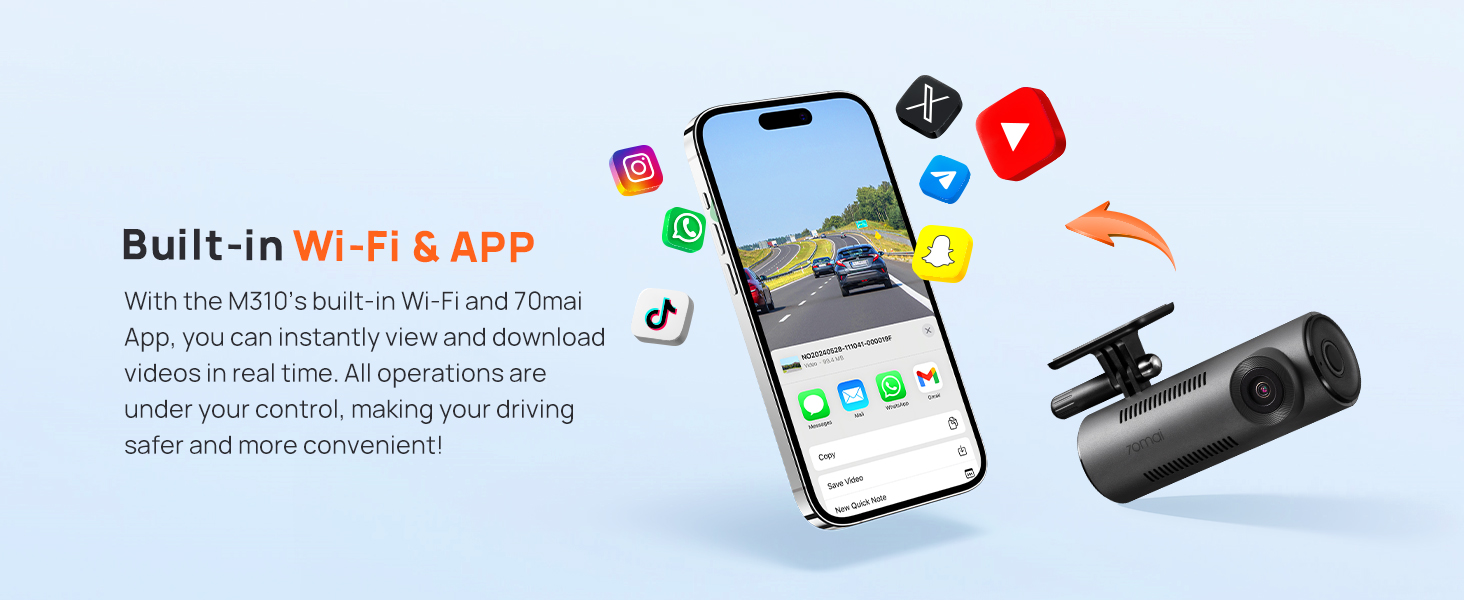
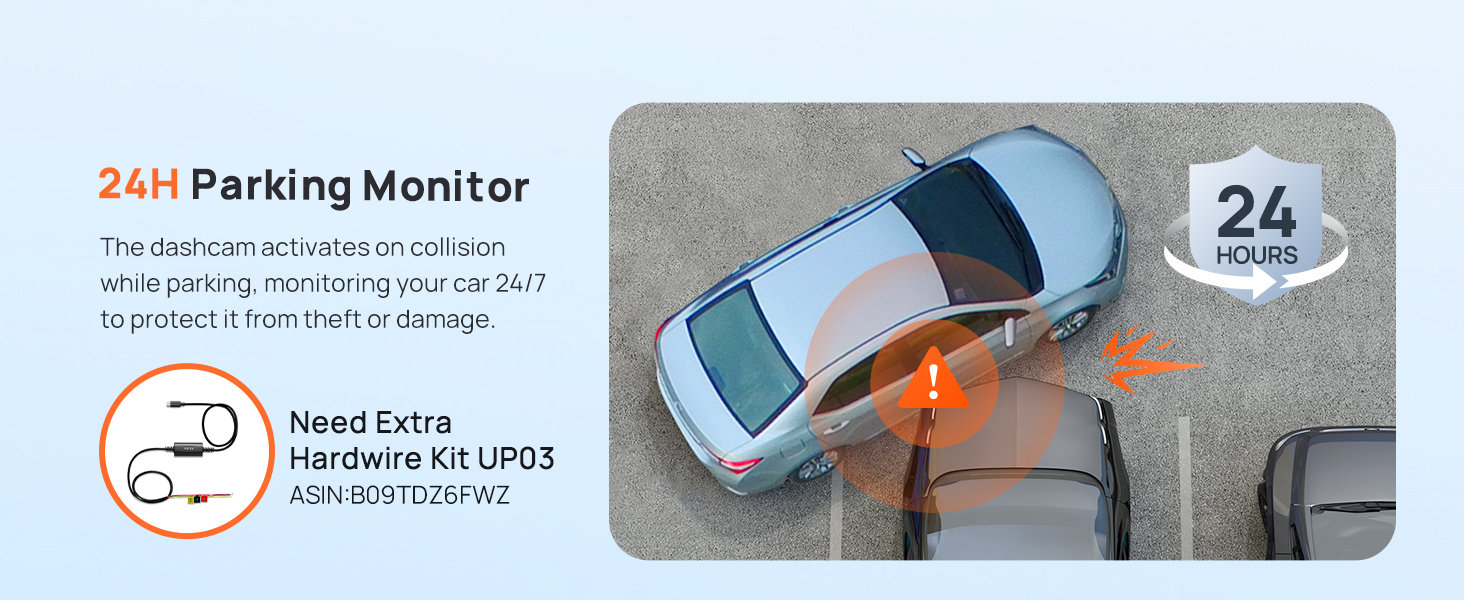
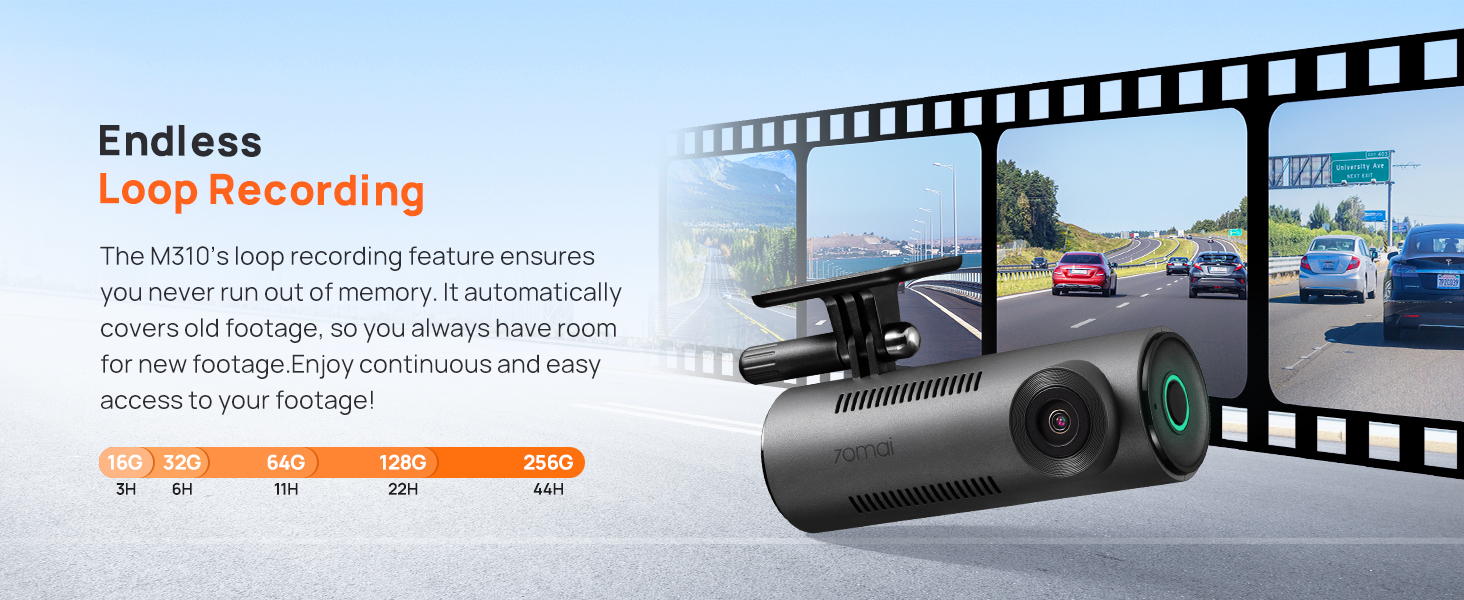
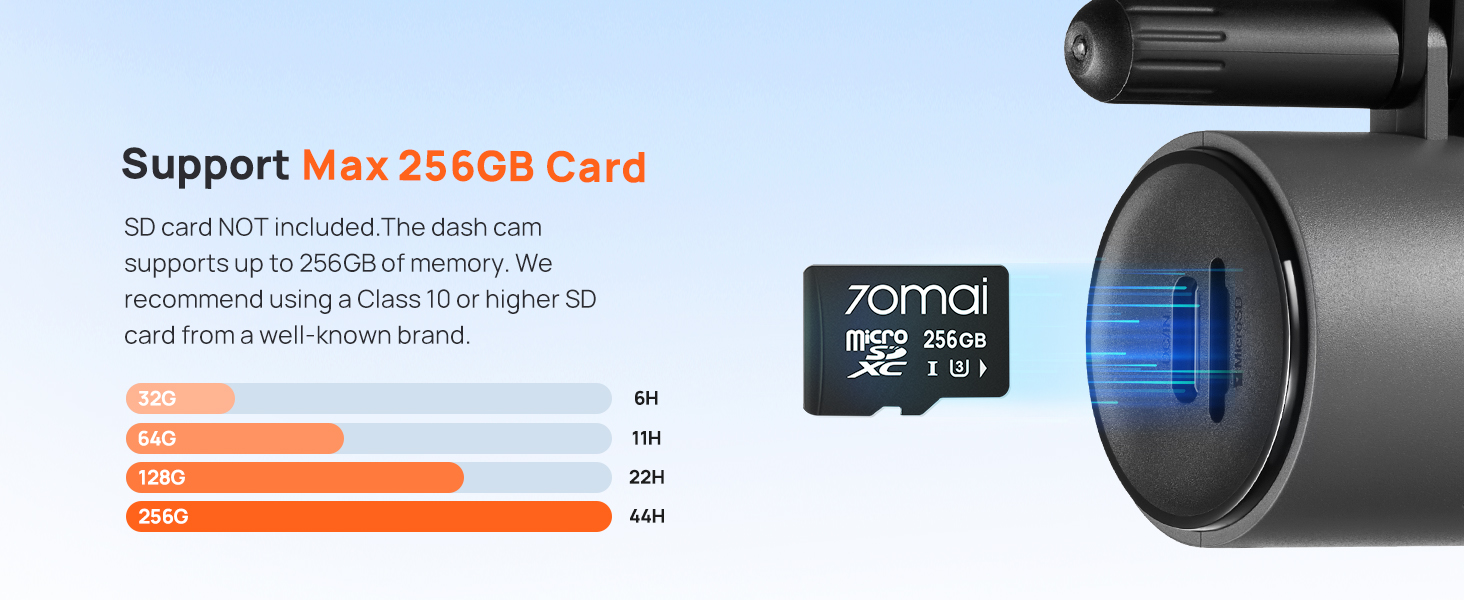
The 70mai Dash Cam M310 delivers ultra-clear 1296P QHD video with a 130° wide-angle lens, enhanced by WDR and 3D noise reduction for superior night and low-light recording. Featuring smart parking monitoring with a built-in G-sensor, loop recording, and time-lapse capabilities, it ensures continuous, reliable surveillance and evidence protection. Compatible with iOS/Android apps and microSD cards up to 256GB, this compact, WiFi-enabled dash cam is a must-have for proactive drivers seeking peace of mind and crystal-clear road footage.








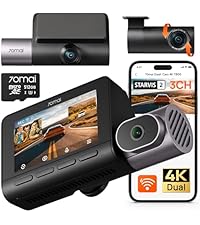

| ASIN | B09P14VT3C |
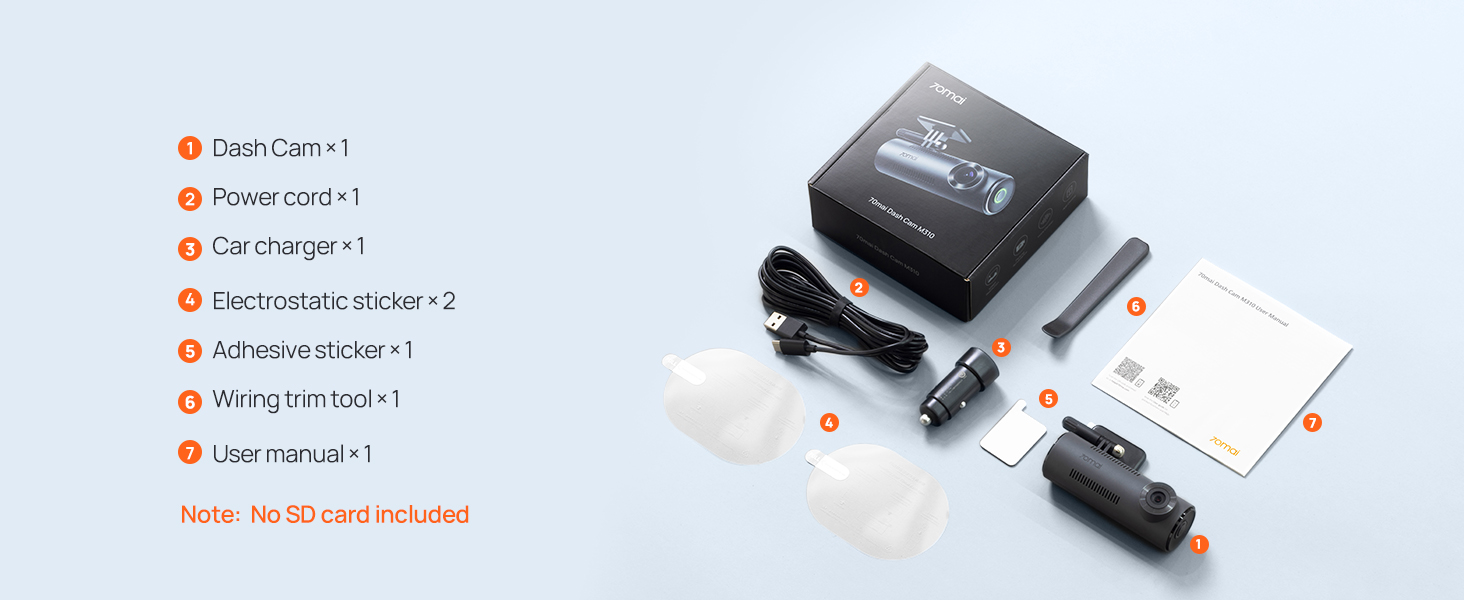
| Batteries | 1 Lithium Ion batteries required. (included) |
| Best Sellers Rank | #1,774 in Electronics ( See Top 100 in Electronics ) #27 in Car On-Dash Mounted Cameras |
| Customer Reviews | 4.1 4.1 out of 5 stars (12,864) |
| Date First Available | December 22, 2021 |
| Item Weight | 9.9 ounces |
| Item model number | M310 |
| Manufacturer | 70mai |
| Product Dimensions | 2.07 x 3.95 x 1.42 inches |
C**W
Awesome dash camera at a fantastic price!
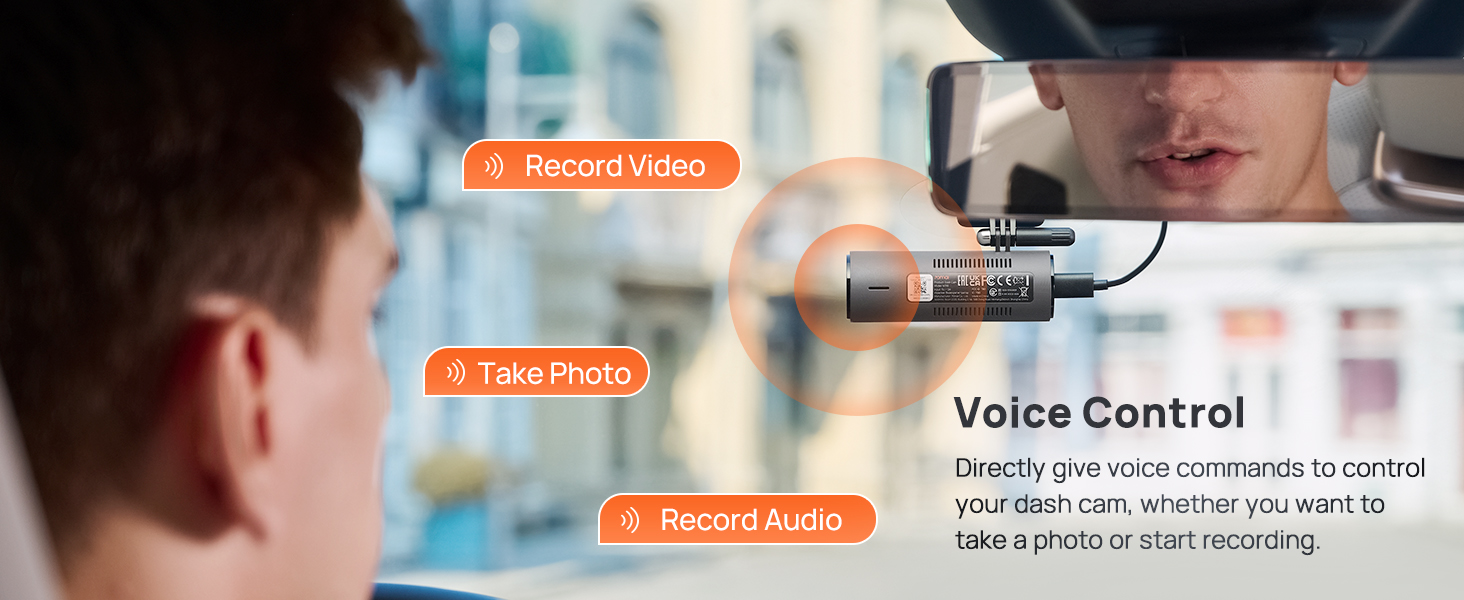
I am so happy with this inexpensive, yet great functioning, dash camera. I wanted one without the LCD screen that would be concealed behind my rearview mirror. This camera works great and is not a visual distraction when driving. The quality of the video and pictures is great. Even on a rainy night – I was beyond impressed. Also being able to simply say, “Take photo,” while driving to have it instantly take a picture is a very nice feature. Works well, once you memorize the voice prompts – I kept saying, “Take picture,” and wondered why it wasn’t working. I am also very happy that I was able to conceal all the cabling, so it looks like it is part of my vehicle and not an aftermarket addition. I highly recommend this as a low-cost solution to being able to capture any negative issues you may encounter while driving.
S**R
Excellent Dash Cam – Easy Install & High-Quality Video
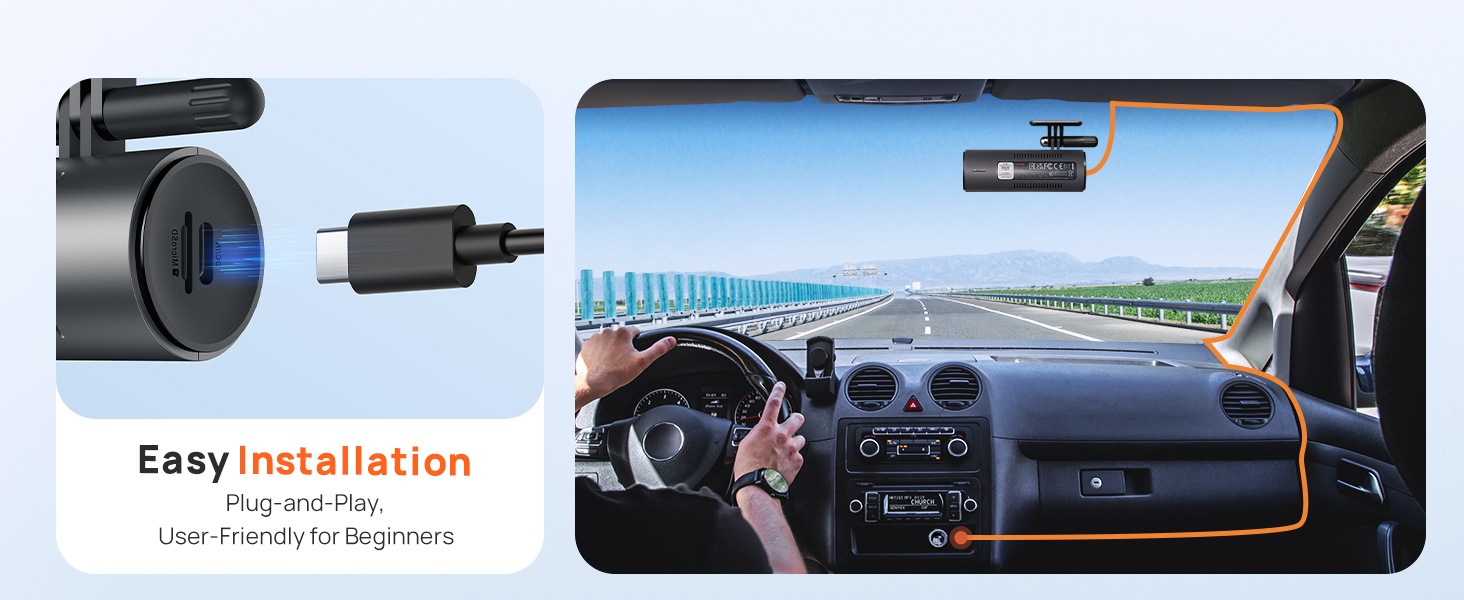
The 70mai Dash Cam M310 was a breeze to install and set up, and the video quality is fantastic. The voice commands work flawlessly, making operation effortless. To simplify installation, I opted for a Type C Universal OBD Power Cable since my 12V supply wasn’t in the best location. This setup gave me the flexibility to power the dash cam either when the car starts or keep it running in parking mode—without the hassle of wiring through the fuse box. I was so impressed with this dash cam that I bought a second one to use as a rear camera! Since I had a 12V supply in the back of my SUV, it was much easier to install than running wires all the way to the front. The app even lets you connect both cams and rename them as "Front" and "Rear." The only downside is that to access the cam to view video through the app, you have to connect to the cams Wi-Fi hotspot—meaning I have to disconnect CarPlay to do so. Overall, it’s a fantastic dash cam for the price, and I highly recommend it!
K**R
Very good quality product great value
Super easy to install and just a really good quality product very easy to maintain. I don’t even think about it but it’s always there.
I**.
Great value and performance, if looking for a good budget device, give this a try!
Front dash cam works surprisingly good and offers nice quality for video and inside audio, many features can be tailored and overall great performance. Fairly quick to install and route wiring, not bulky. great value for the price. Definitely recommend. cannot say much on longevity but thus far very pleased.
S**.
You Will Have Almost No Control Over Which Videos Get Saved or Deleted.
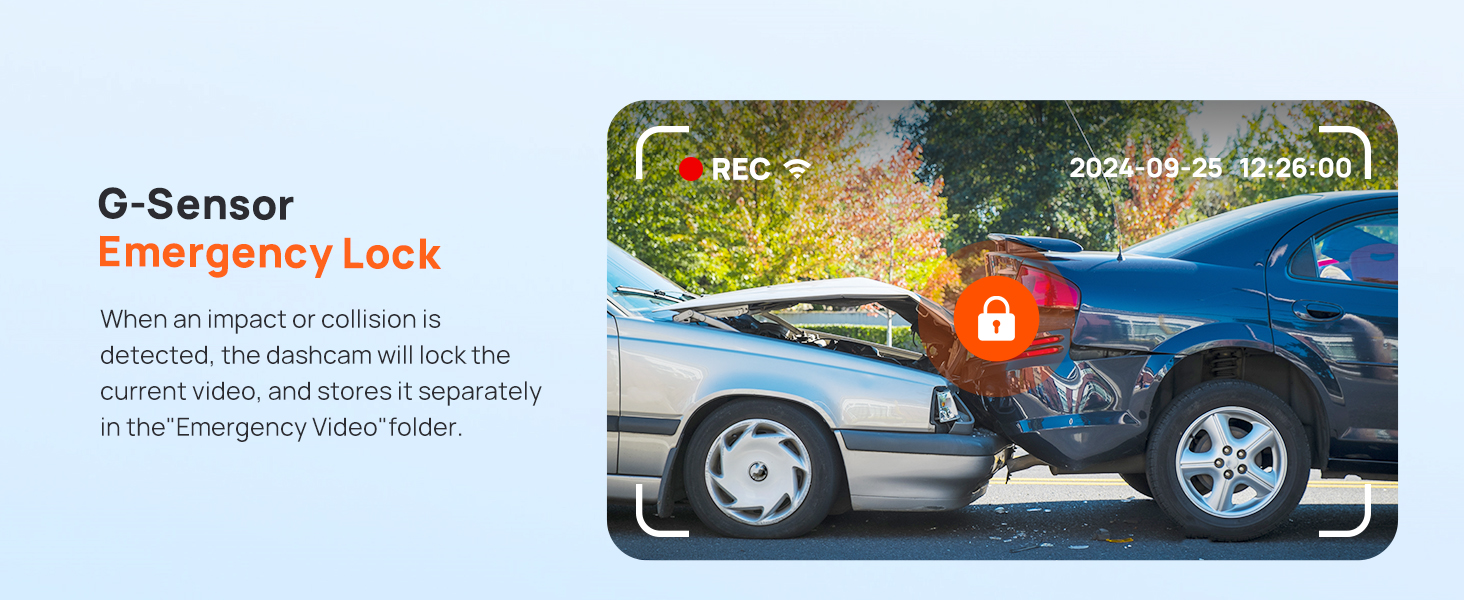
Every dash camera in the world has a limited memory. A bad dash camera might be able to store only 1 hour of video. A really nice camera might be able to store more than a few day of video. Only video-cameras in the far future can maybe store months or years of video footage. As such, even good dash cameras delete old videos to make room for new videos. Suppose you bus the camera, put the camera your car, and then you go drive around. What is the first thing, you will want to do after you've just had a car accident? Maybe write down a license plate number, call the police, etc. etc. but I mean what is the first thing you would want to do which involves THE CAMERA? Probably, tell the camera to stop deleting old videos. When you are in a car accident, you need to be able press a big red panic button to make sure recent video does not get deleted. That is not how this camera works. This dash camera will delete old video files forever and ever until you upload the video files. This camera is not customizable. This camera does what it wants to. People like you and me, cannot easily decide which videos get permanently saved. This camera has two memories: (1) memory for car accident videos (2) memory for boring video (no accidents) This dash cam (70Mai) automatically decides which videos are of you getting hit by someone else, and which are not. The camera is not super smart, so it often decides incorrectly whether you were just in a car accident or not. Here's one of many kickers: the car accident videos get deleted on a loop, just like the boring videos! If the memory runs out for the car accident video, then it will overwrite the oldest car accident with the newest. Essentially, the camera has two loops: one loop for probably important video loop; and one loop for probably boring video. The main things people will want to do with the camera are: (1) check if the camera is working/recording (2) make sure certain videos do, or do *NOT* get deleted (3) transfer videos from the camera to somewhere else. This dash cam is not designed to do that. The home page of the cellphone app has two buttons: (1) view album (2) take photo. Some features are more important than others. "Do not delete the video of the car accident I was in" is more important than taking a still picture (not a video). Right after a car accident, a still photo probably won't help as much as the video of the other person actually hitting your car. However, the button to take a still picture is the most prominent/easy-to-use button on the home screen of the cellphone app. The emergency video buffer cannot grow in size. It should start off as 0 hours of videos of car accidents. Over time, as you mark videos as "DO NOT DELETE" is should delete boring video to make room for the important video. Instead, this camera always reserves 13 gigabytes of memory for videos of car accidents. If all of your videos are boring, and the buffer of boring video is full, then your boring videos start get overwritten whether you are using the 13GB of memory for important videos or not. These engineers are lazy. They could easily make the memory for important/do not delete videos grow and shrink based on which videos were marked as "DO NOT DELETE." Instead, there is no DO NOT DELETE category at all. There is only a loop of "we think an accident occurred." The important video memory is always 13GB regardless of whether you need more memory, or less memory for important videos You cannot use the camera without proving your email, which is weird. The camera should work and be able to talk to your cellphone, even if the camera, you, and your phone are disconnected from the rest of the internet. It is not as if the camera emails videos to you or anything like that. The email thing serves no purpose. The camera doesn't need your email. There is a password used so that random people cannot view your camera's video feed, but the password is not your email. When the cellphone app asks for your email, they are just fishing for unnecessary contact information so that they can send you junk mail.
J**E
Great company, could not get product to work.
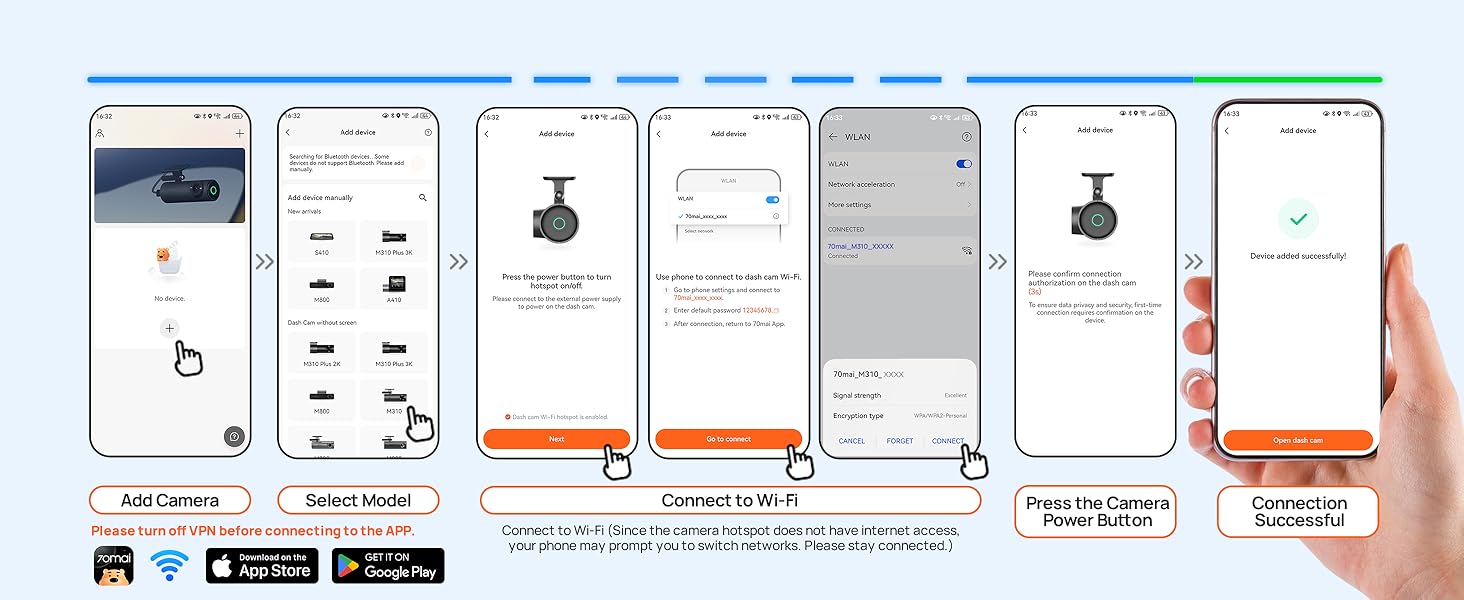
Never would connect to iPhone. I thought it was because I was on the road and didn't have a good signal, but when I returned to civilization and perfect WiFi, it still didn't work. However, when I posted that info here, the company contacted me and offered a full refund. They were very generous and helpful, and I got a refund as well as refund for the protection plan. I wish it would have worked, it had great potential, but it did not connect to iPhone 15 pro.
"**"
Great Camera
Great quality at an affordable price. My first dashcam, glad I purchased. No issues with set-up
D**A
Quality
Easy to use, wifi connection setup was easy, high quality video recording, works great at night. It also locked video when there are shock motion
A**U
The 70mai Dash Cam M310 has been a solid, value-for-money addition to my car and I’m happy with the purchase from Amazon. The video quality at 1296P is clear enough to read number plates in most conditions, and the 130° wide field of view covers multiple lanes without feeling distorted. Installation was straightforward, the compact design hides neatly behind the rearview mirror, and features like Wi‑Fi app access and voice control make it easy to review clips without removing the SD card. From my perspective, this is a great entry-level dash cam if you want good clarity, basic parking monitoring, and smart features without spending too much. The only things to be aware of are that it is a single-channel front camera and you need a separate hardwire kit to fully use 24/7 parking mode, but for the price I paid on Amazon, those trade-offs feel acceptable. Overall, I would comfortably recommend the 70mai M310 to anyone looking for a reliable, budget-friendly dash cam for everyday driving.
E**A
muy practica fácil de instalar pasa desapercibida por tener un tamaño pequeño el único defecto que le veo es que vivo en México no se ingles y la cámara narra todo en ingles.
も**き
スマホと連携しているので、いいと思います。
Y**H
Great
S**M
ممتازه جدا وسهله التركيب والبرنامج المستخدم للربط سلس وسهل
Trustpilot
2 weeks ago
3 days ago