
DOWNLOAD THE APP


Customer Support

Desert Online General Trading LLC
Warehouse # 7, 4th Street, Umm Ramool, Dubai, 30183, Dubai
DOWNLOAD THE APP
Customer Support
Desert Online General Trading LLC
Warehouse # 7, 4th Street, Umm Ramool, Dubai, 30183, Dubai


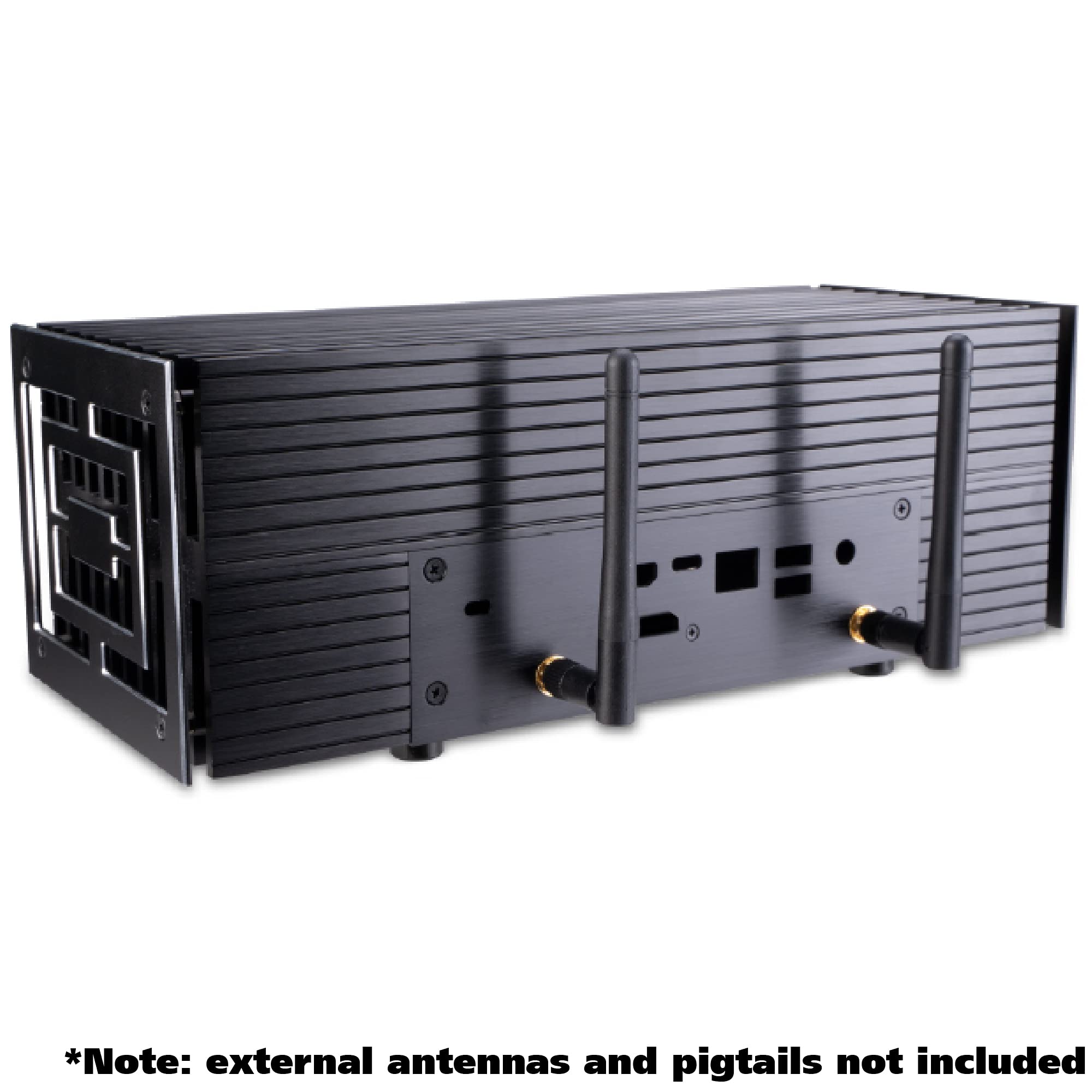
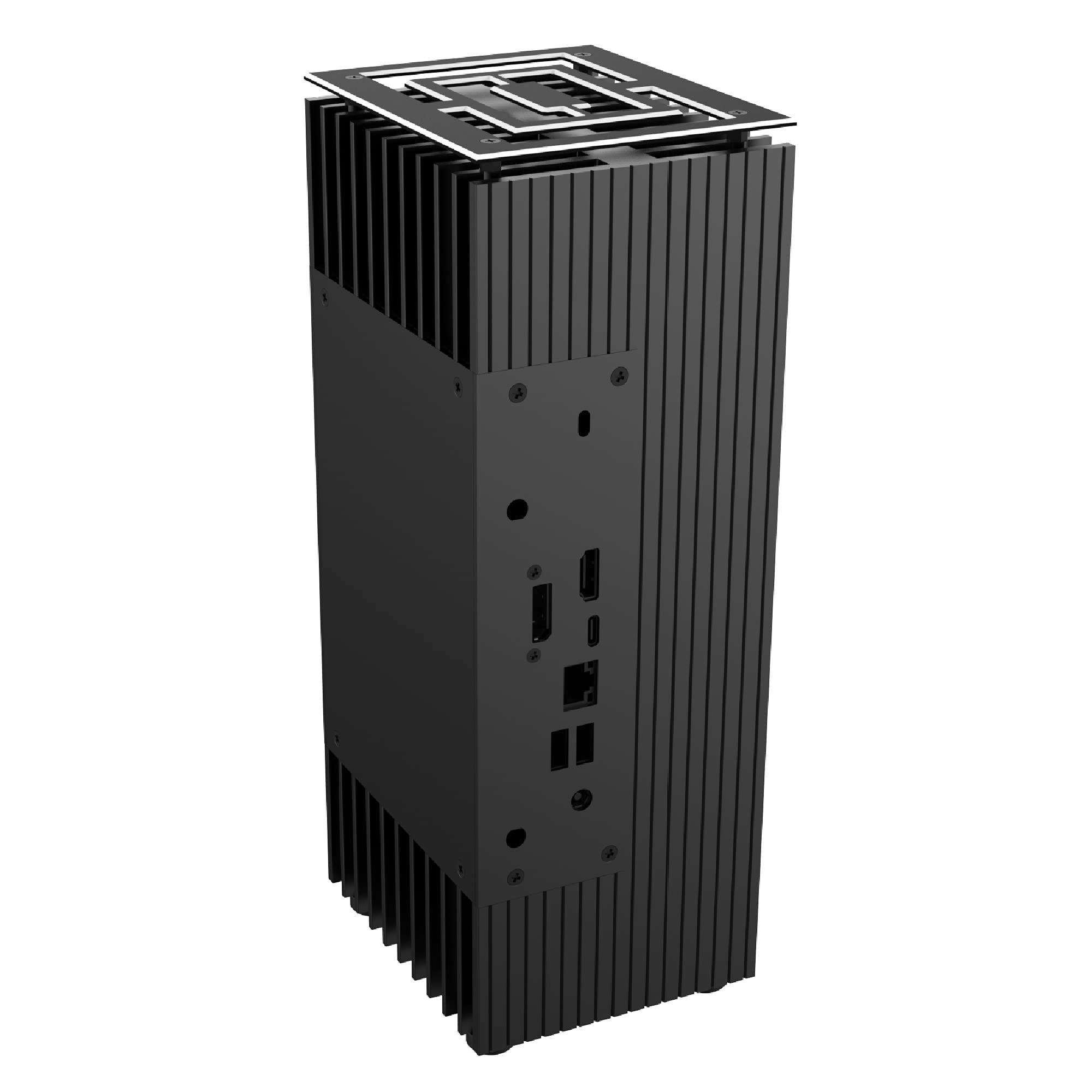
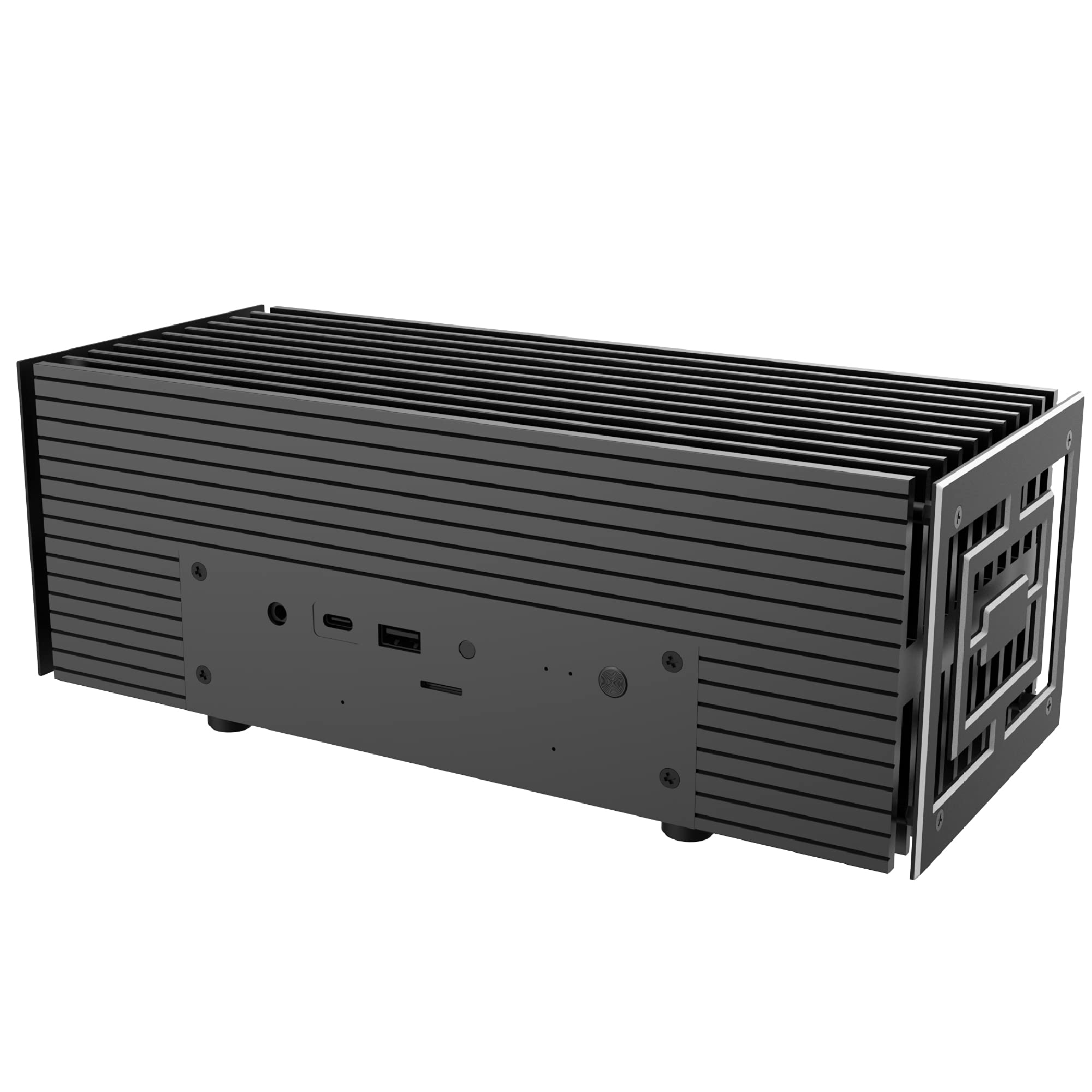
🔧 Elevate your setup with silent sophistication!
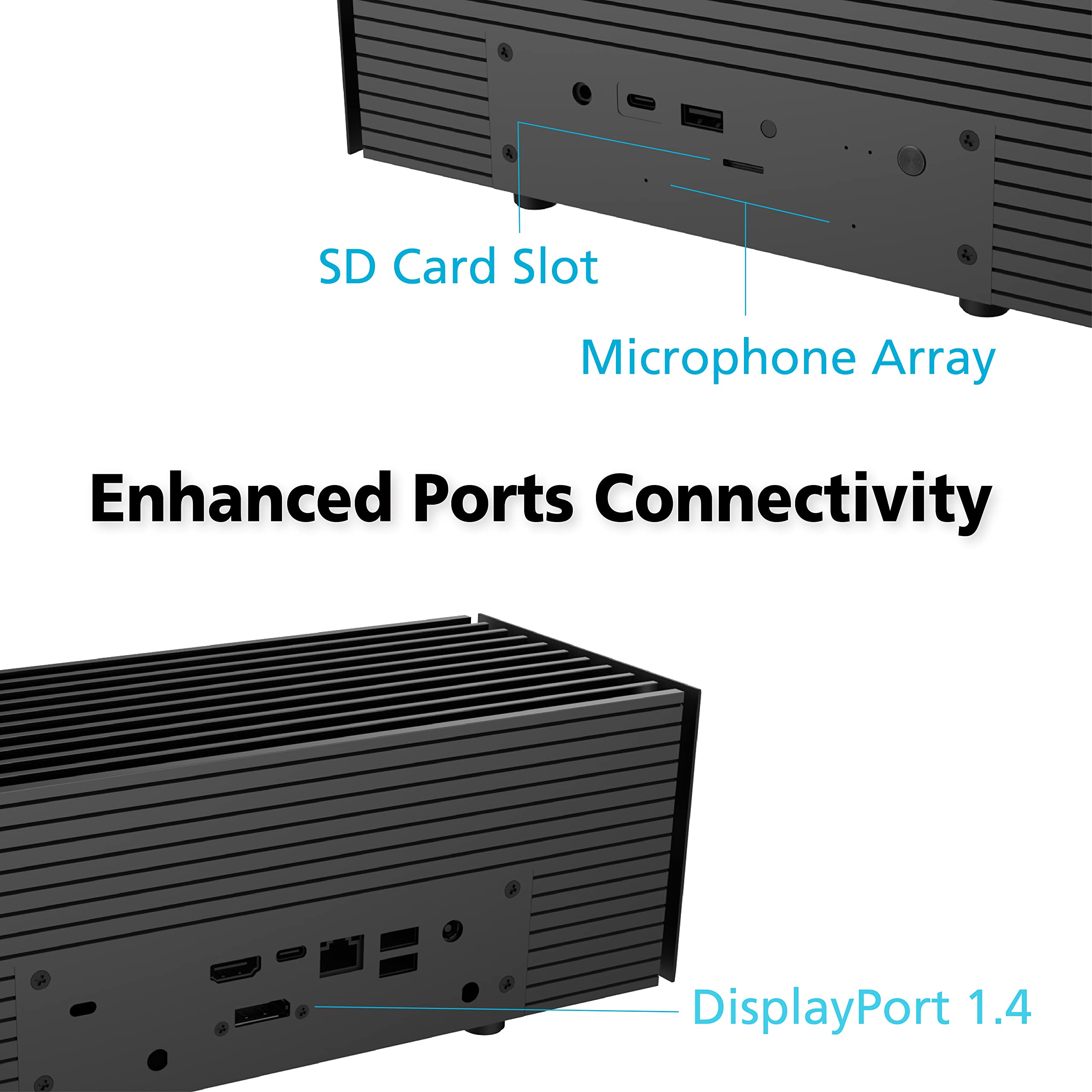
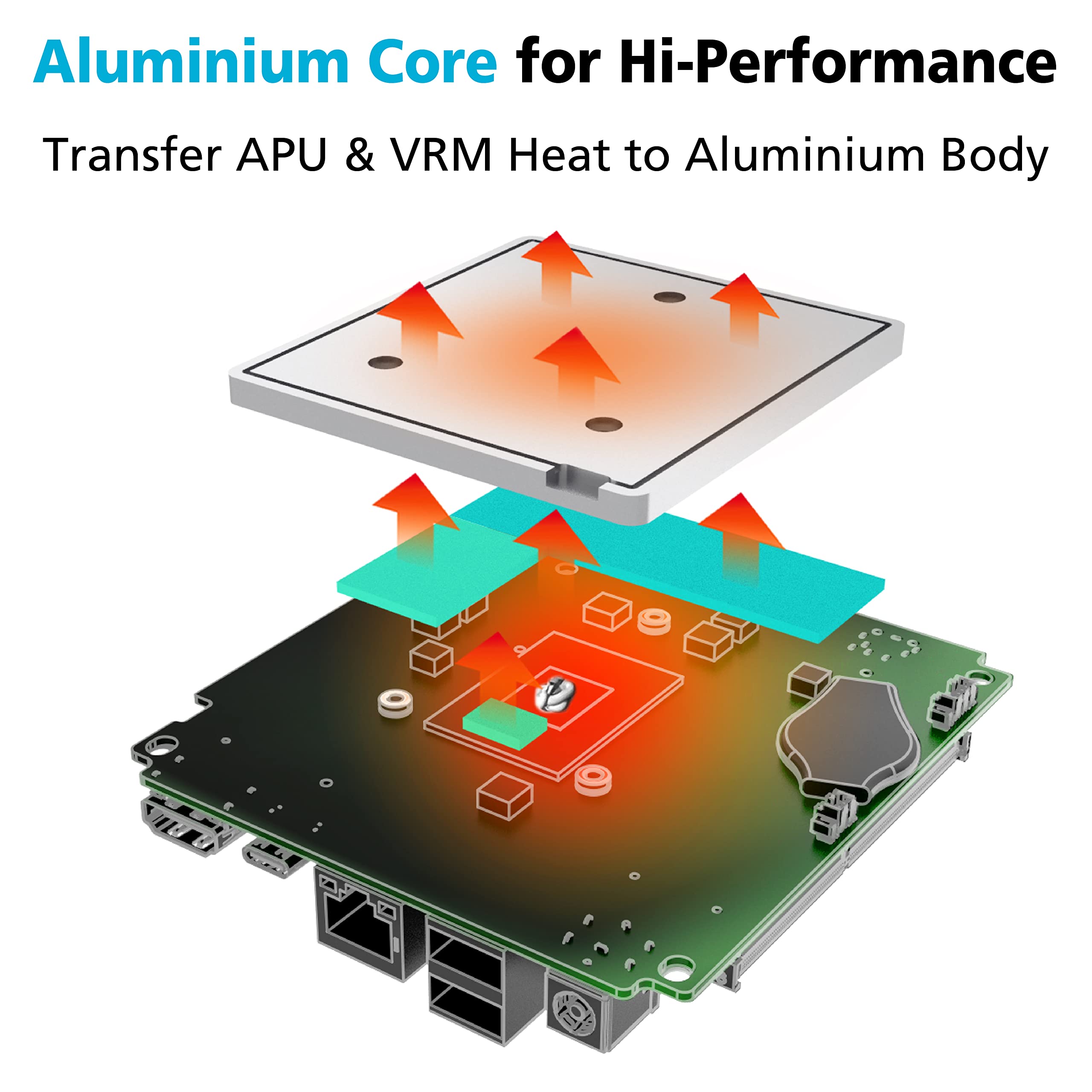
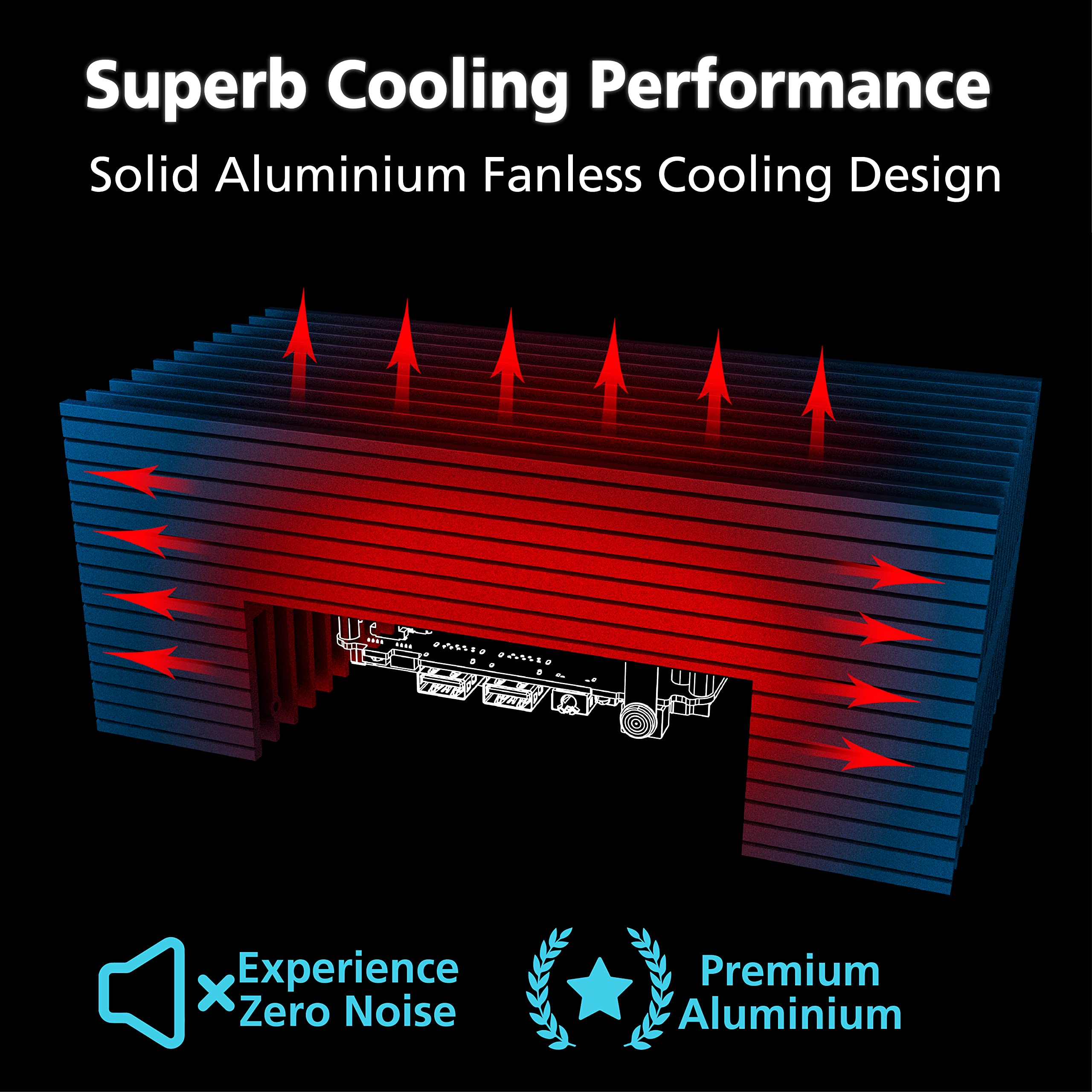
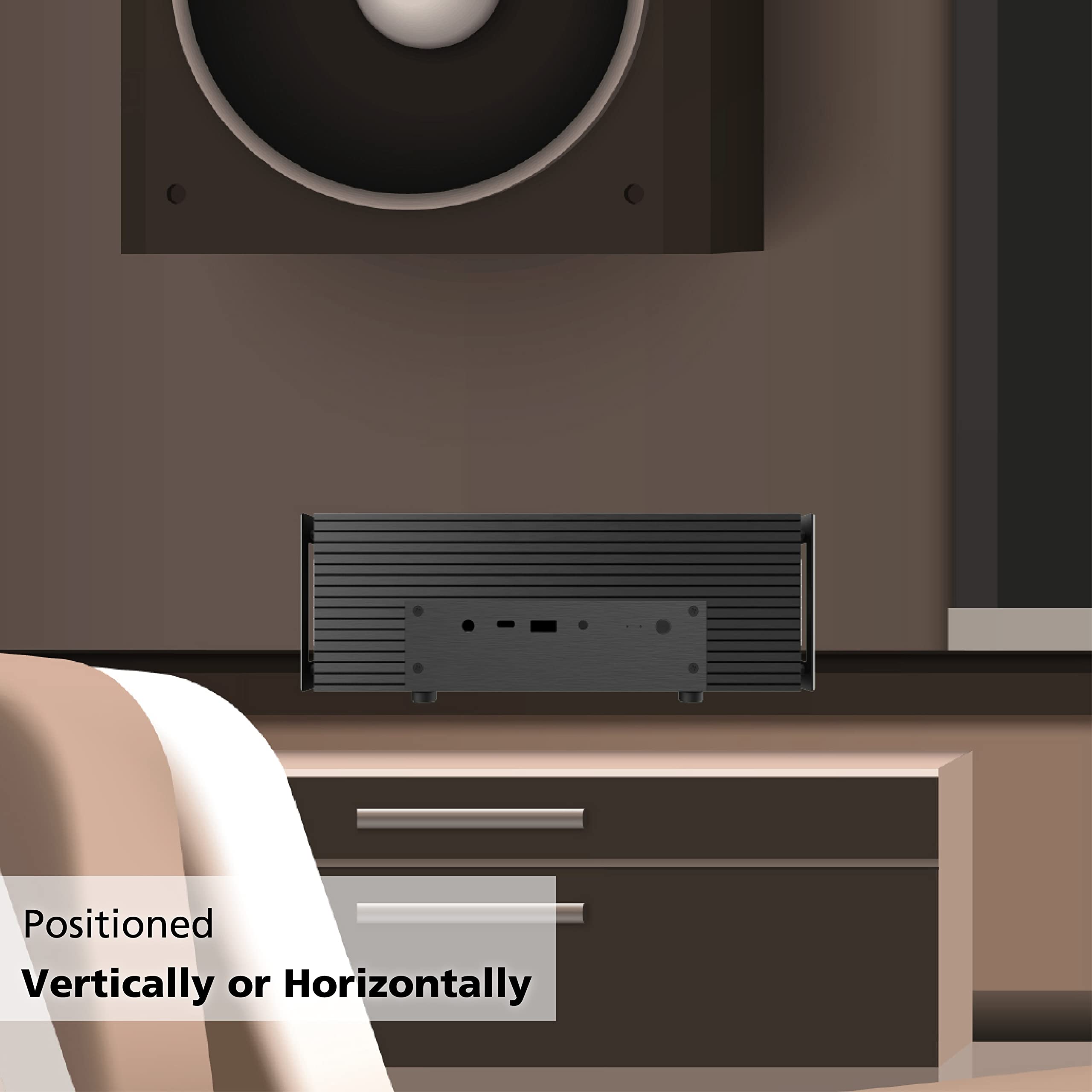
The Akasa Turing A50 MKII is a premium fanless case designed for ASUS PN51 and PN50 systems, supporting AMD Ryzen 7 processors. Its 100% aluminium construction ensures optimal thermal performance while maintaining a sleek aesthetic. With multiple I/O ports and the ability to connect up to four 4K displays, this versatile case is perfect for both home-theatre setups and digital signage.


| Number of USB 3.0 Ports | 1 |
| Brand | Akasa |
| Series | A-NUC62-M1BV2 |
| Item model number | A-NUC62-M1BV2 |
| Item Weight | 6.55 pounds |
| Product Dimensions | 19.69 x 19.69 x 11.02 inches |
| Item Dimensions LxWxH | 19.69 x 19.69 x 11.02 inches |
| Color | Black |
| Manufacturer | Akasa |
| ASIN | B097B9X67Y |
| Date First Available | June 23, 2021 |
H**S
Nice case at a nice price.
The small tube of thermal compound included is definitely not enough for the large heatsink plate on the CPU side plus the case side. I got extra compound. BubbleUPnP, Minim and Roon servers are always running on the PC. So it is never idle. The CPU temp stays at about 34C/93F and the M.2 2280 SSD stays at about 45C/113F, with ambient 26.7C/80F. For the fun of it, I got a couple of M.2 heatsinks to replace the stock Asus one. With the MKII added mount for the extra display port, it makes it very tight for heat sinks length wise. Also, I mounted a second spindle drive. So there is < 0.5 inch height SSD plus heat sink. One of the two heatsinks I got is full length of the SSD but lower profile. It can go under the display port mount but would run into the dense foam support of the port. So no go. The other heat sink is shorter in length but with taller profile. So it cannot go under the display port mount. It took many trials of dry fitting to figure how to align the heatsink with the drive and the heat sink drive cradle and also to be able to put the SSD mounting screw in and for the heat sink not to touch anything else, before I could commit the heatsink by sticking the silicone pads on. All that work and the now the SSD is only two degrees cooler even if the heat sink is about many times as thick plus fins on top comparing to the stock Asus heatsink plate. I mounted the mics on the front plate with some of the tapes peeled off while tearing down the Asus and they work very well. As for the blindingly bright LEDs, I painted black some scotch tape and triple layered them. I taped them on inside of the front plate where the LEDs are. It dims them too well now. Think I only need double layers. Anyway, an overall fun project. I think the case looks just fine without the decorative endplates and didn't mount them. My wife thinks the case looks decent for the living room.
D**L
Good thermal performance
I've been very pleased with this case. It's fanless and it has better thermal performance than the stock case. I have the CPU temp as a sensor in home assistant, and the difference in temperature before and after switching to this case is stark.
D**N
Cools down the PN50
This is a giant hunk of metal. It is solid and heavy. It looks nice. It does take up a good amount more space than the original case.Tearing apart the PN50 was a bit of a pain. Honestly I would knock them a little bit for this. It would be really nice to have a tear down video. Installation in the A50 case was relatively easy. Overall the simple directions were pretty easy to follow. It would also be nice if they included the antenna and pigtails. The pigtails I got were really difficult to get on, but the Wi-Fi is working fine.My main complaint with the case is you loose the DisplayPort port. They could have made the rear bracket work with it, but they didn't. I understand some regions have a VGA port instead. So, this is probably why they didn't included it. It wouldn't have cost them that much to include two backplates.The cooling solution Asus provided for the 8 core models is crap. I have the 4700U model. My PN50 was hitting over 90 C just playing Minecraft. When I would add on a VM running in the background it would overheat and crash. With the A50 case I have seen it hit a maximum of 70 C. I haven't hit it with a serious CPU stress test, but under the same conditions it is more than 20 C cooler. I say more than because it only hit 70 C when I was running a VM in the background in addition to gaming. The reality of it is if Asus had provided a good enough cooling solution I would have need to get this case. The silence is a nice feature since I intended to use it as a media center PC eventually.
A**R
Some Design Compromises
Does a great job controlling the temperature and looks nice. My PN50 is finally quiet. Temperatures seem lower than they were before.Most painful thing for me was that the SATA cable is extremely delicate. I started seeing a lot of I/O errors immediately. You might not count on being able to use a SATA drive after this upgrade, which could be okay if you are using NVME.There are a number of features that the PN50 has that this case just doesn't bother with.1. No support for DisplayPort.2. No slot for microSD reader.3. No holes for microphones.4. No instructions on how to hook up WiFi antennas.
B**G
Not sure what is up with this or if ppl are actually checking plate contact..
I was super excited for a passive case setup with my PN51 but after I put it all together the device would not boot and then I found the plate that makes contact with the CPU and case wasnt making hardly any contact with the case! It was just going to overheat anyways. The design isn't as good as the intel versions that just bolt down into place. This whole middle plate piece is sketchy. Maybe mine was machined wrong.
Trustpilot
1 month ago
3 weeks ago