

Desert Online General Trading LLC
Dubai, United Arab Emirates
Desert Online General Trading LLC
Dubai, United Arab Emirates


🔌 Plug into the future of smart living!
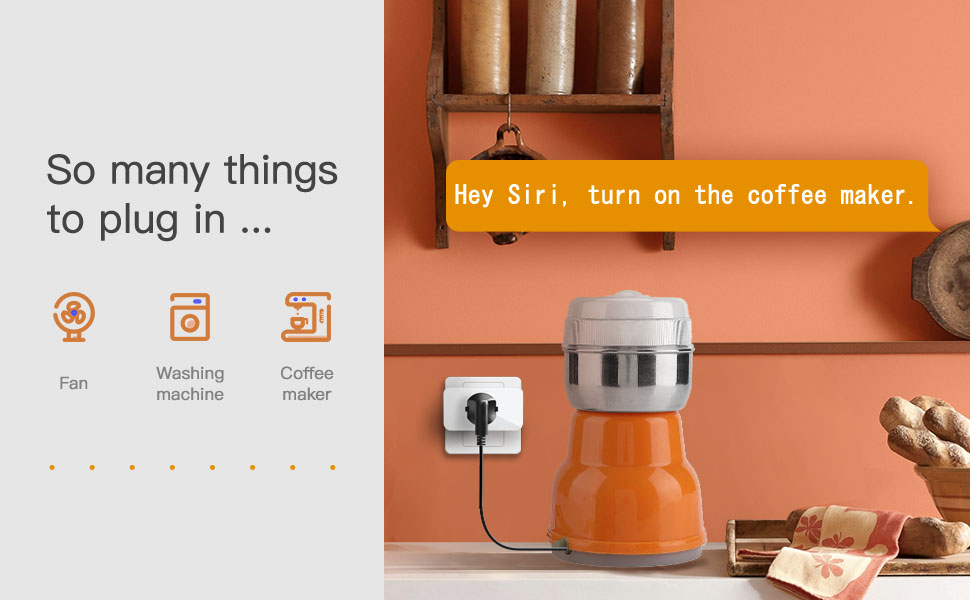
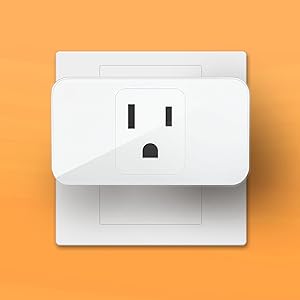
The Refoss Smart Plug 4 Pack allows you to control your home appliances remotely via the Apple Home app, Alexa, or Google Assistant. With features like scheduling, voice control, and a compact design, these smart plugs enhance your home automation experience while ensuring reliable connectivity and customer support.


J**N
Programming the routine
Worked as expected. I did not want to set up a routine where the smart plug was turned off and on on a set schedule but wanted to turn it on or off when I needed to when away from home. Had to use the routine and set it to turn the smart plug off at a certain time (turned the day of week off), and then had to setup and another routine to turn the smart plug back on again a minute later (again with day of week turned off). I have a blink camera that would go offline if there was a glitch in the internet coverage in the area, and would have to manually turn the blink camera sync module power off and back on to reset it and allow the blink camera system to work properly again. I can now power it off and on remotely when I see that our camera system has gone offline and this device allows me to get it working again.
B**L
Excellent Apple HomeKit compatibility!!
Was looking to automate some lamps in my house. My requirements:* Reasonable price* Apple HomeKit compatible* No additional hubs required.These Refoss Smart WIFI Outlets fit the bill perfectly. The installation was dead simple:1. Turn on lamp2. Unplug lamp from outlet3. Plug Refoss Smart WIFI Outlet into wall4. Plug lamp into Refoss outlet5. Open Apple HomeKit app on your Apple device and select Add Device6. Scan QR code on side of Refoss outlet7. Wait 30-60 seconds for the outlet to be recognized and proceed with naming the device and it's location in the HomeKit app.A-Thing-Of-Beauty!!!! This is how ALL automation accessories should work - especially those that claim to be Apple HomeKit compatible. No need for a third-party app, no need for account creation anywhere.Be aware if you research these devices, they are manufactured by Meross and indeed they seem to be indistinguishable from their "Meross"-branded counterparts. They have been working flawless. Highly recommend!!
K**N
Review and Setup Guide
Ordered two Refoss outlets and two VocoLinc. Pretty identical but I give the edge to VocoLinc (details below). First, I started with cocowilde's guide but needed something a little more step-by-step for setting up for iPhone/iPad:1. Download the "Meross" app from the iOS App Store,2. Open app and sign in or sign up for an account3. In the Meross app, hit “+” (upper-right corner) to set up new device4. Select “Smart Plug Mini”. App will guide you through installation.5. Once done, you’ll see outlet in Meross app and in HomeKitA few things to note:1. The app will ask you about a flashing light. This is a TINY LED on the right side above the button. When it flashes, it is barely noticeable.2. During setup, the app will also require you to scan the QR code on top of the outlet. Make sure there is nothing blocking it during setup.3. The app requires you to create an account. Ugh. Yet another username and password for you to remember.So why do I like the VocoLinc more, even though it also requires you to go through roughly the same procedure using their app? First, the VocoLinc LED is on the front and it much easier to see if you're looking at the outlet. Second, the app doesn't require you to remember yet another username/password combination. Third, the QR code is on the bottom of the device and not the top. YMMV, but in my setup, my outlets go on the bottom and not the top of existing outlets-- so it's easier to get access to it. Fourth, the VocoLinc app allows you to update the device firmware while I can't find that same feature in the Meross app. These are all small issues in day-to-day operation and they both work fine (hence the five-star review).
T**X
Need to understand how it works
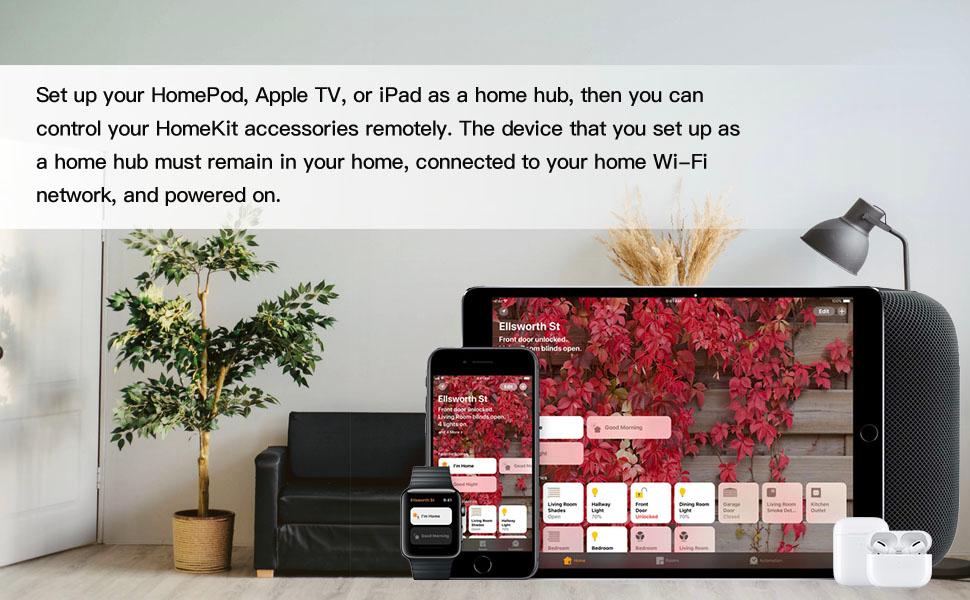
At first, I have a lot of problems with no response issues, thought I got some defected plugs that work sometimes and doesn't work at other, and the on/off timer is only 4 hrs. I almost return it. It actually works great once I figured out how it works.For Apple home, set up was straight forward, device can be set up use either Refoss or Home app, it appears Refoss can only do initial set up, it doesn't change WiFi or update, each smart plug needs to be set up individually, you might as well use the HomeKit app to start with.These plugs relies on Apple TV device or HomePod in order to work, or you will get " No response", no matter what you do. Smart plugs needs to be connected to the SAME ROUTER as your Apple TV or HomePod in order to work, so if your Apple TV or HomePod is not connected to the same router as the smart plugs, it will not work.You can manually turn on or off using the button on the plug. To reset the plugs, just hold down the button until you see the amber light, then it will flash amber and green simultaneously. Smart plugs needs to be flashing amber and green in order to connect to wifi. If you switch router or change SSID, deleted the device from your HomeKit app and reset smart plugs before it can connect to a different wifi again.It does not make sense that HomeKit automation can only set for 4 hrs, for more than 4 hrs, you can set one automation on and another on for off.For $20 for 4 that can handle 15A. This is the best bang for the bucks for Apple HomeKit.
D**K
Stopped working
Stopped working after a few months. Not sure theres anything better but don't buy these
Trustpilot
2 weeks ago
1 week ago


