
DOWNLOAD THE APP


Customer Services
Copyright © 2025 Desertcart Holdings Limited
DOWNLOAD THE APP
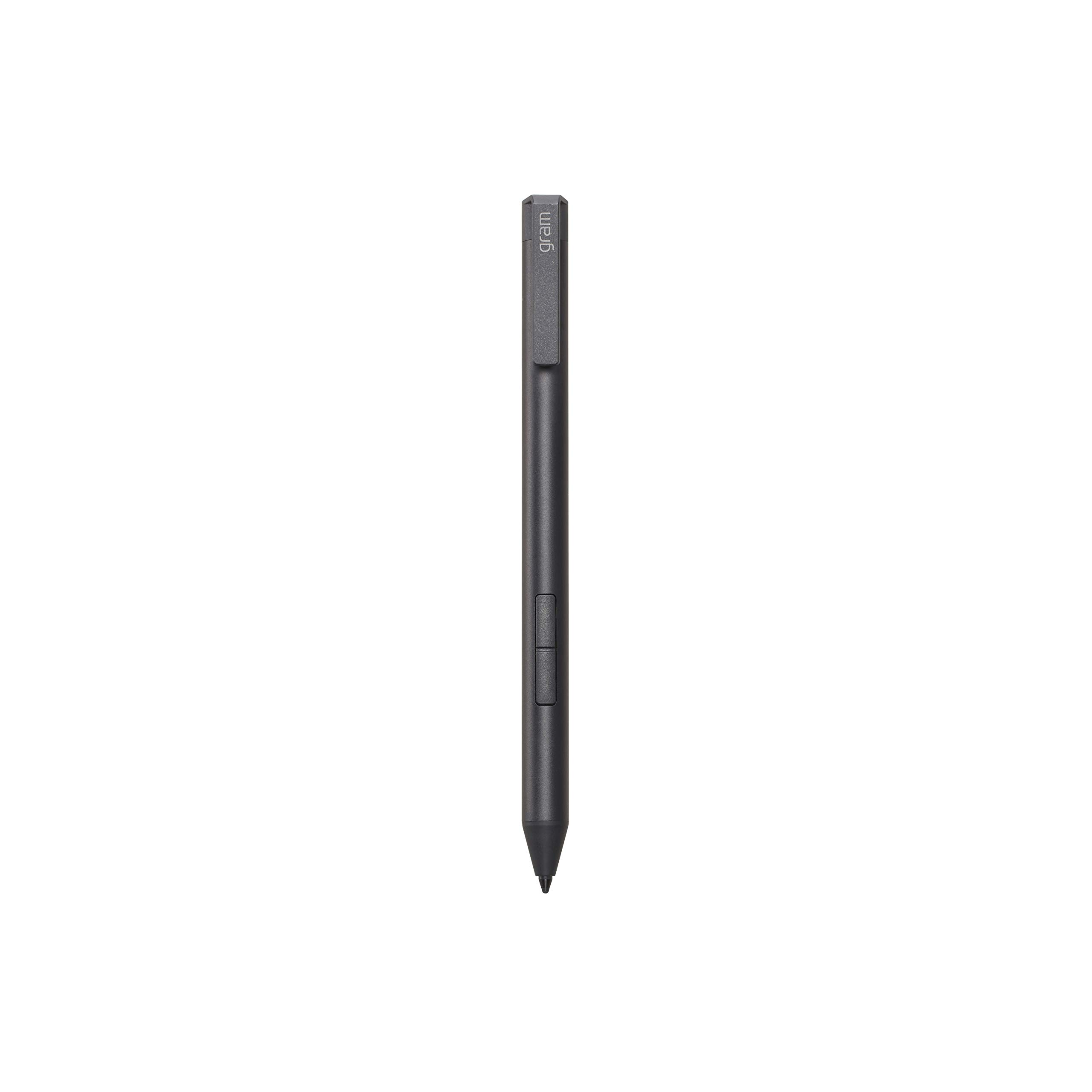

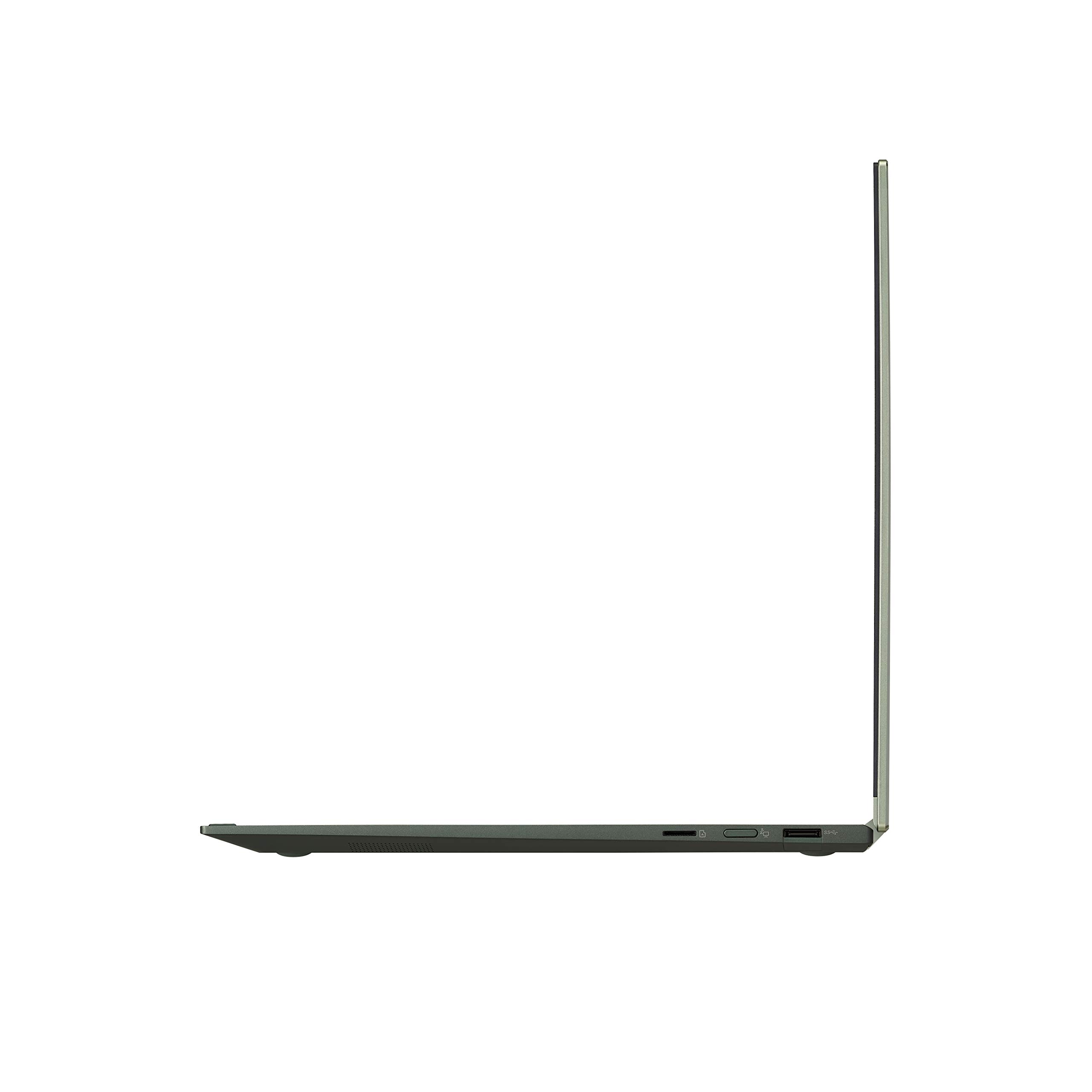
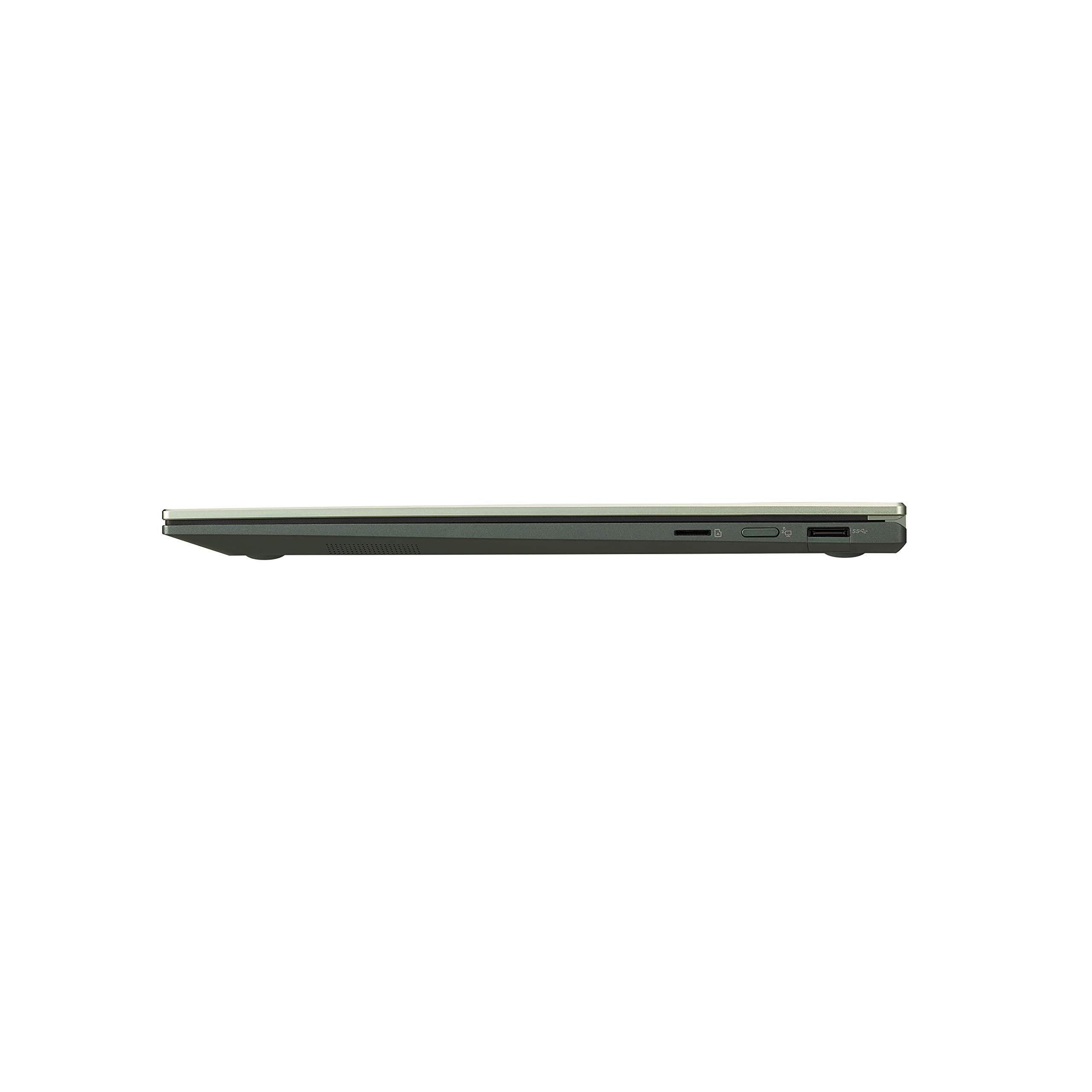

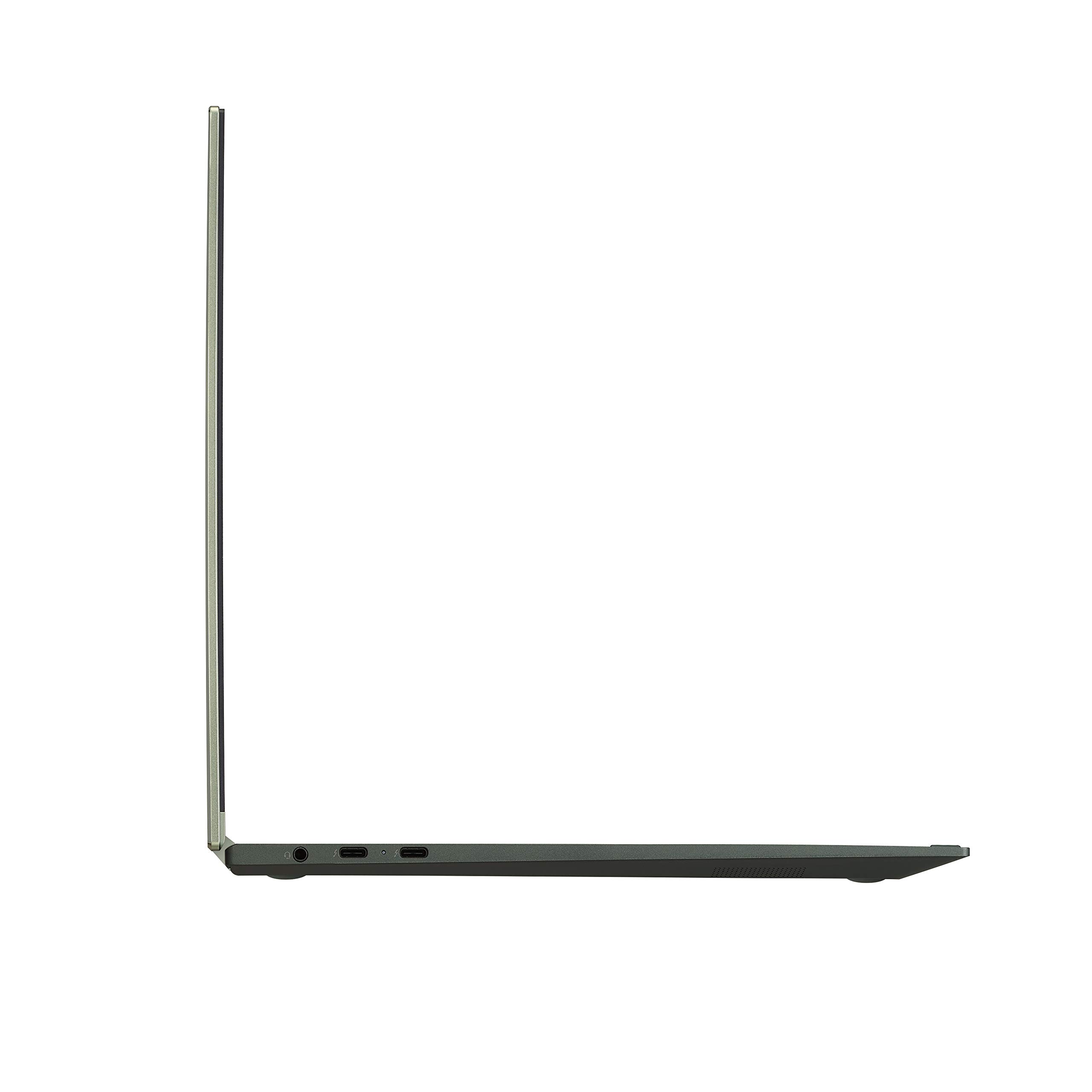


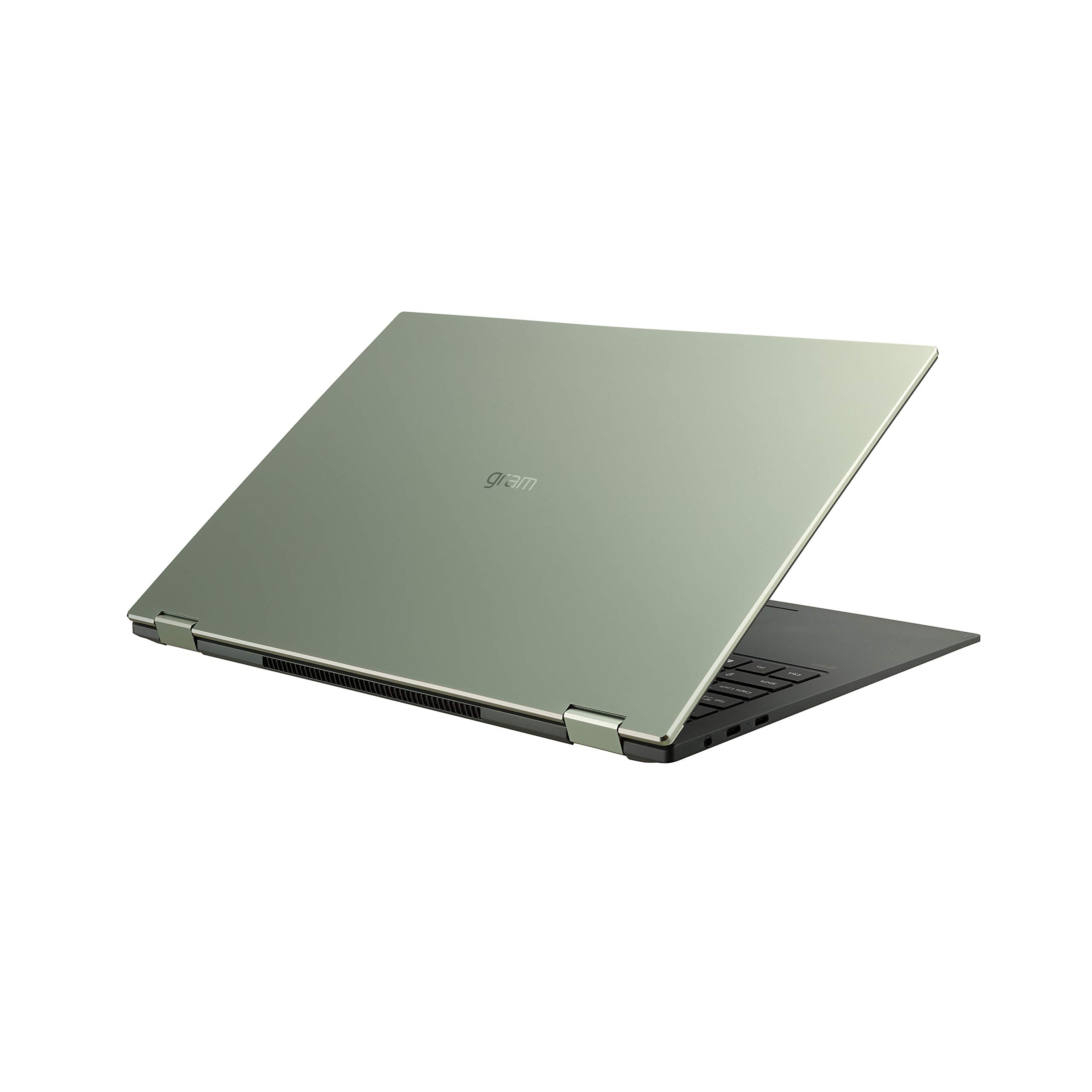


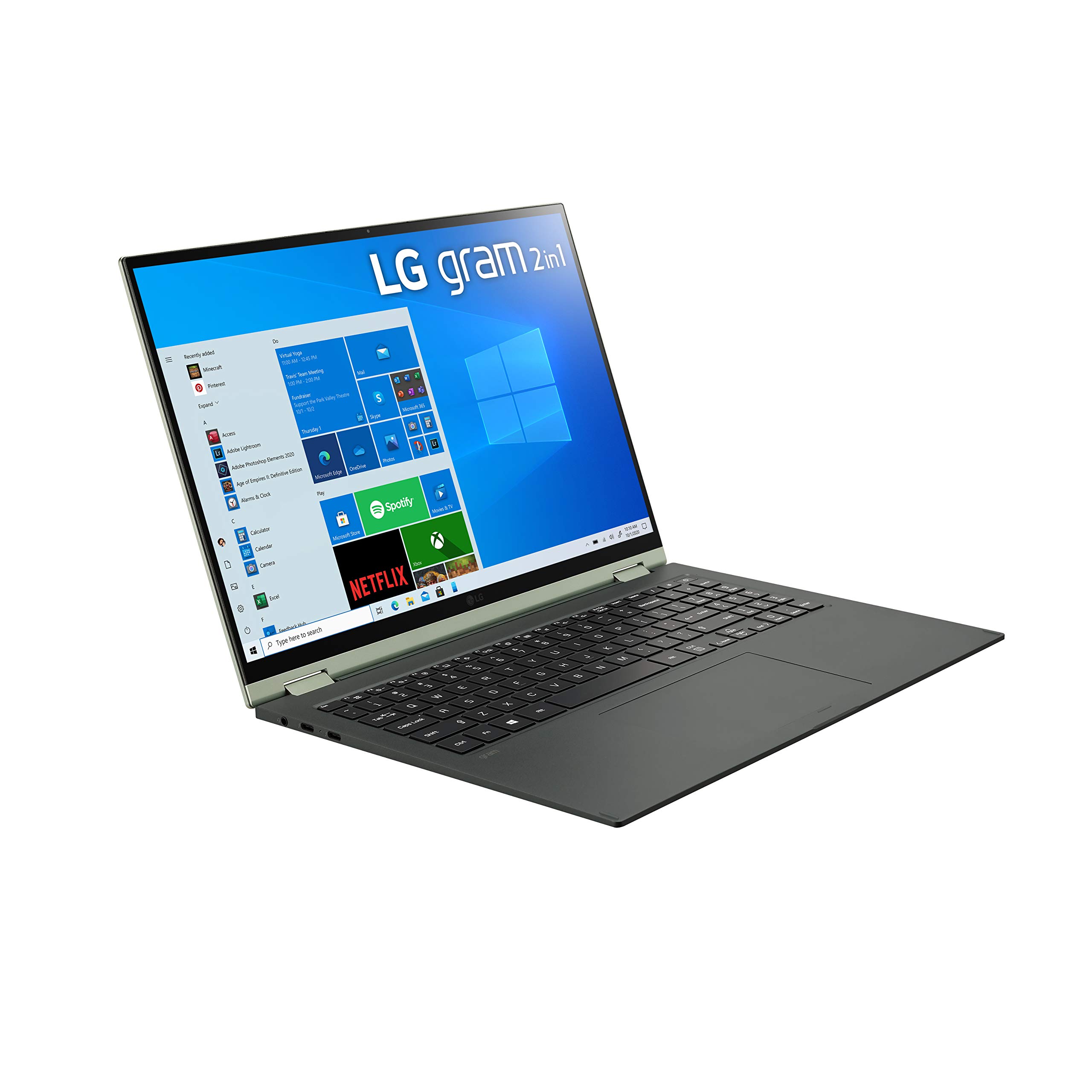
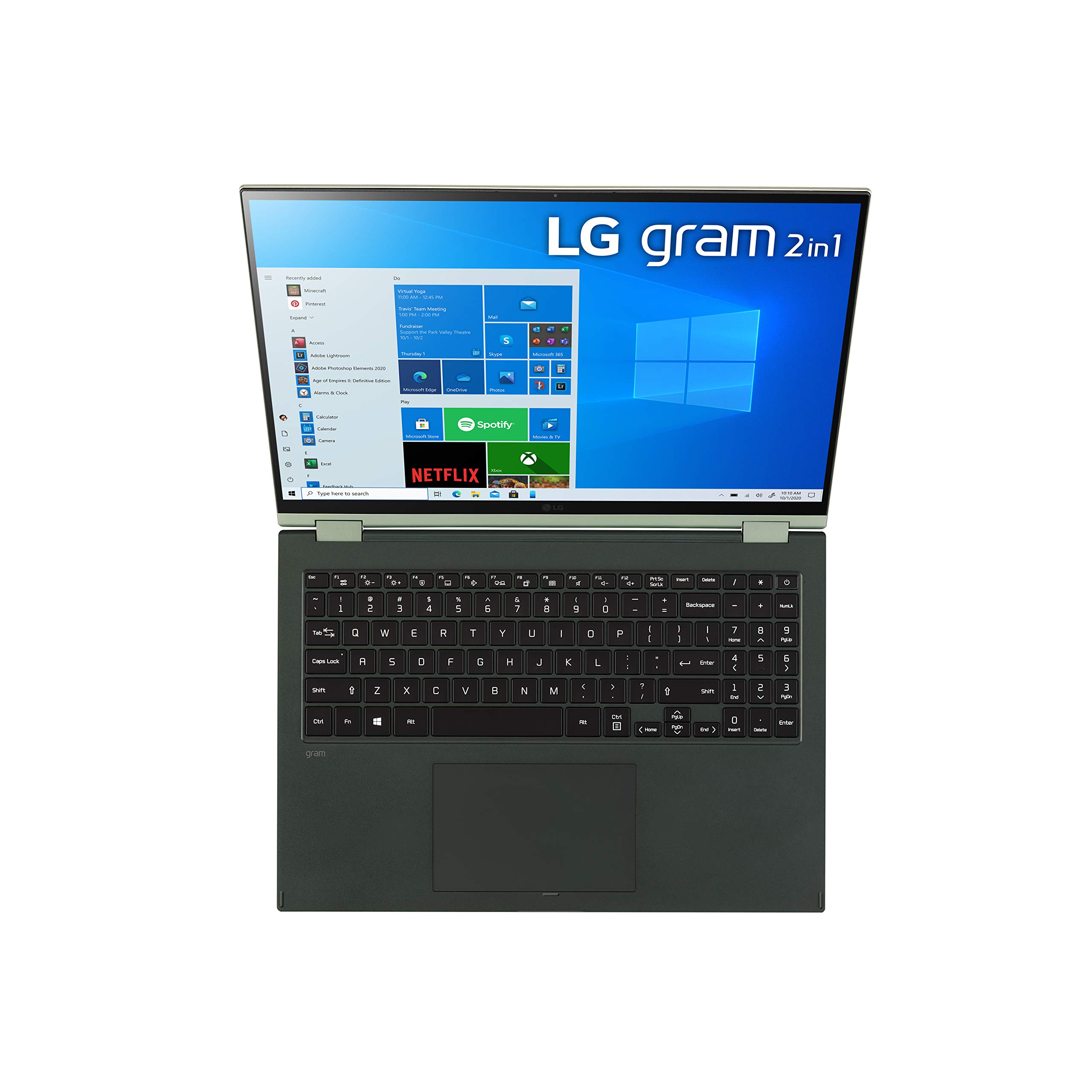

🚀 Elevate your hustle with the LG Gram 16T90P — power, portability, and precision in one sleek package!
The LG Gram 16T90P is a premium 2-in-1 convertible laptop featuring a 16-inch 2560x1600 IPS touchscreen with pen support, powered by an 11th Gen Intel Core i7 processor and 16GB RAM. It offers a lightweight 3.3-pound design, up to 21 hours of battery life, and advanced connectivity including Thunderbolt 4 and HDMI. Ideal for professionals seeking a blend of high performance, portability, and vibrant display for creative and multitasking needs.


| ASIN | B08YD4BK11 |
| Audio Output Type | Headphones, Speakers |
| Audio Recording | No |
| Automatic Backup Software Included | Windows 11 Home |
| Available M2 Slot Count | 1 |
| Battery Cell Type | Lithium Ion |
| Battery Life | 24.5 Hours |
| Best Sellers Rank | #16,046 in Computers & Accessories ( See Top 100 in Computers & Accessories ) #204 in 2 in 1 Laptop Computers |
| Bluetooth Version | 5.0 |
| Bluetooth support? | Yes |
| Brand | LG |
| Built-In Media | Laptop, Manual and Warranty Card, Powercord, Stylus |
| CPU Codename | Tiger Lake |
| CPU L3 Cache | 12 MB |
| CPU Model | Core i7 Family |
| CPU Model Generation | 11 |
| CPU Model Number | 1135G7 |
| CPU Model Speed Maximum | 4.7 GHz |
| Chipset Type | Iris Xe |
| Color | Green |
| Compatible Devices | External displays, mice, keyboards, storage devices, printers, and other accessories that use USB, HDMI, Thunderbolt, Bluetooth, or Wi-Fi connectivity. |
| Connectivity Technology | Bluetooth, USB, Wi-Fi |
| Control Method | Touch |
| Customer Reviews | 3.8 out of 5 stars 116 Reviews |
| Display Resolution Maximum | 2560x1600 Pixels |
| Display Technology | LCD |
| Display Type | LED |
| Form Factor | Convertible |
| Graphics Card Ram | 16 GB |
| Graphics Coprocessor | Intel Iris Xe Graphics |
| Graphics Description | Intel XE |
| Graphics Ram Type | DDR4 SDRAM |
| Hard Disk Description | SSD |
| Hard Disk Interface | Solid State |
| Hard Disk Size | 512 GB |
| Hard-Drive Size | 512 GB |
| Hardware Interface | HDMI, MicroSD, Thunderbolt, USB, USB Type C |
| Has Color Screen | Yes |
| Human-Interface Input | Touchscreen, Touchscreen with Stylus Support |
| Item Dimensions L x W x Thickness | 14"L x 9.8"W x 0.67"Th |
| Item Type Name | 2 in 1 Laptop |
| Item Weight | 3.3 Pounds |
| Keyboard Description | Traditional |
| Keyboard Layout | QWERTY |
| Lithium-Battery Energy Content | 80 Watt Hours |
| Manufacturer | LG Electronics |
| Memory Clock Speed | 4266 MHz |
| Memory Speed | 4266 MHz |
| Microphone Form Factor | Built-In |
| Model Name | 16T90P-K.AAG7U1 |
| Model Number | 16T90P-K.AAG7U1 |
| Model Year | 2021 |
| Native Resolution | 2560 x 1600 pixels |
| Number Of Cells | 2 |
| Number of Ethernet Ports | 2 |
| Number of Ports | 2 |
| Operating System | Windows 11 Home |
| Optical Storage Device | No Optical Drive |
| Other Special Features of the Product | Alexa,Pen |
| Power Device | USB Power Delivery and Battery |
| Processor Brand | Intel |
| Processor Count | 4 |
| Processor Series | Core i7 Family |
| Processor Speed | 4.7 GHz |
| RAM Memory Installed | 16 GB |
| RAM Memory Slot Total Count | 1 |
| RAM Memory Technology | LPDDR4 |
| RAM Type | DDR4 SDRAM |
| Ram Memory Maximum Size | 16 GB |
| Resolution | 2560 x 1600 pixels |
| Screen Finish | smooth or glossy |
| Screen Size | 16 Inches |
| Specific Uses For Product | Business, Multimedia, Personal |
| Supported Monitor Maximum Quantity | 1 |
| Total Number of HDMI Ports | 1 |
| Total Thunderbolt Ports | 2 |
| Total Usb Ports | 2 |
| Touch Screen Type | capacitive |
| Touchpad Feature | Glass Touchpad |
| UPC | 195174013335 |
| Video Output | HDMI |
| Video Processor | Intel |
| Voltage | 100240 Volts |
| Warranty Description | Limited: 1 Year Parts & Labor |
| Warranty Type | Limited |
| Webcam Capability | No |
| Wi-Fi Generation | Wi-Fi 6 |
| Wireless Compability | 802.11ax |
| Wireless Technology | Bluetooth |
K**L
Beautiful, excellent specs and everything just worked
I only have two complaints. 1) The pen works well for drawing and has pressure sensors but does NOT have 'tilt' sensors so it won't work well for advanced digital painting. If you want to just draw like you would with a pen tip or a brush that is only controled by pressure, then it will work fine, but if you want to do something like digital caligraphy, which requires tilt sensors... that won't work. 2) Windows 11 was pre-installed and EVERYTHING worked... but I like to use Linux... every distro that I tried failed to detect some aspect of hardware (especially network drivers). Linux Mint works, but the sound ONLY works through headphones... the speakers are fine and they are listed, but selecting them does nothing... silence. At first I thought it was a hardware issue, but reloading Windows fixed it... so it is a driver issue again. I really don't like Linux Mint, but I am stuck with it... and headphones. If you used Windows 11, this is perfect, you will have no complaints other than the lack of tilt on the pen.
O**X
battery problem & updated review
I love the color, the size, lightweight but I realized that this laptop cannot be charged 100%. The maximum battery is 79% even though I used to LG charger to charge all day. [updated 5/24/2025] I found out why I could not charge the battery 100%. It is for the battery life. So I added one more star in the review. This laptop screen is a glaring issue and gets heat easily even though I do not open many apps but use MS Office. I just started using this laptop so I will update it later. My old laptop was the LG brand too. Everything was okay but I needed to replace the battery. I like the brand LG since I still use it.
F**D
Impressive!
I purchased this laptop on a Black Friday sale for $1499, I had another touch screen laptop that I needed to replace, which was a Dell Inspiron 14 inch. This has been an improvement in almost every way. With Windows 10 requiring TPM from your CPU, my older Dell laptop from 2017 couldn't upgrade to Windows 11, also on the CPU front the Dell was using an Intel core i5 5200U which is a two core 4 thread CPU ( was starting to show it's age). The LG Gram 16 is using a core i7 1260P which is a 12 core 16 thread CPU using a BIG/little architecture essentially 4 performance or "P" cores and 12 efficiency or "E" cores for power saving. These newer 12 gen and above intel CPU's are incredible for both performance AND power efficiency which means much better battery life than you'd be used to if you were using previous Intel models. This laptop will handle just about everything you can throw at it, maybe even some light gaming however it doesn't have a dedicated GPU so emphasis on LIGHT gaming. I'd imagine this would do very well in video/photo editing and handles everyday things like checking email, browsing the web, and streaming video without breaking a sweat. The screen looks great, especially for a touch screen, and it's running pretty much at 2k or 1440p. The build quality seems great as well, very light weight metal construction with seemingly very sturdy hinges. I have run some benchmarks with this laptop against my M1 Macbook air and this PC was on par with the M1, winning in some areas and losing in others, truly impressive if you know anything about the M1. I would venture to say this would be worth the buy even at full price!
K**V
A Total Letdown
I thought by buying a more expensive laptop as a person who uses it exclusively for email, I would be in for a hassle free experience. Thanks to LG and Gram that's the opposite of what I got. This is a truly inferior device. The touchscreen is so reactive that windows close at lightning speed if you even try to adjust the screen a little. It is Way to sensitive. It sometimes won't let you put the pin in and if you hit enter it just let's you in pin free. But that's nothing compared to the newest issue Though no incorrect password was ever entered and in fact I had just signed on but battery died (it goes out fast and gives no good warnings) and hen I restarted it said due to bad sign-in attempts or too many shutdowns (both untrue) I was blocked from using the device I paid for in full for 2 hours. I thought atleast I can make a new account on the computer but it also did not allow this option. So now I can't use the device at all. This computer is barely even used for any of the features it claims to have just largely email so I can ony imagine how bad it would be for anything else. This is a purchase I truly regret.
J**E
Better then I thought it would be!
I wanted the lighter version but this is still not bad. It's about average. I bought a used "good" because I couldn't beat the price, but I wouldn't know it wasn't new. The i5 is a little slower as I'm used to an i7 chip but it's got plenty of power just the same. So far, on initial receipt, it looks, feels and functions great. Even the touchpad works well. If anything changes I'll update this but so far I'm very pleased.
B**.
very light, fast and great battery life
the laptop is very light and thin. It's very fast, and the touchscreen works great. i did have to install some LG utilities to get the keyboard backlight working, but that wasn't too bad. it feels very sturdy for how thin it is, which i was surprised since other's i have used feel like they are going to break. i was super confused about "style" though, the colors aren't actually the color of the laptop, just a name instead of the model #, so i was a bit sad it wasn't actually GREEN when it showed up
S**E
My last LG laptop.
I've had this laptop for 2 years now and feel as if I've had enough time to leave an accurate and detailed review. Let's start with the good - I love this laptop. It's light weight, the OS is easy to use, the software layout is sleek, simple, functional and customizable and it does not overheat after hours of use. My favorite feature is the touchscreen and folding ability that allow it to be used as a laptop or tablet. Great for artists. The length of the battery life, without being on the charger, is very good even after 2 years and the quality of the screen is also very good. You can easily enjoy 1080p, 4k and 8k videos without running into too much hassle. You can also connect and screen share with your phone if you are a Samsung user. Overall, it's good for basic daily use and I would say it's the perfect laptop for your average user, students and office workers, but wouldn't suggest it to anyone who is a gamer, musician or streamer. [ The negatives ] - This laptop has a frequent issue with the USB-C ports failing through hardware malfunctions and through its software updates & this is a major issue since the USB-C port is the only way for this laptop to charge. Many other LG Gram users have also had this issue - so it is within the laptop build/software itself. An other negative is that there is also only 1 USB-A port & I know the intended design is to be sleek and simple, but it is not functional if you plan to use this laptop as a desktop. You absoluty will need to buy a docking station if you plan to use this as a work laptop. It does run internet and simple programs without issue, but it will not run large programs well for very long and you will have to frequently save projects before the program freezes and crashes. I specifically bought this laptop for music production and was cautious about my downloads to ensure the RAM space was used almost solely for music, so the issue is not with running too many programs or lack of storage, but with the computers ability to continually run large software. - All in all I am giving it 3 stars because I had higher hopes for $1,000+ laptop and its functionality, especially as a work computer. I have been able to create great work on laptop, but it came with a struggle and even though I wont be purchasing an other LG laptop, I still do enjoy the product for what it is and think it is a decent machine if used for reasons.
J**.
The keyboard functions differently
There is a learning curve for the keyboard operations. Function keys have different functions than previous keyboards. Keys for the number pad and arrow keys function differently than previous keyboards. The keys all work, but you'll have to re-learn how to use some i.e. needing to hold down the Fn or Ctrl keys when you didn't need to before.
Trustpilot
1 month ago
1 month ago