
DOWNLOAD THE APP


Customer Services
Copyright © 2025 Desertcart Holdings Limited
DOWNLOAD THE APP



🚀 Scan Smart, Live Efficiently!
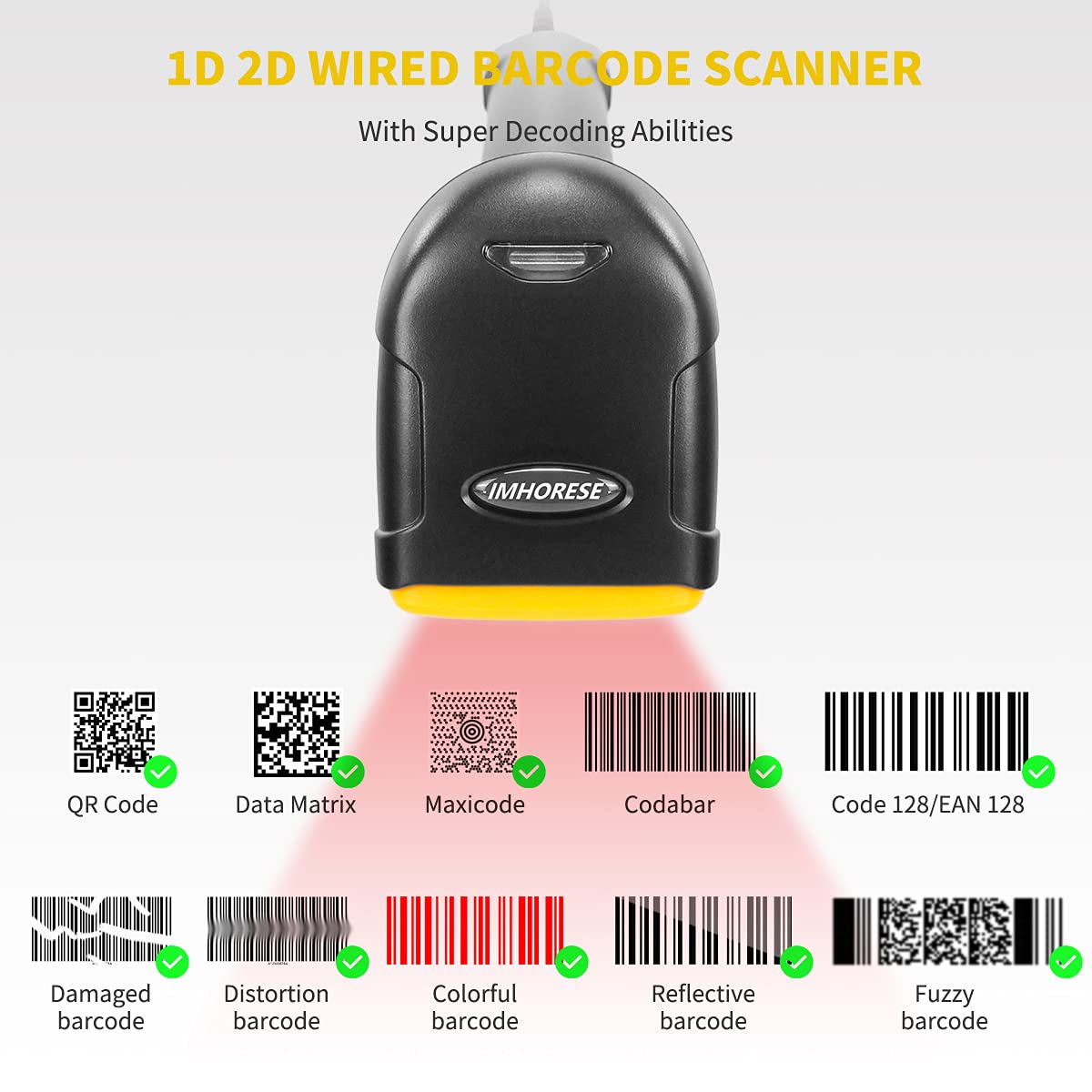
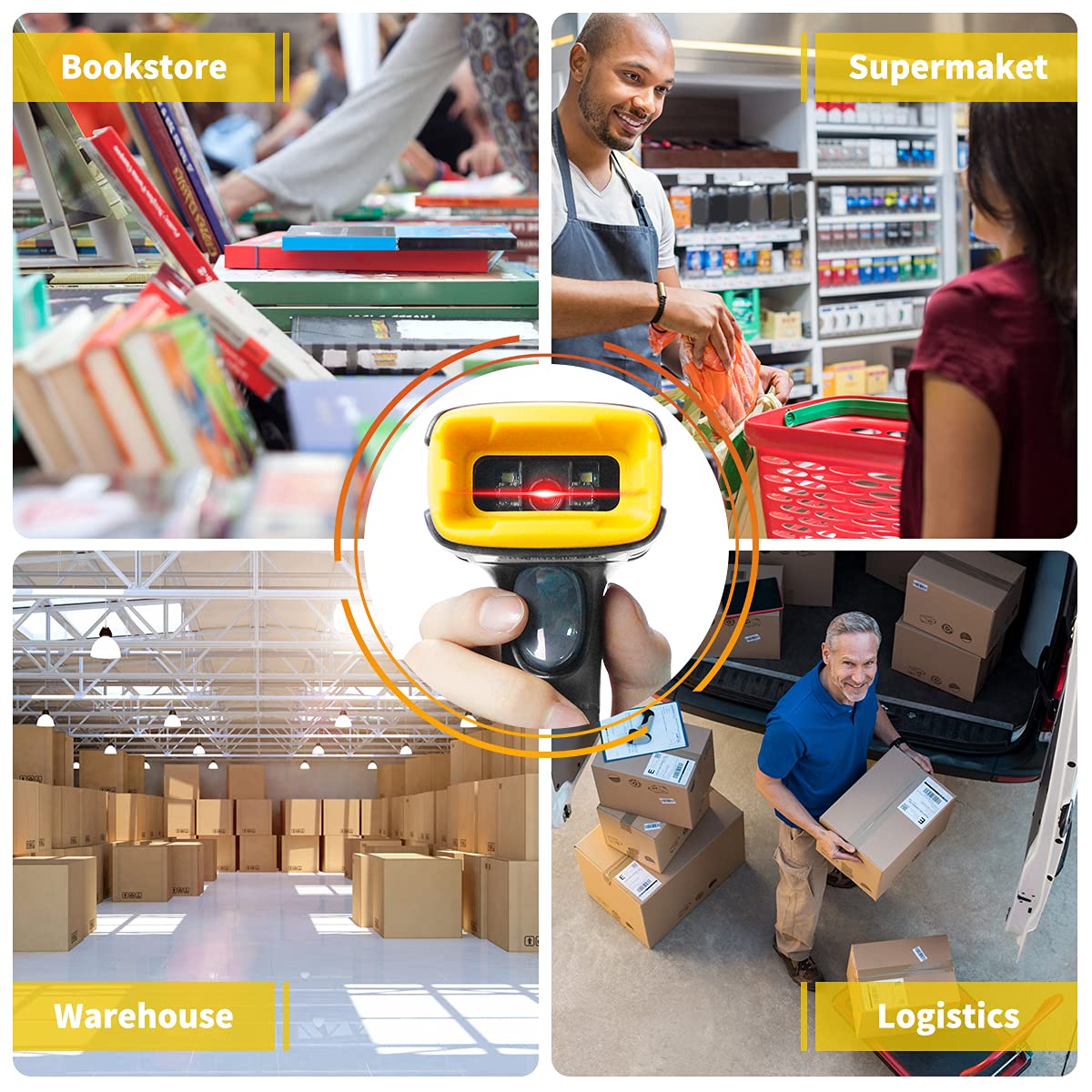
The IMHORESE Handheld Barcode Scanner is a high-performance USB device designed for quick and accurate scanning of various barcode formats, including 1D and 2D codes. Its durable construction and universal compatibility make it an essential tool for professionals seeking efficiency and reliability in their scanning tasks.
S**A
Zap and away
Quick Delivery.Very easy to use and time efficient
C**L
Quick scanning
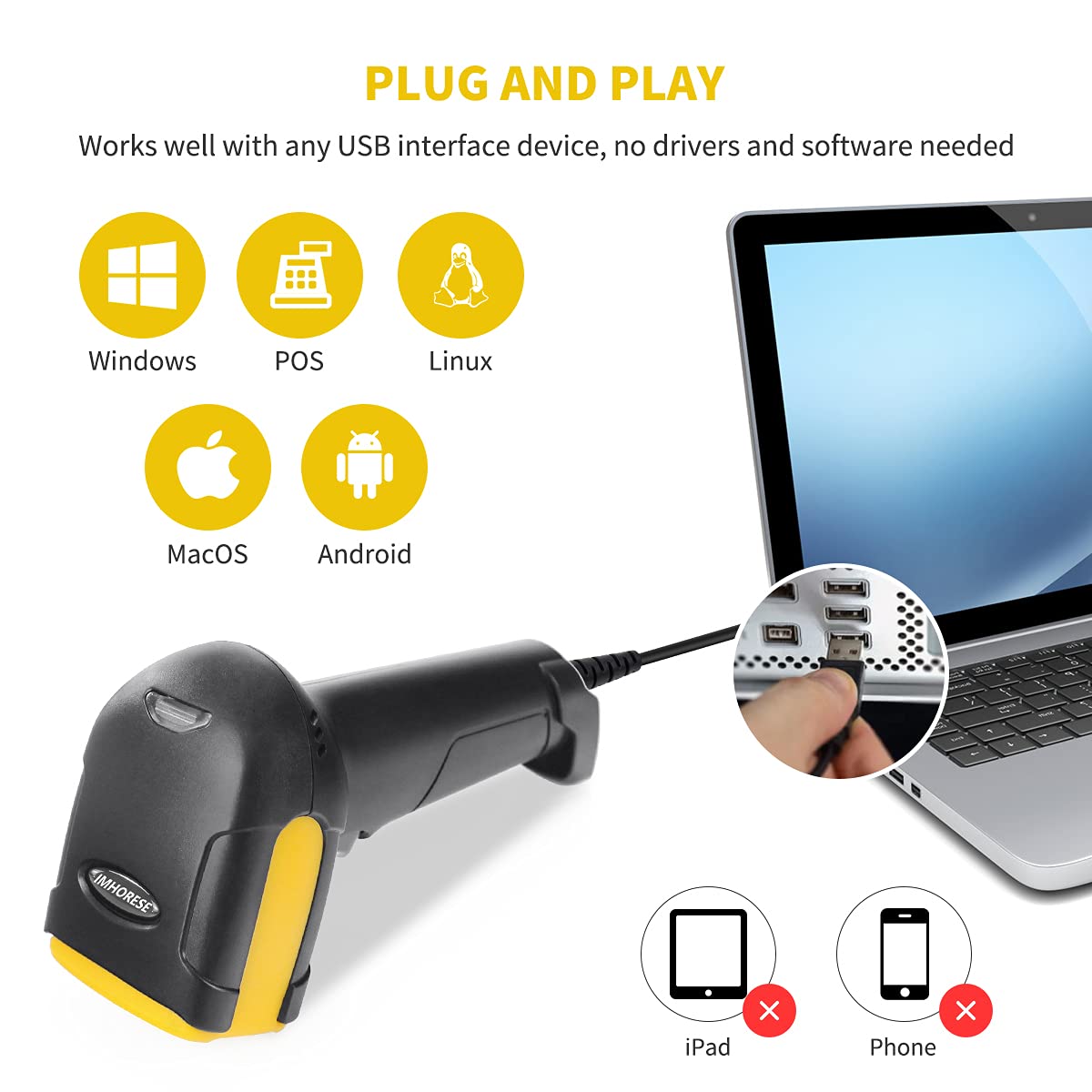
Very easy to use barcode scanner. being a cable its just plug and play.Once installed it shows up as a keyboard and just pasts the barcode what it scans into the whatever has the focus on your computer, be it notepad, excel or anything that you have open.The cord is long enough to have attached to a desk and scan stuff that's on the desk or a nearby shelf.Recognition of the barcode is fast, I've not spent that much time re positioning a barcode to get it to scan properly.Once thing I didn't like about this product is that all barcode types are enabled. So it will scan anything. In places we have 3 or 4 barcodes on the same sticker. All are different types so it would be very handy is I could say only read UPC barcodes or EAN barcodes and the special data matrix ones were ignored. We managed to get around it by just covering up the other barcodes when scanning to avoid the problem.
S**S
Works on the majority of items
The media could not be loaded. You plug the item into your computer and you are able to start scanning straight away. It scans barcodes and QR codes with ease. It helps if you want to look up an item and you do not know where to start looking for it.Removing the wire from the barcode scanner is a difficult task however so I just left it attached which may or may not bother you in terms of organisation.Note:Does not work with hermes and the QR code to return parcels for amazon.
M**L
Easy to use; No app or software needed
The media could not be loaded. IMHORESE Handheld 1D 2D Barcode Scanner, USB QR Code Scanner Wired Barcode ReaderIt is straightforward to use. You don't need an app or software to use it. The instruction on how to operate it is pretty simple to understand. It can scan barcodes or QR codes. And, the cable has a good reach measuring approximately 144.5cm.The thing is, you need to keep and make a copy of the barcodes listed in the user manual.This is exactly what I need for my small business to manage my inventory efficiently.Recommendable.
C**S
"Scanners"
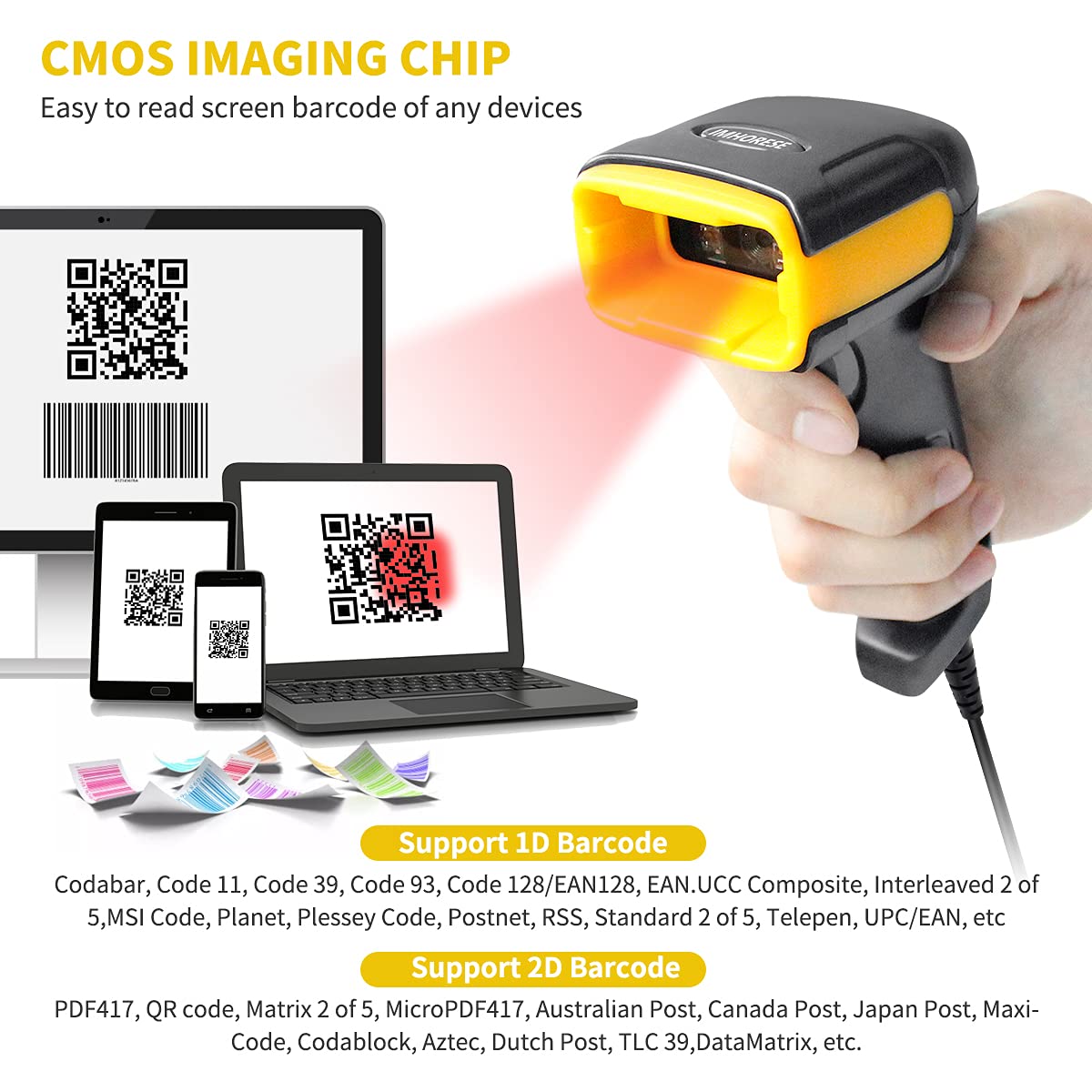
The Imhorese handheld USB Barcode Scanner is a simple handheld scanner for reading 1D/2D/QR Barcodes via an internal CMOS sensor, operated with a simple trigger. The supplied USB cable is separate and has to be plugged into the scanner. Once in, it can't be removed so far as I have been able to ascertain. Not that there should be any need for it, it just seems a bit odd. The handset is quite lightweight, but seems sufficiently robust for the work it is required to do. t has no kind of stand or rest. It comes with a leaflet giving brief instructions on how to set it up. It is fairly straight forward, and for anyone who has used a barcode scanner before it will all be pretty simple. There's little more to be said other than it does what it says on the box, and you can't ask for more than that.
M**C
Amazing barcode scanner for small businesses
The main purpose of barcode scanners is to read, translate, and transmit information contained in barcodes which are very beneficial for your business to make your internal operation easier.This handheld barcode scanner from Imhorse is a 1D and 2D QR scanner that has a high-performance CMOS imaging chip. It is a USB wired scanner that can easily identify and scan commodity and screen bar code, also including fuzzy codes, colour codes and irregular codes. Its outer shell is made of ABS plastic; the trigger can be pressed up to 3 million times and it is built to withstand multiple careless drops from 5 feet. the scanner is compact in size with a length of 64 mm, a width of 97 mm, and a height of 160 mm.In addition, this scanner is plug and play and compatible with Windows, Mac, Linux, iOS, and Android making it easy to set up and use. You can use the scanner by default or by COM mode. If you use this in default mode, the computer will take anything you scan and input it as if it were being typed, just open an Excel document or notepad to record and save it. If you this in COM mode, you must install a driver that can then be used with various barcode software packages.Upon using it, it feels lightweight, sturdy, and well made. It is plastic but it doesn’t look or feel cheap at all. Included in this package is one D530 handheld scanner, one USB cable and one user guide. It is quick and simple to use and will really help you manage your inventories or other various things that should be kept on track.For its price, I think it is a bargain especially if you are just starting up your business. Highly recommend.
A**K
Good Scanner
It took time to understand how this works, how to get the output. It is very easy actually. I scanned codes and with the cursor in a Notepad window, the output was being sent to Notepad. I scanned some of my barcodes and the text received match what I know the barcodes represents. I just need barcode software to make full use of this Scanner.Once the cable is inserted into the scanner, it is seemingly impossible to disconnect it. This is the p[art of this scanner that is not good.
U**I
q.code
tutto ok lo consiglio
M**R
QUERTY-Tastatur-Layout
Super Produkt. Reingesteckt, läuft. Scannt Barcodes, QR-Codes, Design-Codes, etc.Leider habe ich bislang keine Möglichkeit gefunden, die QUERTY-Layout auf QUERTZ umzustellen, aber das frickel ich mir schon irgendwie hin. Trotzdem gibts für dieses "miss" einen Punkt Abzug, denn ich erwarte von einem modernen Gerät, dass es die akt. Systemeinstellungen berücksichtigt.
E**6
N'est pas multilingue, il sera de la même langue que le clavier du PC
Pas multilinguesi vous scannez un codebar 123456 vous obtiendrez &é"'(- car votre clavier 'principal' est en français.pas moyen de programmer le scan pour être en clavier US, il faudrait à chaque fois basculer sa config clavier sur le PC
S**N
Legge codici a barre 1D e 2D anche su schermo. Attenzione al layout.
Non sono esperto di codici a barre ma ho voluto provare questo prodotto perché è in grado di leggere anche codici 2D e anche su schermo. Mi sembra un lettore “basico”, che fa la sua funzione.Mi pare vada segnalata una cosa: nella modalità di default lo scanner legge il codice a barre o QR e fa finta di essere una tastiera, inviando al computer i codici DEI TASTI corrispondenti ai simboli che legge, ma non si basa sulla tastiera italiana e i simboli che non sono numeri o lettere appaiono “traslati”.Per esempio, se creo un codice QR alternando i numeri della tastiera italiana con i simboli che si trovano sopra i numeri stessi, vale a dire“1!2"3£4$5%6&7/8(9)0=”quello che ottengo dopo la scansione è invece“1!2°34$5%6/7-8)9=0ì“.E se leggo dei QR che contengono indirizzi internet, la parte “://” appare traslata in altro per questo motivo.Volendo usare lo scanner in modo tastiera occorre modificare il layout dal PC.Penso che altri scanner permettano di scegliere il layout di tastiera da emulare.Per ovviare si può forse usare la modalità RS232.Il funzionamento avviene collegando la pistola via USB a un computer (o potrebbe anche essere un cellulare o un tablet).La pistola emette sempre luce quando si preme il grilletto e questo spesso impedisce la corretta lettura dei codici su schermo per via dei riflessi. Per leggere codici sul monitor occorre puntare la “pistola” un po’ inclinata verso l’alto o verso il basso, in modo che il riflesso non colpisca il sensore.Di default la pistola si comporta come una tastiera e crea una nuova riga per ciascun valore letto, aggiungendo il carattere Invio a ogni lettura.Si può scegliere se aggiungere CR e/o LF alla fine di ogni riga, oppure nulla.Di default si comporta simulando una tastiera ma può anche simulare l’invio dei dati da porta seriale “COM”, con un baud rate di 115200 (8 bit di dato, nessuna parità, 1 bit di stop).C’è anche una modalità “RS232” che prevede un suffisso CR + LF, sempre 115200, 8, n, 1.I comandi per cambiare le modalità vengono impartiti attraverso dei particolari codici a barre che si trovano sul manuale.Un altro scanner (solo per codici lineari) che avevo provato aveva più funzioni, permetteva di inserire prefissi e suffissi alfanumerici, di memorizzare liste di codici e poi scaricarle. Di selezionare quali tipi di codici riconoscere e quali no.Questo sembra piuttosto semplice e ha questo strano (a mio avviso) modo di leggere i codici su schermo proiettando una luce.
S**A
Mancano le istruzioni in italiano con i codici per impostarlo
Ho contattato il venditore per avere il codice di codifica in italiano ma non c'è stata nessuna risposta, rendo perché inutilizzabile, per di più sulla descrizione prodotto è indicato come lettore di QR Code, invece è semplicemente un lettore BarCode.
Trustpilot
1 day ago
2 months ago