We remain fully operational. Our teams are working around the clock to ensure your deliveries continue safely.

DOWNLOAD THE APP


Customer Services
Copyright © 2025 Desertcart Holdings Limited
DOWNLOAD THE APP
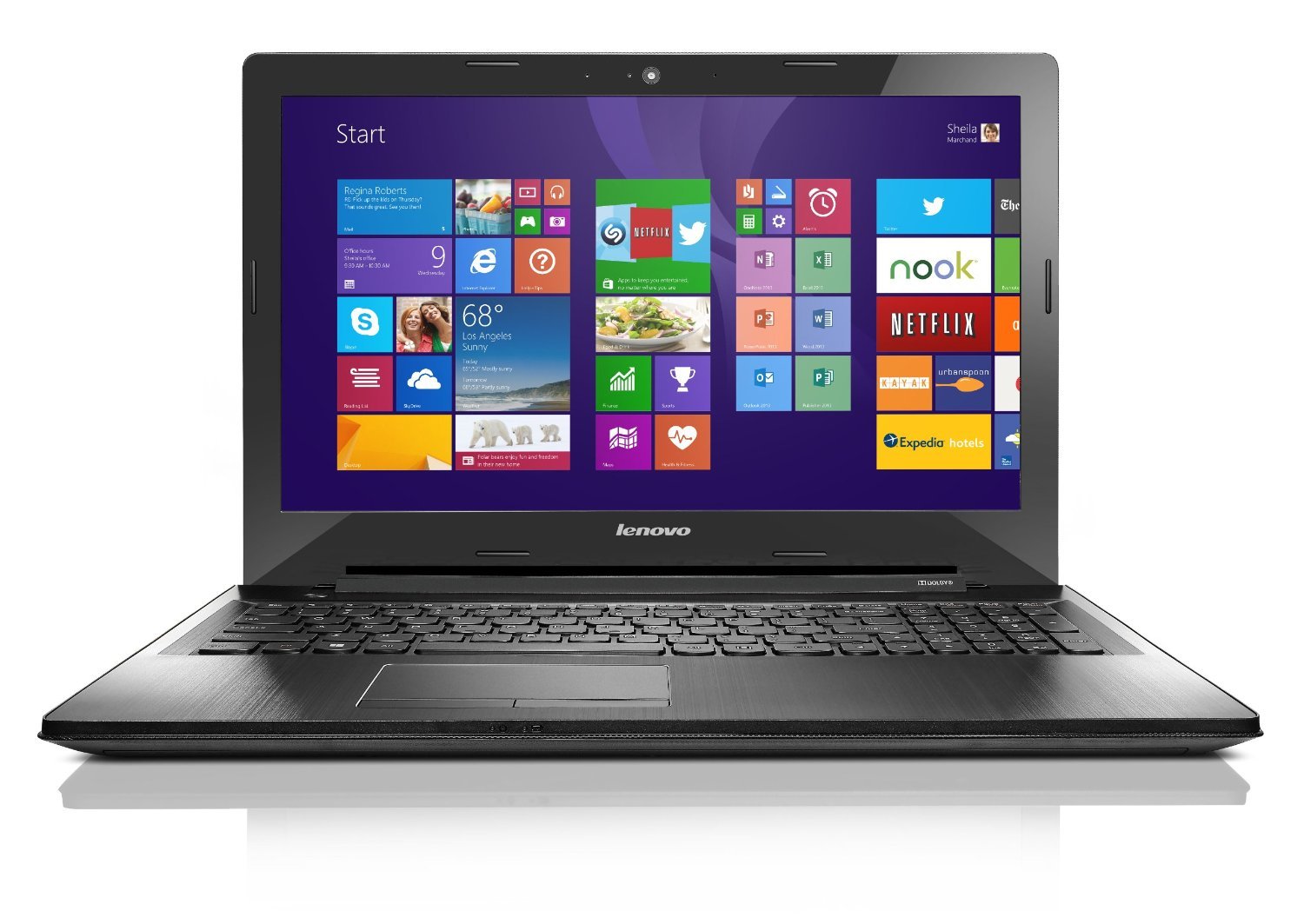
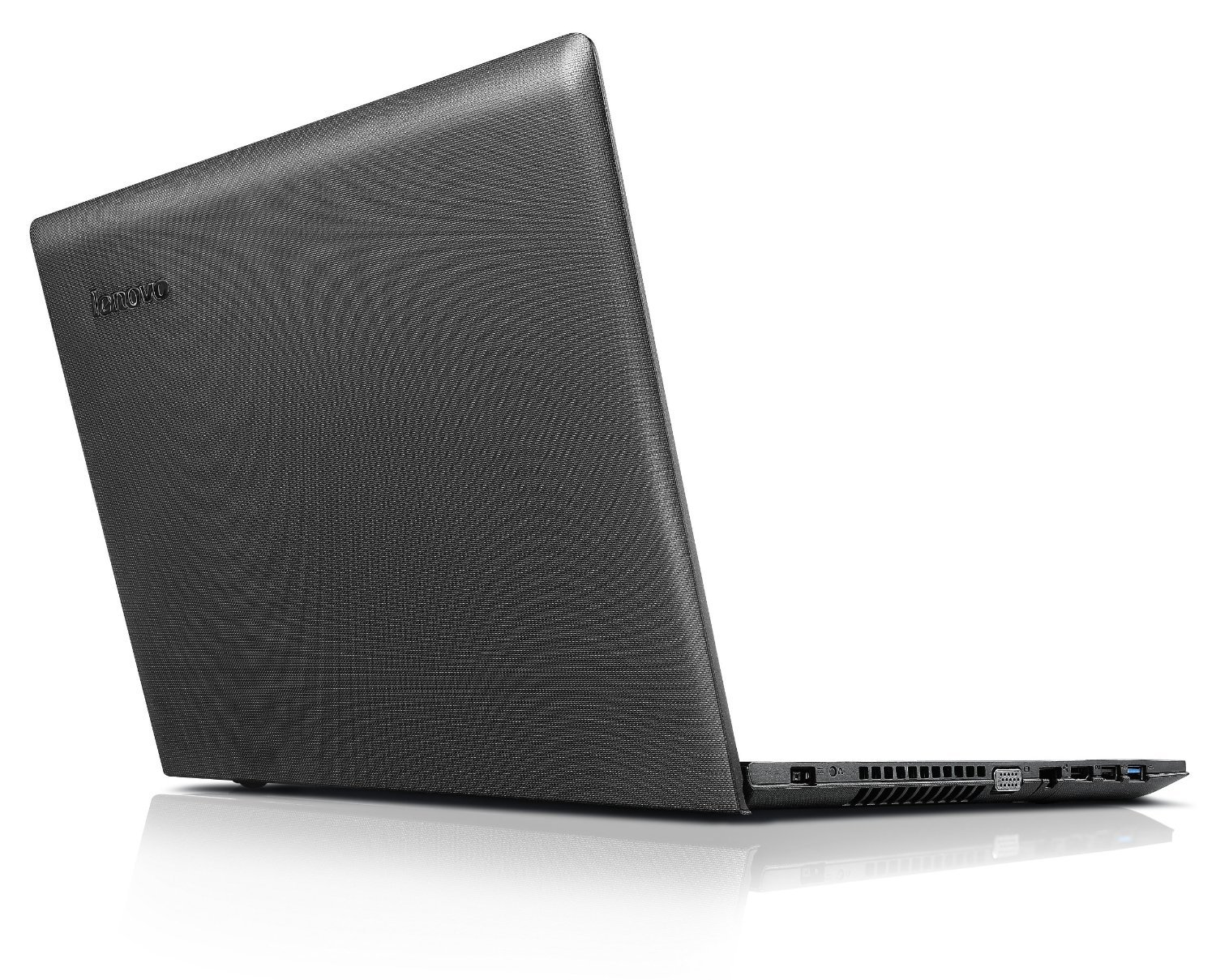
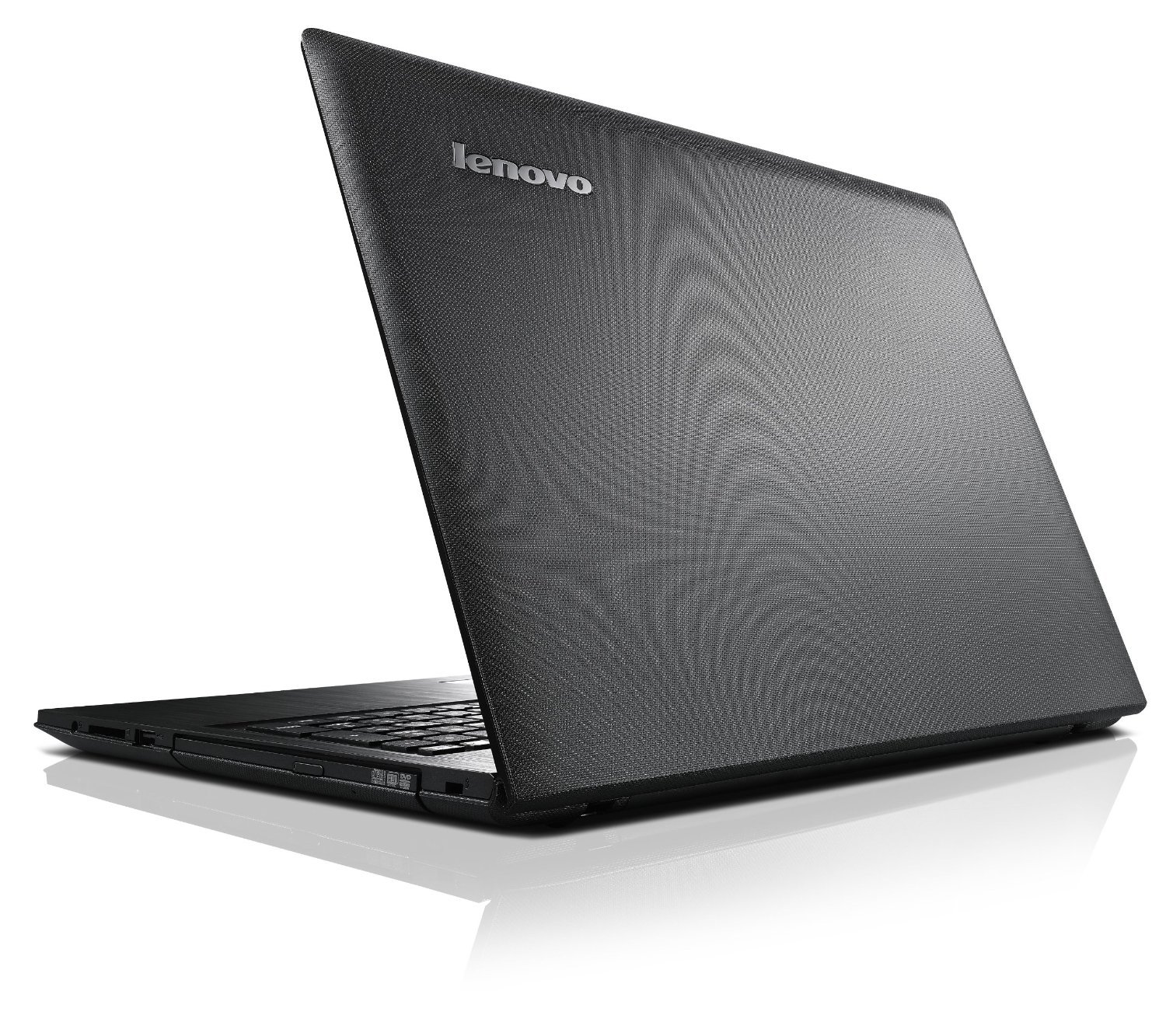
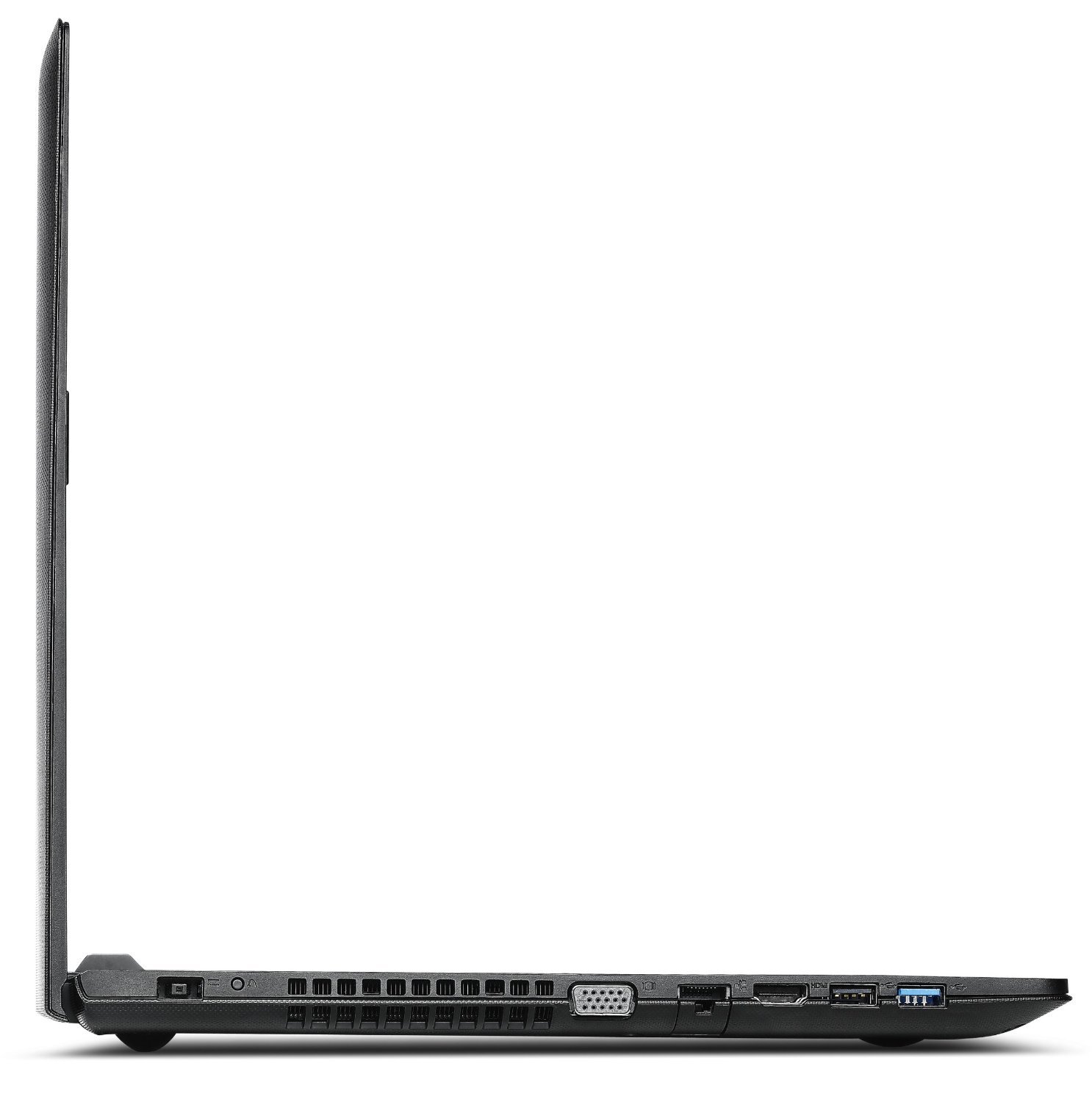
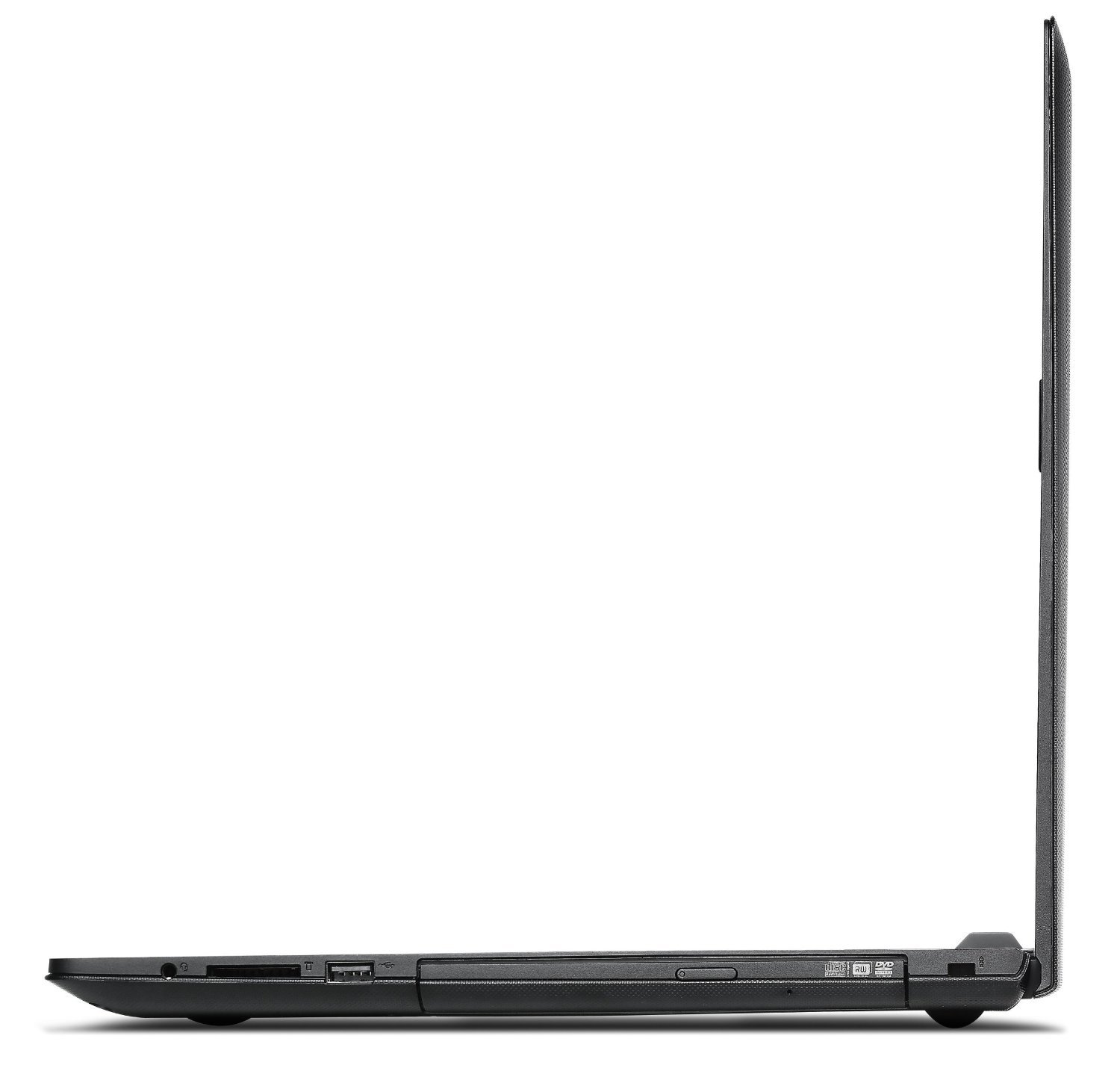
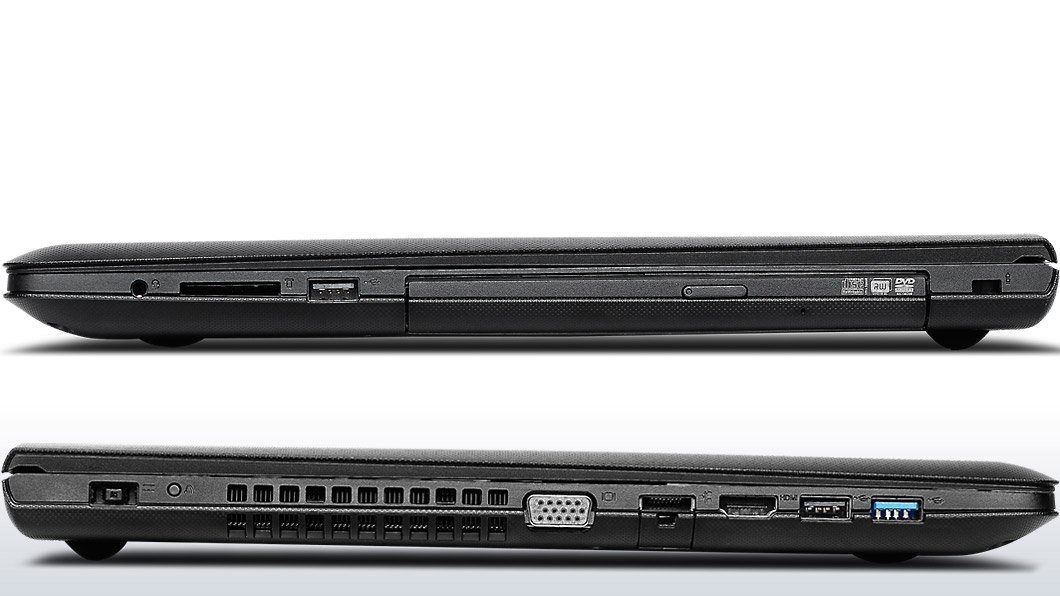
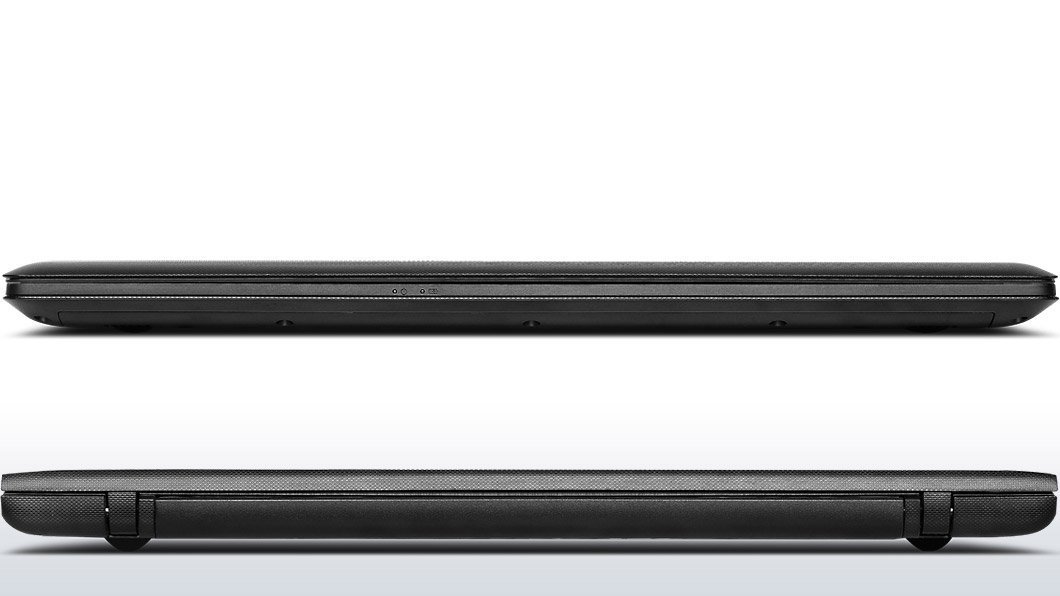
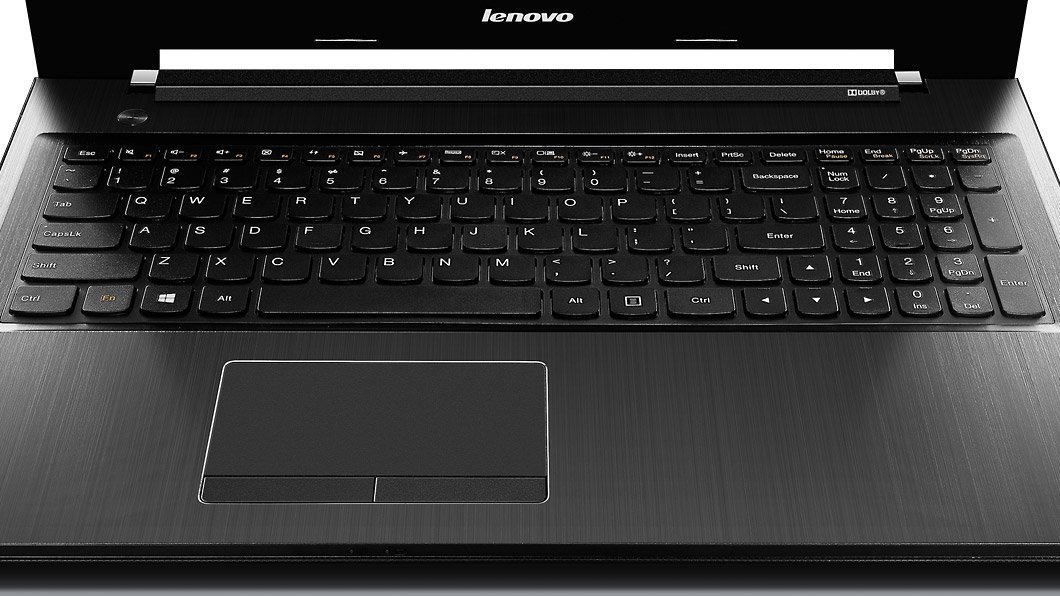
Unleash Your Potential with Lenovo Z50! 🚀
The Lenovo Z50 80EC000TUS Laptop combines a powerful AMD A10-7300 Quad-Core processor with 8 GB of DDR3 RAM and a spacious 1 TB HDD, all wrapped in a sleek black design. With a 15.6-inch display and a battery life of up to 5 hours, it's the perfect companion for professionals seeking performance and portability.
| Standing screen display size | 15.6 Inches |
| Screen Resolution | 1366 x 768 pixels |
| Max Screen Resolution | 1366x768 Pixels |
| Processor | 1.9 GHz amd_a_series |
| RAM | 8 GB DDR3 |
| Hard Drive | 1 TB HDD |
| Graphics Coprocessor | AMD Radeon R6 |
| Chipset Brand | AMD |
| Card Description | Integrated |
| Wireless Type | 802.11bgn |
| Number of USB 2.0 Ports | 2 |
| Number of USB 3.0 Ports | 1 |
| Average Battery Life (in hours) | 5 Hours |
| Brand | Lenovo |
| Series | Z50 |
| Item model number | 80EC000TUS |
| Operating System | Windows 8 |
| Item Weight | 5.15 pounds |
| Product Dimensions | 10.43 x 0.98 x 15.12 inches |
| Item Dimensions LxWxH | 10.43 x 0.98 x 15.12 inches |
| Color | Black |
| Processor Brand | AMD |
| Number of Processors | 1 |
| Computer Memory Type | Unknown |
| Hard Drive Rotational Speed | 5400 RPM |
| Optical Drive Type | DVDRW |
| Power Source | Battery Powered |
| Batteries | 1 Lithium Ion batteries required. (included) |
B**Y
I've had it for a good few weeks now
I've had it for a good few weeks now, and the only issue that I have with it is that the track pad kind of spazzes out randomly, which I think it's because I hit a combination of keys and all of a sudden everything I do on the trackpad makes me zoom in on webpages lol. That's really the only issue.Before I bought this a lot of the reviews I read had complaints about the keyboard and monitor.For me personally, I love the keyboard just fine. I'm a very fast typer as it is and it does me just fine.The moniter does seem slightly dull in daytime, but that's to be expected.The speakers did throw me off at first, I'd say they don't sound as great as my last laptop just because of where these speakers sit but it's not horrible either. (plus I use earbuds half the time so it wouldn't bother me in the first place.)I bought this computer to fit my gaming needs, and since I didn't have the money for more expenses models, this was the best one I could find for under 500 dollars.I play World of Warcraft at about medium/some high settings and I range from 30-70 fps just depending on whats going on.Of course in PVP and raids I'd suggest lowering everything as far as it can go just because those modes are very demanding.League of Legends is at I believe max settings, except I turned shadows off and sometimes I can get up to 65-70 fps, but it generally stays around the 50-60 area, and sometimes 45 if some crazy stuff is going down.I tried to push this laptop for some higher up games like Archeage and Warframe, which are a lot more graphically intense.It runs Warframe on very low but with 50-60 fps, so if you wanted prettier settings and are okay with sacrificing some frames then there's totally some room for that.Archeage on the other hand didn't really work for me.It did run on low, but in bigger areas there was some pretty hardcore lag especially with heavy player traffic.But when I bought this laptop I didn't expect it to play everything so that's perfectly fine with me.My biggest wants were to play WoW, LoL, and Warframe at smooth and enjoyable frames which I'd say I accomplished.If you are looking for an affordable laptop that can game today's popular games, like League of Legends, then this is totally worth it.I'm 100% happy with my purchase.
J**N
Gaming?
I have this laptop and I was looking for a small gaming laptop, which it said to be, I can't even run moabs, on high graphics, let alone, rpgs, etc. I'm getting 40 frames per second on the lowest quality of graphics. Unless there is some switch to get into gaming mode thar I don't know about, I wouldn't get this computer for gaming purposes. However, if you're not looking for a gaming laptop, this is a quality computer. I have had some over heating issues, then again I game most of the time, but yeah, solid computer for regular uses.
J**W
Worst computer I've ever used
I purchased a Lenovo Z50 laptop for my wife through Amazon back in January. The computer itself is cheaply built and burdened with Windows 8, but it's well spec'd for something at this price point, and I won't discuss its performance or features as those details are available elsewhere. Instead, I'll tell you about our experience owning this laptop. This computer is mostly used for Internet browsing in Google Chrome, running the Microsoft Office suite, and playing The Sims 3 computer game. A little background: I'm not a computer professional by any means and I have no formal training, but I'm somewhat hardware-savvy and I've built about ten desktop systems over the past decade.The computer almost immediately had problems as the touchpad would suddenly stop working at random intervals. Sometimes it would fix itself in seconds or minutes, but not always. It seems that Lenovo doesn't have a fully operational Windows 8 driver for the touchpad, as driver updates didn't do anything to address the issue and we ended up just buying an external mouse. Many other people were reporting the same problem in Internet support forums so it looked like Lenovo simply didn't care about this known issue.Within two months of ownership, it started to have frequent system crashes and blue screens of death. These mostly appeared to tie into Flash and Java applets, but would also happen sporadically when the computer was idle and not in use. Again, installing the latest and greatest drivers that could be found didn't do anything to solve the problem. The frequency of the BSODs and crashes eventually increased until the system would die immediately after Windows 8 loaded.We're active-duty US military stationed in Japan, so obtaining tech support for this American-market computer is a challenge, and shipping the computer to the US for service would likely involve 2-3 months of downtime (not a knock on Lenovo - just part of the overseas life). The one time we did get a support rep on the phone, we were told that the issues we were having didn't sound like a hardware failure and that, therefore, the warranty wouldn't do anything to cover it.In frustration, I dug up a Windows 7 DVD and reformatted the hard drive to run that older OS. (This was in May, four months after purchase.) Lenovo actually does still publish 64-bit Win 7 drivers for this machine and they seem much more stable (the touchpad issue finally went away) so we were doing well with Windows 7... for a while. Unfortunately that only lasted for about a month and a half before the random crashes resumed; now the computer references various .dll files missing or corrupted, blue screens of death mentioning NTFS.sys, and other such oddball failure modes. Since there's nothing of value on the computer, I attempted to reformat/reinstall Windows 7 again, but this time the installation wouldn't even complete. Maybe the hard drive is failing after six months - not impossible, but unlikely - but the computer is currently out of commission altogether pending Lenovo tech support help.Note, reinstalling the original Windows 8.1 OS is not an option as Lenovo didn't provide a "system recovery" CD or DVD - only recovery partitions on the hard drive. That means that if the hard disk drive fails, the end user doesn't have any means to restore the computer without tech support getting involved.I'll continue my crusade to get this computer to work but owning this computer has been a continuous hassle and disappointment. We've only owned it for six months and I've been fighting to get it to work for almost the entire time; I regret that I didn't return the machine in the 30-day "window." I'm sure the Lenovo company manufactures some fine computers, but this isn't one of them.
Trustpilot
1 week ago
1 day ago