Desertcart purchases this item on your behalf and handles shipping, customs, and support to Senegal.
๐ Power your productivity, stay unstoppable.
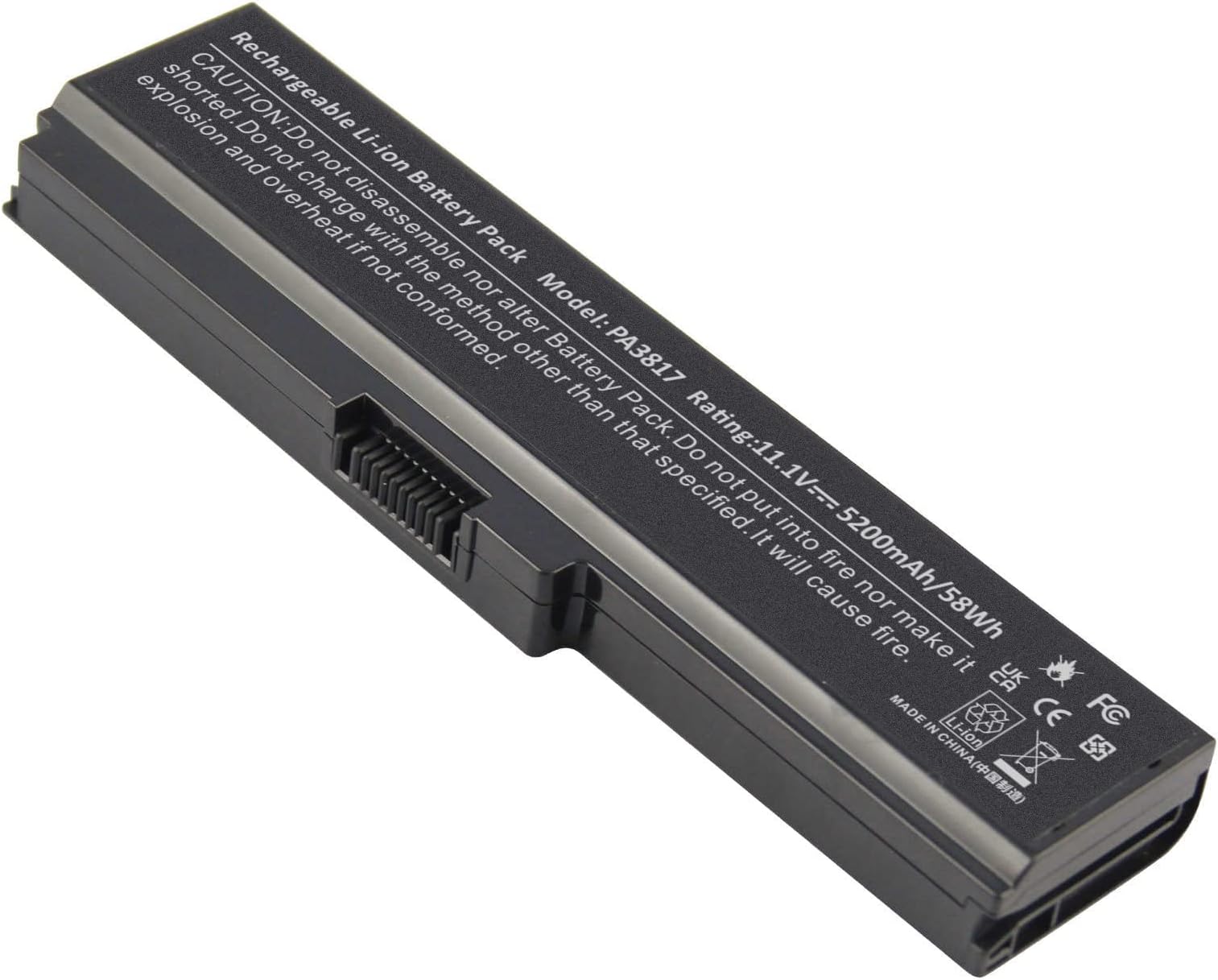
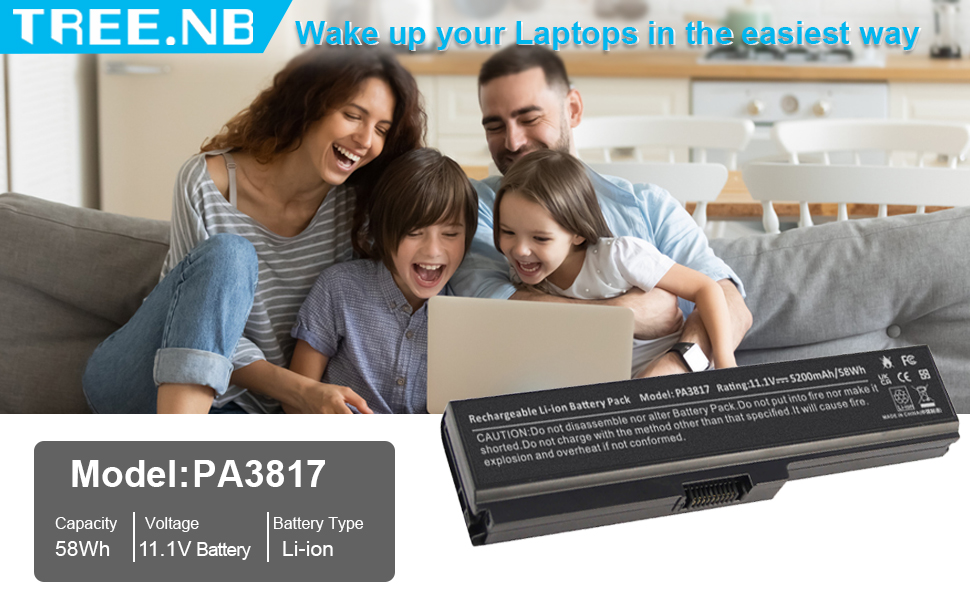
The PA3817U-1BRS is a high-capacity 6-cell lithium ion battery delivering 5200mAh at 11.1 volts, designed for seamless compatibility with numerous Toshiba Satellite laptop models. It offers reliable, rechargeable power with easy installation and is backed by a 1-year warranty, making it the go-to choice for professionals seeking to extend their laptopโs life and performance.


| ASIN | B07F2323RT |
| Antenna Location | Adults |
| Battery Capacity | 5200 milliamp_hours |
| Battery Cell Composition | Lithium Ion |
| Battery Cell Type | Lithium Ion |
| Battery Weight | 200 g |
| Best Sellers Rank | #1,636 in Computers & Accessories ( See Top 100 in Computers & Accessories ) #59 in Laptop Batteries |
| Brand | TREE.NB |
| Compatible Phone Models | PA3817U-1BRS Battery for Toshiba Satellite A665 A665-S5170 A665-S6086 A665-S6050 M645-S4050 M645-S4070 M505-S4940 L755-S5277 L775D-S7222 P745-S4102 P755-S5265 PA3818u-1BRS PA3819U-1BRS PABAS228 |
| Customer Reviews | 4.3 out of 5 stars 2,147 Reviews |
| Item Dimensions | 8.93 x 3.26 x 1.53 inches |
| Manufacturer | Dongguan Lewe Electronics Co., Ltd |
| Model Name | PA3817 |
| Model Number | 3817 |
| Number of Batteries | 1 Lithium Ion batteries required. (included) |
| Recommended Uses For Product | Adults |
| Reusability | Rechargeable |
| UPC | 653437439778 |
| Unit Count | 1 Count |
| Voltage | 11.1 volts_of_alternating_current |
| Warranty Description | 1 year |
R**Y
BATTERY WORKED GREAT; EASY REPLACEMENT
Battery was great and my laptop is working perfectly. Easy to replace. The guitar pick and the screwdrivers are not the best quality or strength. The Torx screwdriver wore out after 3 screws so I just went and got one from harbor freight and finished off the job. But the battery itself was great for now.
O**Y
Perfect fit, easy project.
The battery had died in wife's 5 year old Asus Zenbook, It wouldn't boot up giving a message on the signon screen about "Too many shutdowns. Power the computer for two hours and try again." I considered just retiring the machine to the recycle bin, but decided to give this replacement battery a try. The new battery fit perfectly and the machine now runs like new again. The installation of the new battery is relatively easy. The hardest part is popping off the metal back plate from the laptop chassis after the screws are removed, but with the included tools and a little patience, I was able to complete the job in less than an hour. I plugged in the power supply and was relieved to see the charging indicator immediately light up. I let it charge for a couple of hours, then the computer booted up without a problem and worked perfectly.
C**A
Works Great for My ASUS Zenbook UX393J. Pay Attention When Installing.
The original battery on my ASUS Zenbook UX393J was toast. Under load I'd be lucky to get 15 minutes out of it. Purchased this and it's working great. Fully restored my laptop runtime to hours (it all depends on load but suffice it to say runtime is now exactly what I expect & was provided new by ASUS). Some tips: -- The power connector is special and delicate - don't force. Find a video showing how to disconnect because it's simple once you know what to do. Essentially the metal stay on side away from battery must be pushed away from battery to unlock connector. Once unlocked the white connector is pulled up (away from laptop) to disconnect. If you use force at any time to disconnect/connect you'll break it and be in a pickle. Again, find a video there are a bunch. -- Screws are super small. Make sure to disassemble away from pets and on a surface where if dropped you have a fighting chance to find them. Recommend a magnetic mat to place them during battery swap. -- Take pictures as you go. Easy and cheap insurance if there are questions during the swap. -- Don't get all touchy feely. Recommended to use a grounding strap. If you don't keep those little fingies away from components you're not replacing. -- On the (battery) side opposite the power connector there are 2 tabs. That side must be inserted first so the tabs engage correctly. Then the battery can be laid down, power connector attached and battery screwed into the laptop. -- Make sure nothing is sticking up. On mine I had to fiddle with the power cable a little because it was sticking up over the battery. Nothing should be sticking up. -- If weird things happen after battery replacement double check the battery's tabs are properly engaged and nothing is sticking up. Weird things will be stuff like the mousepad isn't working correctly or back cover doesn't lay flat on laptop. Don't panic just double check everything. Nothing should require force to get flat. -- I'd suggest testing after the back case is put in place but prior to putting all the screws in. Once verified everything works shut down and install back case screws. Good luck.
A**R
Works so far..
This battery for my Toshiba laptop seems to be working well. It will probably give two + hours of useful time on my computer. It fits a bit snugly when compared to the original battery ๐. Time will tell how it holds up. It is a battery replacement...reasonable price.
J**N
Battery was a Perfect Replacement
I had no experience with changing the battery, but it was easy, and the replacement battery was a perfect fit.
P**E
Random power failures during boot up.
Ordered this item and installed it 4 months ago to replace my XPS 15 (9500) battery. Great price for a replacement battery but unfortunately my concern about not buying OEM came true. The replacement battery was always a bit buggy from the day I installed it. My original Dell battery was 4 years old and only lasted 1.5hrs fully charged. The great thing about this battery was that it lasted nearly 4hrs fully charged, however the problem was that when booting up or coming out of hibernation the laptop would suddenly shutoff once every 4-5 bootups. This was very frustrating and fortunately none of my files were ever corrupted. Starting from the 3rd month of usage the problem increased to once every 2-3 startups. I finally gave up when my chances of getting the laptop to startup was 50/50. Once at a client meeting my laptop failed to bootup 5 times in a row and eventually resorted to working off my iphone. My guess is the battery could not sustain the required voltage during windows startup/login and when windows would come on and start loading background apps like teams and one drive the voltage would drop and the system would shutoff. Even after charging the battery for an entire weekend I still had the problem. I removed and reseated the battery several times but still couldn't resolve the problem. The battery definitely degraded quickly over 3 months and roughly 3-4 charge cycles per week. I tested with the laptop plugged in and didn't have the problem, but that defeats the purpose of having a laptop. I eventually removed this aftermarket battery and went back to my old original dell battery for the past 2 weeks. I only get 1.5hr at full charge but the laptop has not shutoff on me once. I'm hoping customer service will replace my defective battery. I'm happy to change my review if I can get a good battery.
U**D
Good Fit (TREE.NB 69KF2 Sold by: AC Doctor INC)
Item "TREE.NB 69KF2 Sold by: AC Doctor INC" fits well: screws line up ok and it does not block the trackpad.
S**E
Nice unit
Good replacement
Trustpilot
3 weeks ago
1 week ago