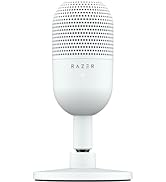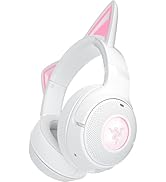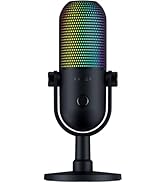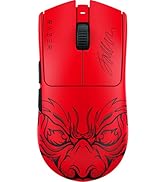



🎬 Stream Like a Pro, Look Like a Star
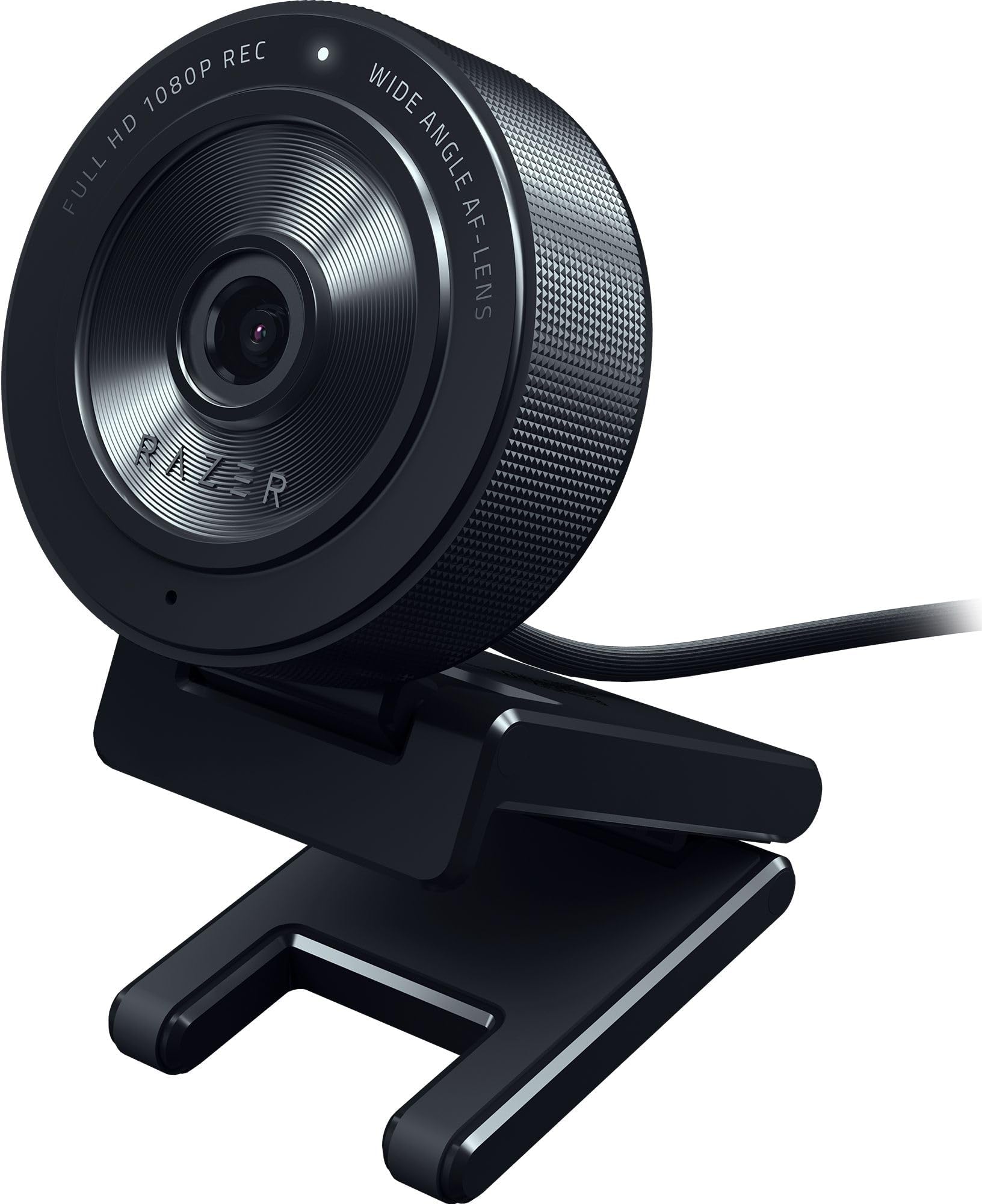
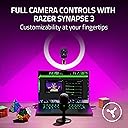
The Razer Kiyo X is a compact, USB-powered streaming webcam delivering crisp 1080p video at 30fps or smooth 720p at 60fps. Featuring built-in smart autofocus and fully customizable settings via Razer Synapse 3, it offers flexible mounting options for perfect framing. Designed for content creators seeking professional-quality streams with effortless setup and portability.


| ASIN | B09DGQHV87 |
| Amazon 売れ筋ランキング | パソコン・周辺機器 - 187,325位 ( パソコン・周辺機器の売れ筋ランキングを見る ) ウェブカメラ - 935位 |
| おすすめ度 | 5つ星のうち4.4 1,124 レビュー |
| アスペクト比 | 16:9 |
| カラー | ブラック、 |
| サポートするオーディオ形式 | AAC |
| サポートする画像形式 | JPEG |
| スタイル名 | Kiyo X。 |
| ディスプレイ最大解像度 | FHD |
| デジタルズーム | 3 X |
| バッテリー付属の有無 | いいえ |
| ビデオカメラの種類 | Webカメラ |
| ビデオキャプチャ形式 | MP4 または AVI |
| ビデオキャプチャ解像度 | 1080p |
| ファイル形式 | JPEG |
| フォトセンサー技術 | CMOS |
| フォーカス機能 | オートフォーカス |
| フォームファクター | コンパクト |
| フラッシュメモリタイプ | SDHCカード, SDXCカード |
| ブランド | Razer(レイザー) |
| ブランド名 | Razer(レイザー) |
| ホワイトバランス設定 | オート |
| メーカー名 | Razer |
| モータータイプ | 光学 |
| ユニット数 | 1 個 |
| レンズの最短焦点距離 | 1 ミリメートル |
| レンズの最長焦点距離 | 1 ミリメートル |
| レンズ種類(レンズキットの場合) | ズーム |
| 互換デバイス | パソコン、ノートパソコン。 |
| 光学ズーム倍率 | 3 X |
| 内蔵メモリータイプ | SDHCカード, SDXCカード |
| 内蔵メモリー数 | 128 GB |
| 写真センサーテクノロジー | CMOS |
| 動画画素数 | 1080p |
| 同梱商品 | ストリーミングウェブカメラ。 |
| 商品の追加説明1 | 高品質広角レンズ。 |
| 商品の重量 | 0.34 キログラム |
| 商品種別 | ブロードキャストカメラ。 |
| 型番 | Kiyo Pro |
| 手ブレ補正 | いいえ |
| 撮影機能 | オート, プログラム |
| 最大焦点距離 | 1 ミリメートル |
| 最大絞り値 | 3.5 ミリメートル |
| 最大絞り値(F) | 3.5 ミリメートル |
| 最小絞り値(F) | 22 f |
| 有効動画解像度 | 1080 ピクセル |
| 画像キャプチャ速度 | 30 fps |
| 画面サイズの単位 | 2.7 |
| 通信・接続インターフェース | USB |
| 防水タイプか否か | 非防水 |
| 露出制御タイプ | オート |
| 静止画の有効解像度 | 64 MP |
G**E
Ottima
Fa il suo lavoro ,la uso come handcam per la tastiera e il mouse e si vede molto bene.
R**A
A great budget webcam
The camera is good quality, gives off a great picture. I used it to go on video with friends and loved ones often and it replaced my extremely old Logitech cam. The only issue with it is that you need to uninstall the driver in order for your pc to pick it up as the razer kiyo, otherwise it's registered as a usb webcam only. I have mine on a tripod clipped on to my monitor stand as I don't like webcams hanging over my monitors.
S**R
A noticeable improvement in image quality
Until now, I have been using a cheap Chinese camera for all my video conferences. It did an OK job. But since I'm now 100% home office based, I decided to invest in a 'professional' camera so that I can come across clearly. After thorough research, I opted for the Razor Kiro, vs. Logitech C920. It is not disappointing. Setup was plug & play (no need for the Razer SW in my opinion), and the image quality of top-notch, several of my colleagues have already commented on the massive improvement. Highly recommend this camera not just for gaming, but if you are spending many hours of your day on video conferences.
R**O
Rapport qualité prix top
Je suis vraiment satisfait de cette webcam Full HD. L’image est claire et nette, même en faible luminosité, et les couleurs sont naturelles. Parfait pour les visioconférences, les cours en ligne ou le streaming. La mise au point est rapide et le micro intégré restitue bien la voix sans trop de bruit de fond. L’installation est ultra simple : branchée en USB et reconnue immédiatement, sans besoin de pilotes supplémentaires. Elle est stable sur l’écran grâce à son support, et le design est discret. Excellent rapport qualité-prix, je recommande sans hésiter !
X**R
Preis - Leistung lohnt sich
Die Webcam verbindet sich anstandslos auch mit Linux. Das Razer-Tool ist unnötig. Liefert scharfe Bilder, stellt sehr gut scharf und die automatische Belichtung funktioniert sogar mit Anpassung des Farbtons, prima.
Trustpilot
3 weeks ago
1 week ago