🎮 Elevate your game with the curve that commands attention!
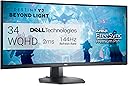
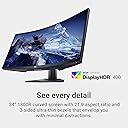
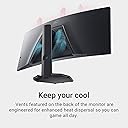
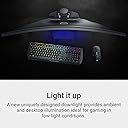
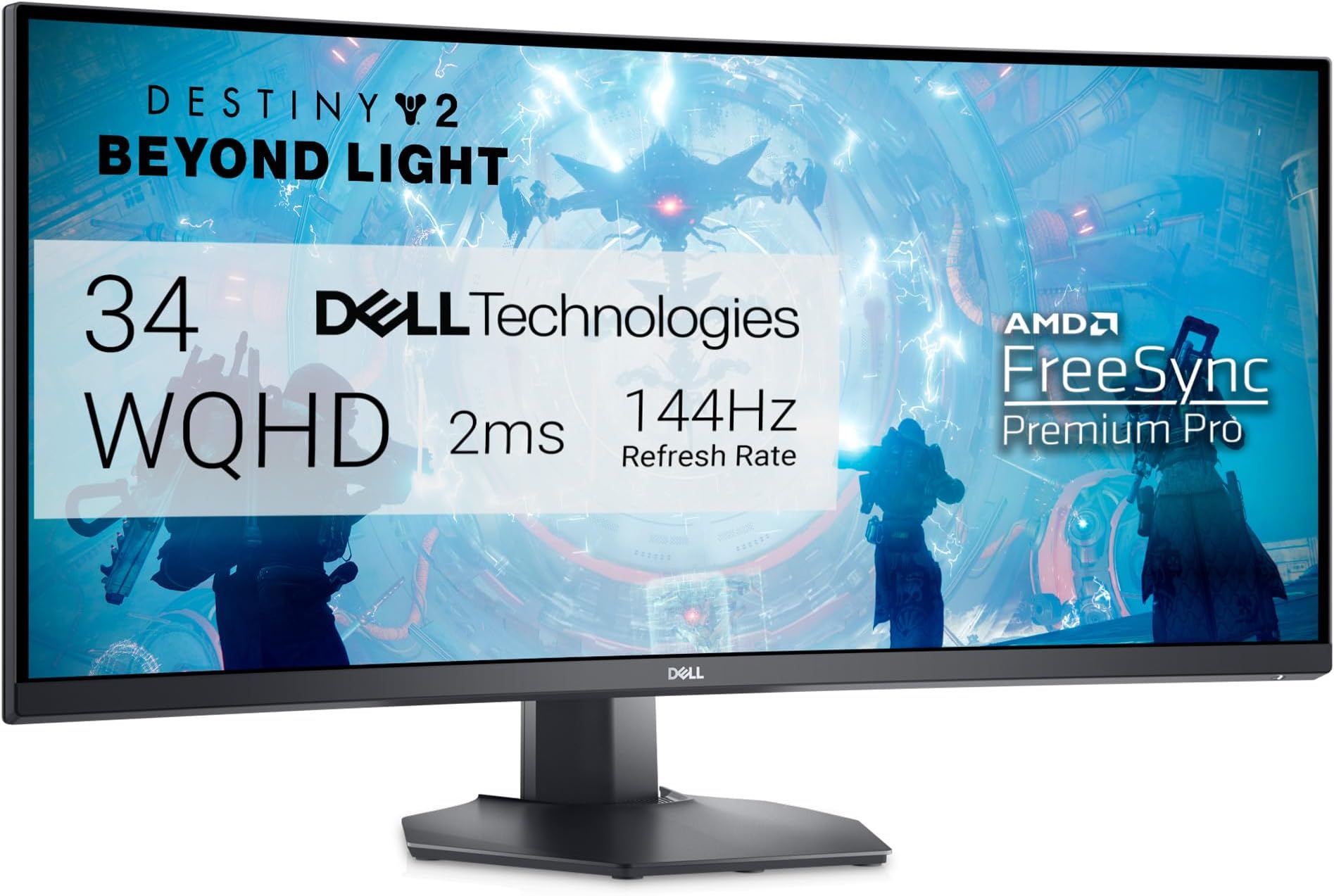
The Dell S3422DWG is a 34-inch curved gaming monitor featuring a 3440x1440 WQHD resolution and a fast 144Hz refresh rate. Its 1800R curvature and 21:9 ultra-wide aspect ratio deliver immersive panoramic views, while VESA DisplayHDR 400 certification ensures vivid, high-contrast visuals. Designed for comfort and style, it includes adjustable height and tilt, ambient downlights, and efficient cooling vents, making it a perfect centerpiece for serious gamers and professionals alike.


| ASIN | B095X7RV77 |
| Adaptive Sync | FreeSync |
| HDMIポート数 | 2 |
| UPC | 884116388609 |
| USB3.0ポート数 | 4 |
| USBポート数 | 4 |
| おすすめ度 | 5つ星のうち4.5 2,561 レビュー |
| アスペクト比 | 21:9 |
| カラー | ブラック///ホワイト |
| カラースクリーン機能付き | はい |
| コントラスト比 | 3000:1 |
| コンポーネントアプトプット数 | 3 |
| コード・ケーブル長さ (m) | 34 インチ |
| シリーズ番号 | 34 |
| スクリーン表面の仕上げ | 非光沢 |
| ディスプレイの種類 | LED |
| ディスプレイ方式 | LED |
| ディスプレイ最大解像度 | 3440 x 1440 ピクセル |
| ネイティブ解像度 | 3440x1440 |
| ハードウェアインターフェイス | 3.5ミリオーディオ, HDMI, USB 3.2 Gen 1, ディスプレイポート |
| ピクセルピッチ | 109 |
| ブランド | Dell |
| ブランド名 | Dell |
| メーカー名 | Dell |
| モデル名 | Dell Curved Gaming Monitor |
| リフレッシュレート | 144 Hz |
| レンズマウントの種類 | デスクマウント、ウォールマウント。 |
| 互換デバイス | ノートパソコン、デスクトップ、ゲームコンソール。 |
| 品目の寸法 (D x W x H) | 24.9奥行き x 80.8幅 x 52.7高さ cm |
| 商品の用途 | ゲーム |
| 商品の追加説明1 | 曲面 |
| 商品の重量 | 21.21 ポンド |
| 型番 | S3422DWG Gaming Monitor - 2NOF4 |
| 形状 | 長方形。 |
| 応答時間 | 2 ミリ秒 |
| 明るさ | 400 |
| 画像コントラスト比 | 3000:1 |
| 画質向上テクノロジー | ちらつきなし。 |
| 画面サイズ | 34 インチ |
| 画面サイズの単位 | 34 インチ |
| 画面表面の説明 | 非光沢 |
| 縦横比 | 21:9 |
| 色域値 | 99 |
| 視野角 | 178 度 |
| 解像度 | QHD Wide 1440p |
| 通信・接続インターフェース | HDMI |
| 電力消費サイズの測定単位 | 90 ワット |
| 電圧 | 100 ボルト (AC) |
| 電気 | いいえ |
C**L
Excellent price to performance
This 34 in ultra wide is definitely one of the best VA panels I've ever owned once you set the colors in get everything locked in it's excellent I have zero smearing on my monitor and dark areas etc I know some people have said they've experience it I haven't at 144 120 60 and 30 none at all response time is super fast I also have three other ultra wides I have Asus 34 ultra wide VA that's supposed to be 165 HZ and the Dell beats the brakes off it easily even though it's 144 because when you're comparing 144 and even if you move up to 165 there's no way you can tell the difference and I also own the LG ultra gear IPS 165 Hz and I can tell you without a doubt out of all three this dell 34 is the way to go the IPS is brutal for blacks really gray in and out definitely not worth a $1,200 it wouldn't even be worth $700 when it was on sale but I got this at 399 on sale and I would recommend anybody looking to get into ultra wide or if you just want to upgrade or switch
A**R
Very good screen
Good screen, does what it says.
K**Z
No por nada es uno de los mejores Ultrawide disponibles
Vaya, tenía mis dudas sobre este monitor, vi muchísimos videos, muchísimas reseñas y me decidí a darle una oportunidad y vaya que me sorprendió, el monitor es enteramente de plástico robusto (es bastante grande el monitor), se siente de buena calidad, la pantalla es mate y maneja bien los reflejos, es de 144 hz, que no es mucho pero cuando tratas de mover esa resolución con settings de “ultra” esos 144hz aveces son difíciles de sobrepasar dependiendo tu gráfica y el juego, yo lo tengo con una RTX 3070 y cuando los juegos no son muy demandantes sobrepaso esos 144hz, pero cuando son títulos AAA cuesta trabajo llegar incluso a los 100fps cuando todo está en “ULTRA”, pero la calidad de imagen y la nitidez del monitor hace que se te olvide que no estás en la cima del “PC MasterRace”; voy a poner sus pros y sus contras: Pros: - Excelente representación de colores (puede usarse para edición de fotos y videos). - buen tiempo de respuesta (me parece que 1ms MPRT). - Buen contraste, los negros se ven bien. - Muchísimo brillo más de 500 nits - A pesar de ser un panel VA el smearing no es tan notable, solo hay que modificar la respuesta del panel. - la Base aunque es grande no es estorbosa. - excelente calidad de imagen - tiene dos entradas HDMI y una DP, entrada de audífonos y un hub usb. - tiene freesync (aunque ni lo especifica, pero funciona) y g-sync. - El HDR funciona muy bien, no tan impresionante como en una TV de gama alta pero muy bien en comparación a otros monitores. Contras: - Es un panel VA por lo que los ángulos de visión son limitados. - tiene ligeras fugas de luz, prácticamente ni se notan, hay que buscarlas casi casi con lupa para verlas. - El Smearing aunque casi no se nota, está ahí y si eres muy susceptible a esto lo mejor es elegir un panel IPS. - Estéticamente es gordo, muy bien construido pero no va a ganar un concurso de belleza - la curvatura no es tan pronunciada, a mí en lo personal me hubiera gustado en este tamaño una curva más prononciada. - Su precio, si bien su precio debería de ser de entre 8 mil y 10 mil, es difícil encontrarlo a esos precios, a mi me costo 8 mil en la pasada oferta de Amazon pero a raíz de eso surgieron muchísimos vendedores externos que lo ofertan a un precio ridículamente alto, así que es complicado poderlo comprar. - Realmente en tamaño es grande si no vienes de monitores convencionales de 32 pulgadas, ya que al ser ultrawide es más corto de lo alto pero más largo de lo ancho, pero obtienes una mejor sensación de inmersión que con un monitor normal. Conclusión: si quieres un Monitoe ultrawide de 1440p, con buena representación de colores, brillo y contraste sin llegar a ser “impresionante o destacable” es una excelente compra, para mi es un punto intermedio entre rendimiento para gaming y calidad visual. También depende de tu grafica ya que es realmente complicado mover tantos píxeles, mínimo necesitas una RTX 3070 en adelante para este monitor, si tienes algo menos potente que esto, mejor busca un monitor convencional porque donde brilla este monitor es cuando juegas a resolución nativa y todo en ULTRA.
A**R
Dell S3422DWG Curve
Fantastic monitor suitable for both work and play. The 34” screen space enable productivity and ease of reading Spreadsheets and data. Probably can add in the security cable lock as not all brands and type of cable lock is compatible.
S**T
Adequate for my working needs
Why buying such a large display? I am no longer a gamer (and, besides, true hard core gamer prefer 24 inch displays as they do not need to move their heads and delay reaction time), but I make a heavy use of laptops with a range of applications. I have an 18 inch laptop, but when at home it becomes a desktop and until recently I had 2 25-inch monitors. That solution was feasible, but took way too much space on my (not so small desk) and it was a "jungle" of cables, wires, etc. It looked messy and cumbersome. So that is why I got this monitor. Is it easy to mount and set up? It comes in a big box and it is relatively heavy. The toughest part was to carry it from the mail room in my building to my apartment, but I could have used a dolly, perhaps. Mounting it was actually easier than I expected. Setting it up was actually as easy as with other displays. How does it work? It works well. The quality is high, all my windows are open and well visible and I never need to go looking for them. Letʻs say that there is plenty or "real estate" for even people who make a heavy use of computing. The only thing that I did not pay attention to is that this display does not have built in speaker. However, my computer was telling me that it does and I could not hear a thing when I selected the monitorʻs as my speakers. Not a surprise: cannot use speakers that are not there! Other than that the new display checks all my required boxes and after about 2 months of using it, I think it was a good purchase. Any negative surprise? - Perhaps one: as the monitor has a higher resolution of HD and my laptop is HD if I use the display as a second screen, getting with the mouse from laptop display to 34 inch display is easy, coming back.... not so much. Eventually I learned the point of the big display from which to go back to the computer display, but it is not a smooth operation. Something else one should know? Yes, some are likely expecting that they can watch a movie full screen on a 34 inch like this. The format of the display is different from that of movies and so it can only be used in like 27 inch sort of size with the sides being black. Considering that I watch movies on it from 2-3 feet away, that is aplenty of size, but I am just telling. Is there a way around this problem to take advantage of the big display? Perhaps.... one should make sure that the aspect ratio of his or her ultrawide monitor is set to the correct value, which is typically 21:9. You can access the aspect ratio settings through the monitor’s menu or display settings on your computer. Final comment. The curved thing is not making a big difference for me, frankly, But I love the "real estate" that comes with a 34 inch display. There are definitely better large screen monitors out there, but as a novice to this area I did not want to pay over $1,000 for something I was not even sure that I would have liked. So, after two months I am very satisfied with this purchase for less than $400. It does what I needed it to do. So, as far as I am concerned: thumbs up!
Trustpilot
5 days ago
3 days ago