Desertcart purchases this item on your behalf and handles shipping, customs, and support to Senegal.
⌨️ Elevate your workspace with ergonomic precision and pro-grade customization!
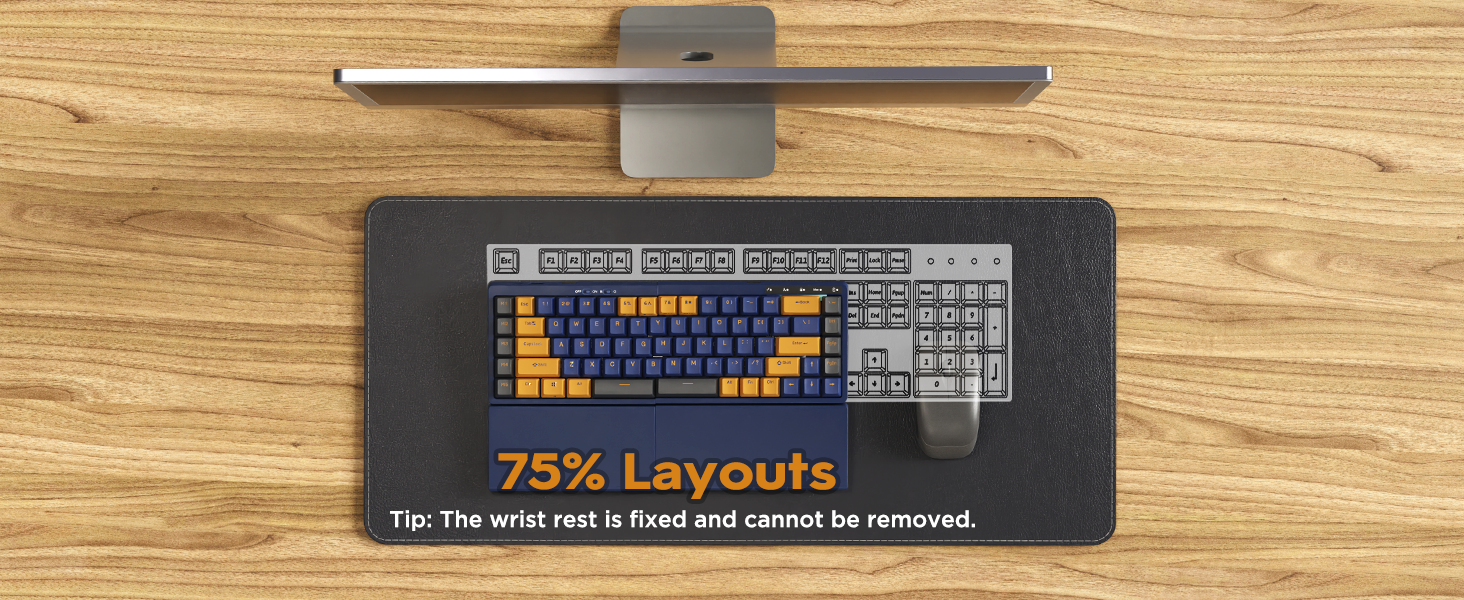
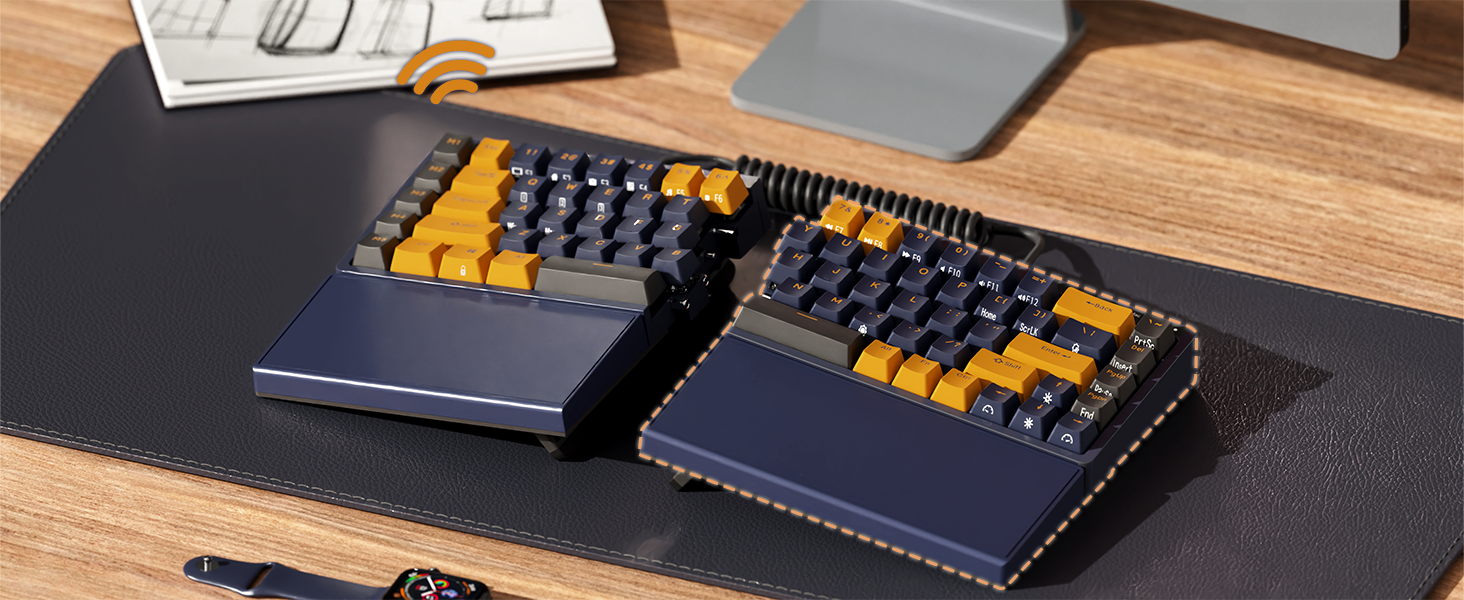
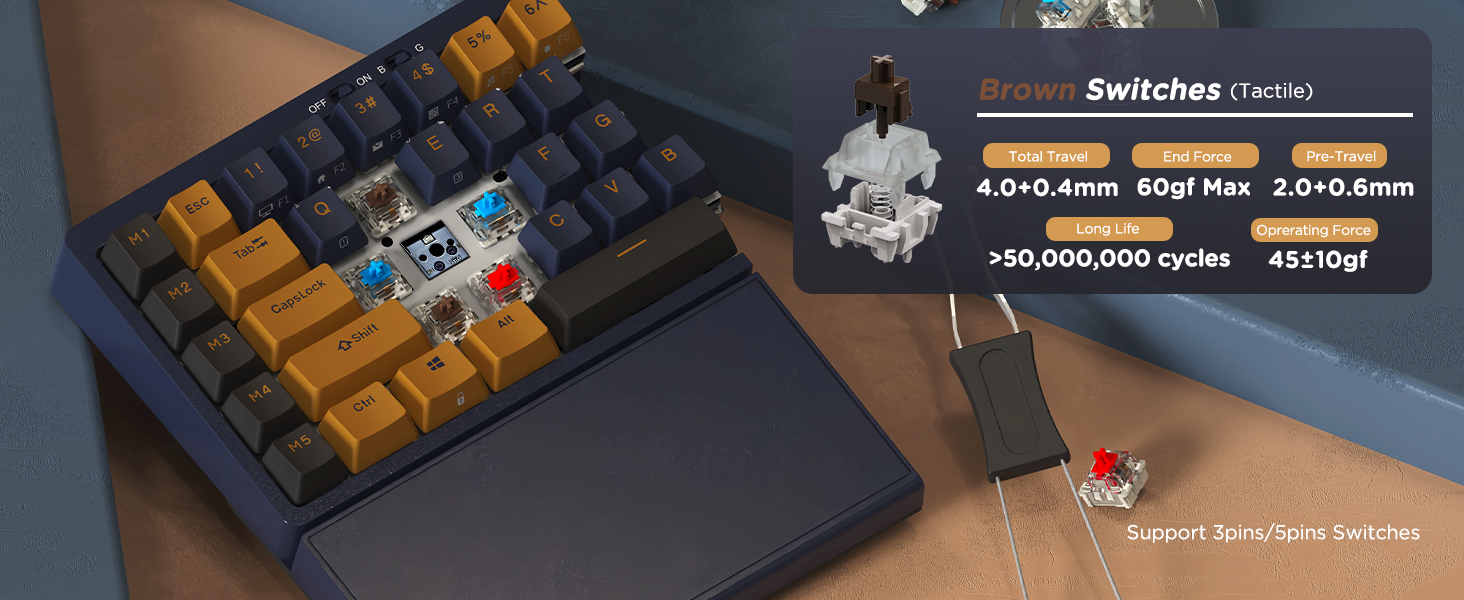
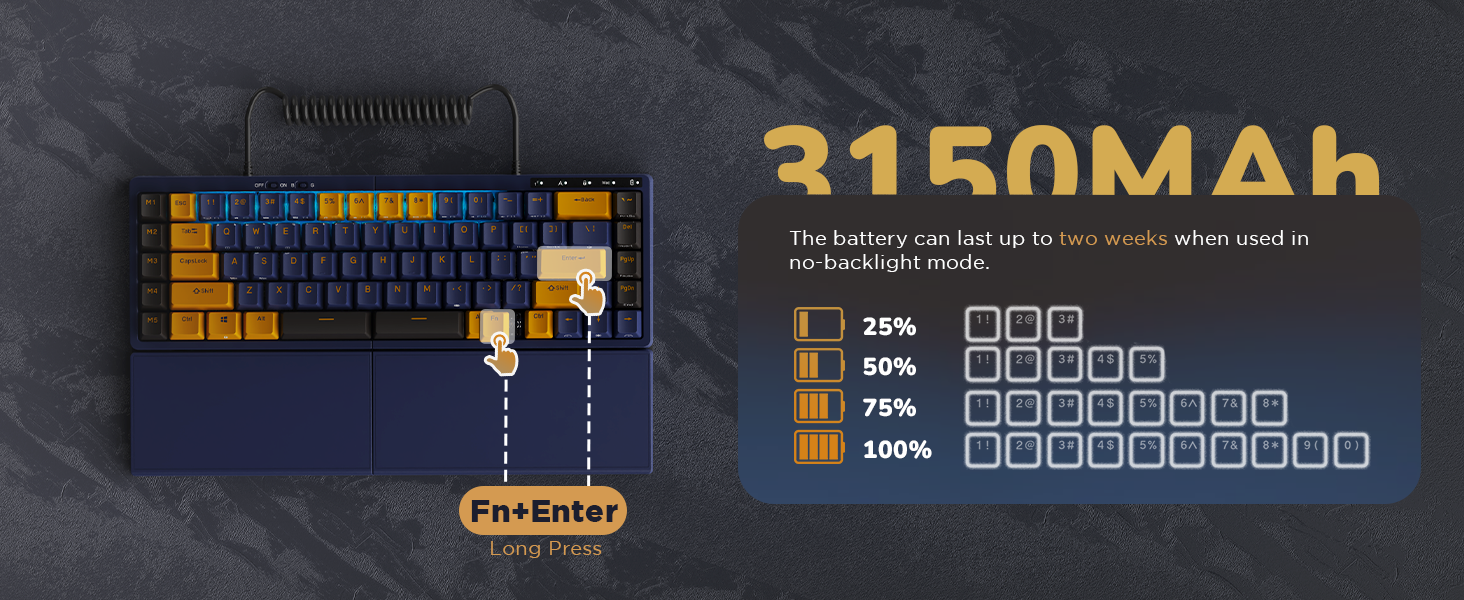
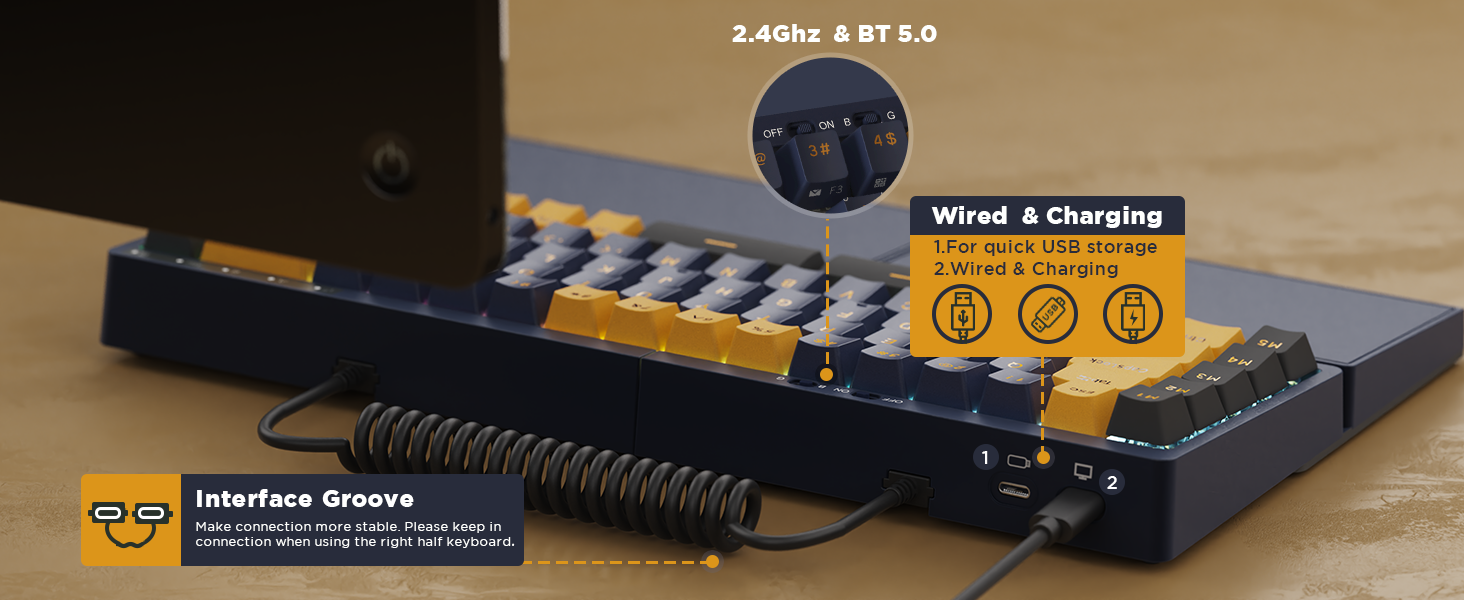
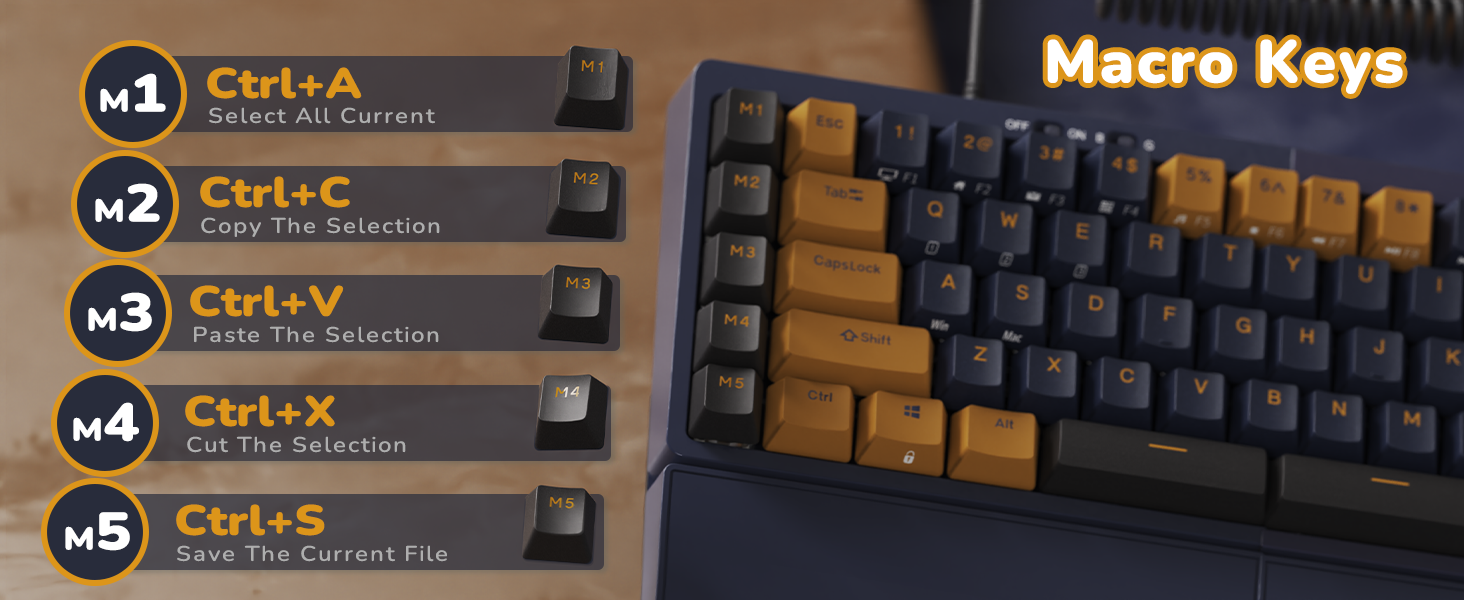
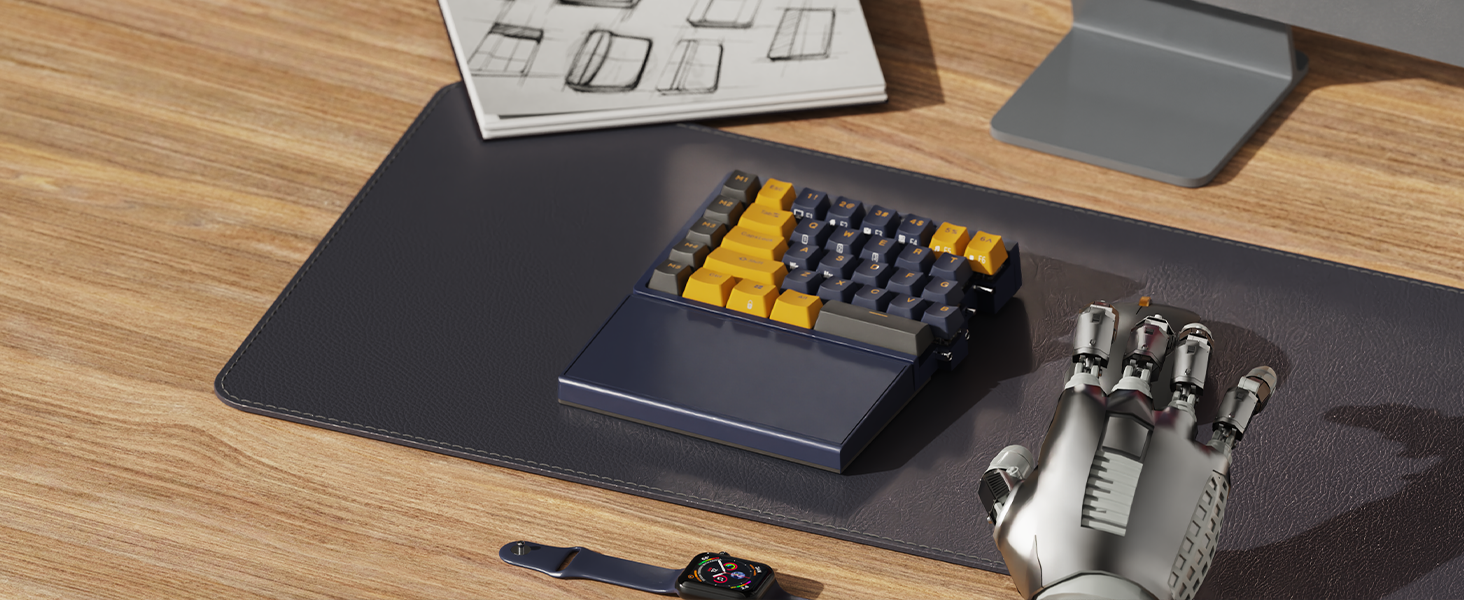
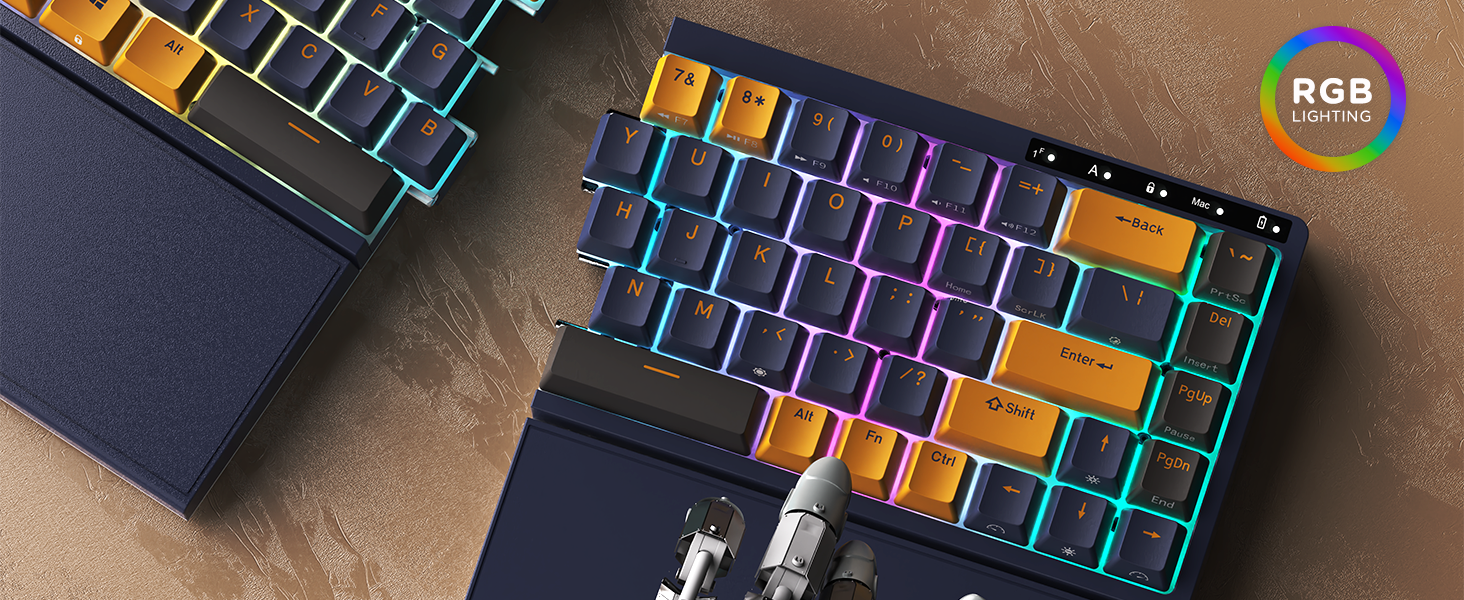
The RK ROYAL KLUDGE RKS70 is a 75% compact, tri-mode wireless mechanical keyboard featuring a split ergonomic design with adjustable angles and a built-in wrist rest. Equipped with hot-swappable tactile brown switches and 5 dedicated macro keys, it supports Bluetooth 5.0, 2.4GHz wireless, and USB-C wired connectivity. Its 3150mAh rechargeable battery ensures long-lasting use, while compatibility spans Windows, Mac, Linux, and Android devices, making it a versatile powerhouse for professionals and gamers alike.


| ASIN | B0C88V7LQK |
| Additional Features | Ergonomic, Programmable Keys, Rechargeable and long lasting battery, Split Keyset Design, Split keyboard layout, Wrist Rest |
| Antenna Location | Business, Education, Everyday Use, Gaming, Multimedia, Office, Personal, Programming, Student |
| Best Sellers Rank | #65,894 in Computers ( See Top 100 in Computers ) #1,740 in Computer Keyboards |
| Brand | RK ROYAL KLUDGE |
| Built-In Media | 1 x 2.4GHz Wireless Receiver, 1 x Switch Puller, 4 x Brown Mechanical Switch, Detachable Coiled Cable, RKS70 Split Mechanical Keyboard |
| Button Quantity | 74 |
| Color | Black |
| Compatible Devices | Laptop, PC, Smartphone |
| Compatible Operating System Family | Windows |
| Compatible Tablet Computer Models | AAUB P30 |
| Compatible devices | Laptop, PC, Smartphone |
| Connectivity Technology | 2.4Ghz wireless, Bluetooth, USB-C |
| Connectivity technology | 2.4Ghz wireless, Bluetooth, USB-C |
| Customer Reviews | 4.2 out of 5 stars 138 Reviews |
| Enclosure Material | Plastic |
| Hand Orientation | Ambidextrous |
| Item Dimensions L x W x H | 33.7L x 19.4W x 4.1H centimeters |
| Item Weight | 1.4 Kilograms |
| Keyboard Backlighting Color Support | RGB |
| Keyboard Description | 75% Wireless Ergonomic Mechanical Keyboard |
| Keyboard Layout | QWERTY |
| Keyboard description | 75% Wireless Ergonomic Mechanical Keyboard |
| Language | English |
| Manufacturer | RK ROYAL KLUDGE |
| Mechanical Keyboard Switch Model | Brown |
| Model Name | RKS70 |
| Model Number | RKS70 |
| Number of Batteries Required | 1 |
| Number of Keys | 84 |
| Power Source | Battery Powered |
| Recommended uses for product | Business, Education, Everyday Use, Gaming, Multimedia, Office, Personal, Programming, Student |
| Special features | Ergonomic, Programmable Keys, Rechargeable and long lasting battery, Split Keyset Design, Split keyboard layout, Wrist Rest Special features Ergonomic, Programmable Keys, Rechargeable and long lasting battery, Split Keyset Design, Split keyboard layout, Wrist Rest See more |
| Style Name | Hot-swappable ergonomic keyboard with macro keys |
| Switch Type | Tactile |
| Theme | Ergonomic macro programming keyboard |
| Unit Count | 1.0 Count |
L**E
Stellar Keyboard! Takes some getting used to!
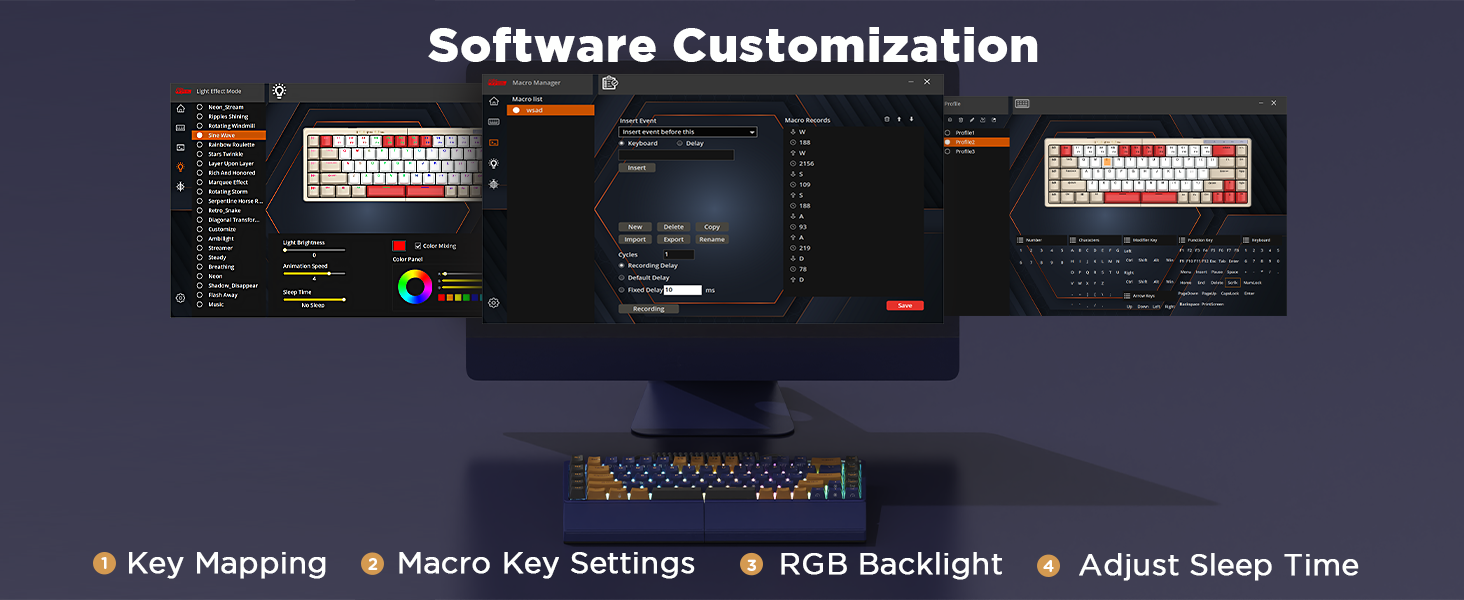
This was my second mechanical keyboard, and first ergonomic/split form factor. I was really excited to order this keyboard. I sat on the fence for about a year before finally taking the plunge. That being said, I'm happy that I did so! PRO: - Keyboard is heavy and solid. Doesn't feel like it will slide around. - Key travel is responsive, quiet and reliable. -Four 'legs' per section. You can have it lay flat or angled to your liking. Similar to traditional ergonomic keyboards. -Battery life is phenomenal. -Set up is plug and play. No need for drivers. -Bluetooth and 2.4 functionality is reliable. Keyboard works while charging. -Sections spread apart help my posture and shoulder blade pain. -Software allows for remapping of Macro keys (m1, m2, etc.) CONS: -You have to hunt around for the manufacturer-provided software for remapping keys and light control. I found a reddit post that gave me the correct information. -Limited backlight color and patterns. -The Macro keys on the left take some getting used to. -There is a learning curve.
A**X
Love it
I absolutely love this thing. Purchased it for an ergonomic shared office and I am considering getting one
R**S
Increíble compra
Lo mejor en el mercado por el precio
S**E
Has some friction for programmers using Macs
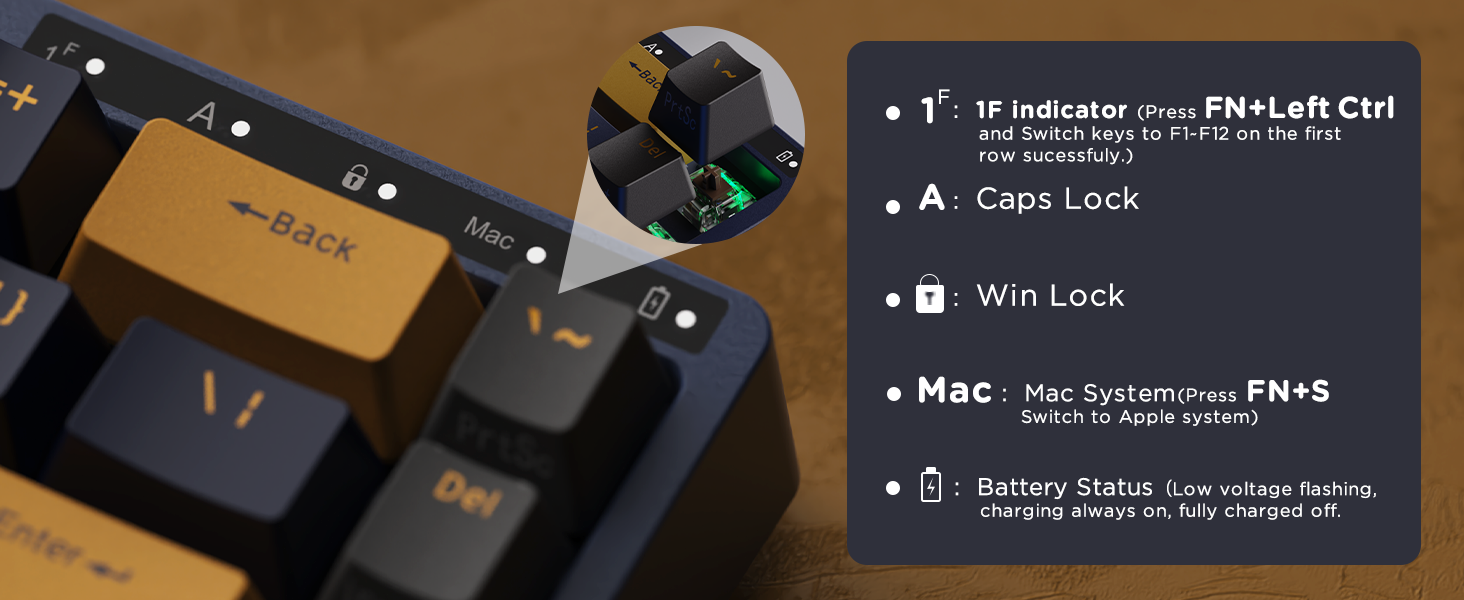
Update: I have decided to keep the keyboard, and retrained myself to use the backquote/tilde key on the right side. I'm upgrading it from 3 stars to 4 stars based on having used it for month or so. The extra star is for several reasons: - Once you get over the problems with the layout, it's a very satisfying keyboard. Good touch, good sounds (almost sounds like they're wooden keys, not a super loud sound and I like it), great feel and key responsiveness. - I haven't had any issues with it since I bought it, other than the right-side lights being static rather than pulsing like the left side. But today, after jiggling the cables a bit, they are now both pulsing. - Maybe most importantly, the manufacturer offered me a refund after seeing my review. Which was nice of them even though I'm keeping it after all. If they'd like to make a programmer/business/finance version of the keyboard, then: - move the `/~ key back to the right spot - make the left M1-M5 keys programmable on Mac - in general, make the Mac support better. Maybe a toggle switch that puts it in Mac mode and swaps the keys appropriately. - lastly, and this might sound strange, but make the spacebar on the left side shorter. Most programmers use their right thumb for the spacebar. Left thumb is for manipulating the Alt key. The large spacebar on the left side makes left-Alt hard to reach with my left thumb, and I have to keep the left half of the keyboard at a weird angle to compensate for it. Some of the function keys work on the Mac, which is nice. For instance, the volume controls and player controls. Overall I still like the keyboard well enough to hang onto it despite its flaws for programmers on Macs (even with the offer for a return/refund). Original review: Good keyboard. However, the tilde key is in the far upper-right corner, and you can't remap or rebind it into the proper location because all of the "programmable" M1-M5 keys down the left side are in fact hardwired. There is no Mac software for this keyboard, period. Also the keyboard shows up in Karabiner as SINO WEALTH and not Royal Kludge. They really phoned in their Mac support. I will have to return it, because I can't be bothered to untrain 40 years of typing ~ in the upper-left corner. If you use the terminal, then you use ~. You will know what I mean. Look, feel, and sound are all quite nice though. And if you don't use the ~ or backquote key by touch-typing, then the Mac bindings are decent. The function keys work for volume and brightness adjustment and muting. And if you press FN + s then it switches to Mac mode which has some other niceties such as putting Alt and Command in the right places. So I give three stars, even though I'm returning mine. I'll miss typing on it to be honest. It's hard to find a good split keyboard.
M**L
Muy buen teclado, pero...
Esta es la primera vez que invierto en un teclado de este precio. Anteriormente, he probado otros más económicos, pero decidí darme la oportunidad de experimentar con un teclado de este tipo (y precio), por lo que mi reseña es muy amateur y nada profesional, de un consumidor promedio. Lo bueno: Parece insignificante, pero el poder dividir el teclado ayuda bastante en lo ergonómico. Resulta muy cómodo tener la posibilidad de acomodar a tu gusto cada mitad. Esto va muy bien con las teclas que son bastante suaves y receptivas, con un ligero toque es suficiente para accionarlas, sin mencionar que son silenciosas. Físicamente, se siente de buena calidad, de materiales buenos y su peso con sus almohadillas hace que no se mueva mientras escribes. Lo malo: Mi principal queja es la batería. El teclado nunca se apaga automáticamente, por lo que, intuyo, la batería se drena con facilidad. En un ambiente de oficina, usándolo approx. 8 h y apagándolo el resto del día neutro, la batería se va en unos 3 días. Si bien puede conectarse y seguir utilizándose, esperaría no tener que cargarlo tan seguido. Otra cosa que no me gustó y que, particularmente, me molesta mucho, son sus teclas de atajo. Hasta la fecha no he podido configurarlas, ya que su manual no indica cómo y no he encontrado el software necesario. Y sin mencionar que las combinaciones de teclas están bien raras... su manual de instrucciones solo menciona algunos, pero he tenido que buscar en internet algunos otros para activar/desactivar funciones que apagué/encendí por error y vaya que son difíciles. Lo neutro: El tamaño sí es muy compacto para mi gusto, aún sigo teniendo problemas con teclas aledañas al presionar; si no estás acostumbrado a usar todos tus dedos al escribir, a lo mejor la pasas mal. Las luces RGB no creo que aporten mucho al teclado, ya que son algo débiles. En mi caso, al estar en una oficina, ni siquiera se notan, por lo que no las enciendo para ahorrar batería. Finalmente, los colores disponibles me parecen bastante bonitos; las combinaciones de teclado y teclas me parecen buenas.
Trustpilot
1 month ago
4 days ago