Desertcart purchases this item on your behalf and handles shipping, customs, and support to Senegal.
🚀 Upgrade Your PC, Not Your Headaches — Migrate Like a Pro!
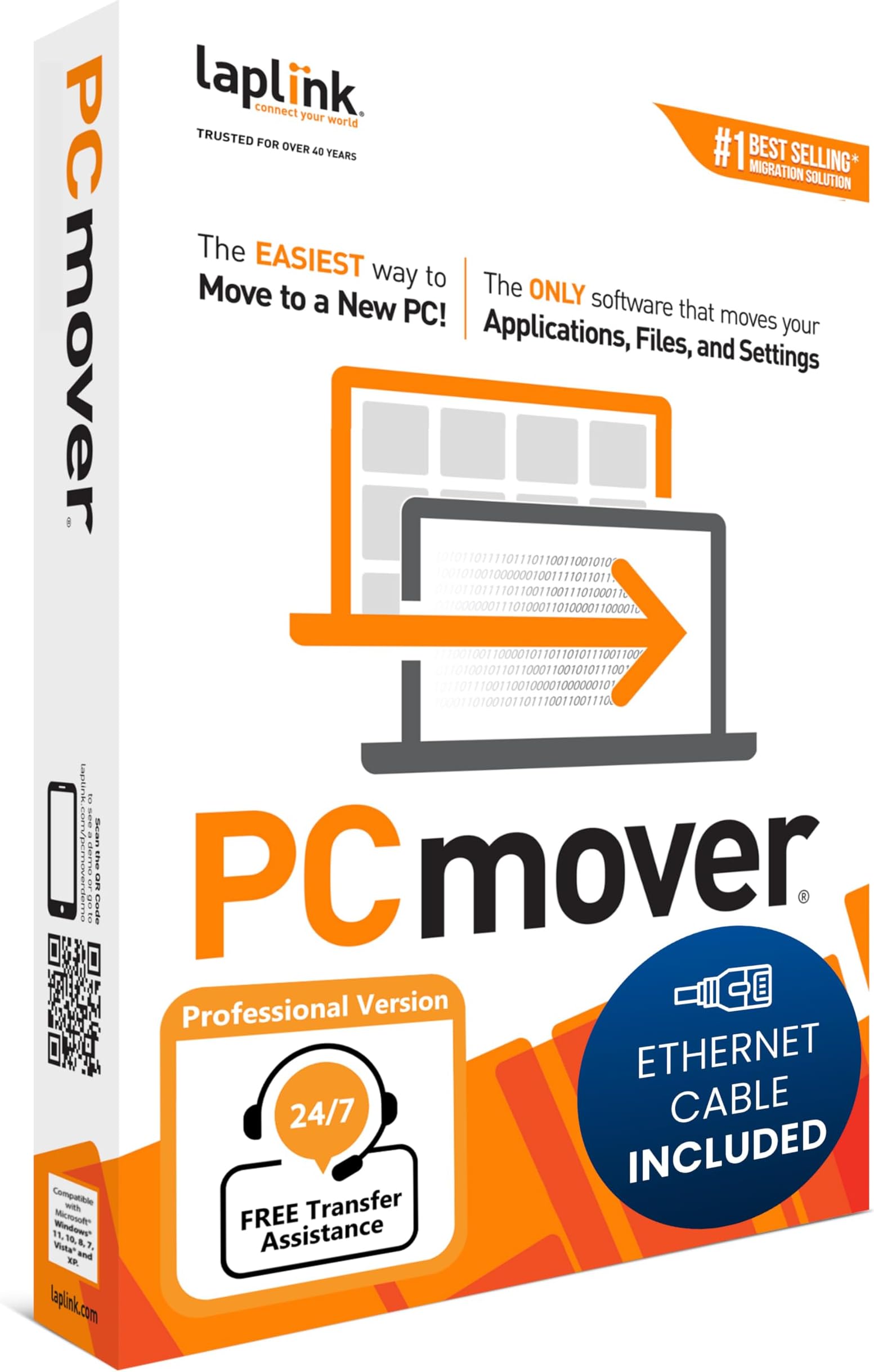
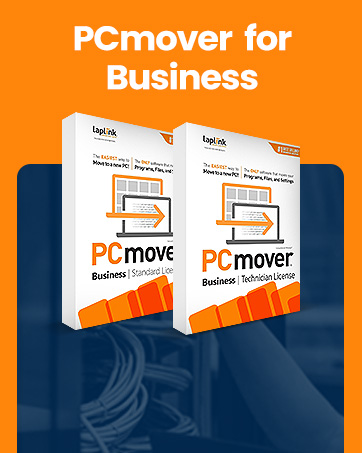
Laplink PCmover Professional 11 is the ultimate data transfer software that automatically migrates your applications, files, and settings from an old PC to a new one. Featuring AI-assisted transfer insights, Wi-Fi Direct for high-speed connections, and full compatibility across all major Windows versions, it offers a seamless, customizable migration experience. One license allows unlimited transfer attempts between one source and destination PC, making it a trusted solution recommended by Microsoft and Intel to save time and reduce IT effort.


| ASIN | B07CT3TVNT |
| Best Sellers Rank | 30 in Software ( See Top 100 in Software ) 1 in System Utilities |
| Customer reviews | 3.8 3.8 out of 5 stars (549) |
| Is discontinued by manufacturer | No |
| Manufacturer | Laplink Europe Ltd |
| Manufacturer reference | PAFGPCMP0B000P0RTPML |
| Product Dimensions | 13.34 x 3.18 x 19.05 cm; 100 g |
O**D
Best way to move an user environment to a new PC - IMO
Having Used Laplink at work (many many years ago) to image PCs as we installed them I felt I could trust the software to move a Windows 10 environment to a new Windows 11 PC. There were many games (both online and local disc) to be moved so I expected a lot of work post transfer. I was pleasantly suprised when most of them transfered with only a login required to get the game up and running again. MS Office transfered without a complaint as did all other 'productivity' progs. The instructions for use, both the online guides and the program as it ran, were easy to follow. I must admit that I expected a more complicated process with more manual intervention but I was delighted when just letting it 'do its thing' produced such excellent results. This may seem expensive but it saved me hours of work and eliminated any human error. I wholeheartedly reccomend Laplink PC Mover!
F**E
Successful, excellent support, read the instructions
My third successful 'Windows PC to Windows PC' transfer using this product for over 10 years. First from an Windows XP to Windows 7 PC, then to a Windows 10 PC and now another desktop upgrade using this latest version, PCMover 11 . Around 3 - 6 years between each hardware upgrade. As with previous transfers, PCMover does a good job moving your apps and user accounts overall and this saves a lot of time if you are the kind of person who likes your PC set up in a particular way. The more complex your setup, the more you will benefit from this software. If you have older Apps that are no longer well supported online or no longer have the installation discs like Quicken 2000, Logitech Media Server with third party plugins, this method of transfer will keep you functioning effectively whenever you need to upgrade your hardware. For me, this transfer was particularly easy as many apps like MS Office 2016 now also have perpetual licences so are easy to authorise/verify on the new device after the transfer. I learnt from previous PCMover transfers that Antivirus programs like McAfee can cause issues. So I did a full uninstall (including use of the MCPR tool) on the target PC which was bundled with a trial version before starting. There was no need to uninstall on the source PC as the software defaults to not attempting to transfer this app. The online chat service was very prompt and helpful in sorting out any questions or ambiguities of the choices available on setting up the transfer. A flexible option to be aware of (if you have the time and inclination) is that you can opt to transfer parts of your system at a time as the single use licence allows for unlimited attempts between the same source and destination PCs. Be prepared to leave some time after the transfer to check all is well or tweak the options to make use of any hardware advances that your new hardware offers. On this occasion, my source PC had its User folders on the D:Data drive, but the new target PC has a much larger and faster C:drive which was perfect as PC Mover defaults to putting the Users on the C: drive. I just had to make sure that the rest of the User data was also on the C: drive. Whilst I found that some software 'bugs' were ironed out by this method of transfer (specifically, issues realted to MS Windows, as your system will be based on the latest version of Windows with your new PC), other 'bugs' or issues that relate to other third party apps like Apple might continue to be present on the target PC and have been 'transferred over' too. These may need uninstall and reinstall to resolve. The 2 TB size move was completed in half a day and any minor software tweaks over the following day. Overall a major time saver for me, allowing me time to write this review!
M**D
Software Ok. don't bother with Boxed version just download
Software does pretty much what its says, Some programs didn't move such as MS Office/Outlook but once reinstalled all of the emails and setting where already there. What you get in the box is less useful. The CD is out of date so once installed the first thing you need to do is go online and update the software on both machines, so you may as well download in the first place. Also in the box is an Ethernet cable (null modem) so you can connect both machines without a switch or router, if you are using this on laptops with WiFi it is fine, however if you use your ethernet port for internet it is much less use as you have to have an internet connection to 1) Update the software 2) Validate the licence. (validation can be done on any internet connected device but involves typing long licence numbers and validation codes). Software 9/10, CD and cable 3/10
S**5
Quick delivery good price but poor for transferring all files.
Don’t believe that they transfer all files etc. some parts are very good but the most do not get transferred to a new PC.
B**M
Useful but Limited – Lacks Key Features
RE: Laplink PCmover Professional This product only transferred about 58% of my apps. While it was helpful to get some applications moved over, even common ones like the latest version of Python and Microsoft Outlook Classic didn’t make it. Additionally, 37GB of OneDrive data files weren’t transferred at all. The software does provide a report of which apps were transferred, but it doesn’t explain why some were left out. It also gives a summary of the number of files moved but doesn’t offer a detailed list, which would have been much more useful. A major disappointment is the removal of the file explorer view from previous versions, which allowed easy manual file transfers. Without this, the included fast transfer USB 3 cable becomes a one-time-use item which is wasteful. Licensing should also be per user, not per PC. Overall, it works to a degree but has significant limitations.
Y**R
Easy for this novice to use! 5*
This product is brilliant! I'm a complete novice when it comes to tech and I had no clue what I was doing. With the clear instructions I was able to download the programme on both laptops, connect them both with the cable provided, run both programmes and transfer all apps, data, files, pictures, music and passwords. The only thing not in the instructions was the fact that you had to switch off antivirus and firewall for the transfer to work. I managed to learn how to do that with a YouTube video. I highly recommend this product, it was smooth and fast for this noob!
H**R
Don't buy this. Useless and destructive software.
This has not moved with the times. No USB 3 to USB C cable in the package. Had to get an adapter in order to make the transfer possible. When I started using it PC Mover didn't even spot the custom software I really wanted moving. Will still have to manually re-install it.... :-( The interface where you can select files and folders to move is very restrictive. You can't really select things yourself. It only shows certain folders and the info shown is far from accurate. 0 Kb content turned out to be several tens of gigabytes.... I had to move stuff into the listed folders in order to get stuff moved across. It does not cater for PCs set up differently from what Mickeysoft wants you to do. Still have to manually move photos, videos, permissions, etc. Thank God I use LastPass for my passwords, as from memory, they didn't come across last time I did this. Next time I will move everything manually again, as I still need to double check what came across and what not. Have to leave myself a note not to buy this again in the future. To put it in a nutshell, Laplink overpromises and massively underdelivers. **Update** The transfer totally screwed up my freshly installed version of Windows 11. Now have to reinstall Windows 11 again and start from scratch. Needless to say I won't be moving files across via PC Mover (or should I say PC Destroyer?) This product sucks. Don't buy this!
P**N
Set and Forget
This is a great application that does exactly what it says on the box. Installation is easy and to run it is a breeze. I did it connected to my old laptop via Wi-Fi. It's a set and forget app and the finished result? My new lappy looks and feels just like my old one with the familiar desktop, folders and apps all where they should be. Two things though: 1 - My stuff took 23 hours to transfer. OK, there was a lot of it and it was via WiFi and 2 - The cable supplied for direct connection had a RJ45 connector at each end and not many laptops these days have RJ45 sockets. Apart from that, superb result. It achieved in 23 hours what would have taken me days to do by hand. Cost out my time by an hourly rate and this is a real bargain 👌 Highly recommended.
C**S
Pro program
Professional and easy to use
A**S
Parfait
Super produit, installation simple.
G**N
Es werden auch Programme fehlerfrei übertragen!
Ich bin von PCmover begeistert. Es wurden alle Daten mit ihren Strukturen übertragen. Sogar die Einteilung der Festplatte wurde identisch übernommen. Dies war jedoch nicht alles, was noch viel wichtiger war es wurden alle meine Programme (ca.12 Stck) übertragen und waren danach bis auf 1 Programm, sofort lauffähig. Nachdem der Schlüssel hierfür neu eingegeben wurde funktionierte das Programm auch fehlerfrei. Ein super Programm ich kann es nur empfehlen, die Investition macht sich mehrfach bezahlt. Ich möchte mich auf diesem Wege auch für die fehlerfreie Abwicklung bedanken !!! Mfg Georg Schönleben
R**E
PC transfer
Transfer process was good, but got User IDs mixed up, and user data files
R**O
Eccellente, fa veramente quello che promette
Prodotto molto semplice da usare è talmente intuitivo che non serve nemmeno leggere la Guida. Ho usato PCmover per passare dal mio vecchio PC a uno nuovo. Il prodotto ha varie opzioni per fare questo trasferimento, siccome diverse cose esistenti sul vecchio PC non mi servivano più ho scelto di indicare io cosa volevo trasferire. Una delle altre opzioni prevede di trasferire l'intero contenuto del disco sul nuovo. Quando il trasferimento è finito ho avuto il piacere di trovare sul nuovo tutto quello che mi serviva, app. files, account utente e tutte le mail. In passato avevo fatto tutto questo manualmente e ricordo di aver speso una enorme quantità di tempo per trasferire files, reinstallare applicazioni e facendo diversi errori. Questa volta è bastato spuntare un elenco creato da PCmover e tutto è stato fatto senza perdita di tempo, tribolazioni varie, re-installazioni di app ed errori. Grazie Laplink. Vivamente consigliato.
Trustpilot
3 weeks ago
2 months ago