Buy anything from 5,000+ international stores. One checkout price. No surprise fees. Join 2M+ shoppers on Desertcart.
Desertcart purchases this item on your behalf and handles shipping, customs, and support to Senegal.
🖼️ Elevate your art with pro-level prints that turn heads and spark envy.
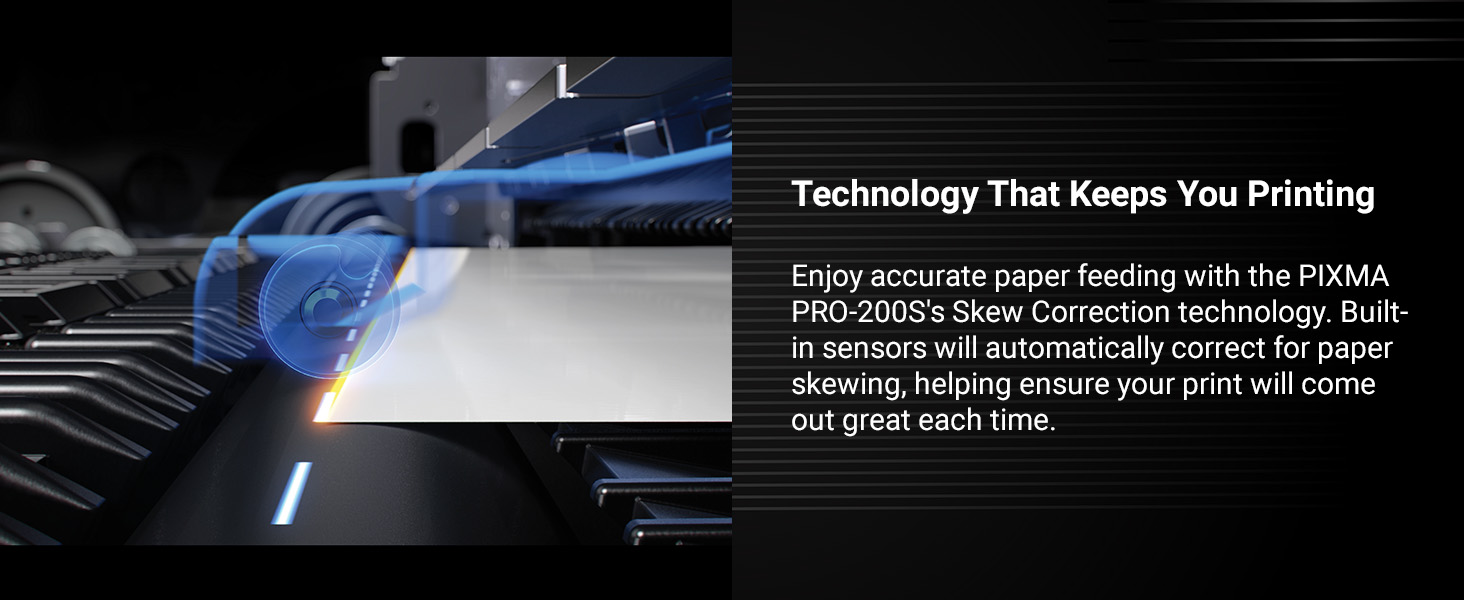
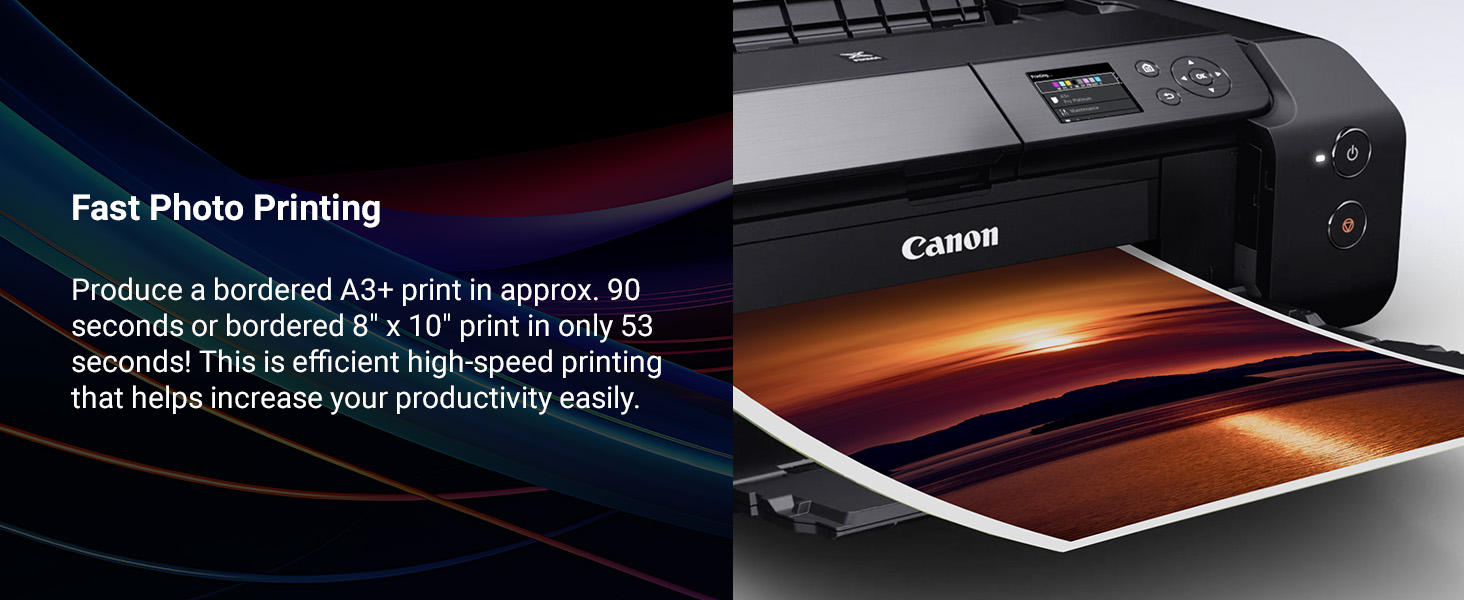
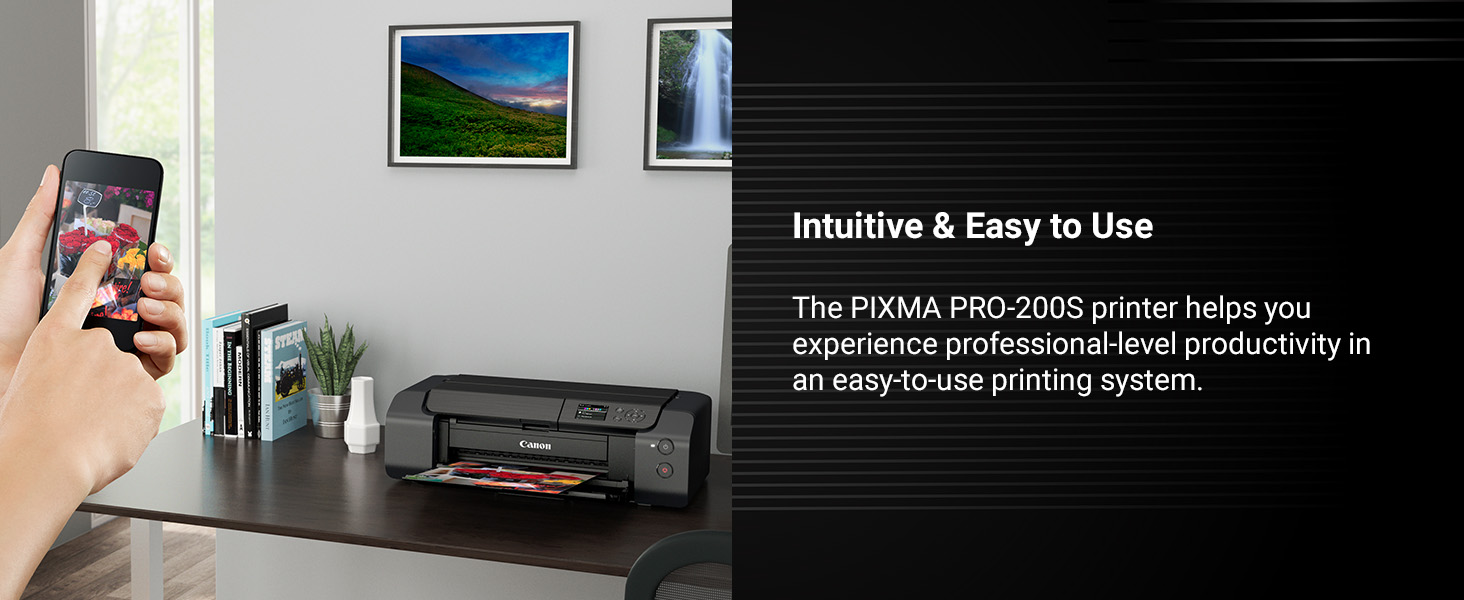
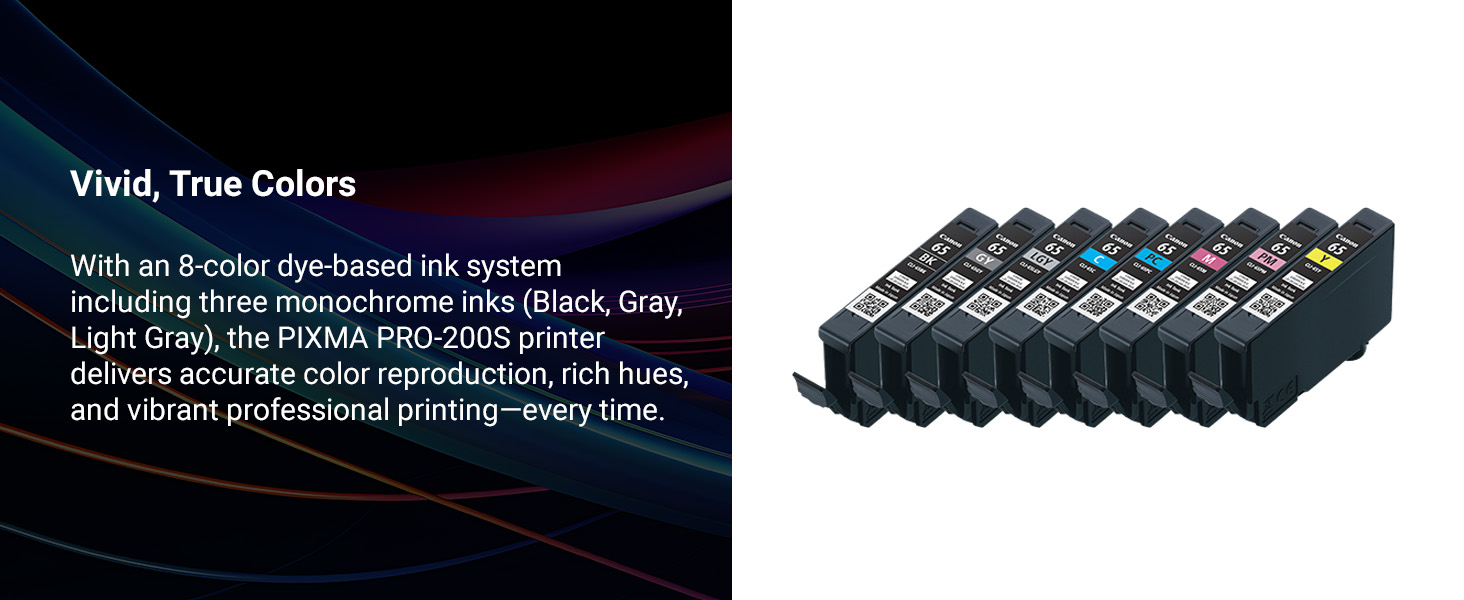
The Canon PIXMA PRO-200S is a wireless professional inkjet photo printer featuring an 8-color dye-based ink system for vibrant, high-resolution prints up to 13” x 19”. Its compact design fits seamlessly into creative spaces, while borderless printing and a 3.0” color LCD enhance usability. With rapid print speeds and versatile media support, it’s engineered for photographers and graphic artists seeking stunning, gallery-quality output.


| ASIN | B0DSR9KCG2 |
| Additional Printer Functions | Print Only |
| B&W Pages per Minute | 2 ppm |
| Best Sellers Rank | #14,751 in Office Products ( See Top 100 in Office Products ) #26 in Ink Tank Printers |
| Brand | Canon |
| Built-In Media | Inkjet Cartridges, Paper |
| Color | Black |
| Color Depth | 48 bpp |
| Color Pages per Minute | 2 ppm |
| Connectivity Technology | Wi-Fi |
| Customer Reviews | 4.2 out of 5 stars 163 Reviews |
| Dual-sided printing | No |
| Duplex | Simplex |
| Hardware Interface | Ethernet, USB |
| Ink Color | cyan, magenta, yellow, black |
| Item Dimensions D x W x H | 28.7"D x 18.6"W x 14.04"H |
| Item Type Name | Inkjet Printer |
| Item Weight | 32 Pounds |
| Manufacturer | Canon |
| Maximum Copy Resolution Black and White | 4800 |
| Maximum Copy Resolution Color | 4800 x 2400dpi |
| Maximum Copy Speed Black and White | 2 ppm |
| Maximum Media Size | A4 |
| Maximum Print Resolution Black and White | 4800 |
| Maximum Sheet Capacity | 100 |
| Maximum print Resolution Color | 4800 x 2400dpi |
| Model Name | PIXMA PRO-200S |
| Model Number | 6875C002 |
| Model Series | PIXMA PRO |
| Number of Trays | 2 |
| Other Special Features of the Product | Energy Star |
| Paper Size | 3.5” x 3.5” (Square), 3.5” x 5”, 4” x 6”, 5” x 5” (Square), 5” x 7”, 7” x 10”, 8” x 10”, Letter (8.5” x 11”), Legal (8.5” x 14”), 10” x 12”, 11” x 17” (Ledger), 12” x 12” (Square), 13” x 19” (A3+), 210×594mm (Panorama Size), Custom (up to 13” x 39”) |
| Print media | Paper (plain) |
| Printer Connectivity Type | Wi-Fi |
| Printer Output Type | Color |
| Printer Type | Inkjet |
| Printing Technology | Inkjet |
| Resolution | 4800 x 2400 |
| Special Feature | Energy Star |
| Specific Uses For Product | Professional Photo Printing |
| Total Usb Ports | 1 |
| UPC | 013803381122 |
| Unit Count | 1.0 Count |
| Warranty Description | 1 year limited |
| Warranty Type | Limited |
D**N
Incredible Photos, Low Ink Usage and Easy to Use
Before buying this printer I did exhaustive research on print quality and reliability. In truth, if you're looking for a quality dye-based ink photo printer, either Canon or Epson would fit the bill. But the research I found showed that the Canon print nozzles do not clog as frequently, and that Canon printers require less overall maintenance. The 200S is cartridge-based, so ink costs will be higher than the tank printers. Still, this printer seems pretty economical because after set-up, it did not use any ink that I could tell. After printing several letter-sized photos to test out different Canon papers, the ink levels are still almost topped up. The printer quality is, simply put, amazing. Even matte black and white prints are stunning. The colors on glossy, luster, and semi-gloss papers really pop. The blacks and gradients show details that I couldn't detect on my computer or phone screen. If you are a photographer or artist, you will be extremely happy with the results! Now, for the downside. Firstly, the printer itself big and fairly heavy. So you'll need a deeper and sturdy table to place it on. That said, it is also very well built and does not feel flimsy at all. Secondly, the set-up is not the best. If you use the phone, the install screens seemed to jump, and I couldn't expand the view without losing the page. I had to go to a youtube video of the installation, which was much better. There was also the issue of connecting to my wifi, which took a while. I also have a Canon Laser printer that was connected to wifi, and that connection was interfering with linking up to the 200S. After I turned off the laser printer, the 200S made the connection. I installed this for both my cell phone and my computer, although the install makes you choose one or the other. Others have said that the installation is not that great and I have to agree. Also, a note to Canon-- please hire an instructional designer who knows how to write clearer instructions! I'm pretty tech-oriented, so I figured I could get this to work. But this is a customer service issue and those who are not tech confident may have some issues completing the installation. If you're plugged in through USB it may be easier but I didn't use that option. I downloaded the Canon App for my phone, and print through that. I haven't yet downloaded any ICC files for other papers because I'm trying out the Canon papers first. So far, they are excellent. Overall, once the printer is set up, the ease of use, low ink usage, and super high quality prints make the Canon Pro-200S an incredible photo printer.
P**G
Excellent Photo Printer for Hobbyists Who Want Pro-Level Results
As a photography hobbyist, I’ve been extremely impressed with the Canon PIXMA PRO-200S. Setup was straightforward, wireless printing works reliably, and the print quality is outstanding. Colors are vibrant, detail is sharp, and my photos look far more professional than anything I’ve printed at home before. I especially like being able to print larger 13" images with great clarity and rich color depth. The printer is also much quieter and faster than I expected for a photo printer. Ink usage seems reasonable for the quality you get. If you enjoy photography and want gallery-quality prints without the complexity of a commercial setup, this printer is a fantastic choice.
P**L
Not Bad Ink too expensive.
Its a good printer but easts ink like its going out of style. Cannon ink cartriges are too expensive and dont hold enough ink. Does not like secondary catriges and refills dont always work. But does create an excellent print. Those that review it online lie about how many prints it can actually create before changing inks.
W**N
Great print quality
I’m very happy with the print quality. Prints are almost stunning. Another plus is that it is probably the quietest printer I’ve owned. My only negatives are that I wish the ink cartridges lasted a bit longer, and that print speed was a little faster. However, the cartridges are not expensive and the print quality is worth the wait. So far, I’ve printed roughly thirty 8.5”x11” borderless prints mostly on matte photo paper, and the black cartridge is more than half consumed with dark gray and one or two others not far behind This is a dye-based printer, and I’m hoping that print longevity meets my needs. I’ll be experimenting with that in the next few months. The set-up guide was a bit unclear in places, but overall, set-up was easy, including wireless connectivity. Canon’s Professional Print and Layout software is not the most polished, but it gets the job done. For me, this printer represents a nearly ideal compromise among print quality, initial cost, operating cost, and maximum print size. After a bad experience with a rival brand photo printer almost twenty years ago—early onset print quality issues followed by discontinuance of support and even cartridge sales—I wasn’t sure I’d ever buy another. But as of today, I’m wishing I hadn’t waited so long to jump back in.
J**C
Unable to print 11x14 prints
Printer is sturdy and made well. My HUGE problem with this Canon Printer is CANON decided to OMIT 11x14 paper size printing. CANON tech folks said the reason was 11x14 is not a popular paper size anymore?! Since this was my favorite format, all my paper and frames are now useless... This fact causes me to reduce stars for the Pro-200S Printer Review. Very unhappy with Canon, and feel I wasted my purchase $$$ with this printer.
F**C
less complex - good pics
A good place to start before going to the 17". Uses much less ink, good quality, and less complexity for the average user. If you have a 17" this would be worthwhile as a second printer to do your less critical work. Save the big boy, and it expensive ink, for when you really do need it.
M**A
Easy to Set Up and Great Print Quality, But Uses Ink Quickly
This printer was very easy to set up right out of the box, and I had it connected and printing within minutes. The print quality is sharp with nice color output, especially for photos and everyday documents. The controls are simple to use, and it runs quietly compared to other printers I’ve owned. The only downside is that it seems to go through ink fairly quickly, especially if you print photos often. Replacement cartridges can add up over time. Overall, it’s a solid printer with good performance and an easy setup process, just be prepared for higher ink usage.
B**T
Great quality printer
Great printer! High quality photos. Able to print borderless with ease and prints fast!
Trustpilot
2 weeks ago
2 weeks ago