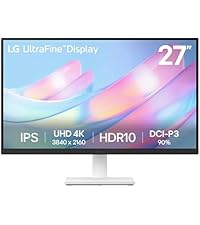
🔥 Elevate your workspace with LG’s 27-inch 4K powerhouse — see more, do more, be more!
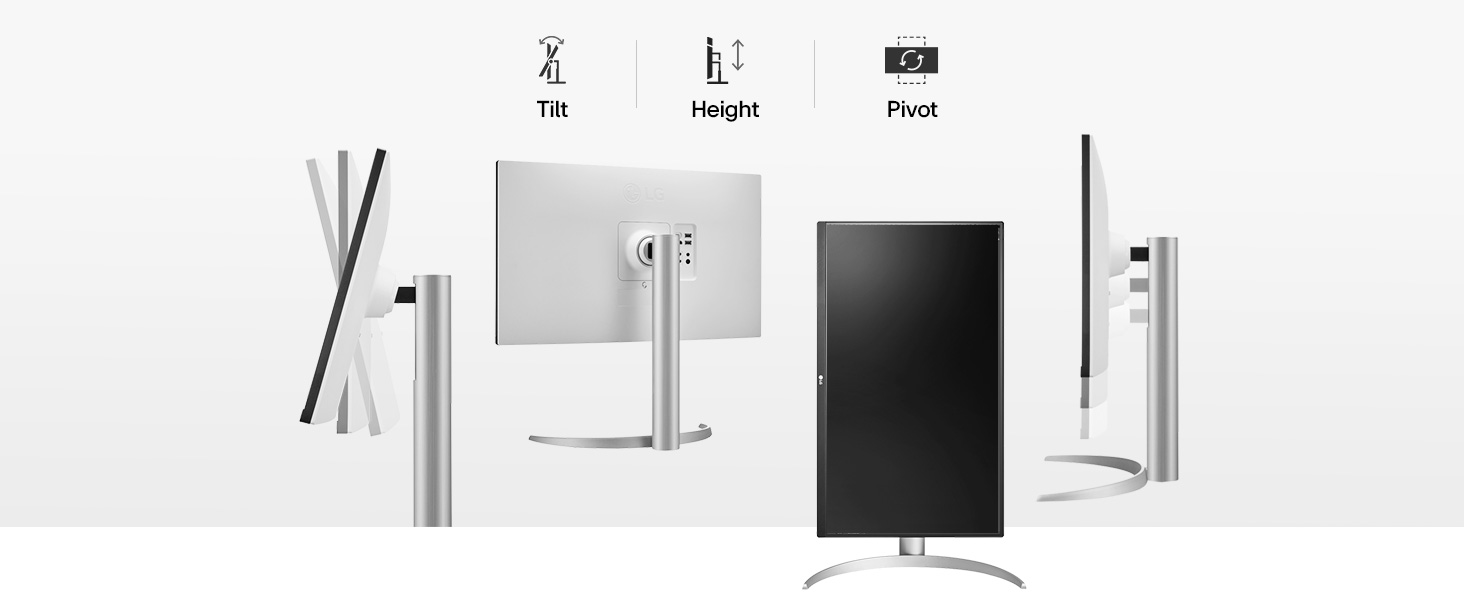
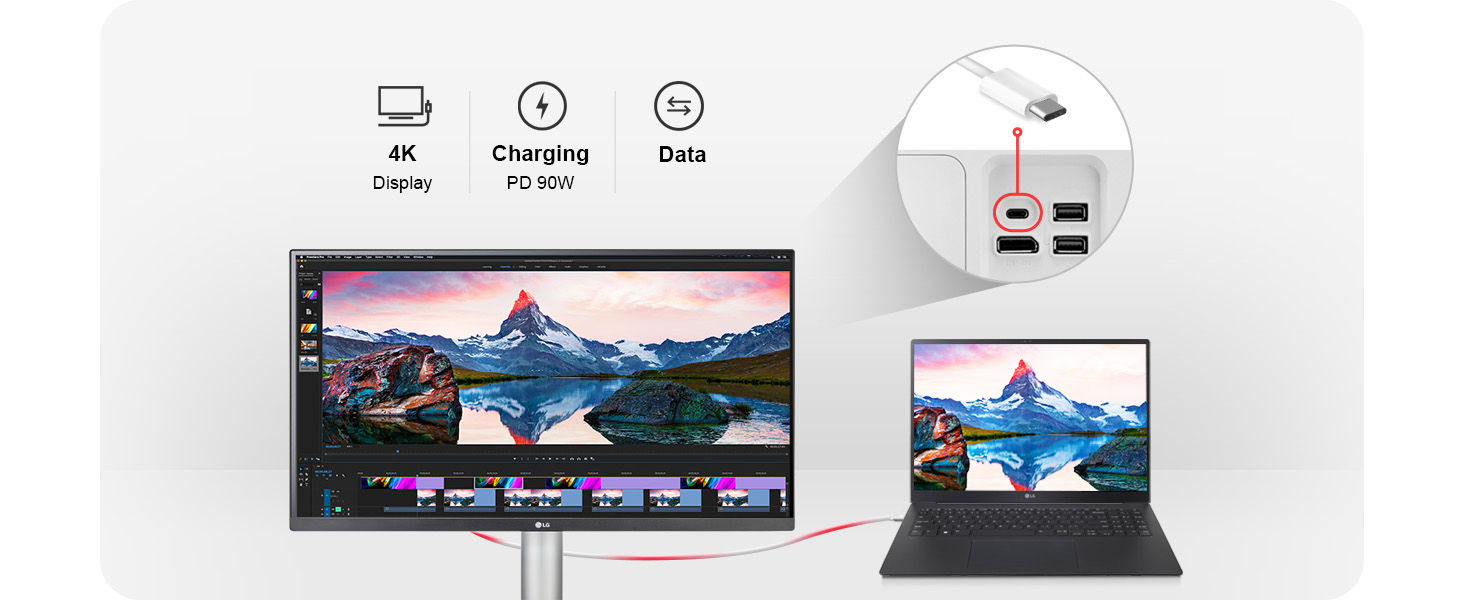
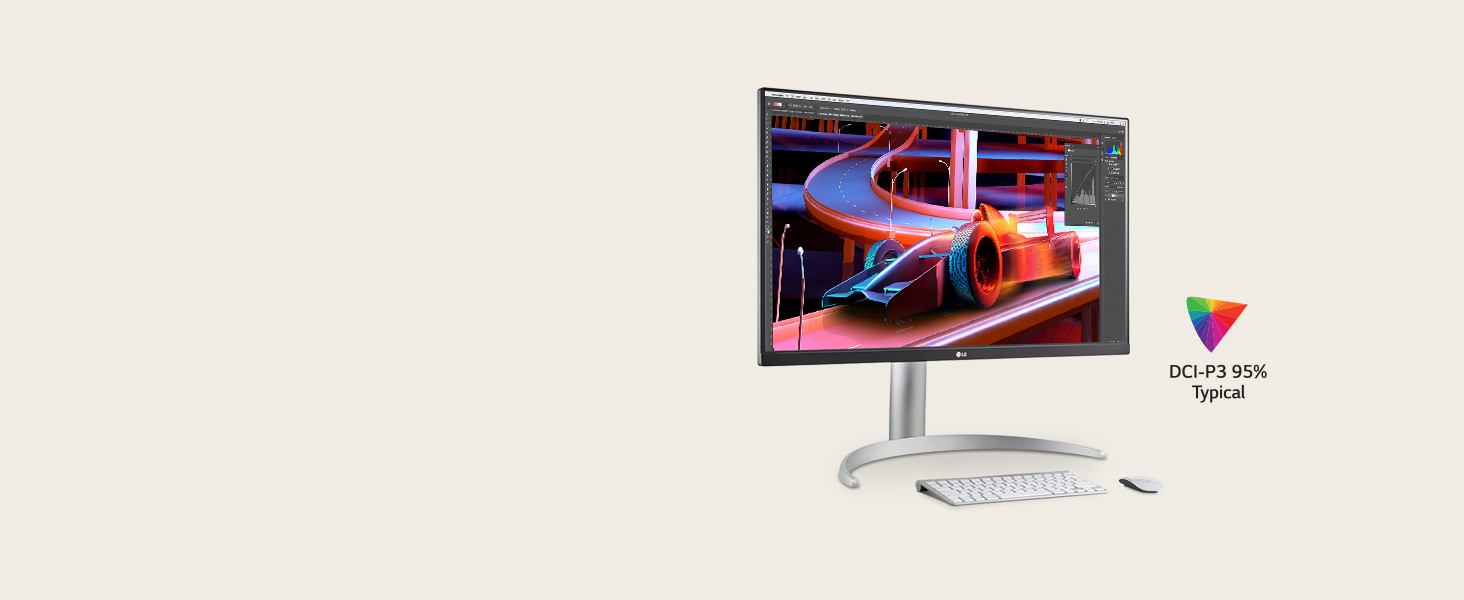
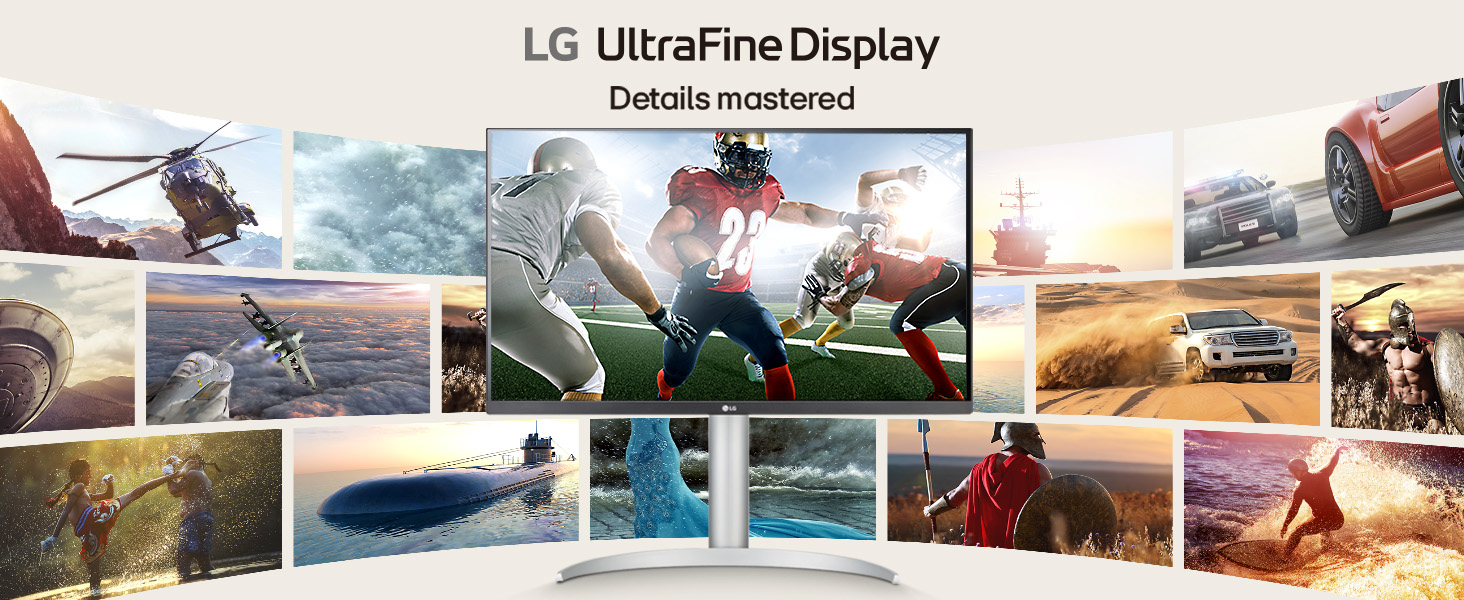
The LG 27UP850K-W is a 27-inch UltraFine 4K UHD IPS monitor featuring a 3840x2160 resolution, 95% DCI-P3 color gamut, and DisplayHDR 400 for vivid, true-to-life visuals. It offers versatile connectivity with USB-C 90W power delivery, dual HDMI, DisplayPort, and USB 3.0 ports. Designed for professionals and creatives, it includes ergonomic adjustments and built-in Waves MaxxAudio speakers, plus the Switch app for enhanced multitasking and seamless workflow integration.


| ASIN | B0DQFF7FBS |
| Best Sellers Rank | #880 in Electronics ( See Top 100 in Electronics ) #37 in Computer Monitors |
| Brand | LG |
| Color | White |
| Customer Reviews | 4.5 4.5 out of 5 stars (274) |
| Date First Available | December 13, 2024 |
| Item Dimensions LxWxH | 9.4 x 24.2 x 22.4 inches |
| Item Weight | 12.98 pounds |
| Item model number | 27UP850K-W |
| Manufacturer | LG |
| Max Screen Resolution | 3840 x 2160 Pixels |
| Number of USB 3.0 Ports | 2 |
| Product Dimensions | 9.4 x 24.2 x 22.4 inches |
| Screen Resolution | 3840x2160 |
| Series | 27UP850K-W.AUS |
| Standing screen display size | 27 Inches |
| Voltage | 240 Volts |
J**6
Brilliant Monitor
It is a great 27 inch 4K monitor. Just had it for a few days and it really shines in terms of displaying streaming video camera outputs and for working on MS office and Adobe Acrobat documents. The fonts are crisp and legible for my poor eye sight and pictures and figures are sharp and vivid colors. The sound is outstanding as well. A single joystick as ON/OFF switch and setting monitor parameters is really great idea with a lots of choices for configuring monitor sound, display color and brightness, and many other parameters which I never experienced with other 2K or 4K monitors. See attached photo for screenshot of some video camera pictures and PDF file text and graphics. Outstanding. Overall I rate this monitor as A++ and highly recommend it. I am not sure about long term performance since I had this monitor for only a few days, but will post if any issues or problems.
O**A
4k Quality & Color Calibration
Amazing quality, color calibration is on point, resolution is perfect for 4k video editing, compatible with Adobe Premier Pro color settings and I will most likely purchase a second monitor. If you are a video editor, this is a good monitor for 4k video editing and fair price.
A**A
Amazing LG Monitor
I recently purchased the LG 27UP850K-W monitor for work, and I would confidently give it 5 stars. This monitor has truly elevated my workspace with its sleek, ultra-thin design and lightweight build, making it easy to set up and adjust as needed. One of the things I appreciated the most is that it came with all the necessary cables, which made the initial setup smooth and hassle-free. The display quality is exceptional, offering crisp and vibrant visuals that make working on spreadsheets, documents, or any visual task a real pleasure. Its ultra-thin profile not only looks modern but also helps save space on my desk, creating a clean and organized setup. For anyone looking for a reliable and visually stunning monitor like the LG 27UP850K-W, I strongly recommend it. It perfectly balances style, functionality, and performance.
A**F
Great for the price
I just purchased the LG 27 inch 650 model. 4K (3840x2160). It was delivered on time. The Amazon/driver drove to my house and placed the obvious labled monitor box inside my gate. I appreciate that. Porch pirates beware I am watching you. I bought this computer monitor for my new M4 Mac Mini. I tried using the old iMac that I had, but It would not work as display on my old iMac 2015 version. Something about not having a target display mode. That is Apple for you. Most models before that would have worked. So go ahead spend some more money for a 4K display. I opened the box. It was well packed. There are few parts inside the box. It's fairly easy to put together. Some Youtube videos show needing a screw driver to lock in the monitor and pole/stand attachment, but my version is "slip and lock" only. no screws. It is very light weight, and can be carried around if needed. The leg stand juts out to balance the 27 inch display. I had the Mac mini attached in no time. I did have to configure some view settings. Like brightness, HDR, etc. Its a bit bright overall. Text and fonts are clear and sharp. Images show good resolution. To do that look for a control button in the bottom middle of the screen. Not so easy to navigate the changes needed. Its more hit and miss. There is no remote control provided. That are some extra cables if needed. I am using a lower resolution, not the 4K, the numbers ( (1920-1080). You don't really need that higher resolution. It makes the screen fonts very small and hard to read. It is exceptional at 1920x1080. My tired eyes can't really handle that anymore. Value for the money...good, size good, sound quality needs improvement, durability to be seen. I gave it 4 stars because the stand/pole attachment is white color. White on devices tend to yellow and show their age. The instructions are not useful. Sound or audio is pedestrian. The settings button is tricky. I did attach a "Bose" speaker sound to it. Thank you for time. AF~
C**H
Totally worth it!
This monitor honestly exceeded all my expectations. At the price point, I really expected crap, but it’s a pretty good monitor. Already considering buying a second one for my setup. The picture and color is great. The price point does eliminate some useful features found in more expensive monitors, like usb ports, IEC power, rigid stand, etc., but if your on a budget, and can sacrifice those things while still getting a quality visual experience, then this monitor is worth every penny. Highly recommended!
L**O
Great bang for your buck!
Super happy with this! Great resolution, color, brightness and I love that it's adjustable. Great bang for the buck (I got it for $220 on cyber monday), much better than a 1080p Samsung monitor I had. Speakers don't work for me but I don't need them.
A**R
I’m happy with this monitor
I work from home and bought this monitor as part of my office set up. It was easy to set up. The image is very sharp and clean. I use it with a Mac laptop that I keep in the clam shell position in a stand next to the monitor. The only thing that I don’t like about it is the way you have to access the menu. There is a button underneath in the center that you push that brings you to the menu. This is where you have to go to change the volume. I have heard other people say that the sound quality is tinny. I would agree that the sound quality isn’t the greatest, but it functions fine enough for me that I haven’t considered buying any kind of external speakers. The screen has enough space that you can easily have two documents open at the same time, side-by-side. If these ever go on sale, I would probably purchase a second one for an even larger desktop platform. To summarize I am very happy with this monitor. Yes, having a different option to adjust the volume would be nice. And yes, the sound is not going to compare to your Bose speaker but functions fine.
M**I
Yes
S**I
This is my first 4K computer monitor, but not my first 4K screen. A few years ago, I bought an LG 4K OLED smart TV, and I was happy with the experience. Enjoying my photos in high resolution and on an HDR-capable screen was definitely something that stayed with me ever since. But I wasn't ready to go 4K OLED on my computer yet. The price tag of such a monitor is beyond my acceptable level for everyday use. I'm not in the creative media business to justify the costs. But for the office and light multimedia work (at the amateur level), a decent 4K monitor became a necessity, and one of my old monitors needed an update. I found the LG 27UP850K a good compromise between price and quality. The image is sharp and with good colors out of the box. But for critical work, I have a calibrator that makes it even better. I had some issues in the first weeks of use, but it wasn't the monitor. I hate thick and sturdy cables, and I bought some really thin and flexible ones. Well... don't go for the cheap ones because you will notice problems (mostly derived from the inability of such poor cables to handle the bandwidth required by 4K resolution, combined with the best frame rate you can get and HDR. I replaced the cable with a good brand, and the problems went away. I'm not going to comment on the sound quality. No TV or monitor can deliver the quality of sound I expect using their own little speakers. But the availability is useful for regular work, where audio is just to provide more context to what you see and to immerse you in the story or the emotion of a good musical piece. No, for this kind of experience, I use a pair of good-quality cans, an external DAC unit, and a dedicated headphone amplifier. The USB ports are nice. Not that I use them a lot. But I know I have some extra ports if I expand beyond the regular peripherals. As an electronics engineer, I experiment a lot and USB gives you the ubiquity of communicating with your gadgets and instruments. So far, so good. Once properly set up, the monitor is stable, works as expected, and I hope it will last as long as my old Dell U27813HM (still in service today). As always, YMMV. Enjoy!
P**Y
The LG ultra fine 27”4K is a great monitor. I connect it is bc to my MacBook. I use it primarily for work with a lot of text editing and some graphics and video editing. Very clear and easy on the eyes with enough options to set it up just right. I previously tried a 2K but returned it as the 4K was way better. And i like the moon shaped base as it clears up desk space directly in front of the monitor plus the base is study and minimizes screen wobble. Over all a sold monitor well with the price.
L**N
For the price, this is a ridiculously good, affordable option for Mac users who don't want to mortgage their homes for a Studio Display. You can use its native 4K resolution, if you don't mind small icons and menus, but even scaling it to 2560 x 1440, it looks beautiful. The colours are a tiny bit blown out, but you get used to it. The HDR mode is... not great... but I didn't buy it for that kind of functionality. Highly recommended.
R**M
This has been a great monitor for my MacBook M1. I love that I can connect and charge with one cable. Display is crisp, speakers aren’t great but I rarely use them. Very stable with included stand. I mainly use for university and work.
Trustpilot
1 day ago
1 month ago