Desertcart purchases this item on your behalf and handles shipping, customs, and support to Senegal.
๐ฅ๏ธ Elevate your desk gameโbecause one screen is so last decade!
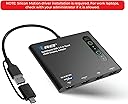
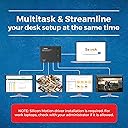
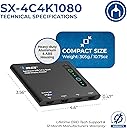
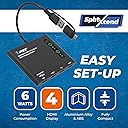
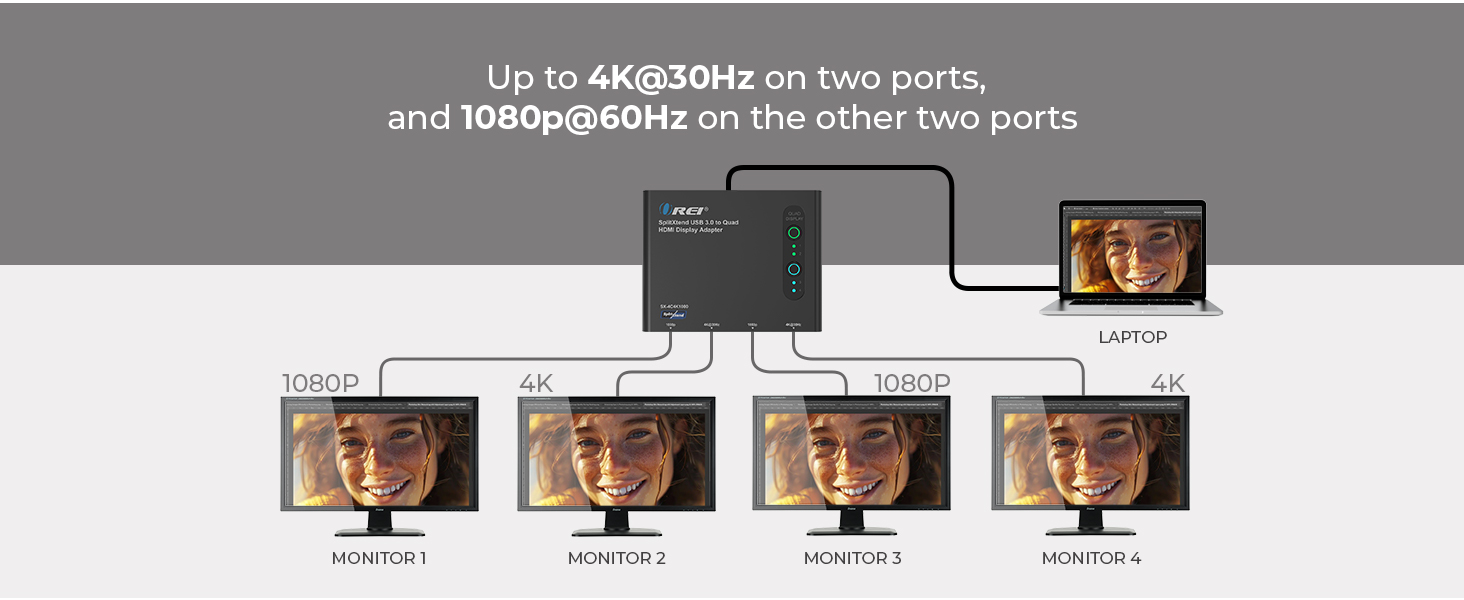
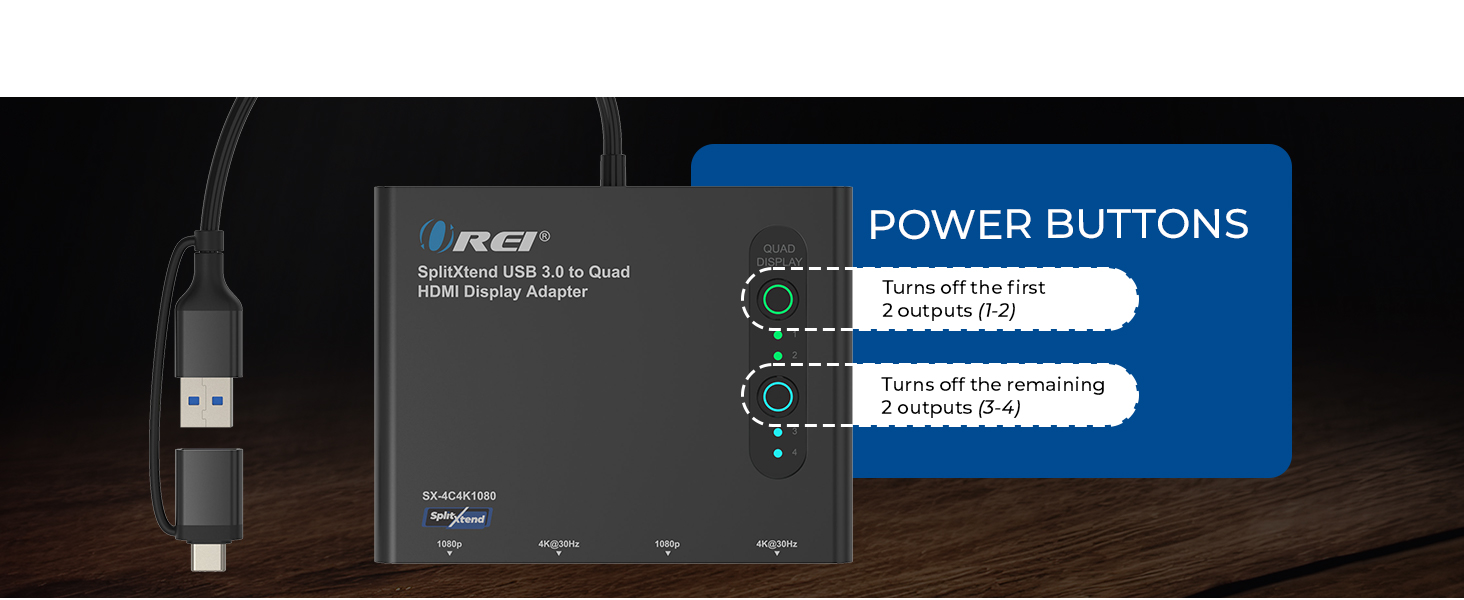
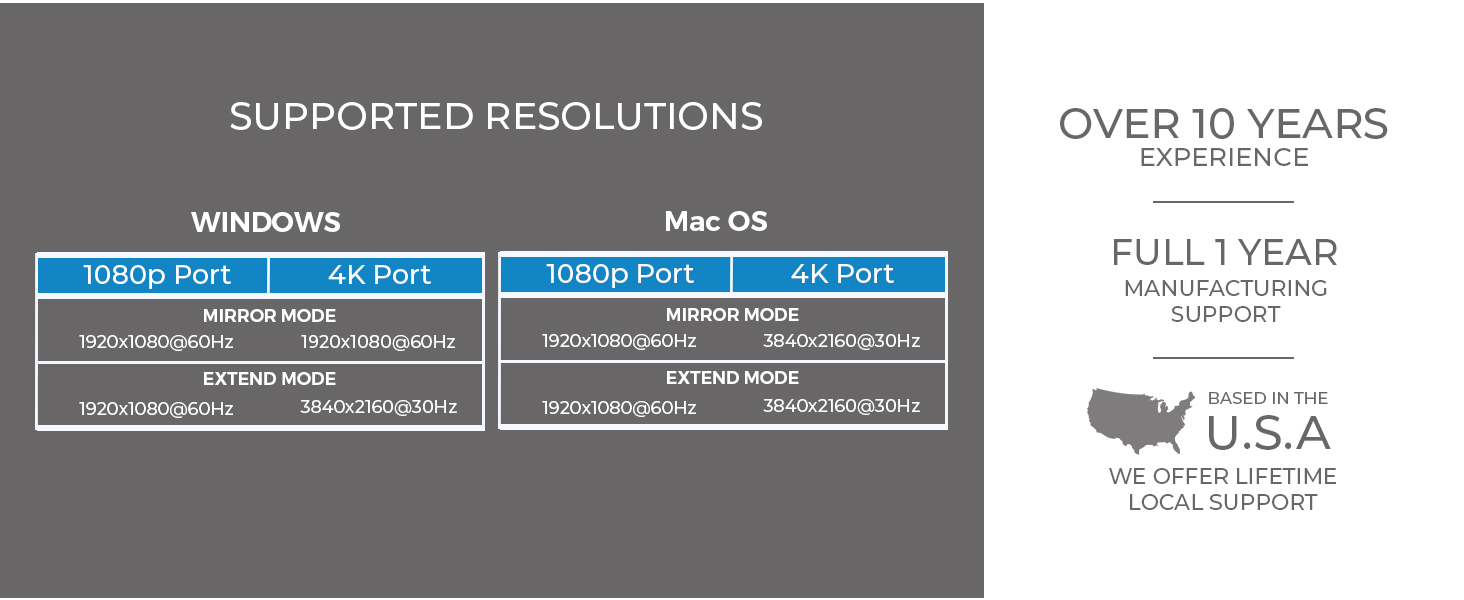
The OREI SplitExtend HDMI Splitter is a professional-grade USB-C to HDMI adapter that supports up to 4 extended displaysโ2 at 4K@30Hz and 2 at 1080p@60Hz. Compatible with Windows, macOS, and ChromeOS, it requires Silicon Motion driver installation for stable multi-monitor productivity setups. Ideal for managers and multitaskers seeking to maximize screen real estate and workflow efficiency.


| ASIN | B0DG9PZDYL |
| Best Sellers Rank | #468 in Audio & Video Connectors & Adapters |
| Brand | OREI |
| Color | Raven Black |
| Compatible Devices | Laptop, Monitor |
| Customer Reviews | 4.3 out of 5 stars 367 Reviews |
| Hardware Interface | HDMI |
| Input Voltage | 5 volts |
| Item Weight | 4.94 ounces |
| Manufacturer | OREI |
| Mfr Part Number | SX-4C4K1080 |
| Minimum Required Operating System Version | Windows 7 |
| Model Number | SplitXtend 4 Extended Display |
| Number of Ports | 4 |
| Total Number of HDMI Ports | 3 |
| Total USB Ports | 2 |
| Total Usb Ports | 2 |
| UPC | 810162900175 |
| Unit Count | 1 Count |
| Warranty Description | 1 years warranty |
| Wattage | 120 |
M**N
Expand your home, school options
Need to add two screens to your computer, this is fantastic. Caution with moving about, the "c" connection can disconnect easily, but it plugs back in with no problem.
C**S
Easy set up
Hooked to my computer and 3 monitors. Easy set up and works great.
L**Y
Great product. Doing what I wanted it to do.
So far I am very happy. I have this running three displays for my Mac Mini M1 and Thinkpad E16. Four displays for the ThinkPad if you include the laptop screen. It seems well made, it was nicely packaged. The quick start guide was well written, and it works! The host cable could be a bit longer. Historically I am a PC guy. I've been computing on Windows since Windows 2.0. I teach Computer Science and Cybersecurity in college and typically have a bunch of students on Macs who sometimes struggle getting some software packages installed and running properly on their Macs. I could help, but I didn't have the experience on a Mac that I do on a PC. And my wife is a Mac girl, always has been. So I finally took the plunge and got a renewed M1 here on Amazon not long ago. It took a little while to get it set up so I like it, but I do. The problem is I like multiple displays. And I wanted to bounce back and forth between the Mac and the PC. I bought a Lenovo specific USB-C dock which worked great for the PC, but the displays were mirrored on the Mac which is useless for computing. After a little bit of reading I decided on this product. After driver installation, which was a breeze, I plugged everything in. I have the three HDMI cables plugged into the adapter and I have that plugged into a 10 Gbps port on the Lenovo dock and it worked! To move between both machines I have to move only one cable. There are KVM switches that would work, but they are quite expensive. So I will use this for now and see how it works out. SO far I am very happy with it.
R**E
Easy Set Up
Was easy to setup. The only small issue is the power cord is not very long
N**R
A bit pricy, but worth it.
Reliable, rapid, and comes with updates. Suitable for office, home, gamers. Handles 3 monitors in HD and supports high speed USB/C.
I**.
Works well, heats a lot
Works as expected, very useful. The only downside is that it heats a lot, if you touch it, it's burning even with the screens in rest mode. I guess that's its natural way to dissipate heat, since it doesn't have a cooler; but it's a bit concerning that it's going to be working almost all day burning from the moment you turn it on.
S**D
Does Not Stay Connected (Even with Driver Installed)
I don't know if It's on my end or if it's the product itself but it does not stay connected. The first day or so it functioned just fine (with easy set up) but then it started disconnecting. Thought it was due to the USB-A connection so switched it up to USB-C but that didn't solve the problem. Thought it was because one of the HDMI cords was different than the other so I got another 8K wire. Both under 7 feet. That didn't solve the problem. So then I tried downloading and installing the driver in hopes that That would finally fix the problem. But it did not. So I am not sure why this problem persists and if there is a way to fix it or if I have a faulty product. Or if for some reason it just doesn't work for my system set up? Can't imagine it being overheated because it disconnects sometimes after just a few minutes vs a few hours. But it is very disappointing considering the price. So I am going to have to find another brand.
D**O
Great product
Small compact and works just great
S**Y
A slow journey to a bitter end
Not happy at all. It worked fine for a couple of weeks but then displays started not coming on and then they would randomly blink off and on. I went to pull the cord out to try in a different USB-C port and the whole tip pulled out of the housing. I tried using just the USB three and but none of my displays would come up. I noticed also that the unit was very hot to the touch.
P**9
Easy Setup
Easy setup straight out of the box once the appropriate driver has been downloaded. work extremely well, I would highly recommend it
J**J
Awesome
This is awesome. Please go for it and it's working on Mac & Windows. Mirror - Yes Extend to all the 4 external monitors - Yes. Hence cumulatively, we're getting 5 different displays.
C**I
Ok ok
Not working for all laptop and computer,
S**L
Monitor me twice.
Great product, useless manual. Tried setting up from manual, no success. Got the neighbours 6 year old round & he cracked it. Moral of this story, next time Iโm going back to my twin Abacus set-up.
Trustpilot
4 days ago
1 month ago