


🚀 Dual NVMe power-up for your Raspberry Pi 5 — speed meets storage in style!
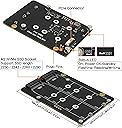
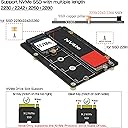
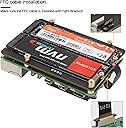
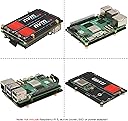
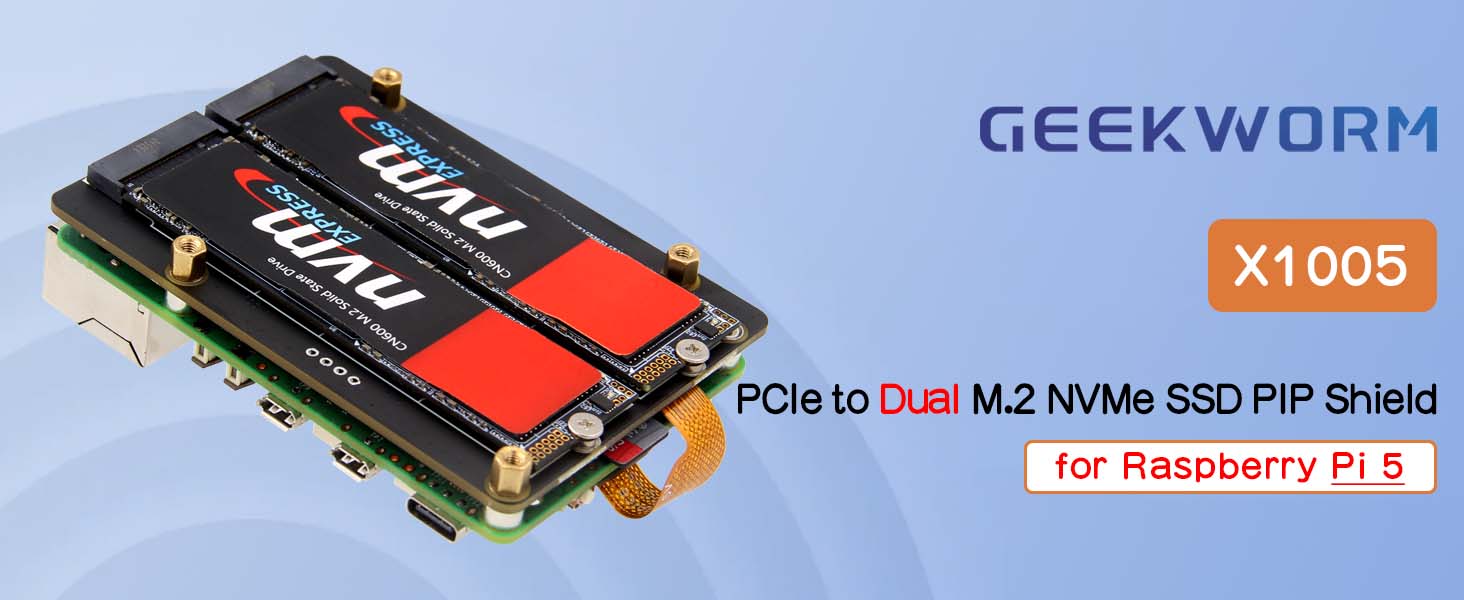
The Geekworm X1005 is a premium PCIe peripheral board designed exclusively for Raspberry Pi 5, enabling dual M.2 NVMe SSD installation with support for multiple SSD lengths. Featuring PCIe 2.0 interface for up to 5Gbps transfer speeds and powered efficiently via GPIO, it also supports NVMe boot and AI acceleration modules, making it the ultimate storage and performance upgrade for professional-grade Pi projects.



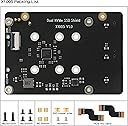



| Asin | B0D95KRJNC |
| Best Sellers Rank | 218,805 in Computers & Accessories (See Top 100 in Computers & Accessories) 5,339 in Single-Board Computers & Accessories |
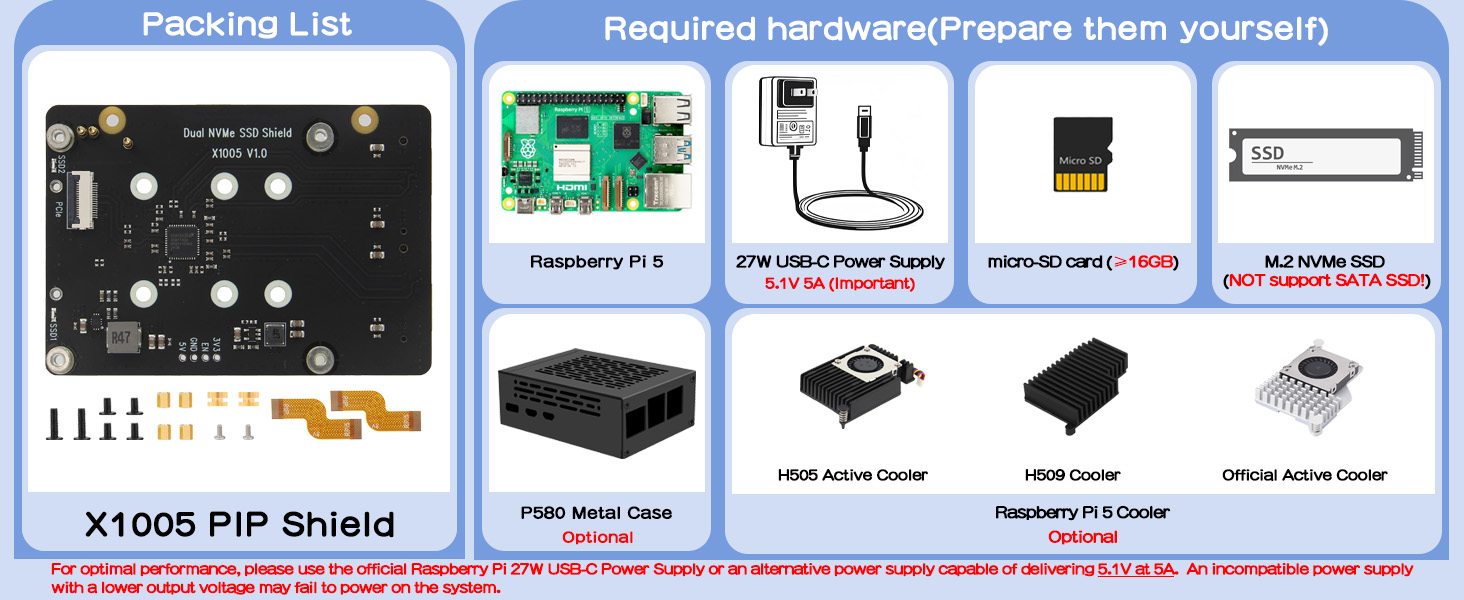
| Box Contents | 1 x X1015 PCIe Peripheral Board with Accessories |
| Brand Name | Geekworm |
| Colour | black |
| Compatible Devices | Raspberry Pi 5 |
| Customer Reviews | 4.2 4.2 out of 5 stars (25) 4.2 out of 5 stars |
| Input Voltage | 5 Volts (DC) |
| Item Weight | 35 Grams |
| Manufacturer | Geekworm |
| Manufacturer Part Number | TB-2024-32 |
| Model Number | X1005 |
| Number Of Items | 1 |
| Number Of Ports | 2 |
User
4mm screw defective
The 4mm which screws the ssd was defective. I would have returned this product but then I had an laptop from which I found some that barely fits. Be carefulEDIT 1: I did end up returning this because it does not support pcie gen 3.
User
Top-notch.
This board has performed exactly as advertised. No problems. Easy to install and connect.
User
Works great right out of the box
Got this for my RPi5 (of course) so that I could put in an NVME SSD and the Hailo AI card. I put in a 1 TB Western Digital Blue card, and it worked fine. I just did an SD Copy from the Raspberry Pi Accessories menu, if I remember right. Then pulled out the SD card, rebooted, and bam, faster Pi. Now I am just tweaking 3d print file to make it fit.Advice - for $14 the metal P580 case would have saved several 3d prints that didn't fit!
User
No instructions and missing essential parts
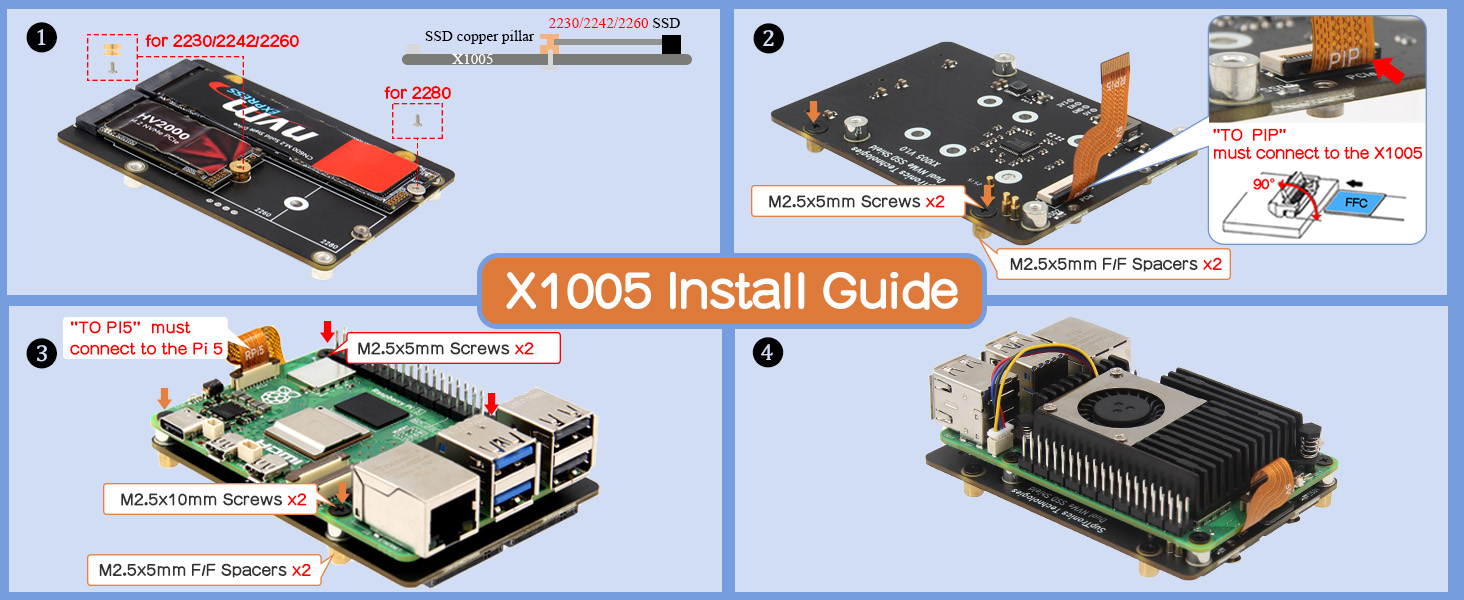
If you’re new to raspberry pi then this isn’t the product for you. The directions make absolutely no sense. They are on a tiny paper with pictures that show you where the various pieces could go not not how it should look after. The pins mostly connect which powers the device. But I learned that from hours of google instead of the manufacturer. The additional pieces necessary to fit it together properly are not included in the included parts packed. Why would you make directions visually showing passes in the directions that aren’t in the box!? It’s like they packaged it up and grabbed whatever was laying around to throw in the box. I would love to review the device itself however it still won’t work. And the plugs to hold the cards in place are soldered in the very last spot which is great if you have the largest size card it accepts but if it’s smaller in any capacity start looking around now for something to hold the card in place. If you’ve been tinkering with Pi for a while this whole rant probably sounds very noob/novice and you’re right bc that’s what I am at this. However the purpose of RPi is for ppl to learn by doing. But if you’re new like me, this product assumes way more than we know for it to be user friendly and teachable. I’m returning it and think it’s best I limit myself to Geekworm cases or the like. If you still want to buy one, figure out how to connect the board to the pi 5 before adding the card bc you can’t reach those mount points once the card is installed. And let’s not even begin to get started on how the additional two mounting points get attached. There’s not enough parts to do it anyway and even if there were it’s either not covered at ask in the directions or it is but the parts to do it aren’t there. Neither of which matter bc there’s no image of the finished product to see what those should look like
User
Works great with my little server.
This worked flawlessly with my Raspberry Pi 5 and 2x 2TB Toshiba m.2 SSDs. Speeds aren't incredible. I think it is running at PCIe gen 2 speeds. The form factor is great though. You can still install a regular hat, or put it in a little case which Geekbench also sells. I'm using it as an Immich server, and I'm very happy with the performance.
Trustpilot
2 months ago
2 weeks ago