


Buy anything from 5,000+ international stores. One checkout price. No surprise fees. Join 2M+ shoppers on Desertcart.
Desertcart purchases this item on your behalf and handles shipping, customs, and support to Senegal.
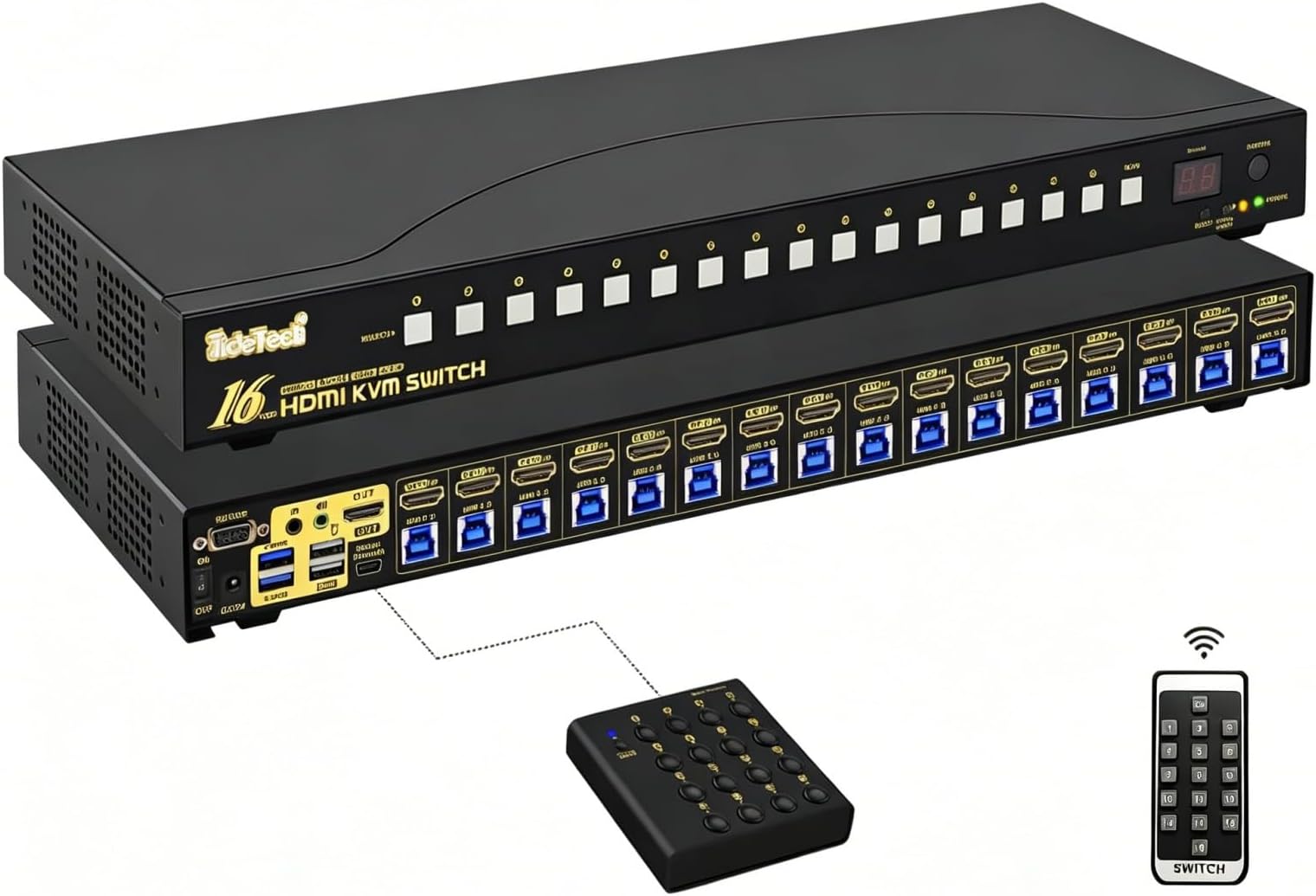
🔗 Connect, Control, Conquer: The Ultimate 16-Port 4K KVM Switch for Power Users
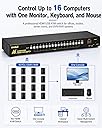
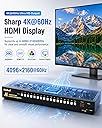
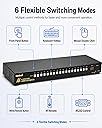
The JideTech 16x1 HDMI USB KVM Switch is a professional-grade device enabling seamless control of up to 16 computers with ultra-high-definition 4K @ 60Hz HDMI output. Featuring HDCP 2.1 support, an intelligent EDID emulator, and a built-in USB 3.0 hub, it ensures smooth peripheral sharing and flawless video performance. Designed for cross-platform plug-and-play compatibility, it’s ideal for offices, studios, and IT racks demanding efficient multi-system management.


| ASIN | B0CMWRYC54 |
| Actuator Type | Push Button |
| Best Sellers Rank | #563 in KVM Switches |
| Brand | JideTech |
| Brand Name | JideTech |
| Circuit Type | 16-way |
| Color | Black |
| Compatible Devices | Computers with HDMI output running Windows, Linux, or MacOS |
| Connectivity Protocol | HDMI |
| Connector Type | Plug In |
| Contact Material | Metal |
| Contact Type | Normally Open |
| Control Method | Remote |
| Control Type | remote |
| Current Rating | 2 Amps |
| Customer Reviews | 5.0 out of 5 stars 2 Reviews |
| Manufacturer | JideTech |
| Material Type | Metal |
| Model | 9116H-3 |
| Mounting Type | Rack Mount |
| Number of Items | 1 |
| Number of Positions | 16 |
| Operating Voltage | 12 Volts |
| Operation Mode | ON-OFF |
| Part Number | 9116H-3-B |
| Specification Met | Hdcp2.1 |
| Switch Type | Rm |
| Terminal | Physical |
| UPC | 796915929122 |
| Unit Count | 1.0 Count |
| Wattage | 24 watts |
G**E
Works Well for Homelab/Production Setup
Devices plugged into this KVM: Desktop Computer Mac Mini Home Server Intel NUC Firewall Appliance (Router with HDMI) Work-From-Home Laptop The reason why I bought this KVM is not only for my computers and servers, but also when setting up homelab equipment such as a couple of Intel NUCs for setting up whatever I can think of such as Proxmox or OpenStack. Of course, since I used to play games, I don't get 4k at 120Hz, which is fine because even if I plug my computer directly to my OLED TV, I cannot tell the difference between 60Hz and 120Hz, so since I only play single-player games, HDMI 2.0 is fine for me. If I can tell a difference between 60Hz and 120Hz, I would probably get myself a 4-port HDMI 2.1 KVM, but again, no need. I am happy with my 16-port KVM setup for my home use. And plus it has rack ears! Got to have it! :D
Trustpilot
1 month ago
1 day ago