🚀 Pocket power meets smart protection — your SSD’s new best friend!
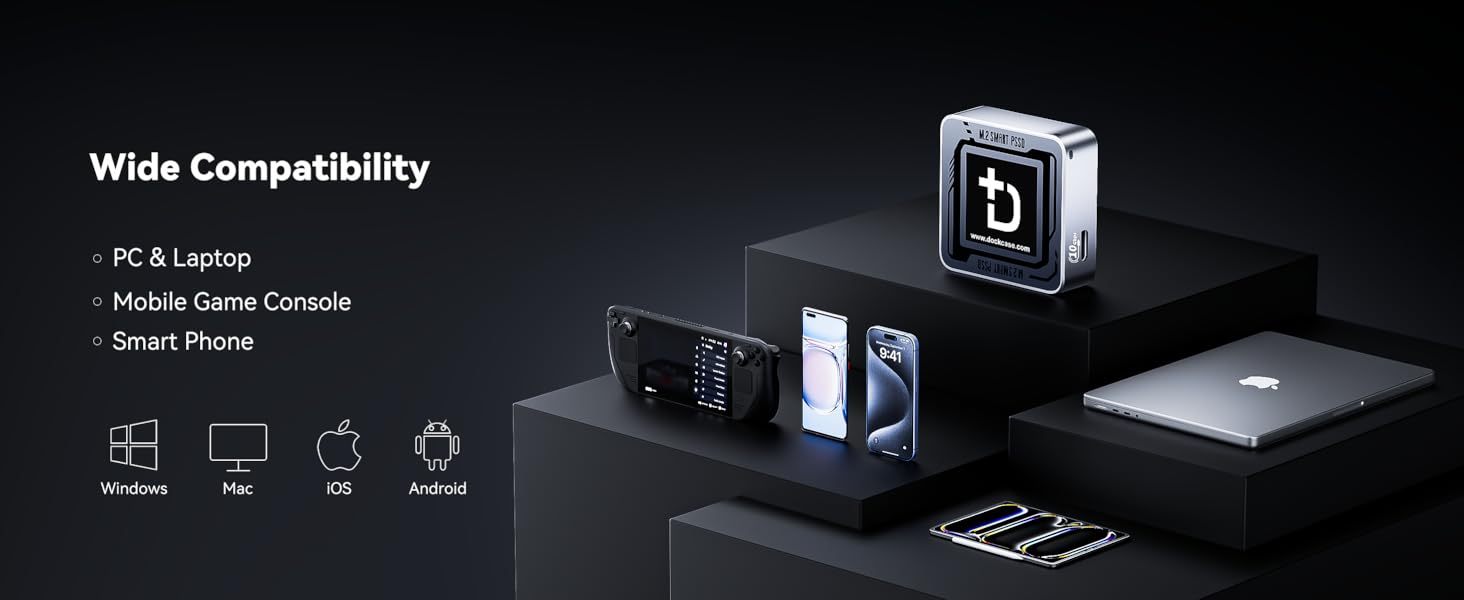
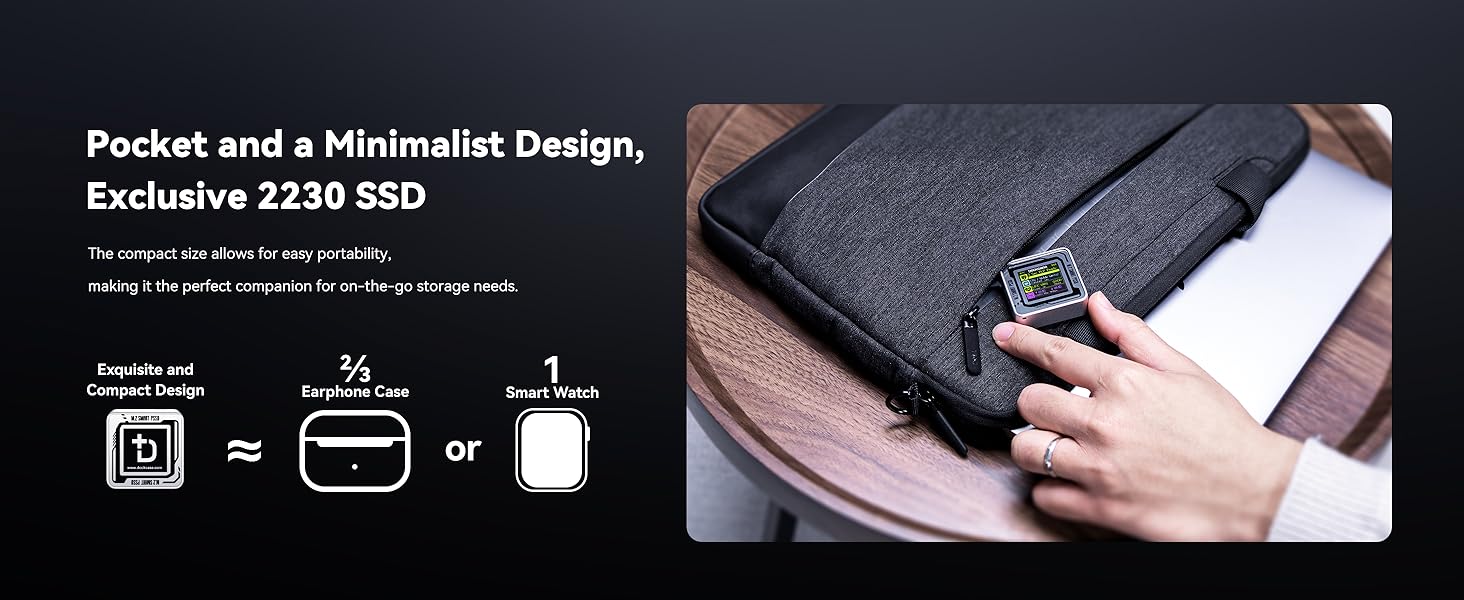
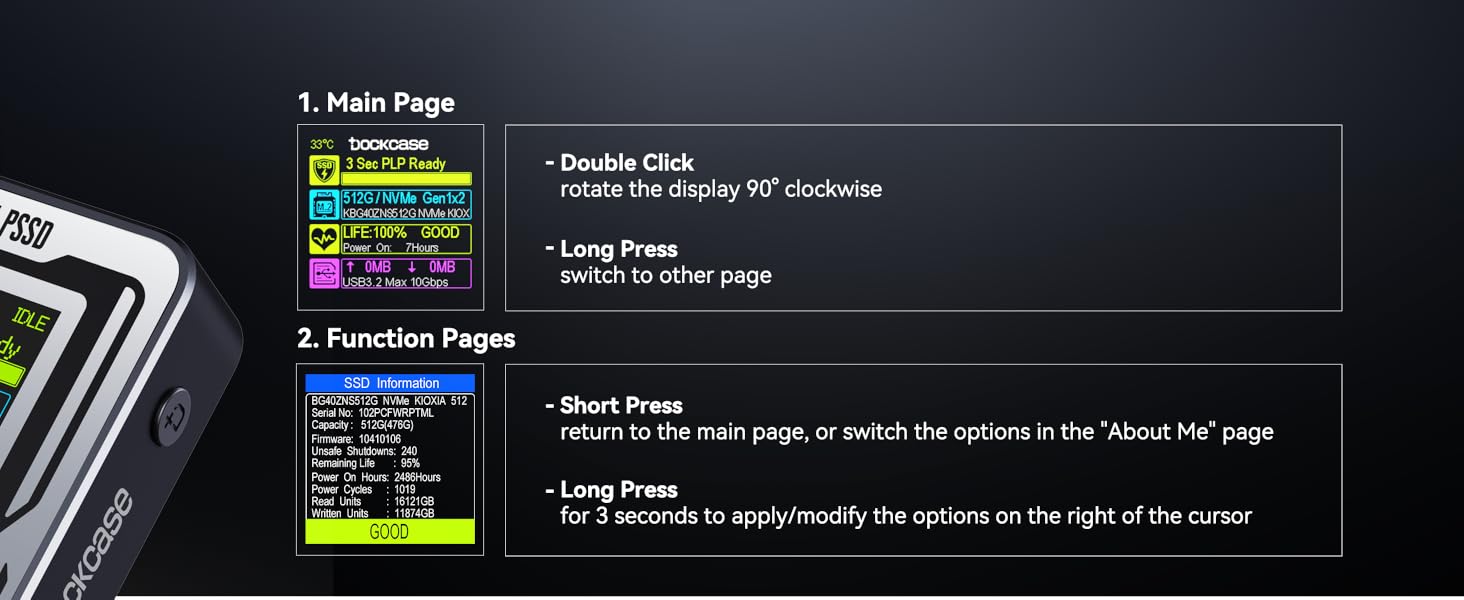
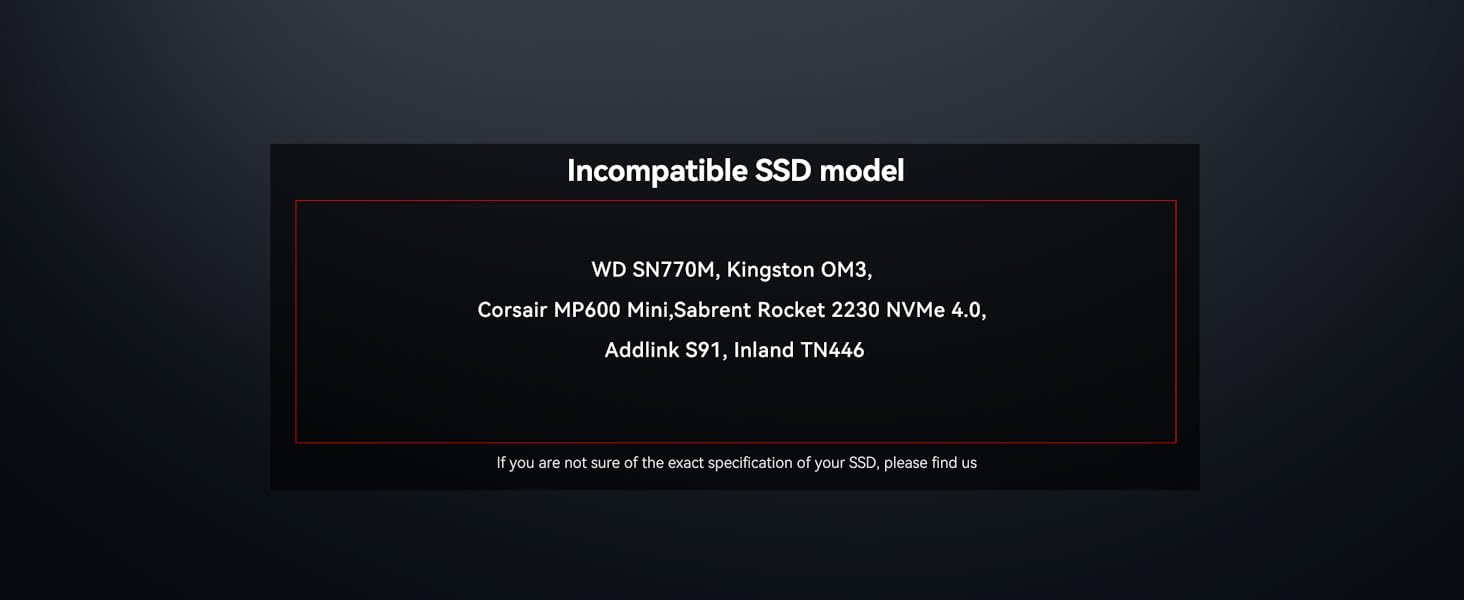
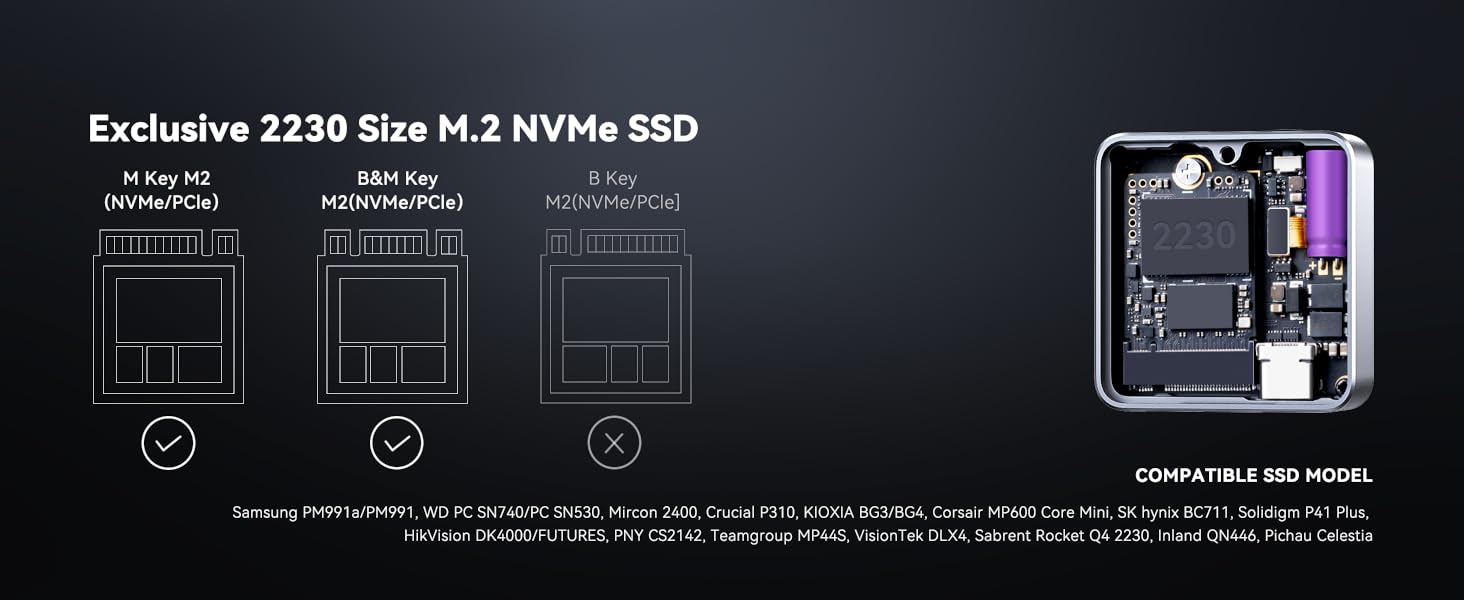
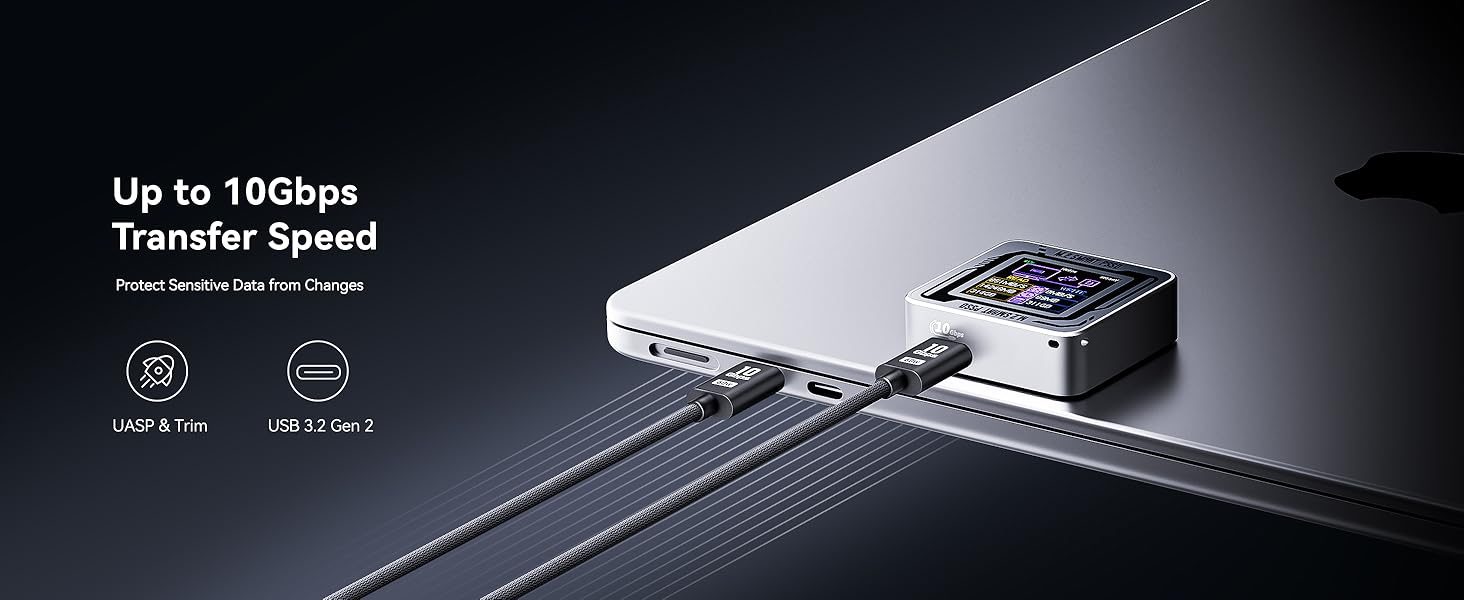
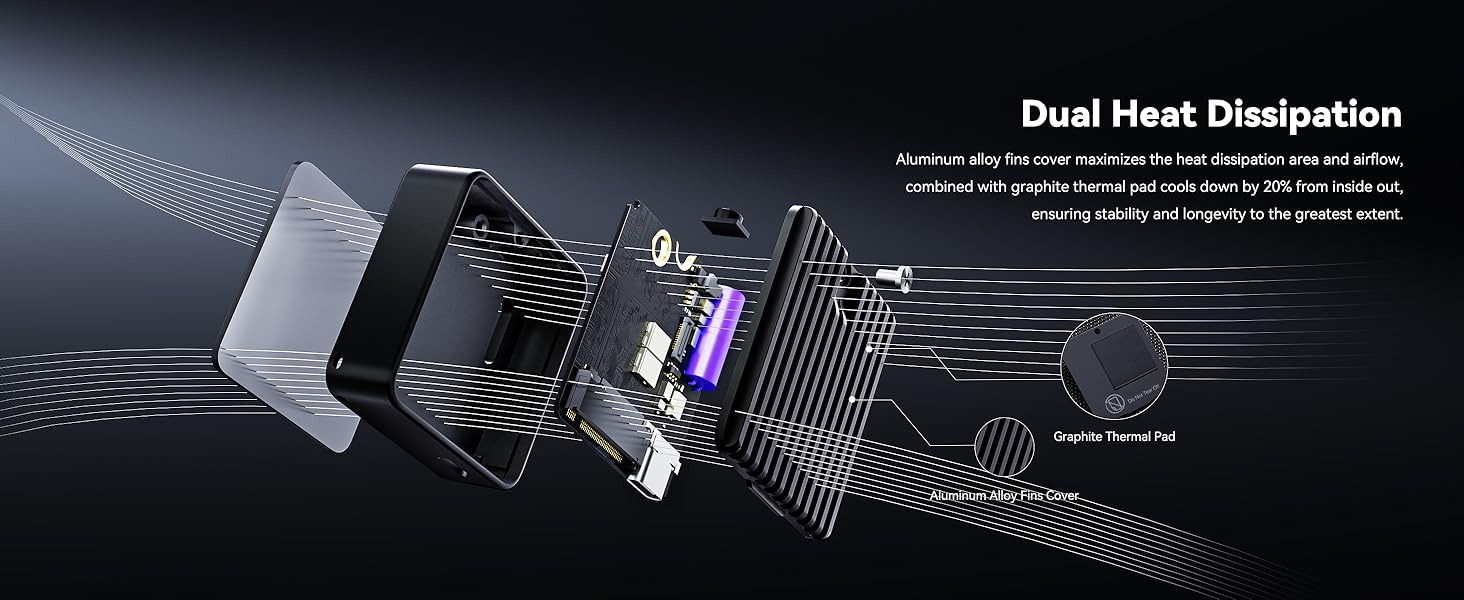
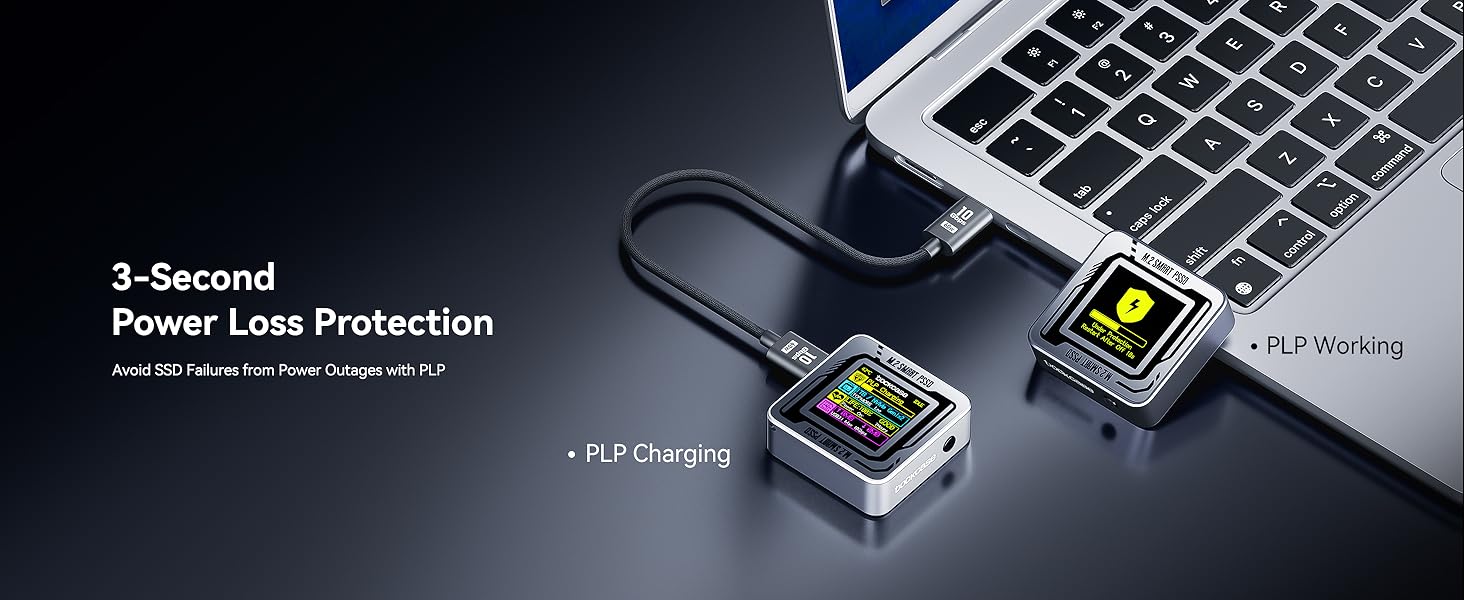
The DOCKCASE Pocket M.2 2230 NVMe SSD Enclosure is a premium, compact external storage solution designed exclusively for 2230-sized NVMe PCIe SSDs. Featuring USB 3.2 Gen 2 Type-C connectivity for blazing 10 Gbps transfer speeds, it integrates a unique HD display to monitor SSD health, life, and capacity in real time. With advanced 3-second Power Loss Protection and a secure Read-Only mode, it safeguards your data against power failures and accidental edits. Its durable aluminum chassis combines portability with passive cooling, making it ideal for professionals who demand fast, reliable, and smart external storage on the move.


| ASIN | B0CB3JWN45 |
| Best Sellers Rank | #60 in Enclosures |
| Brand | DockCase |
| Built-In Media | SSD enclosure*1, USB-C Data Cable *1 |
| Color | Silver |
| Compatible Devices | Laptop |
| Customer Reviews | 4.5 out of 5 stars 428 Reviews |
| Data Transfer Rate | 10000 Megabits Per Second |
| Hardware Interface | USB, USB 3.2 Gen 2 |
| Hardware Platform | x86_64 |
| Item Weight | 0.11 Kilograms |
| Manufacturer | TMD Touch |
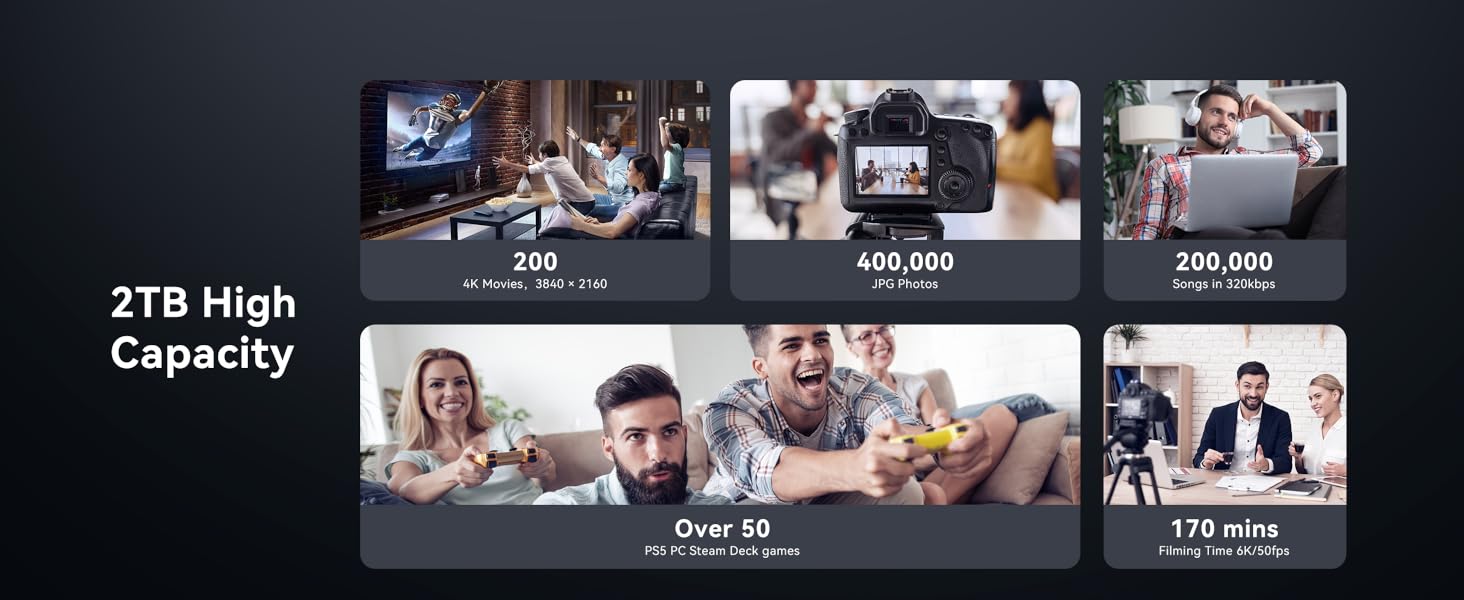
| Memory Storage Capacity | 2 TB |
| Supported Devices Quantity | 1 |
| Warranty Description | 1 year |
M**.
Great SSD enclosure
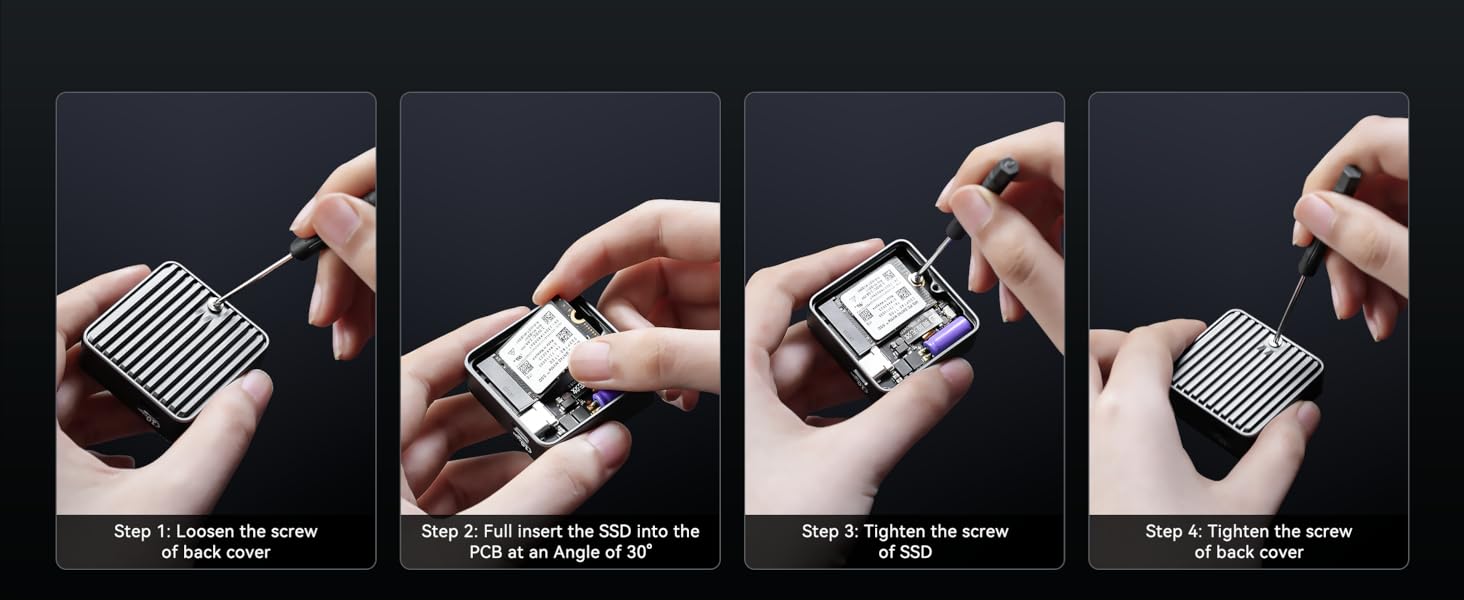
I recently picked up the DOCKCASE Pocket M.2 2230 NVMe SSD Enclosure, and I have to say—it’s exactly what I needed! This little device is an absolute powerhouse when it comes to portability and performance. First off, the build quality is excellent. The enclosure is made from high-quality aluminum, giving it a solid and durable feel, while still being lightweight enough to carry around easily. The sleek, minimal design is super stylish too, so it doesn’t look out of place alongside other tech gear. Setting it up was a breeze. I simply slid in my M.2 2230 NVMe SSD, and it snapped into place. The whole process took just a couple of minutes, and the included tools make it super easy to install or swap out drives if needed. Performance-wise, this enclosure delivers fast read and write speeds, thanks to its support for NVMe drives. Whether I’m transferring large files or running apps off the SSD, everything is fast and smooth. It connects via USB-C, so I’m getting speeds that are much faster than your typical USB 3.0 enclosures. For anyone who’s looking for top-tier speed and efficiency, this is the way to go. One of my favorite features is how compact and portable it is. It fits in my pocket without any hassle, which makes it a perfect solution for on-the-go data storage. Whether I’m carrying it with me for work or using it to back up important files, I don’t have to worry about lugging around a bulky device. In terms of heat management, it’s been very reliable. The enclosure doesn’t heat up even after extended use, which is something I’ve had issues with in the past with other enclosures. It stays cool, and I haven’t experienced any throttling or slowdowns. Overall, the DOCKCASE Pocket M.2 2230 NVMe SSD Enclosure is a fantastic product for anyone who needs fast, portable, and reliable external storage. It’s well-built, easy to use, and provides impressive performance. Highly recommend it for anyone looking to give their SSDs a stylish, efficient home!
I**N
Good, need more testing
Small compact and solid built, seems to do its job as a case, passive cooling, and software (sometimes doesn't seem to tell the exact data) Design and build 4/5 Small, solid and easy to access, missed a spot for a thread for tripod, and magnet for phones Screen can be brighter, fonts could be bigger or the data could be managed in different way, (too many data in such a small screen, better subdivide them in different windows Passive cooling 3/5 Can't expect much more i guess, but on prolonged use it get too hot to be safe for the SSD Ease of use 4/5 Easy to access The screen it's too small for the quantity of info showed, subdivide them in multiple windows Safety 0/5 No dust, water, and probably not even fall proof, keep it in a safe place, the screen will scratch as soon as it can For now it working fairly fine, but if it keep having overheating issue, it's going back 2 temporary thumbs up
S**E
Coolest enclosure I've ever owned
This drive is surprisingly cool. It gives you tons of details on the display as it's running. Most of it is novel and not necessary, but it's interesting to see. I got it to help migrate to a larger drive and it worked great for my needs. It even told me the drive's SMART data was reporting 80% health, which might explain the speed issues I was having. I'm pretty happy to have this, even if I don't use it a ton. It's fast, small, and works well.
A**.
Neat and I like, but sometimes a pain
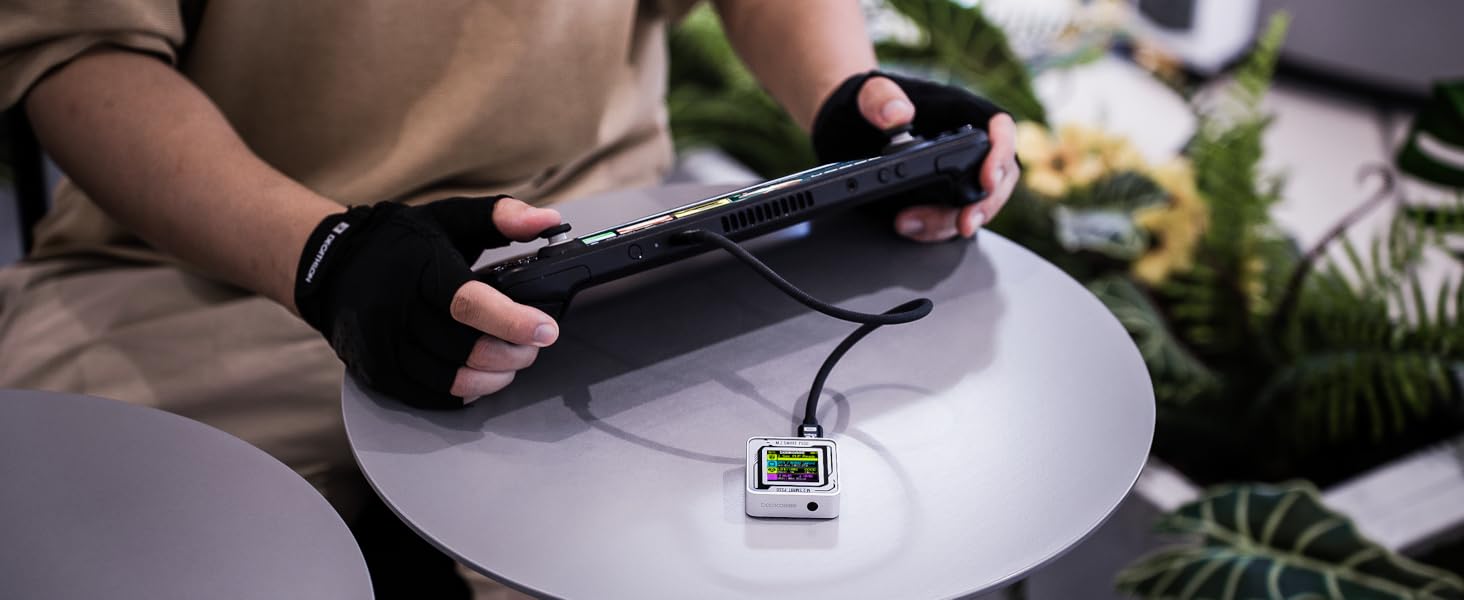
This is very neat, allowing you to convert a tiny M.2 into a USB drive. I had recently upgraded my Steam Deck and had a leftover drive that couldn't be used elsewhere so this made for a neat little tool. Speeds are great and it does very much as advertised. Unfortunately, this can be a bit finicky as it takes a moment to boot up due to having to check the drive installed each time it's plugged in before you can access your information. Not good for being used as boot media or OS installation as it might be too slow to start. That being said, the housing does quickly pull away heat and is easy enough to use. Navigation of the menu is a pain, especially if you like to turn on and off the write protection on the regular. Its fun and I enjoy the information provided, but there are better implementations elsewhere if you don't need the screen.
J**O
Great Small gadget for the road
The Pocket M.2 2230 NVMe SSD Enclosure is a fantastic addition to my tech gear. First and foremost, its compact size makes it incredibly portable, fitting easily into my pocket or laptop bag. The design is sleek and modern, which is a bonus for those who appreciate aesthetics. Functionality-wise, this enclosure delivers on its promises. The support for 3-second Power Loss Protection (PLP) is a game-changer, ensuring that my write data is secure even during unexpected power interruptions. This feature alone brings peace of mind, especially for those of us who work with critical data. Installation was a breeze—no fiddling with screws or complicated setups. The enclosure works seamlessly with my M.2 2230 NVMe SSD, providing fast transfer speeds and reliable performance. I've experienced no overheating issues, thanks to its excellent thermal management. Overall, if you're looking for a portable, reliable, and well-designed SSD enclosure with added data protection features, the Pocket M.2 2230 NVMe SSD Enclosure is a top choice. Highly recommended!
N**R
High Quality Enclosure
Great little enclosure for the money that holds any M.2 2230 SSD snugly and without worry of damage or overheating. Only takes a couple of screws to open it up and install your drive, and supports USB 3.2 speeds over type C. My only concerns are that leaving the drive plugged in can cause a lot of heat soak depending on what it's plugged into, and that, while the glass covered display is nice, I worry that it would be easy to scratch or damage it without some kind of protection or shell around the enclosure.
M**.
Uses the RTL9210B chip
I love these little enclosures for running live Linux distros and transferring large files. They’re much faster than standard USB flash drives. The only downside is that these types of drives are never 100% stable all the time. However, this model uses the Realtek RTL9210B chip, which is one of the best in terms of stability and temperature control. Always go with Realtek bridge chips like the RTL9210B and avoid the JMicron JMS583 like the plague.
C**8
Nifty, fast SSD enclosure beats flash drives
Nifty little SSD enclosure that has pretty fast transfer speeds (with the right SSD). The screen gives helpful information like current transfer speed, total amount of data written and read from the SSD, temperature, and more. The SSD was pretty easy to install and easily connects over the USB-C (though I also added a USB-C to A adapter for my PC that doesn't have USB-C ports and that works to). The only thing I find a little cumbersome is the backup capacitor giving it power loss protection. Might be useful but have to wait the 5 seconds for it to delete and shutdown before plugging into another device. Plugging the SSD enclosure while PLP is still active assists to recharge the capacitor but my computer doesn't seem to recognize the enclosure until after it depletes and shuts down. Little bit of a minor complaint though because it's better to have this feature to keep your SSD from getting corrupted.
Trustpilot
1 month ago
2 weeks ago