Buy anything from 5,000+ international stores. One checkout price. No surprise fees. Join 2M+ shoppers on Desertcart.
Desertcart purchases this item on your behalf and handles shipping, customs, and support to Senegal.
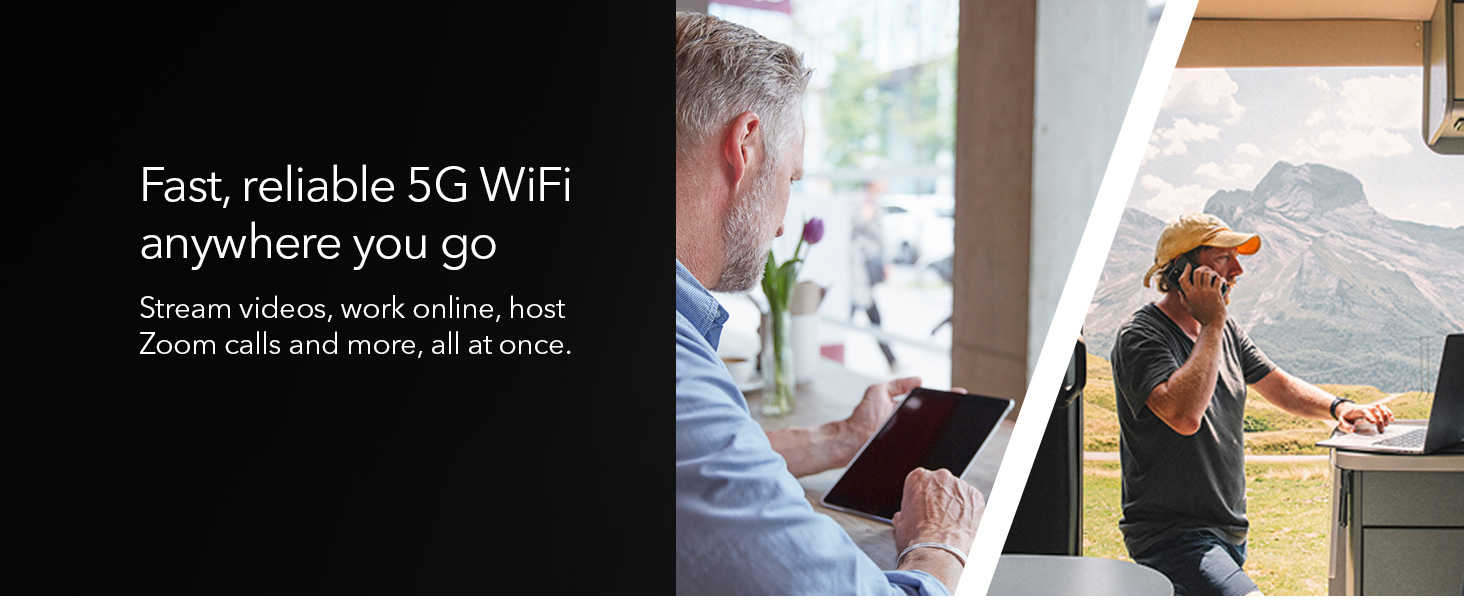
🚀 Stay connected anywhere, anytime — the future of mobile internet is in your hands!
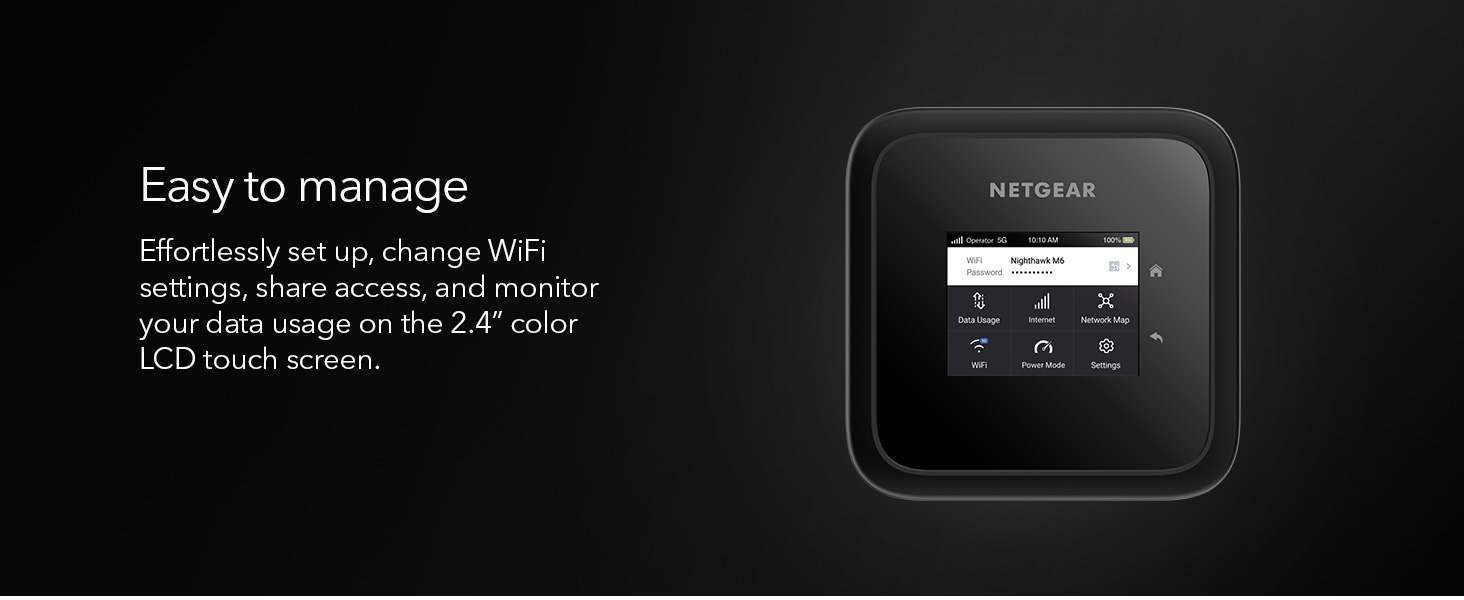
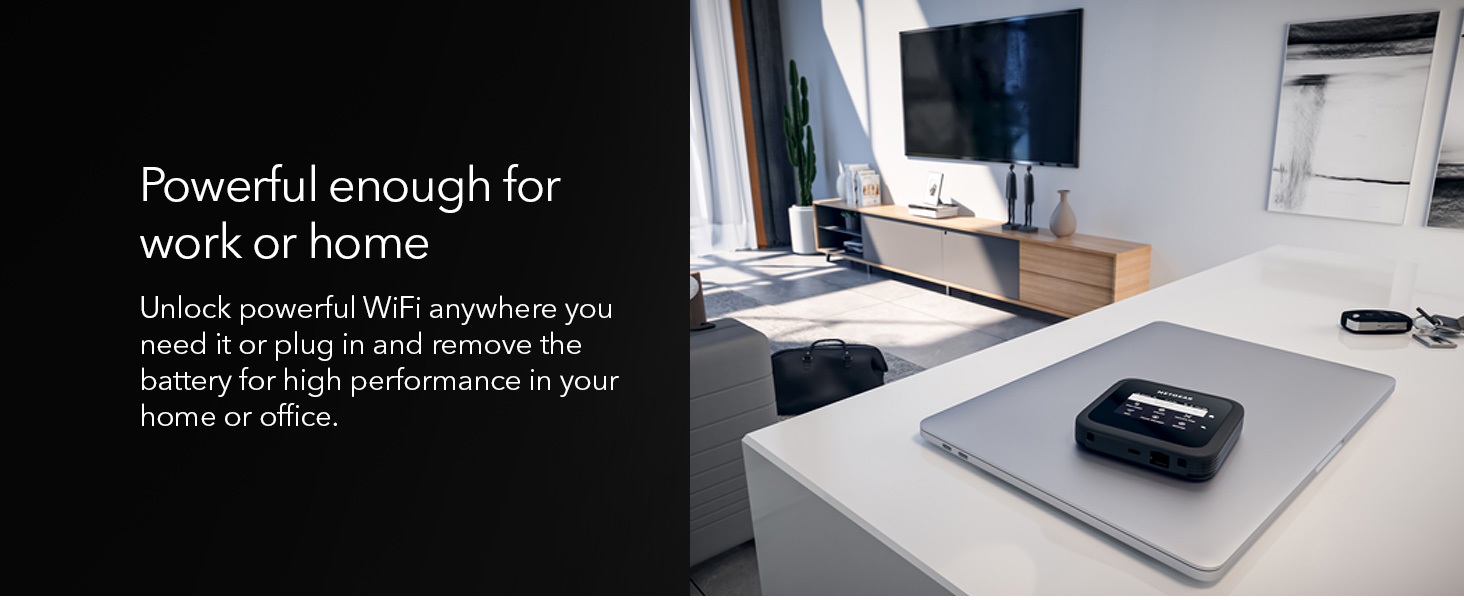
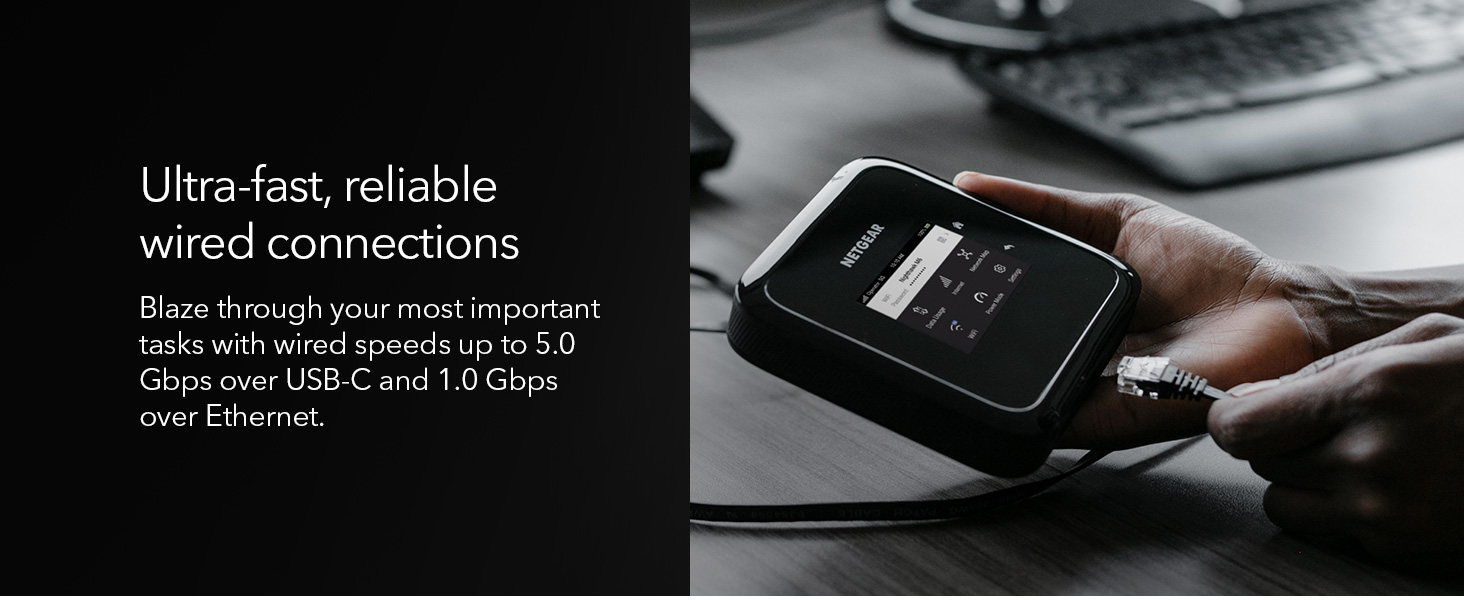
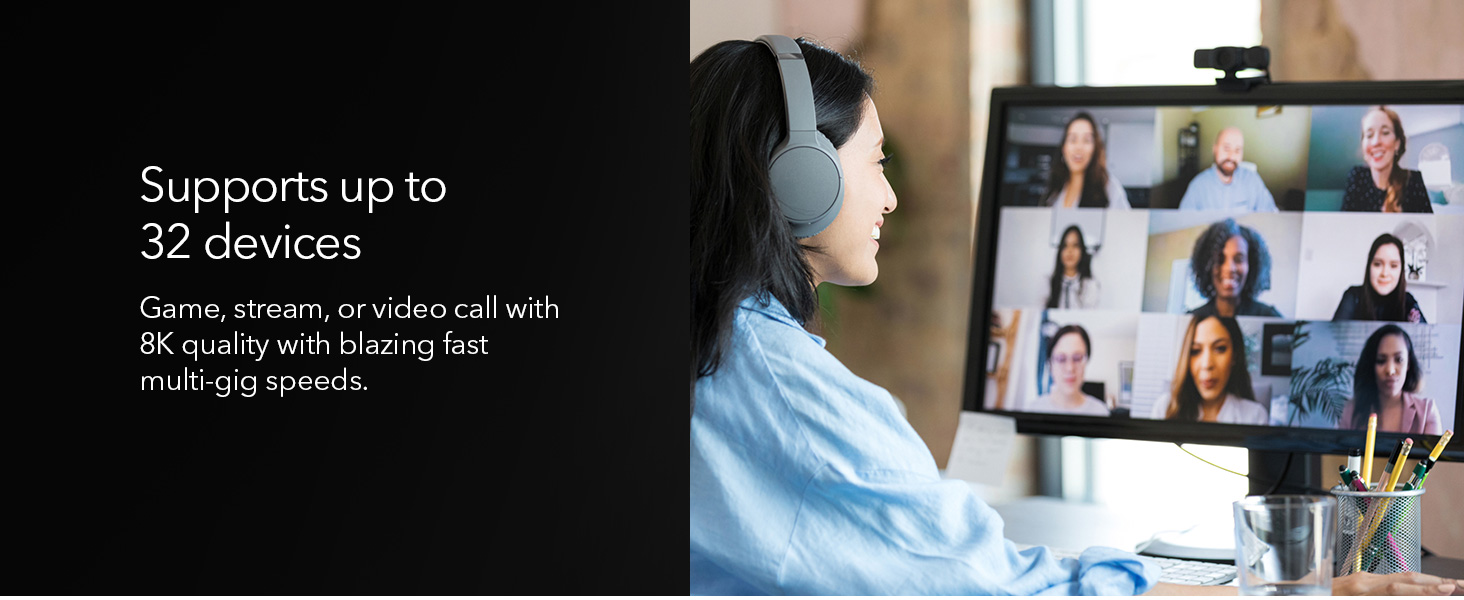
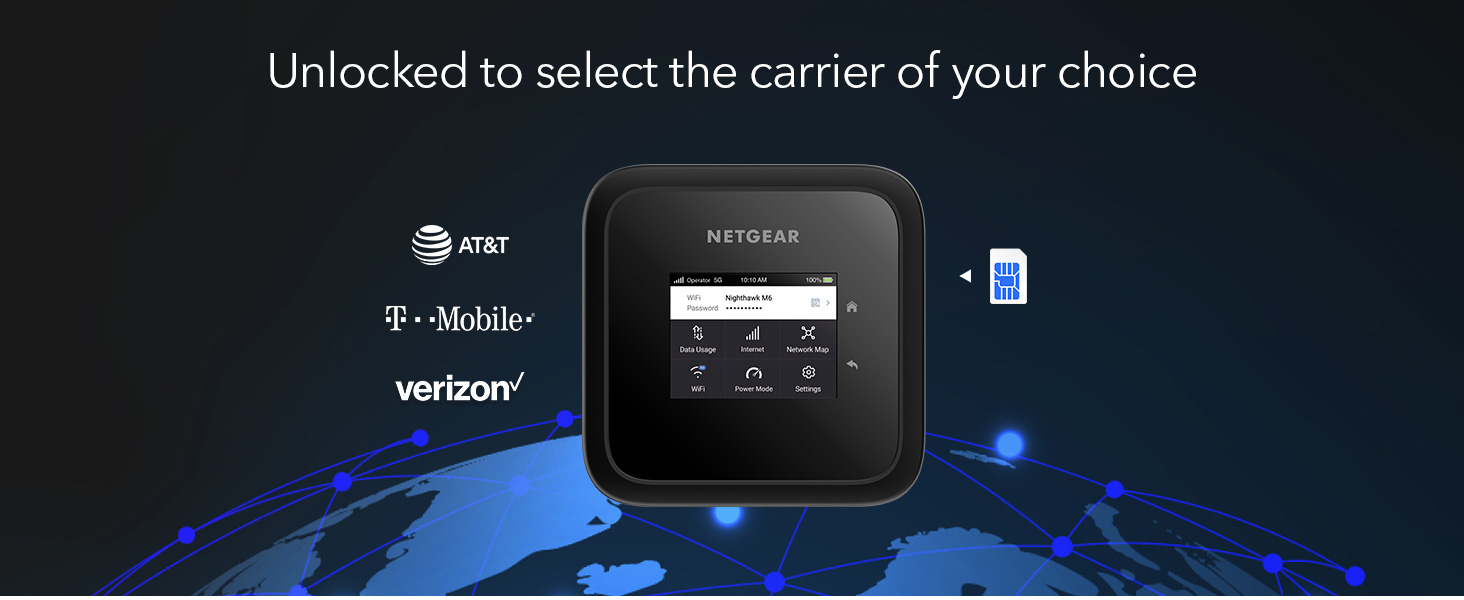
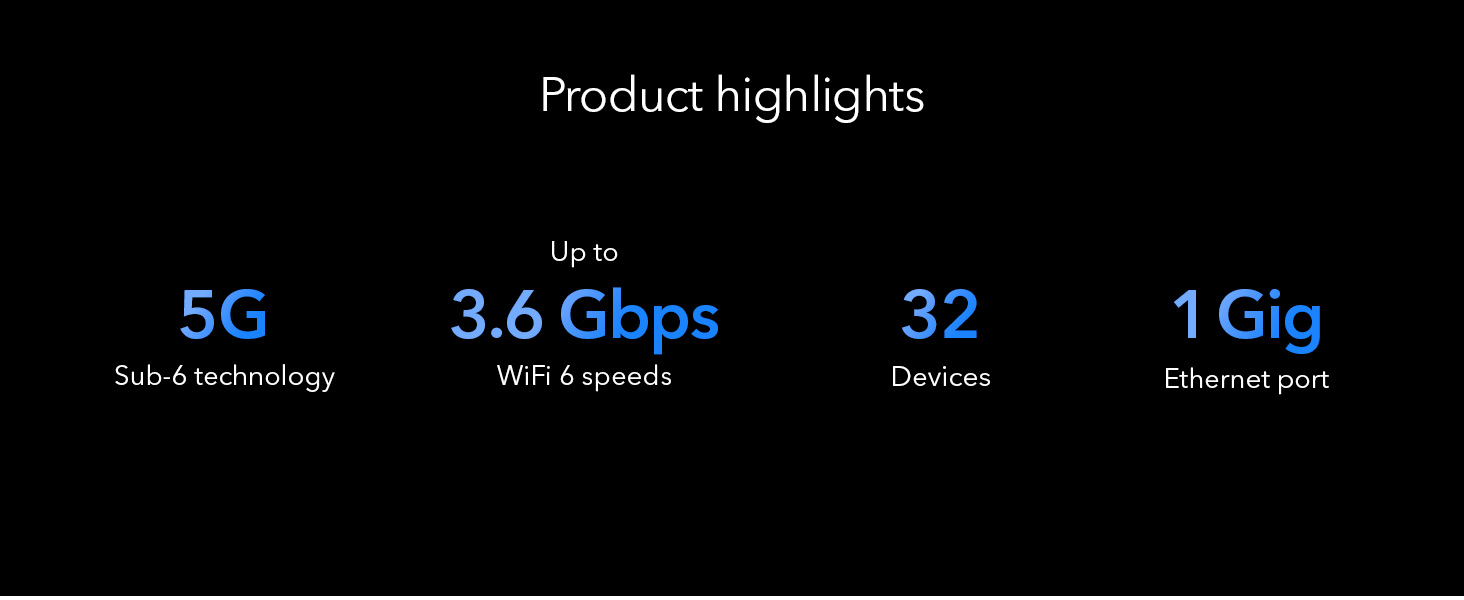
The NETGEAR Nighthawk M6 is a premium 5G mobile hotspot and router featuring WiFi 6 technology, delivering blazing speeds up to 2.5Gbps. Unlocked for major US carriers, it supports up to 32 devices and offers versatile connectivity with a 1 Gigabit Ethernet port. Designed for professionals on the move, it provides up to 13 hours of battery life and can boost WiFi coverage up to 2,000 sq.ft, making it an ideal solution for travel, home, or office backup internet.


| ASIN | B0BGV79FHT |
| Antenna Location | Home |
| Antenna Type | Fixed |
| Best Sellers Rank | #5,656 in Computers & Accessories ( See Top 100 in Computers & Accessories ) #280 in Computer Routers |
| Brand | NETGEAR |
| Built-In Media | Nighthawk M6 Mobile Hotspot device |
| Color | Black |
| Compatible Devices | Tablet |
| Connectivity Protocol | WiFi 6, 5G, 4G LTE |
| Connectivity Range | 2000 Square Feet |
| Connectivity Technology | USB |
| Control Method | Touch |
| Controller Type | Switch |
| Coverage | 2000 square feet |
| Customer Reviews | 3.7 out of 5 stars 287 Reviews |
| Data Transfer Rate | 1 Gigabits Per Second |
| Frequency | 2.4 GHz |
| Frequency Band Class | Dual-Band |
| Has Internet Connectivity | Yes |
| Has Security Updates | Yes |
| Is Modem Compatible | Yes |
| Item Dimensions L x W x H | 4.14"L x 0.85"W x 4.14"H |
| Item Type Name | Wireless Router |
| Item Weight | 1.28 Pounds |
| LAN Port Bandwidth | Gigabit Ethernet |
| Manufacturer | Netgear |
| Maximum Upstream Data Transfer Rate | 2500 Megabits Per Second |
| Mfr Part Number | MR6150-100NAS |
| Model Name | Nighthawk M6 |
| Model Number | MR6150-100NAS |
| Number of Antennas | 1 |
| Number of Ports | 1 |
| Operating System | [Proprietary or custom-built mobile hotspot OS] |
| Other Special Features of the Product | Internet Security |
| Router Firewall Security Level | Moderate |
| Router Network Type | hybrid |
| Security Protocol | WPA |
| Special Feature | Internet Security |
| UPC | 606449158083 |
| Unit Count | 1.0 Count |
| Warranty Description | 1 year warranty |
| Wi-Fi Generation | WiFi 6 |
| Wireless Communication Standard | 802.11ax |
| Wireless Compability | 802.11ax |
V**G
Wonderful Mobile Hotspot
When I got the Mobile Hotspot, it was a terrific benefit to connect with devices anywhere in the USA. It was the first problem with “ Not Connected; Go to SETTINGS > Advanced > Cellular to confirm your APN settings [Error 512].” which is the facer issue. Verizon has no idea how to correct APN, and I had a contact with Netgear customer service. They were great to support me, and they told me about Verizon’s problem with APN. I bought a SIM card from Verizon but they didn't know to settle up and struggled with it then gave it up. I went to the store two times and contacted Verizon many times. (never helpful)
B**T
Flaky, finicky, and barely functional
I have a Netgear LB1120 LTE modem as a backup for my home network; I thought this would be a good upgrade to 5G. I was wrong. For a whopping $700, I expected this to function, but it barely does. Half the time it would struggle to actually hand out an IP over the LAN port (inconsistent). If you enable IP Passthrough mode, you can't change the admin IP address -- specifically, you CAN (and you have to also change the DHCP range, even though that's irrelevant), and then it forces you to reboot, and the screen will show the new IP address, but the old one still works and the new one won't, but if you change it BEFORE enabling passthrough (then reboot), and then enable passthrough... it works. It doesn't help that the touchscreen is super laggy and frustrating to interact with. But remember the inconsistent IP assignment when working as a router (passthrough off)? Same issue with Passthrough... it was inconsistent. And the device takes 5 minutes to reboot.... which you have to do any time you change nearly any setting other than turning WiFi on/off. Even installing/removing the battery while plugged into the wall causes an error message on the screen saying it has to reboot to change the "Power Mode" setting... while it's still on and powered, but adding/removing the battery causes it to change some setting... that requires a reboot. If you start it out-of-the-box for the first time before installing the battery, it will also immediately boot to that error/warning... wait 5 minutes to make sure you see it, and THEN reboot. And, in the 3 short hours I was trying to get this to work at all, it somehow decided my APN setting was wrong and stated showing the network as 000-00 and just wouldn't connect. Manually selecting the correct APN for my carrier caused to to complain and throw errors about how this was OBVIOUSLY wrong. Reboot. Again. The real cherry on top here was that when it DID give out an IP address, it caused my router (an Ubiquiti UDM-SE) to lock up for 10-20 seconds every few minutes. I don't understand how or why, and it was the same in NAT/Router mode and in Passthrough/Bridge mode. If this was a $100 device, I'd probably debug it and poke at it with Wireshark and see what packets it is sending out the LAN port, but for $700? I expect some amount of QA and polish... and a functioning device out of the box. As such, I'm just returning it. I'm sure it's probably fine if you're using it as a hotspot, but as-is, this thing doesn't function as a 5G modem for your network and is incredibly frustrating and fiddly to even try.
K**K
Connected right up on Consumer Cellular
Consumer Cellular does not (yet) sell mobile hotspot units, but they can provide a sim for an unlocked unit -- with no guarantees, of course. We recently transferred service from Verizon, where we had several mobile hotspots running for our work-from home needs. We live in a rather remote area, but have good cellular coverage, and no cabled internet. The cellular networks have worked exceptionally well for us. CC usually uses AT&T or T-Mobile networks, so we had hopes for the Netgear device. We took a chance on this Netgear device when the Inseego Jetpack unit from Verizon crashed and burned 2 days after moving it over. Conspiracy theories aside, the Inseego unit was great, but gave us grief with the Consumer Cellular sim right off the bat. One Inseego unit is still working -- don't know why. But, the second Inseego unit is now ready for recycling. Got the Netgear unit within hours from Amazon, thankfully. Moved the CC sim to the unit, fired it up, allowed it to do a firmware update, and we're now off to the races. Everything is connecting well to the unit. It immediately found the proper APN for CC and I think it is working better than the old unit. We may yet have to upgrade the remaining Inseego unit - we'll see if it crashes. Although the Netgfear is a little pricey, its reliability, connection, and wifi coverage is excellent. We're back to work! Note we have not experienced the issues some others there have noted. We did not have to use Netgear's app to set things up; it was immediately accessible via our laptop browser with plenty of configuration options. The APN can be manually configured, if needed. So, we certainly have no complaints. Had this unit updated and running in minutes.
R**A
Not for International use!
First off, anyone who is getting this to use as a hotspot while traveling should know that while it might work to some degree out of the country, it is only meant to be used in the USA. The same goes for many of the cell phones you'd buy in the USA. I read a lot of information online about how this hotspot is perfect for traveling. I'd have given this a lot lower rating if the claims were made by Netgear themselves. In the Philippines, even in a spot where I get 220mbps down on my phone, this hotspot caps out at around 15mbps with full bars and 5g. I did contact support about it and they informed me this was likely due to the bands being meant for cell towers in the USA and not other countries. An antenna bought locally in the country you are visiting will also not help change this. So I would absolutely not recommend this if you plan to use it outside of the US as your main source of internet. But since I already bought it, I'm still using it with the WiFi offloading feature and have it connected to another hotspot. It definitely is a pretty good router compared to other cheap hotspots. I'm also able to use the 2.4GHz wifi option to make my smartplugs also connect. My rating for performance in the Philippines at the price point of $800 is 1 star. But I can't really hold that against them since I'm technically using it as it was not intended to be used.
I**N
Gives my Home Internet a Run for It's Money
Okay, this Hotspot is incredible! I use T-Mobile and am traveling between a small and big city. Depending on my location, I'm getting Download speeds between 125mbps - 450mbps, and Upload speeds between 7mbps - 25mbps. Update... Sitting in a parking lot, I just got 542.32mbps down and 17.98 up. I have successfully (with no lag) played Modern Warfare 2 and a few other online games with friends. I have been able to work and do video meetings for work with no disruption. This Hotspot is the real deal! The good: - Handles bandwidth and lots of data like a champ - Little to no latency (as far as I can tell) - Able to use antennas and connect via ethernet cable. - Battery lasts quite a while... at least 5 or more hours on a full charge and constant use. I haven't let it get to 0 yet, but 5 hours would be my estimation. - The feeling you get with a reliable connect - I'm telling you I've never been so excited to travel for work. The Bad: - Obviously the price - The battery does take a while to charge. But this isn't a huge deal since my other electronics tend to run out of battery before this does. A wall socket is almost always nearby. Update after 6 weeks: - A hard connection works way better for upload speeds than wifi. But ultimately depends on your location. - Yesterday I had packet loss issue with the device despite great speeds. I reset the device and it fixed it. Just fyi.
L**.
smoking fast but overheats and becomes useless
I bought this a month ago because I had a Cudy 5g router with SIM card slots that died and wanted a solid replacement. I loved the idea of a battery, 5g, and sim card combination along with an ethernet port to get multiple wired devices online. This worked great...until it got too hot and turned off the wifi. First time I used it, I was working outside in 34 degrees FAHRENHEIT (almost freezing) and it got so hot it turned off. Left it off for a while until it cooled, powered back up and had the same thing happen. Tried it again at an even this past weekend inside where it was dry and 70 degrees. Same thing. I have seen others complain online about this issue and they say to use without the battery, but that negates a big reason I spent $600 on this device rather than a larger router with sim slots.
J**W
Turned Out To Be A Useful Device
I was expected that this Netgear Mobile Hotspot would be returned - due the fact that I live in a rural town with weak cell signal. In addition to that - I was buying a refurbished unit to save $$. It ended up working pretty well - and the signal was slightly better than the phone hotspot I had been using. I don’t see a big increase in signal “bars” but the data speed is better than I had on phone only. I was able to get all my phone calls and text messages which was not happening before using this hotspot. Once I bought the external Netgear antenna - the data was solid enough to hold video calls without dropping off. I would recommend this device - just keep in mind that the signal may not be the maximum strength. For comparison: on phone, at home, I average 1-2 mbps download speed and astronomically high latency. With this hotspot - I average 5-7 mbps /down. )After adding the external antenna i started getting 12-18 mbps down.
J**J
Not the best investment
Pros: * Decent performance, but mostly only when you are somewhere where internet is widely available anyway * Removable battery Cons: * Expensive (I get it, this is not mass-produced like a budget smartphone) * Toxic stench * Slow battery charging, I really doubt it is using the wattage potential of my bigger chargers than the one provided * Fast battery discharge when doing bandwidth intensive things * Screen scratches easily and no protective carrying case * Cheap plastic build quality, a $150 smart phone is more rugged and can make calls Cons outside of Netgear's control: * Leaving a Windows work laptop running doing almost nothing will somehow magically consume 10GB of data in a day, when data costs a $1 a GB. * Coverage will randomly drop quite often, but I will give Netgear the benefit of the doubt and blame the carrier for that * Based on previous cons, not practical, economical or reliable to use for work on that go
A**D
great Technology
Great
A**I
يسخن ويقطع
سيء جدا لا يتناسب مع قيمته المرتفعة جدا يقطع النت ولا تعاد الا بعد اعادة التشغيل ترتفع درحة الحرارة لدرجة لا تستطيع لمسه، لا انصح بشرءه
M**D
Perfect
Well functioning. Yet, it does NOT support the 5g services in KSA.
F**D
تقيم بعد استخدام 4 اشهر
ً من العيوب اذا كانت البطارية على الجهاز يضعف الانترنت وترتفع حرارة الجهاز ويضعف الاداء بشكل عام ولكن لاتقلق فقط قم بنزع البطاريه سيعود الاداء وترتفع سرعة الانترنت علما باني قمت بتعديل التردادات بقيمة 32€ عن طريق موقع واصبح الانترنت قوي جدا ( لقد قمت بشراء الجهاز بقيمة 853 دولار الجهاز لايستحق اكثر 400 دولار ) اعتقد هناك مبالغة بالسعر توصية بما اني خبير في عالم الشبكات افضل شركات الراوترات بشكل عام رقم 1- هواوي 2 نتجير و تب لنكTp link
(**أ
سريع وسهل الاستخدام
حسبت انه مصنوع في أمريكا ووجدت انه مصنوع في إندونيسيا مفروض يكتبون انه مصنوع باندونيسيا . الجهاز سهل الاستخدام وسريع حتى سرّع ال ٤ جي أضعاف سرعته. حجمه اكبر مما توقعته في الصوره..لم استخدمه الى الان مع ال ٥ جي..عموما أعجبني سرعته الملحوظه والعاليه. تحديث: بعد ثلاثة شهور البطاريه صارت ماتشحن كويس وتاخد وقت طويل جدا ولا تشحن الا ٧٠٪ وتخلص بسرعه!!
Trustpilot
2 weeks ago
4 days ago