📷 Capture the Past, Relive the Future!
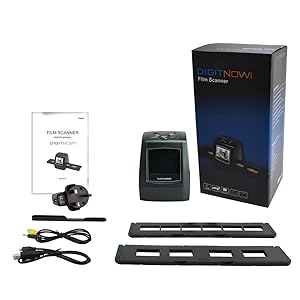
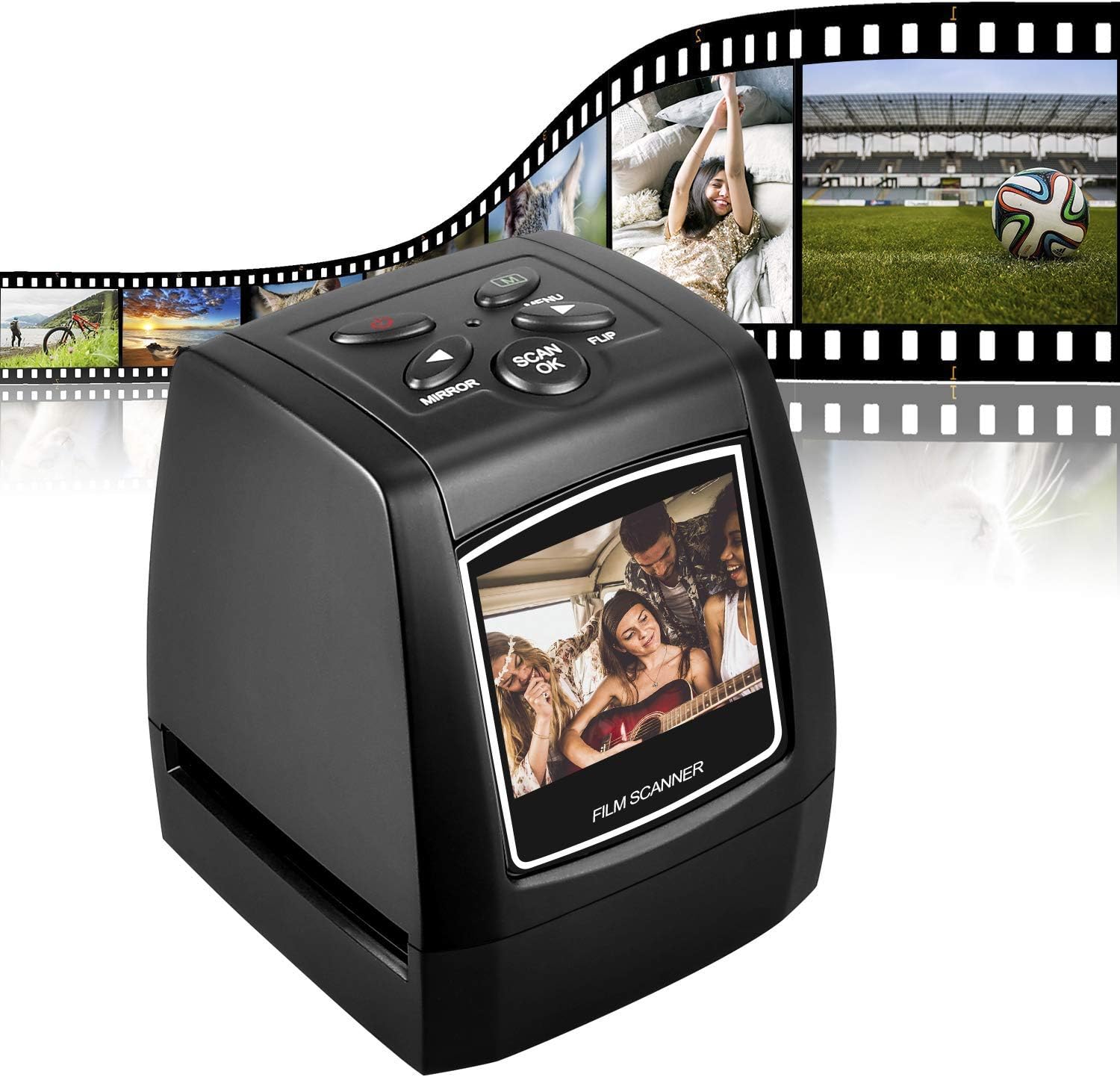
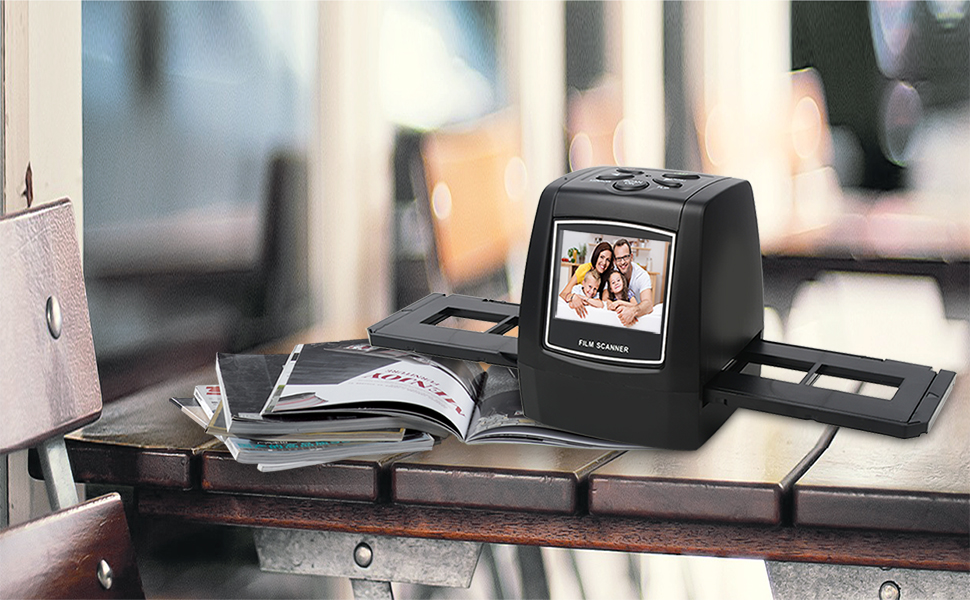
The DIGITNOW 5M/10M Standalone Film/Slide Scanner is a high-resolution device that allows you to convert your film and slides into digital formats with ease. Featuring a 2.4'' LCD display for clear viewing, it supports SD cards up to 32GB and offers 1800 DPI scanning resolution. Compatible with various operating systems, this compact scanner is perfect for preserving your memories.
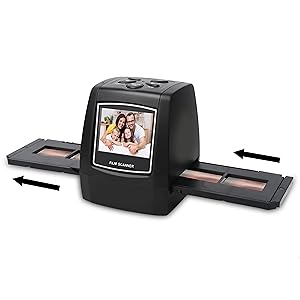
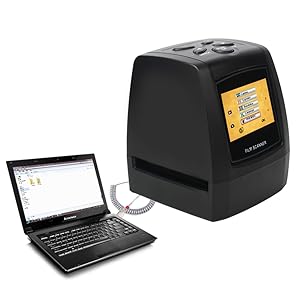
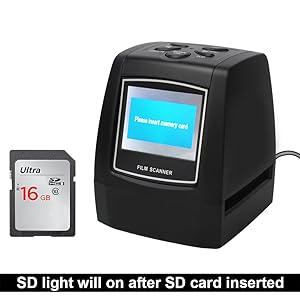
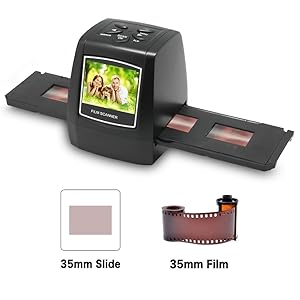
| Brand | DIGITNOW |
| Product Dimensions | 10 x 8.5 x 8.5 cm; 269 g |
| Item model number | M121 |
| Manufacturer | BR |
| Colour | M121 |
| Are Batteries Included | No |
| Item Weight | 269 g |
| Guaranteed software updates until | unknown |
P**.
just the job for digitising a slide collection
I looked at several different slide scanners before deciding on this one. One thing to beware of (which I only discovered after delivery) is that there are at least three different versions of this although they all look exactly the same. I had viewed an excellent youtube video which persuaded me to buy this scanner, but I only found out when it arrived that this has 5/10Mp output, rather than the 14/22mp output on the video, and it is also missing the converters for feeding in film negatives such as 110 film. There are also different feeders for slides, but the one provided for which you preload four slides and feed them through works fine for me.The menus take some getting used to - it defaults to scanning negatives so every time it is switched on the menu option has to be changed to scan slides. Operation is very quick -probably about 1-2 seconds to scan a slide so I was able to scan a box of 40 slides in under 15 minutes including loading/unloading.There is a counter showing how many more slides can fit on the memory card - for a 32mb SD card (full size type) this was around 28000. 32mb is the maximum size which the scanner can accept.I did encounter one problem - After scanning around 250 slides the machine froze - the only button which worked was the on/off switch. I emailed the support team - to date I have still not received an acknowledgement from them. A few minutes later I managed to work around the problem. I copied the memory card contents to my hard disk and then reformatted the card. The scanner magically started working again. I think I must have reformatted the SD card incorrectly although I was using the windows defaults - there is nothing in the manual to indicate how the SD card should be formatted. I now regularly copy from the SD card to my hard disk to prevent a re-occurrence.In summary - this is a value for money scanner. If you have a good quality original then the scanned copy is very good (considering an expensive quality scanner would probably take several minutes per slide). Loading and scanning is mastered very quickly. Highly recommended
R**E
Very good value
I am using a rapid scanner to collect "index" images of about 8,000 slides and negs (scan time about 2 secs per image). I re-scan the best on my Epson V600 (scan time about 1 min. per image). I do not expect (or get) the same quality from the rapid scans as from the Epson but they mustn't be too bad!This is my third rapid slide/film scanner. The first (5MP) died after much use and was just about OK. The second (14MP) was shoddy, the scans were very fuzzy, the colour quality was unreliable and the scanned images have suddenly gone out of alignment within the scanner. This new scanner (5MP) is by far the best of the three. The build seems good, the slide/filmholders are well and accurately made and the scanned images are pin-sharp (very much better than the 14MP scanner and much smaller files).The scanner worked well straight from the box except that the USB link failed with the scanner not being recognised by Windows 10. The cable supplied with the scanner was faulty and it now all works fine.I've only had it a few days but so far so good for what I need from it.
H**E
Great budget scanner
I bought this to scan over 1000 slides from our family's photo history in order to digitise and give on usb sticks to my siblings and mother.We spent two afternoons happily scanning slides and developed quite the system: myself and my mother.Two things to note.1) it stopped saving when the SD card had some 600 saved images. It doesn't tell you this and we thought it had broke. However I removed them off the SD card and onto a pc, formatted the SD card and if worked for the rest. So just watch for that. The SD card itself has plenty room on it. Just a little thing that the scanner seems not to cope after around 600 saves.2) many of our slides were too thick. We had many different types, presumably different developers. Earlier ones , late 60s , in our experience were thicker and the cassette that takes them thru the scanner would bearly fit in the receiving/scanning slot. Solution: remove lid of cassette, it has push pin&grab hinges, easily popped out. That allowed it to take these thicker slides. You have to slow down a little as the cassette load prevents them from shifting in the chamber. However we found it made reloading the slide cassette much quicker and saved alot of time.Six big A4 size boxes of slides all digitised and we were very happy. Going to pass it along to a relative to use now.
Trustpilot
1 week ago
2 days ago