⚡ Upgrade Your Data Game: Transfer Like a Pro, Migrate Like a Boss!
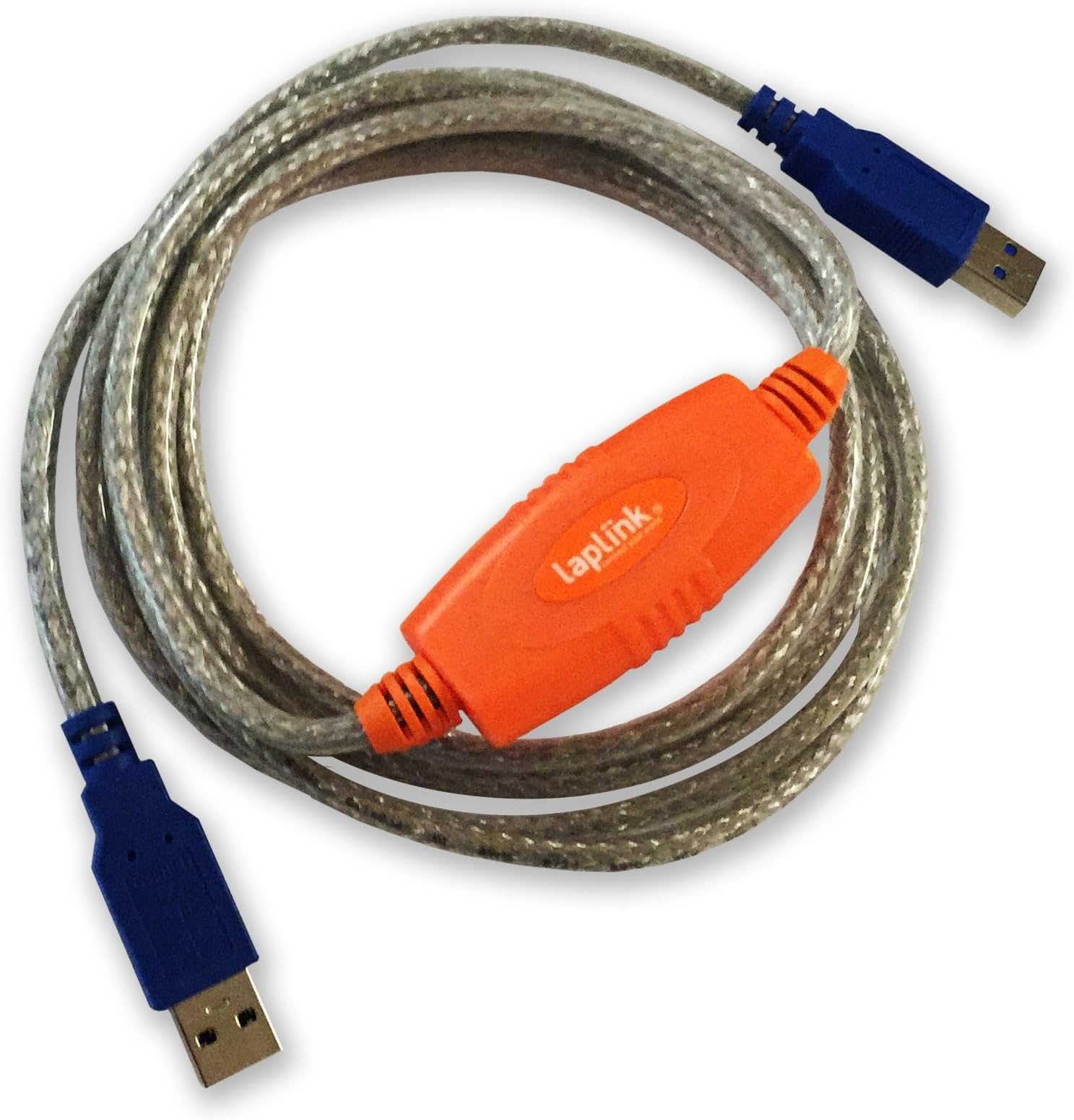
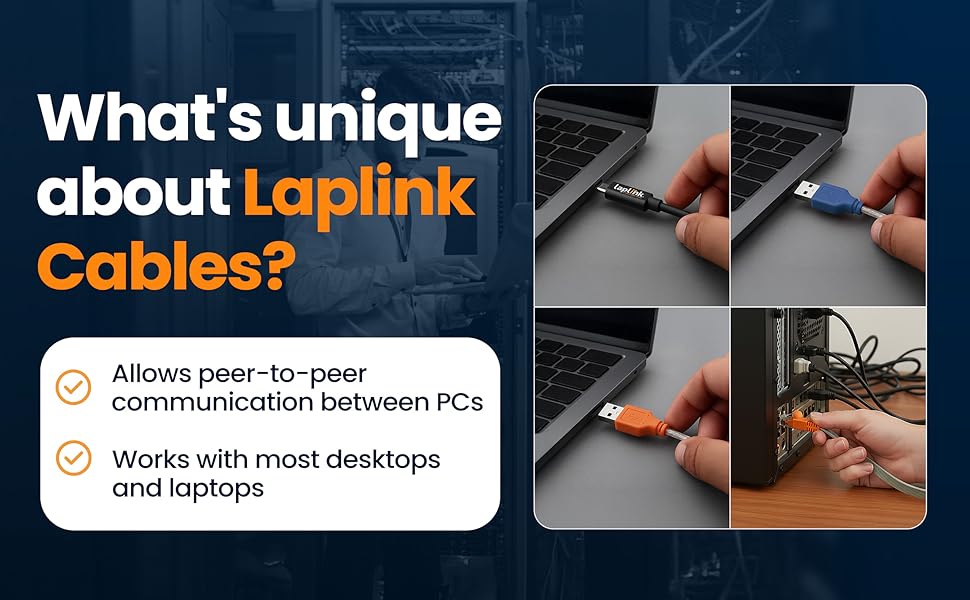
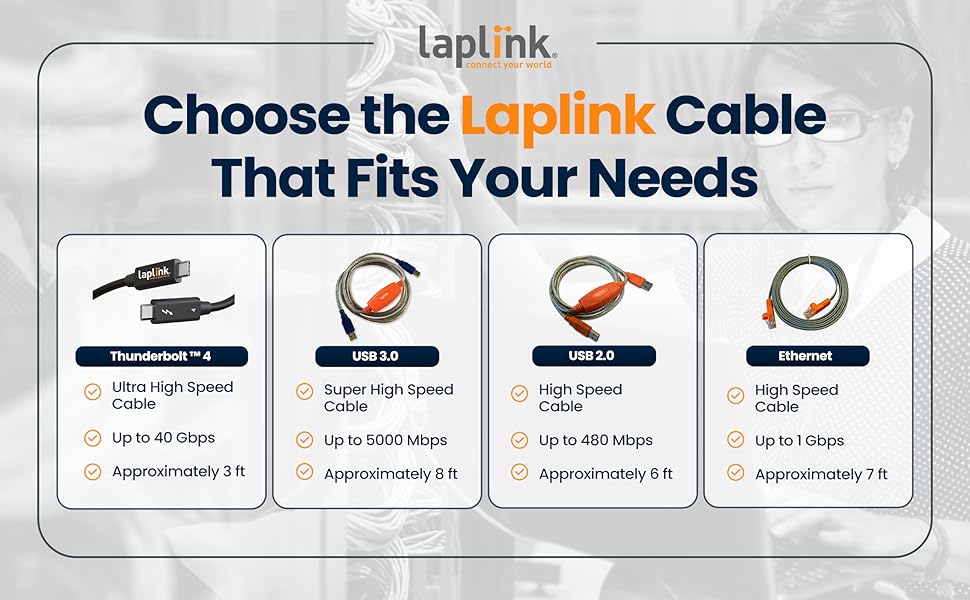
The LAPLINK USB 3.0 Super Speed Transfer Cable delivers ultra-fast 5 Gbps data transfer speeds, enabling professional-grade PC-to-PC file migration. With a 6-foot flexible design and full compatibility with Laplink’s PCmover software, it ensures reliable, efficient, and hassle-free data transfers between Windows 10 and 11 devices. Perfect for managers and tech-savvy professionals who demand speed and dependability in their digital workflows.


| ASIN | B071D4WYB9 |
| Best Sellers Rank | #2,347 in USB Cables |
| Brand | LAPLINK |
| Cable Type | USB |
| Color | Black |
| Compatible Devices | Laptop, PC |
| Compatible Phone Models | No Compatible Phone Models |
| Connector Gender | Male |
| Connector Type | Usb |
| Customer Package Type | Standard Packaging |
| Data Transfer Rate | 5 Gigabits Per Second |
| Date First Available | April 18, 2017 |
| Frequency | 5000000000 Hz |
| Global Trade Identification Number | 00048296309254 |
| Indoor/Outdoor Usage | Outdoor |
| Is Discontinued By Manufacturer | No |
| Item Weight | 5.6 ounces |
| Item model number | PACBLUSB03000P0RTPEN |
| Manufacturer | Laplink Software, Inc |
| Maximum Voltage | 5 Volts |
| Number of Items | 1 |
| Number of Pins | 9 |
| Product Dimensions | 5.25 x 7.5 x 1 inches |
| Recommended Uses For Product | Laptop Accessory |
| Shape | Round |
| Special Feature | Data Transfer |
| UPC | 048296309254 |
| Unit Count | 1.0 Count |
F**R
Performed smoothly and easily
PC Mover only worked well for me with this Laplink Cable. Once connected to both computers my info was moved quickly and smoothly from the old computer to my new one. Great connectivity immediately.
D**T
Excellent Customer Service
Had to get a special program from Laplink to make it work, as both computers were saying they were the new one, and couldn't communicate. Customer service had everything working within 30 minutes after contact. Unless you have a super fast internet connection, that never loses it's signal, this is definitely the way to go.
M**Y
Worked For Me
Used this with PCmover Professional to transfer to a new PC. The transfer took 6 hours with this cable. The system estimated it would take between 14 and 18 hours to do the transfer through the home network. Definitely worth the price for me.
C**S
Useful product, no support
The product seems to work well and instructions are well written, but no response from support about installation when hard disk was full, no alternative installation possible, so had to choose what to delete to make enough disk space for installation.
P**A
Follow instructions and works great if you do.
The PCMover software worked fine. Unfortunately when I bought a new computer from HP they sent me the PCMover with an Ethernet cable, which will not work on either my old or new PC. Make sure you get the proper cable. I had to go on Amazon to purchase the Laplink 6' USB 3.0 SuperSpeed Transfer Cable for PCmover. Once I did everything worked fine. But I recommend you look at the instructions to be sure you disable security software, firewalls, and power settings. By talking with the folks at LapLink they made sure I had done everything I needed to do in order for the transfer to take place. You should avoid using WiFi to do the transfer. Use the proper cable and you will be happy you did.
T**R
Unreliable and Frustrating – Don’t Waste Your Money
I purchased the PCmover USB transfer cable expecting a smooth and fast transfer, but the experience was extremely disappointing. The transfer speeds were wildly inconsistent – sometimes crawling, sometimes stopping completely – and in the end, most of my data didn’t even transfer correctly. After hours of frustration, I discovered that large portions of files were missing, making the entire process useless. This cable is supposed to make moving to a new computer easier, but instead, it wasted my time and left me with an incomplete, unreliable transfer. Save yourself the headache and look for a better solution. This cable simply does not perform as advertised.
A**R
You do need this
I got a new computer and needed to move my files from the old computer to the new one. After reading the reviews I came to the conclusion that the Laplink app was worth the money so I went ahead and got it before understanding every thing I needed to know. I set it up to transfer the data and came back a few hours later to discover it was going to take a long time to move 2 TB of data - in fact it would take about 18 days. Got the cable, hooked it up and was done overnight. Don't mess with the null ethernet cable or the wireless connection - just get the cable and be done with it.
H**G
No title
did not work.
F**O
il cavo non ha funzionato, i pc non si collegano e l' app pcmover non riesce a utilizzare la connessione USB ho dovuto ripegare su una connessione wireless costriuta ad och l'applicazione PCmover funziona traferendo bene configurazioni passwoard applicazioni etc ma non è spiegato, acquistando, che attivata su due sistemi operativi di due pc diversi funziona per sempre ma solo su quei due pc
O**R
J'ai acheté Laplink PC Mover Pro pour transférer les fichiers de mon ancien PC vers le nouveau. Plantage. Achat du câble Laplink. Nouvelle tentative : impossible car ce logiciel ne peut s'utiliser qu'une fois ! (ils se foutent du monde). Achat d'un nouveau numéro de série. Et là... Impossible de transférer, le nouveau PC a deux disques (C et D), et malgré mon choix : transfert de l'ancien C vers le D du nouveau, rien à faire, ce logiciel ne veut transférer que du C vers le C (trop petit). Encore un achat perdu ! On est dans le domaine de l'escroquerie, pas dans celui de l'aide aux utilisateurs (et inutile de contacter le support pendant les week-ends : il n'y en a pas). Il existe un support 24/24 mais au Danemark, en Irlande, en Allemagne, etc. Fuyez, faites le transfert "à la main"...
G**J
En primer lugar: los artículos que se compran son productos auténticos del fabricante. segundo: no me han funcionado. Principalmente quería transferir aplicaciones. Sin embargo, cuando esas aplicaciones se trasladaron a mi nuevo ordenador, no contenían mis configuraciones y personalizaciones anteriores. Además, tardaba mucho tiempo, no estaba claro si seguía pasando algo o simplemente se detenían las transferencias. También los ajustes de PCMover son en mi opinión no intuitivos y a veces bien escondidos. Así que podría haber tenido más fácil y más rápido las aplicaciones instaladas manualmente y me ahorré la compra del software para PCMover y un cable USB extra especial. Devolución de los productos.
H**E
I have no basis for comparison as I will only use thid cable on time as I transfer data from "old" to "new" computter, but it worked flawlessly. The cable is well constructed and of sufficient length to work in most "normal" sized home offices. The item was of quality materials and workmanship and packaged well for international shipment. Would I purchase another such cable? If I ever needed another, doubtful, I would most certainly purchase a second.
W**E
Made the data transfer from old and past it PC to new one. Well worth buying to facilitate the process and it worked. All programs, with one exception, all documents, spreadsheets, databases, photos, music up and running and accessible on new machine. Easy peasy.
Trustpilot
2 weeks ago
4 days ago