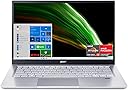
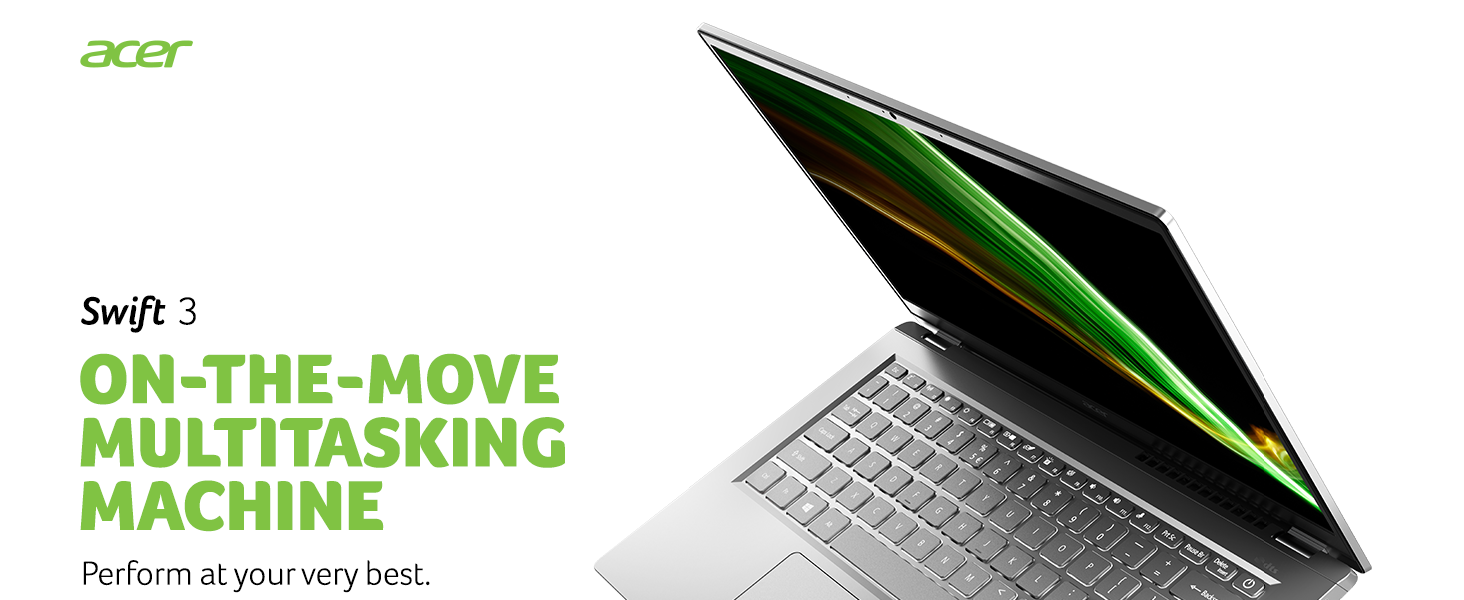
🚀 Elevate your workflow with power, style, and speed — the Acer Swift 3 means business.
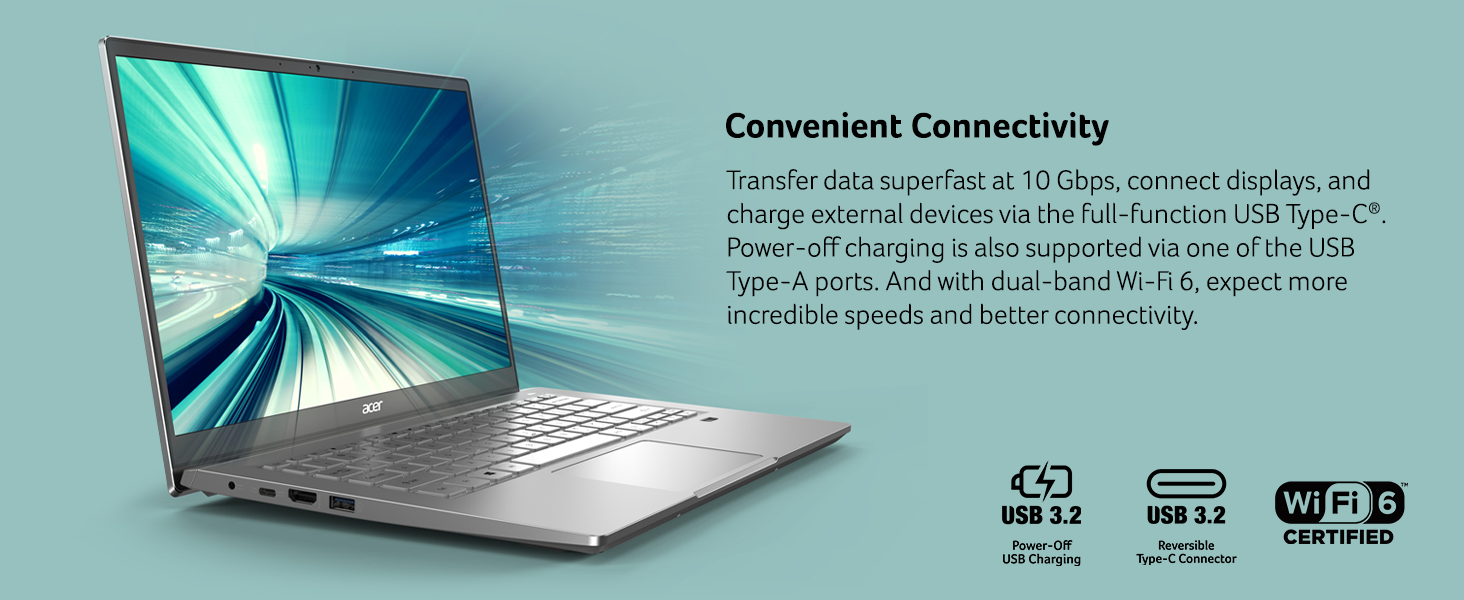
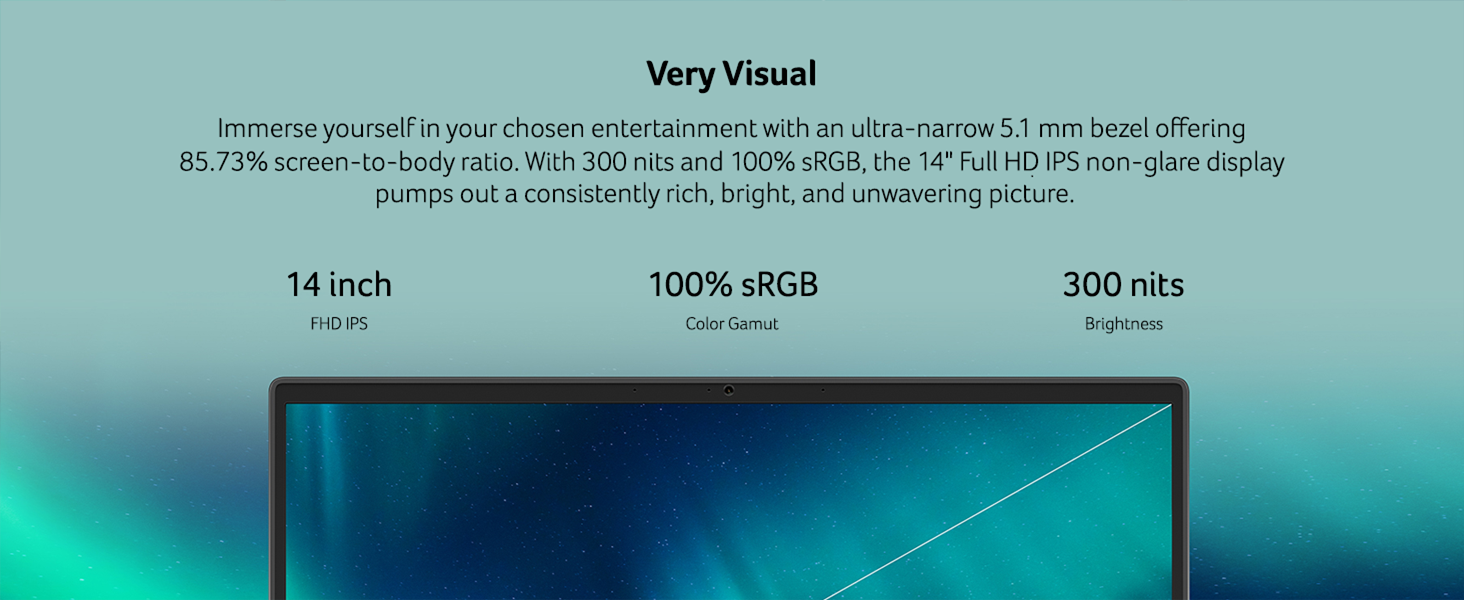
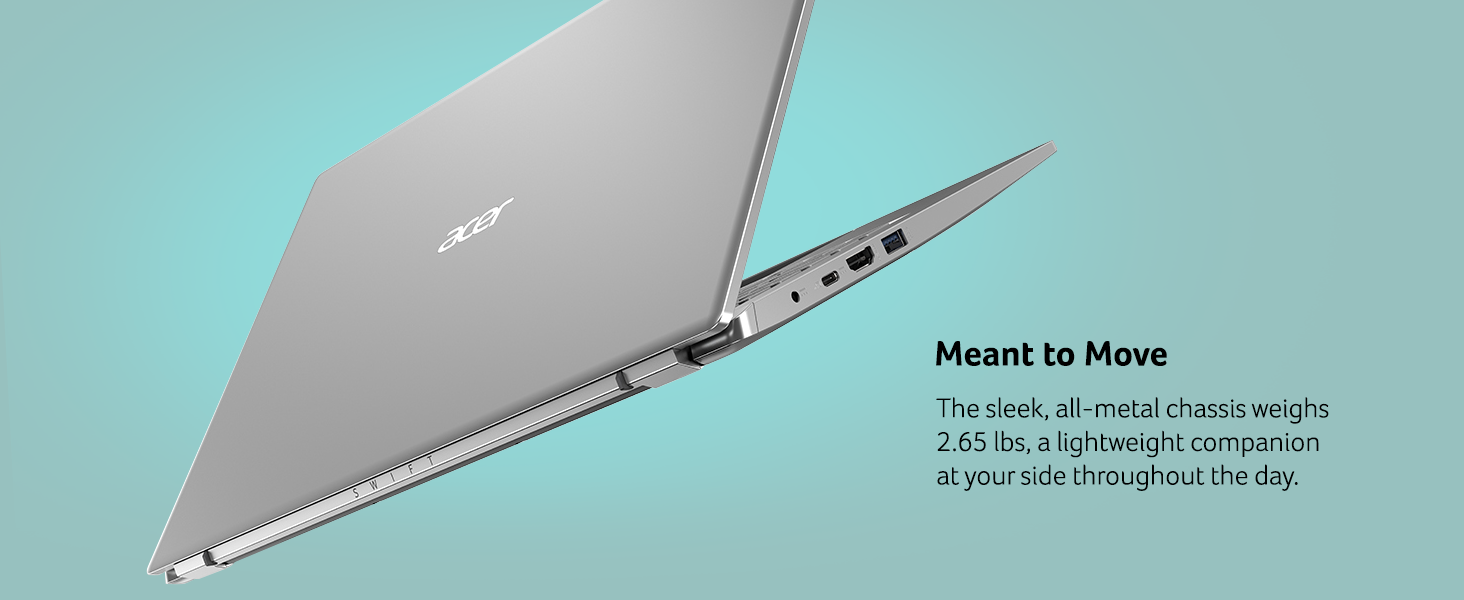
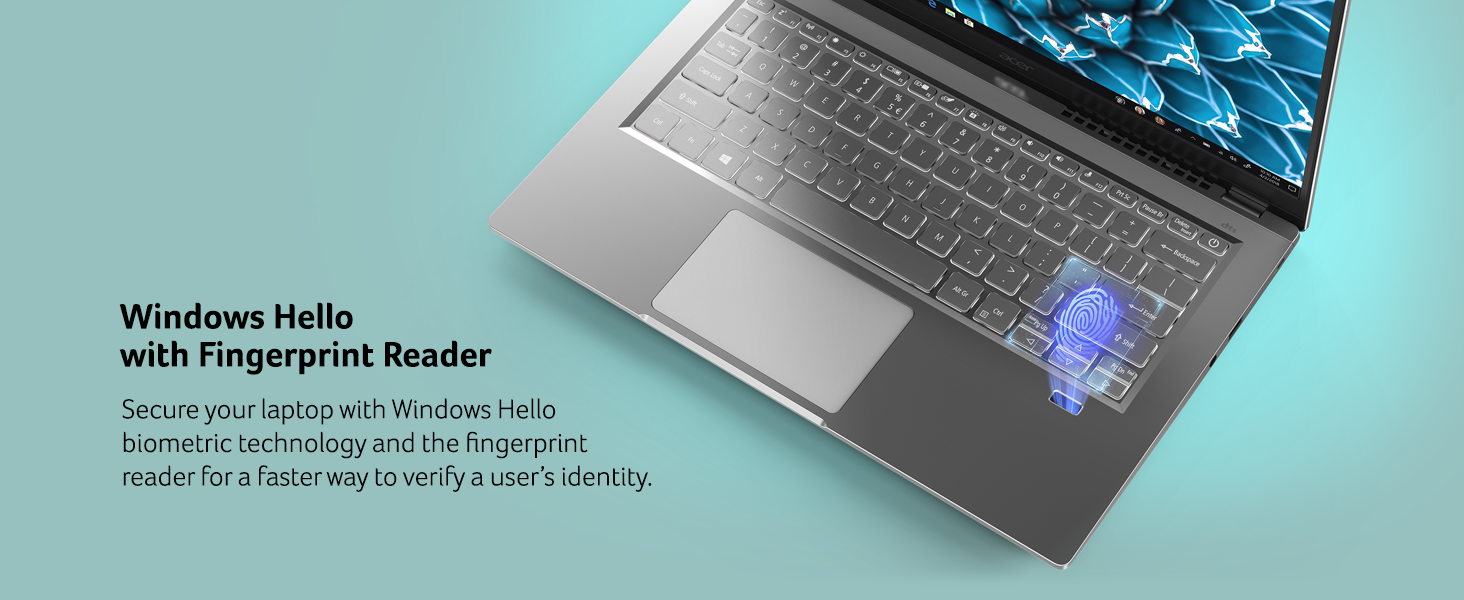
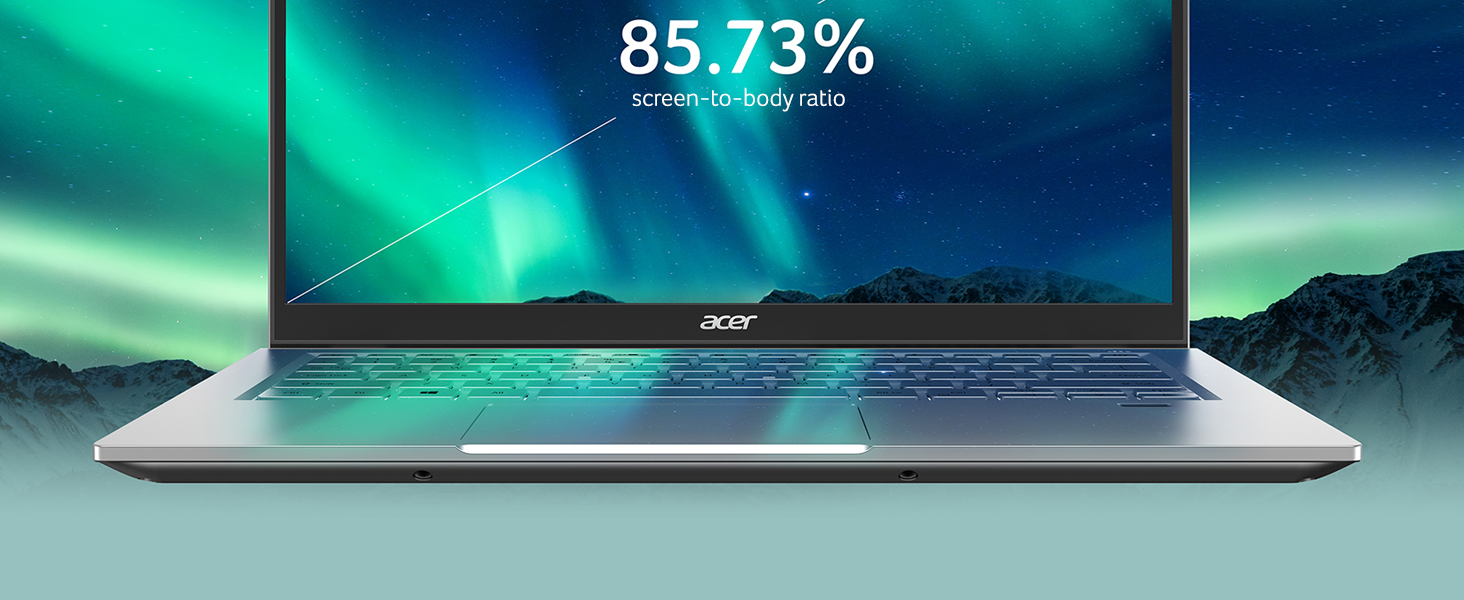
The Acer Swift 3 SF314-43 is a premium ultra-portable laptop featuring a powerful AMD Ryzen 7 5700U octa-core processor, 8GB LPDDR4X RAM, and a 512GB NVMe SSD for lightning-fast performance. Its 14-inch Full HD IPS display delivers vibrant, true-to-life colors with 100% sRGB coverage, ideal for professionals and creatives. Equipped with WiFi 6 and Bluetooth 5.2, it ensures seamless connectivity. The lightweight all-metal chassis, backlit keyboard, fingerprint reader, and Alexa voice assistant integration make it a versatile, secure, and stylish companion for millennial managers balancing productivity and lifestyle. With up to 12.5 hours of battery life and rapid charging, it keeps you powered through your busiest days.


| ASIN | B08YD1JLJF |
| Are Batteries Included | Yes |
| Audio Details | Headphones |
| Average Battery Life (in hours) | 12.5 Hours |
| Average Battery Standby Life (in hours) | 12.5 Hours |
| Batteries | 1 Lithium Ion batteries required. (included) |
| Brand | acer |
| Color | Silver |
| Computer Memory Type | DDR4 SDRAM |
| Connectivity Type | Wi-Fi |
| Customer Reviews | 4.3 4.3 out of 5 stars (734) |
| Date First Available | 26 April 2020 |
| Form Factor | Ultra-Portable |
| Graphics Card Description | Integrated |
| Graphics Card Interface | Integrated |
| Graphics Card Ram Size | 8 GB |
| Graphics Chipset Brand | AMD |
| Graphics Coprocessor | AMD Radeon Graphics |
| Graphics RAM Type | Shared |
| Hard Disk Description | SSD |
| Hard Drive Interface | Solid State |
| Hard Drive Size | 512 GB |
| Hardware Platform | PC |
| Item Weight | 1.18 Kilograms |
| Item model number | SF314-43-R2YY |
| Lithium Battery Energy Content | 48 Watt Hours |
| Lithium Battery Packaging | Batteries contained in equipment |
| Lithium Battery Weight | 6 Grams |
| Manufacturer | Acer |
| Maximum Memory Supported | 8 GB |
| Memory Clock Speed | 1.8 GHz |
| Memory Technology | LPDDR4X |
| Number Of Lithium Ion Cells | 3 |
| Number of HDMI Ports | 1 |
| Number of USB 3.0 Ports | 3 |
| Operating System | Windows 10 Home |
| Optical Drive Type | No Optical Drive |
| Power Source | Battery Powered |
| Processor Brand | AMD |
| Processor Count | 8 |
| Processor Speed | 2.4 GHz |
| Processor Type | AMD Ryzen 7 |
| Product Dimensions | 32.28 x 21.21 x 1.6 cm; 1.18 kg |
| RAM Size | 8 GB |
| Resolution | 1920x1080 Pixels |
| Screen Resolution | 1920 x 1080 pixels |
| Series | SF314-43-R2YY |
| Standing screen display size | 14 Inches |
| Voltage | 3.7 Volts |
| Wattage | 65 watts |
| Wireless Type | 802.11ax, Bluetooth |
B**I
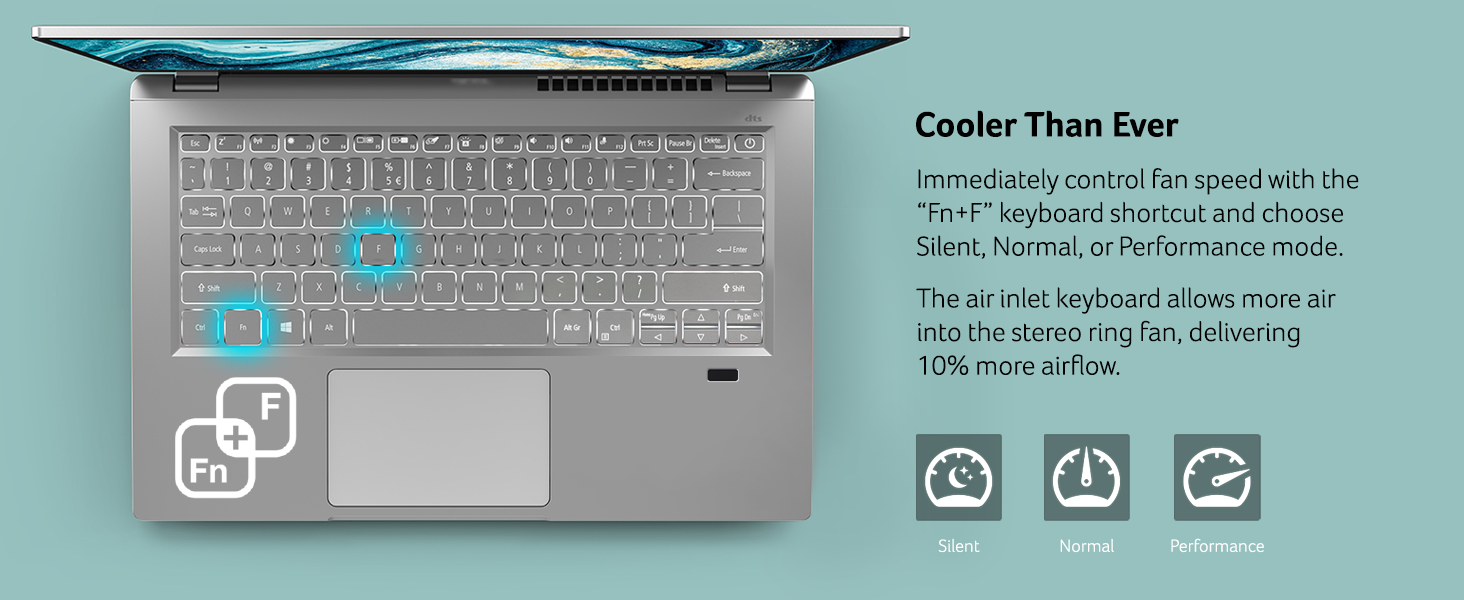
Fan Sound Problem,
This laptop is great with the specification you are getting, But I am not sure why this laptop has got a fan issue I have tried everything to fix it but still.
L**L
This is a very fast, well-made computer for the price and features provided. I purchased it to run Mint Linux on a second, external Samsung 980 1TB SSD M.2 NvME Interface. I did have to update my Mint Linux 20.2 (Latest Release) with the 5.15.x (x=6) Kernel from "Mainline" Kernel Repository to ensure that my WiFi adapter was properly detected, the default Linux Kernel provided by Mint Linux 20.2 did not support the MEDIATEK mt7921 WiFi Network Adapter. I did have to disable the secure boot option in my Linux Partition using the Linux "mokutil" application in order to run the 5.15.x Linux Kernel (not signed) with WiFi support, please reference the following link for instructions/use: https://askubuntu.com/questions/1119734/how-to-replace-or-remove-kernel-with-signed-kernels. By using "mokutil" linux application you will not have to change your secure boot BIOS settings. I did not want to change secure boot in the BIOS since I am running Windows 11 Home in the internal NvME m.2 drive. I have been running Mint Linux for 3 weeks with the configuration that I purchased which has only 8Gbytes of RAM and it runs great! Memory use (RAM) is usually between 1.7 and 2.5 GBytes with multiple applications running, Mint Linux is very memory efficient. This is a great little computer, nice keyboard, display and good battery life, I recommend it if you are looking for a well-priced, quality laptop to run Linux and Windows 11.
D**A
I am an network guy. 40 + years I installed Linux on it right after I got it. Laptop is super lightweight, battery lasts a long time and its extremely fast. IMO I bought the AMD Ryzen 7 Not a gamer so I can't speak to that, but as far as a day to day PC goes, great deal.
N**A
Excelente equipo con buenas caractateristicas a un muy buen precio, ligera y con buen diseño. En cuanto al envio, llego rapido (incluso antes de la fecha prevista) pero llegó con los sellos rotos (me imagino que porque pasó por aduanas debierón revisarla), de ahí en fuera, el equipo llegó completo y en excelentes condiciones
A**R
I have had this laptop for over 2 years now, and haven't had any issues with anything breaking or not working as expected. Very dependable, I use it for Notion, Microsoft Office applications, watching media, and basic video calls. Just understand that it is a wonderful step up from a chromebook, but it is not a laptop designed for gaming/video editing/programming/etc. It would make a great laptop to bring to class as it is very lightweight and relatively sturdy (as far as ultralight laptops go).
A**N
El equipo funciona de maravilla, fue un regalo para mi esposa, y ella ocupa la lap para Office o búsquedas en la web, nada demandante y pues está muy sobrada la lap, yo la he usado algunas veces para tratar de estresarla un poco con más apps, pero la verdad en ningún momento la he visto que falle. El único punto negativo para ella (pero ya sabía que tenía esa configuración) es el idioma del teclado, cambie el idioma y compré unas estampas y asunto arreglado. Otro "pero" podría ser que no es posible aumentar la ram, pero hay algunos vídeos en YouTube donde muestran que si es posible, solo es cuestión de esperar a que la garantía finalice y ver si es posible o no .
Trustpilot
2 weeks ago
3 days ago