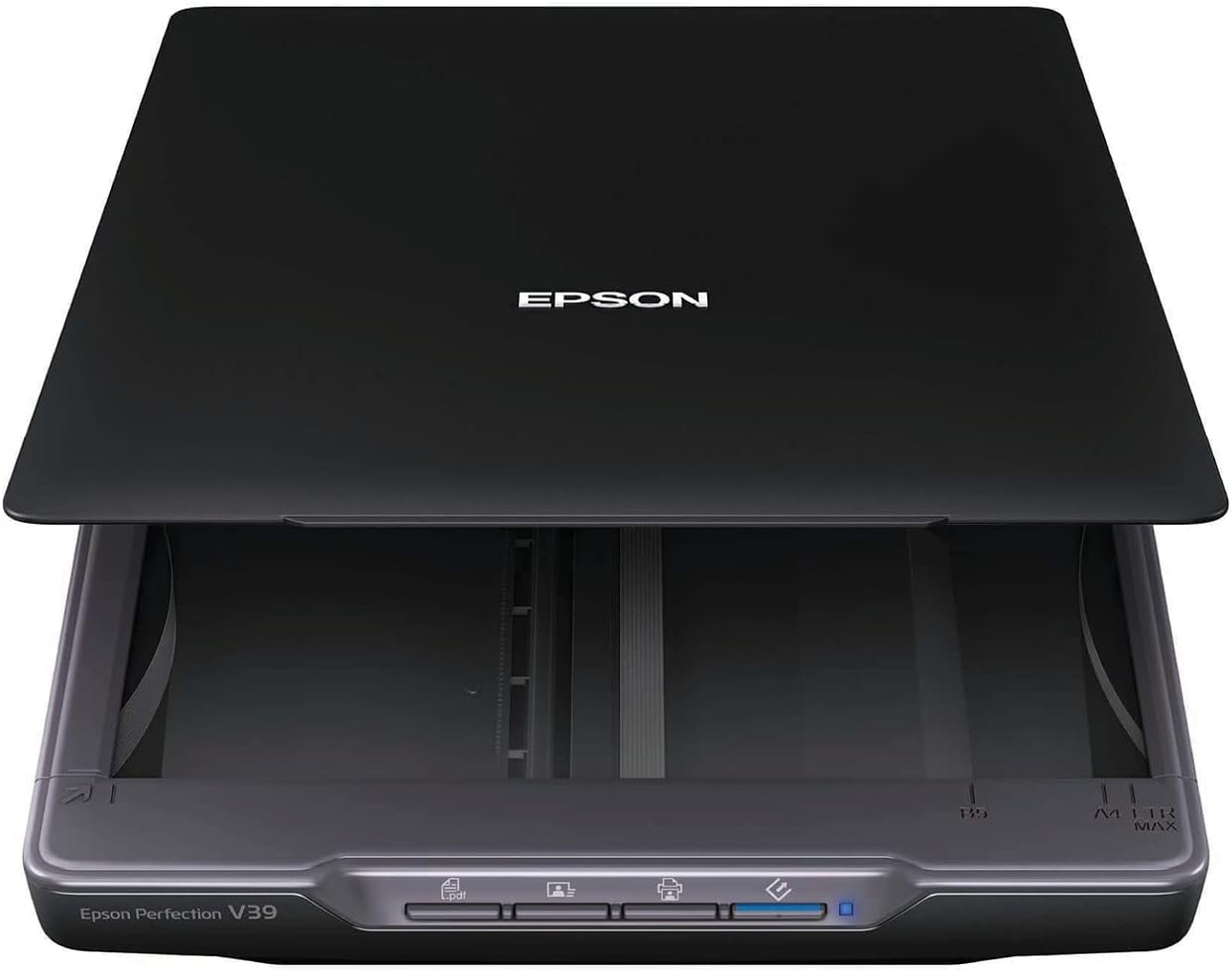
I needed to replace my 10+ year old Epson flatbed, which after many years of faithful service finally gave up the ghost in a cacophony of grinding plastic gears. I was very attracted to this unit because of its low price, its very thin conformation, and its promise of taking up so little room through the use of their clever ‘kickstand’. However, I was very concerned that considering that it was powered exclusively by the standard USB 5v DC provided power feed, that it would either under-perform or refuse to work at all (I had been previously burned by an experience with an allegedly USB powered Blu-Ray drive). But the prospect of getting the advantages mentioned above held sway in my decision; nowadays a seventy five dollar (tax included) roll of the dice is not what once it may have been. As it turns out, I'm now two weeks into my use I am thrilled to death. I have actually gained in both scan quality and resolution over my old dinosaur, which I guess should come as little surprise considering the speed of technological innovation in both the computer and the imaging sectors. On top of that, I was very pleased to find that the unit has not shown the first sign of being under-powered. In some of the Amazon customer reviews, I had read some comments about the machine being rather loud. I suppose that such things are relative, my new unit is neither louder nor quieter than my old dinosaur, so personally I don’t much mark any difference. However, there’s just enough operating noise in both that I’m sure that younger folks who are used to better might understandably feel just a little more sensitive to the effects than I. I guess that I might be as much a dinosaur as my old unit. For that matter the scan speed from both units pretty much matched (the newer one might win by a nose), so I guess that with me the same logic applies for that. I did experience a minor hiccough when installing the driver; that was apparently caused by my ignorance and my resultant failure to first uninstall the previous incarnation of Epson driver, a simple uninstall and reinstall solved the problem in quick order. Just for fun, I tried out the bundled OCR software; I say just for fun because I have little real cause to use such a program. I found it to be just a tad too inconsistent in its performance for my tastes, so again just for fun I got onto the internet seeking a better path. I finally found a highly rated commercial software called TopOCR, which sells for a whopping $4.99 U.S.D. (apparently not a sale price, and a free limited trail is offered). If you noted my previous comment about seventy five dollar rolls of the dice, you will not be surprised that a paid copy wound up on my HD. This decision was reinforced when I tried the aforementioned limited free trial, it proved to be quite noticeably superior in its fidelity to original content. So based on that, I have decided to give the unit a full five stars. That said, however, there are some things that perhaps I should make clear to any potentially incautious people; to me they are all things that should be immediately obvious from the unit’s very low price point. This unit is rather lightly built, speaking both with regards to both mass and to durability/rigidity. It is quite apparent that the design duty usage cycle level is not of the very highest order. That sort of stuff is clearly best found in a unit which is sold at a higher price point. But for my ‘retired old-guy on a pension’ purposes, it seems to show great promise. So if you have a house full of mechanically over-inquisitive kiddies or if you intend to digitize that 40 year old heritage family copy of Encyclopedia Britannica, you might want to try batting in a slightly higher league.