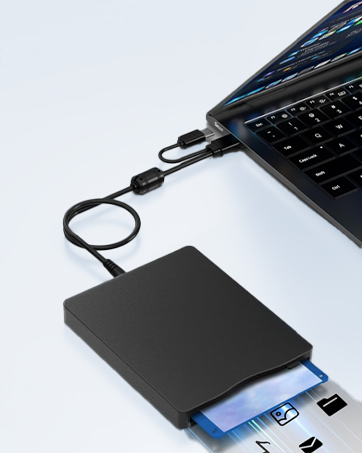
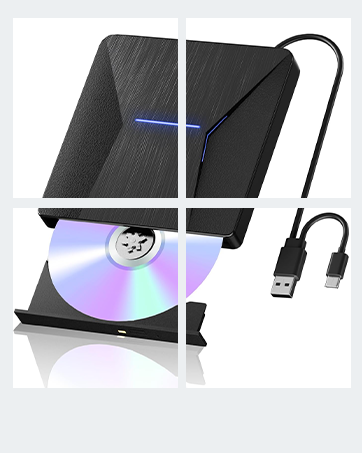
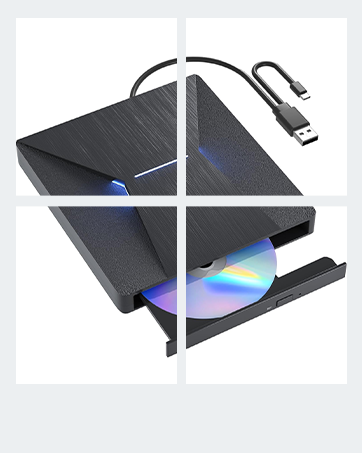
I edited my previous review several times but for some reason the edits did not ‘take’. Thus I deleted the old review, collected additional information and now post this replacement. I first bought one of these drives in November 2022. It worked great on an iMac that was, at the time, 10 years old. I imported hundreds of CDs, DVDs and blue-ray disks. It had problems with a few DVDs, but so did every other drive I tried them in. I got a second identical drive in March 2024, just in case of problems, but never needed to use it. I got a new iMac in July 2025 and the first thing I found out was that the second drive did not work when plugged into that iMac’s I/O ports. They are specified as Thunderbolt-4, and supposed to be compatible with USB-C. The first drive just worked when plugged into the same port. Obviously, the second drive was at fault, right? I even swapped the USB cables and interface PCBs inside the drives and the problem stayed with the same drive. I had to plug in a USB-C to USB-A adapter/hub and use the USB-A branch of the drive’s 2-headed cable. That worked, mostly, but not what I would call WELL. Often took multiple tries to load a disk, sometimes lost access to the disk, and was slower than the 2022 drive. The drive was the only device plugged into that hub. So, I got another drive in September 2025. That one also would only work through the USB-A connector. I used it to import 3 blue-ray disks, but when I tried CDs it could not read them. It loaded CDs, with difficulty; after multiple tries they attached to the file system and appeared on the desktop, but the drive could not read data from them. It could not play music, import tracks, or even copy raw data. After failing to read a CD, the drive locked up hard. It had to be unplugged/replugged just to eject the CD it could not read. I tried 4 CDs, they all worked in the first 2 drives, but #3 could not read any of them. Amazon replaced it with another drive that had the exact same failure. So I bought a different brand drive, which turned out to have essentially the same optical drive inside. It also had exactly the same problems. All of that was mighty frustrating. Why was every drive I bought a piece of crap? The first drive still works but it won’t last forever. I posted bad reviews of both drives. Then I began to wonder if it was a power issue. Maybe the newer drives drew more current and the port didn’t like it? I rigged up a power-only USB-A cable and tried plugging that into a second port with the USB-C to USB-A hub. No dice. Sometimes the computer didn’t see the drive, sometimes it exhibited the same old failures. So, I bought a Sabrent externally powered USB-3 hub, to avoid any more problems with cheap no-name Chinesium products. And that seems to have fixed the problem. The drive bought in 2024 now works with the USB-C connector and can read CDs, DVDs and blue-ray disks without issues. I used Mac diagnostics to check the USB bus. It showed the port, the USB-3 hub, a second USB 2.1 hub, then the drive. Both branches of the 2-headed cable are connected to the drive through a USB 2.1 hub inside the case. Bandwidth is limited to USB-2 speed. Not that bad a limitation, though; it’s still 5X faster than the optical drive can stream data. It would appear that the I/O ports on current-model iMacs are not properly compatible with current-model USB optical drives. The older drive works fine, which led me to conclude that the newer drives were entirely at fault. Instead, it was an interactive failure between the computer and the drives. Using an external USB-C hub that supplied more power made them work. Unfortunately, I have not found any way to complain to Apple about this issue.