Desertcart purchases this item on your behalf and handles shipping, customs, and support to Senegal.
๐ Elevate your productivity and play with the ultimate ultrawide powerhouse!
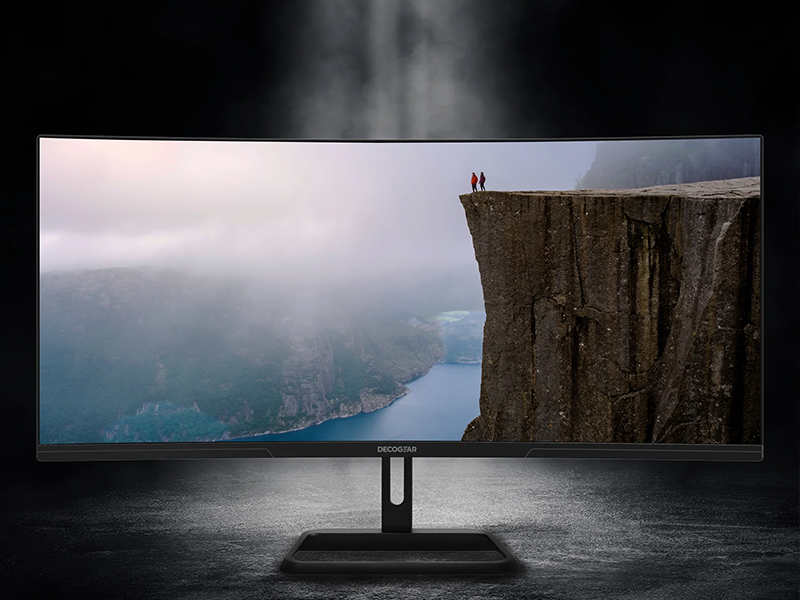
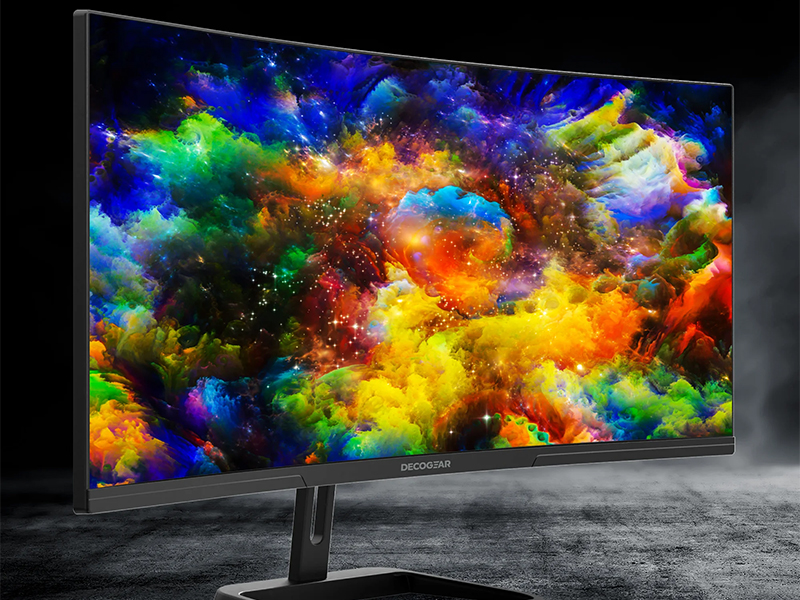
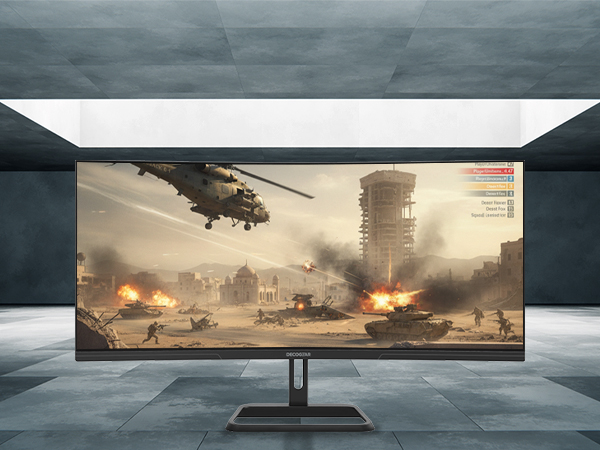
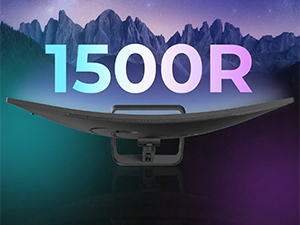
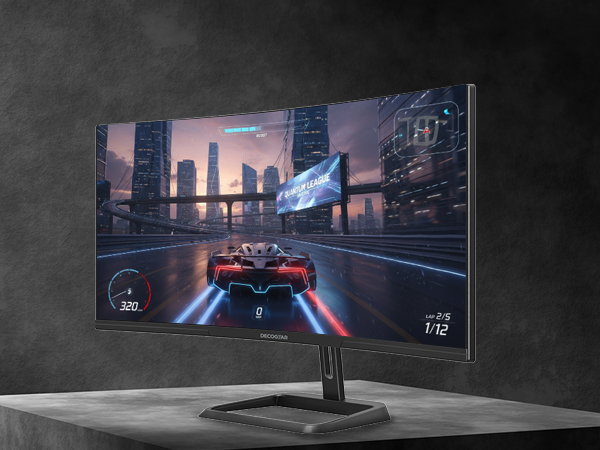
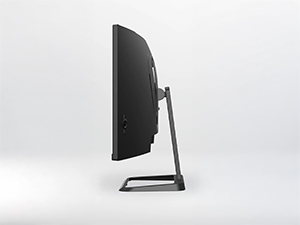
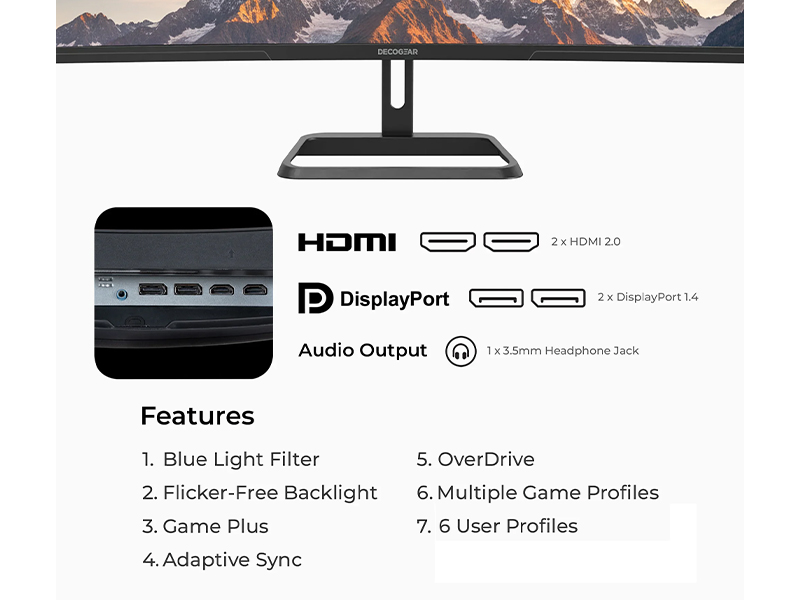
The Deco Gear 34โ Curved Gaming Monitor features a 3440x1440 UWQHD 21:9 curved VA panel with a blazing 180Hz refresh rate and 1ms response time. It supports Adaptive Sync for tear-free visuals, HDR for enhanced contrast, and 100% sRGB color accuracy, making it ideal for multitasking professionals, gamers, and creatives. Connectivity includes dual HDMI and DisplayPort inputs, plus PIP/PBP for multi-source viewing. Ergonomic tilt and VESA mount options ensure a comfortable, customizable setup.







| ASIN | B0921YZC94 |
| Adaptive Sync | FreeSync |
| Additional Features | Adaptive Sync, Anti Glare Screen, Blue Light Filter, Curved, High Dynamic Range |
| Aspect Ratio | 21:9 |
| Best Sellers Rank | #33,376 in Electronics ( See Top 100 in Electronics ) #943 in Computer Monitors |
| Brand | Deco Gear |
| Brightness | 300 candela_per_square_meter |
| Color | Black |
| Color Gamut | 100 |
| Connectivity Technology | DisplayPort, HDMI |
| Contrast Ratio | 3000:1 |
| Customer Reviews | 4.2 out of 5 stars 227 Reviews |
| Display Resolution Maximum | 3440 x 1440 pixels_per_inch |
| Display Technology | VA |
| Display Type | LED |
| Global Trade Identification Number | 00840133951172 |
| Hardware Connectivity | HDMI |
| Image Contrast Ratio | 3000:1 |
| Included Components | 1 DPCable, 1 PowerCable, 1Manual, 1 Wall Mount Connector, Spare Screws |
| Item Dimensions D x W x H | 8.4"D x 31.9"W x 19.3"H |
| Manufacturer | Deco Gear |
| Model Number | VIEW304 |
| Mounting Type | 100x100 |
| Native Resolution | 3440x1440 |
| Number of Component Outputs | 3 |
| Picture Quality Enhancement Technology | Blue Light Filter, Flicker-Free Backlight, Adaptive Sync |
| Refresh Rate | 180 hertz |
| Resolution | QHD Ultra Wide 1440p , QHD Wide 1440p |
| Response Time | 1 milliseconds |
| Screen Finish | Matte |
| Screen Size | 34 inches |
| Screen Surface Description | Matte |
| Series Number | 304 |
| Total Number of HDMI Ports | 2 |
| UPC | 196641214996 840133951172 |
| Unit Count | 1 Count |
| Viewing Angle | 178 degrees |
| Warranty Type | 1 Year Limited Manufacturer Warranty |
J**F
Great gaming moniter
This moniter is awesome. I have 2 of them and they are side by side. It makes my sons gaming console seriously legit. Great picture and fast graphics.
A**R
Perfect!
Works just as I hoped it would!
P**R
Pretty good monitor for itโs price
Pretty good monitor for itโs price, only problem i noticed is that when it turns on the white screen is very bright
D**Q
So good
So good for Fortnite itโs the best because it doesnโt matters the va panel itโs haves 240hz and my pc itโs so good for that itโs so good that monitor
K**N
Flickering Black, Bad Monitor
Worked wonderfully for 11 days and then one morning after turning it on. The monitor was flickering black every few seconds repeatedly. I tried everything, different port, unplugging, updating drivers, different cable, tried a different computer. Every once in a while I was also seeing a green or gray grid pattern flash with it. I immediately packed this hunk of literally junk for a return. And Iโm going to go buy a MSI monitor now. Y
T**T
After 15 months, still perfect for my needs
I've had this monitor for about 15 months now. It doesn't get daily use, probably about 10 hours a week on average. The friend who recommended it to me used it much more per week, at least 40 hours. It has been utterly solid in that time. I notice that the stand and trim is slightly different from the one I received, but that's just a cosmetic issue. It's desk mounted and the mounting stand and bracket are sturdy metal and easy to set up. It seems that more than usual care has been taken in the packaging, design, and features. I paid about $50 more on Amazon back in Dec 2024. Just using it as a HDMI computer monitor to view audio production software. For my budget, eyesight, and usage, I'm 100% satisfied so far.
C**E
great picture
great image ... only one thing -- i could not figure out where the power button was. The document said one button 7 functions and the last function was power. It turns out there are two surface buttons, one above and one below the joy stick. My fault for not reading. But i'm mentioning it here in case other people get frustrated.
H**R
Incredible Deal and Workflow Game Changer
Have had this monitor just under a week and let me tell you, this thing has increased my productivity and workflow exponentially! I have my M4 Pro MacBook Pro connected to it running MacOS and Windows 11 via Parallels and I can't think of a better solution for my heavy workload demands. The text is crisp and clear and the comfort of the curved monitor is incredible. I'll never go back to a standard monitor. I do plan to add my 27" Dell Ultrasharp in portrait mode as soon as I can figure out the layout.
5**M
More delay
Trustpilot
5 days ago
2 weeks ago