📸 Print Your World, Anytime, Anywhere!
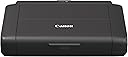
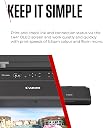
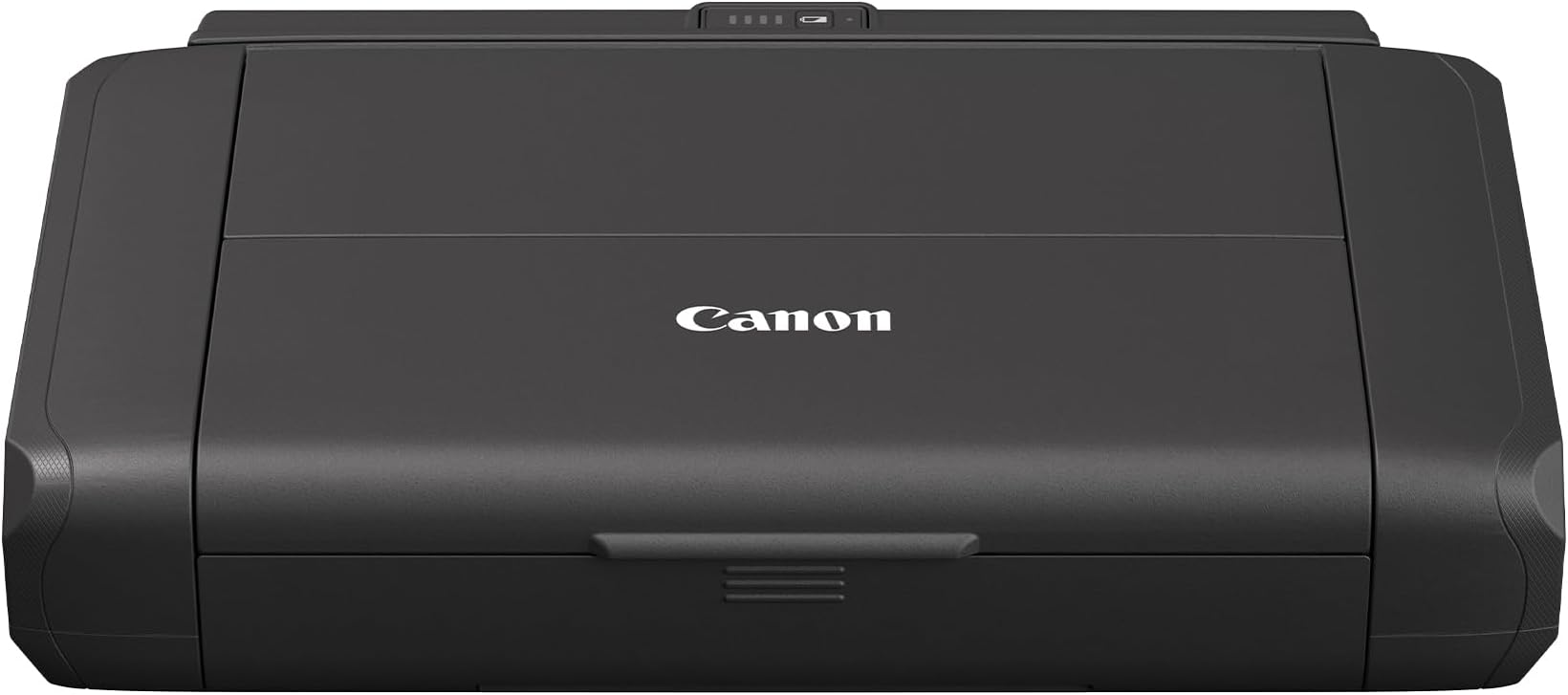
The Canon PIXMA TR150 is a portable wireless inkjet printer designed for professionals on the go. With a sleek design, built-in battery, and support for both 2.4 and 5 GHz Wi-Fi, it allows for easy smartphone printing and quick access to print jobs. The printer delivers high-quality prints with a maximum resolution of 4800 x 1200 dpi, and features a user-friendly OLED display for monitoring ink and connection status. Ideal for business travelers, it supports custom templates for efficient printing without the need for a PC.
| ASIN | B088KT5YQP |
| Additional Printer Functions | Print Only |
| B&W Pages per Minute | 9 |
| Best Sellers Rank | #40,228 in Computers ( See Top 100 in Computers ) #104 in Photo Computer Printers |
| Brand | Canon |
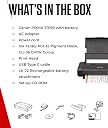
| Built-In Media | Canon PIXMA TR150, Batery Pack LK-72, AC Adapter, Power cord, Ink Tanks: PGI-35 Pigment Black, CLI-36 CMYK Colour, Print Head, Set-up CD-ROM, USB Type C cable, Manuals and other documents |
| Color | black |
| Color Depth | 24 bpp |
| Color Pages per Minute | 5.5 |
| Colour | black |
| Compatible Cartridge | PGI-35 (Black), CLI-36 (CMYK) |
| Compatible Devices | Laptops, PC, Smartphones |
| Connectivity technology | USB |
| Control Method | Touch |
| Controller Type | iOS |
| Customer Reviews | 4.4 out of 5 stars 156 Reviews |
| Display Type | OLED |
| Dual-sided printing | Yes |
| Duplex | Automatic |
| Hardware Interface | USB Type C |
| Ink Color | Black |
| Item Dimensions D x W x H | 8.3D x 12.7W x 2.6H centimeters |
| Item Type Name | Inkjet Printer |
| Item Weight | 3.4 Kilograms |
| Manufacturer | Canon (UK) Ltd |
| Maximum Copies Per Run | 200 páginas |
| Maximum Copy Resolution Black and White | 4800 x 1200 dpi |
| Maximum Copy Resolution Color | 4800 x 1200 |
| Maximum Copy Speed Black and White | 9 ppm |
| Maximum Media Size | A4 |
| Maximum Print Resolution Black and White | 4800 x 1200 dpi |
| Maximum Sheet Capacity | 50 |
| Maximum print Resolution Color | 4800 x 1200 |
| Model Name | PIXMA TR150 |
| Model Number | TR150 |
| Model Series | PIXMA |
| Model name | PIXMA TR150 |
| Number of Drivers | 1 |
| Number of Trays | 1 |
| Other Special Features of the Product | Lightweight, Portable |
| Output sheet capacity | 50 |
| Paper Size | 210 millimeters |
| Print media | Envelopes, Glossy photo paper, Paper (plain) |
| Printer Connectivity Type | USB |
| Printer Output Type | Color |
| Printer Type | Inkjet |
| Printing technology | Inkjet |
| Processor Count | 1 |
| Resolution | 4800 x 1200 |
| Scanner Type | Portable |
| Special features | Lightweight, Portable |
| Specific Uses For Product | On the go |
| Total Usb Ports | 1 |
| Unit Count | 1 Count |
B**R
Small and reasonable quality
It took me a little while to connect, but after that, no problem. In fact I now have two of these! They print well and even the colour is pretty good. But the best thing, of course, is how tiny they are. You can pop them into a briefcase or a drawer, and they look so cute in your office, without being a huge bulky thing.
S**N
Great printer
I wanted a printer that I could pack away easily (in a draw) as I don’t often need to print things. This printer is perfect, very compact, easy to use and it’s so convenient as it can be powered off a battery expansion pack that neatly bolts onto the back of the device, so no need for cables. I found the set-up to be easy on my iPad (it failed the first time I tried to connect it to my phone, but I think that’s because I faffed about trying to find the WiFi code, so have that handy). The set-up videos on their website are helpful and the on-screen instructions are very clear. The menu and settings on the printer are easy to navigate. Once I had completed set-up everyone in the household was able to air print from all our Apple devices and the usb cable allows me to connect it to my work laptop without the need of downloading any software. Finally I can print those annoying shipping labels from home.
J**A
Cheap plastic side panels otherwise excellent
Best portable printer that can print high quality color. To the people complaining, increase the color quality settings using properties, the color prints are fine and not washed out. Sides are cheap plastic and came off, but the printer itself is very robust and gets the job done.
A**R
So handy and versatile.
Having owned a Canon (Pixma 9000 pro) A3 size photo printer, I looked carefully at the specs of other printers to replace it. That printer printed Pro quality prints but was flawed by massive ink consumption during cleaning. We needed a replacement that was very small and ideal for return labels and private letters. Setting up through WiFi was very easy for 3 Dell PCs and Android phone. There was no app to print from a Kindle Fire. Simply click on the image and print. There is a basic App for the Android. Set on ink saving, because the cartridges are miniscule, the print quality of colour photos or diagrams is quite clear though faint on cheap photocopy paper. Not actually an issue, practically speaking. I have printed out a number of A4 photos on glossy paper and was quite surprised at the high quality. Users should understand that the colour rendering in a photo print will vary a lot between paper brands but more important, if you select to print as the printer sees the data or as the application you are printing from sees the data. The photo you see on your screen is unlikely to be reproduced on photo paper unless either the printer OR app is set correctly. Don't blame a printer if you dislike the colour of the print. You must adjust settings to make it right. I highly recommend this simple and well thought out printer. So far, the ink is lasting very well. Remember, the first cartridges have to fill the system with ink after unpacking. This consumes a lot of ink. After that, what you print and cleaning use ink.
S**M
Get to know the printer set up. It takes awfully long.
The order arrived very quick however reading the reviews about the printer I was prepared to see how the set up would go. A lovely compact machine that is lightweight and fits the description of doing what it says it can do. The instructions that came with the printer ( booklet ) and info in downloading the canon app was great. The problem you get is that it took 6 hours fuu it r me to set up. The problem starts when you need to connect the printer to your wi fi network. You run into technical problems of your computer and smart phone not seeing the Canon WiFi symbol so that you can connect it with your personal devices. This part of the set up was constant back and forth of reading booklet and watching app video of helping you set up. Canon really needs to sort this aspect out as their instructions material were great as you can clearly see the steps you need to take to set up. One thing to note. Depending in your wi fi set up once you do connect to canon it sometimes knocks out your wi fi connection. As my set up is a mobile broadband it will probably be quite fiddly to adjust to ensure I can print and still have wi fi connection at the same time. Some of the great features is placing the ink cartridges as they light up. This indicates they been installed properly. Apart from set up , it’s a printer that appears well worth purchasing. It’s compact and it has a separate battery which I guess I can use on the go. If your pockets are deep then this little printer worth the purchase
Trustpilot
1 week ago
2 months ago