Desertcart purchases this item on your behalf and handles shipping, customs, and support to Senegal.
🚀 Double Your Screens, Double Your Impact
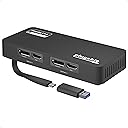
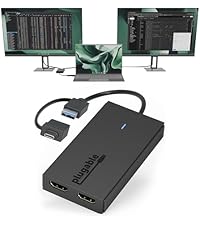
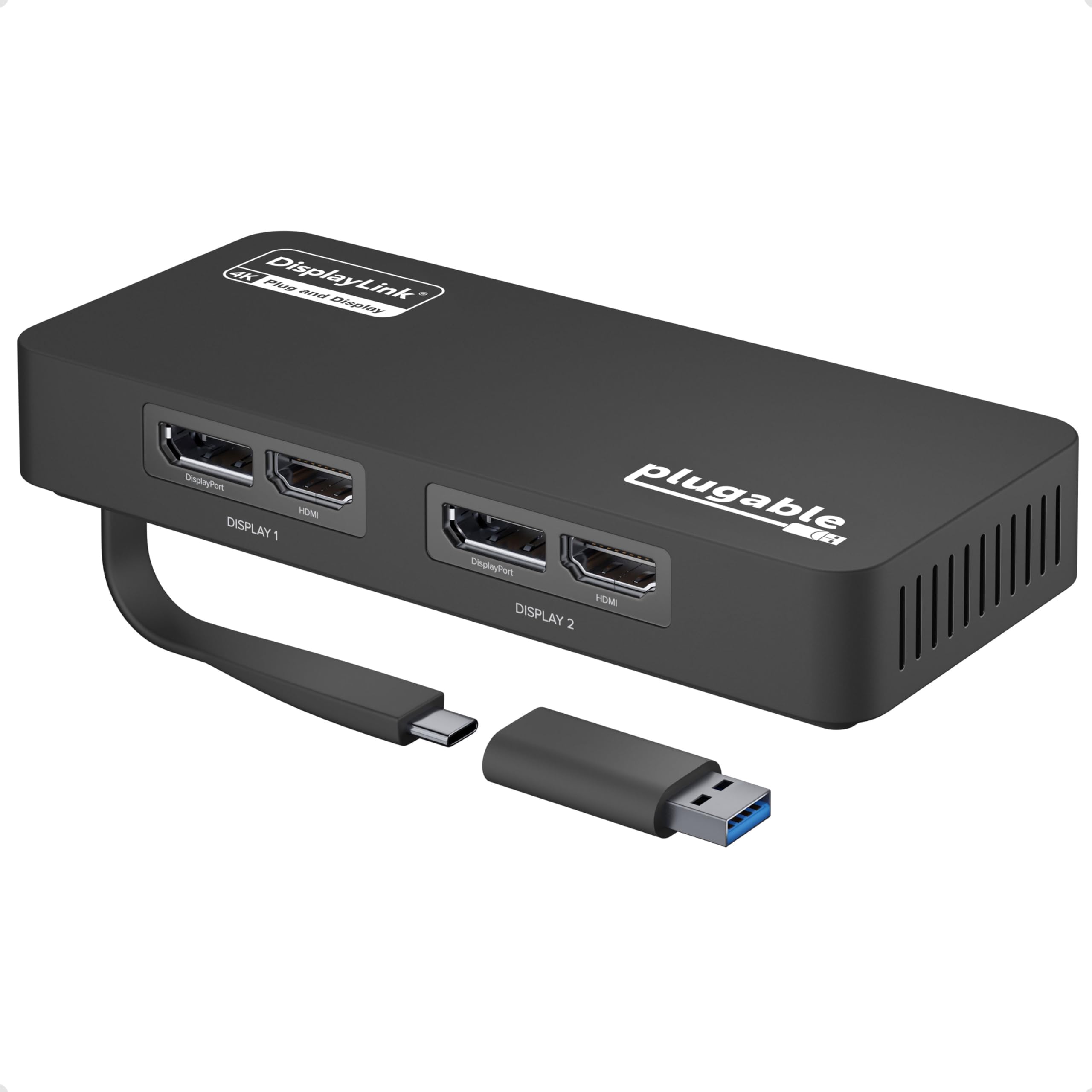
The Plugable 4K DisplayPort and HDMI Dual Monitor Adapter transforms your USB-C or USB 3.0 port into a powerhouse dual 4K display setup, compatible with Windows 10/11 and ChromeOS. Featuring plug-and-play driver installation, versatile connectivity, and the ability to scale up to multiple monitors, it’s designed to boost productivity for professionals craving expansive, crystal-clear workspaces.


| ASIN | B08F2SZQYX |
| Best Sellers Rank | #258 in Audio & Video Connectors & Adapters #320 in Computer Cable Adapters |
| Brand | Plugable |
| Color | Black |
| Compatible Devices | Windows 10 and 11, and ChromeOS 100.x or later systems |
| Connector Type | HDMI |
| Customer Reviews | 4.5 out of 5 stars 1,183 Reviews |
| Finish | Chrome |
| Global Trade Identification Number | 00819927012337 |
| Item Dimensions | 6.97 x 5.31 x 1.38 inches |
| Item Weight | 7.2 ounces |
| Item dimensions L x W x H | 6.97 x 5.31 x 1.38 inches |
| Manufacturer | Plugable |
| Mfr Part Number | USBC-6950U |
| Model Number | USBC-6950U |
| Number of Items | 1 |
| Number of Ports | 4 |
| Package Quantity | 1 |
| Power Plug Type | No Plug |
| Specific Uses For Product | Monitor |
| UPC | 819927012337 |
| Unit Count | 1 Count |
| Warranty Description | 2 Year Limited Parts and Labor |
| Warranty Type | Limited |
E**G
Excellent performance for dual monitor setups
This Plugable dual monitor adapter is fantastic. It’s incredibly reliable and works exactly as expected, making it a great solution for extending your workspace. The connection is stable, and the image quality is perfect. Highly recommended if you need an easy way to connect two monitors to your machine.
K**O
Adds third external monitor to M4 Macbook Air
After installing the DisplayLink driver, this works perfectly for adding a third external monitor to an M4 Macbook Air. I'm able to connect two monitors to my CalDigit TS3 Plus, then also connect this dongle to the CalDigit, for a total of three monitors (plus the built-in screen), using only one cable connected to the laptop. I did notice some stuttering on the (1440p) monitor connected through this dongle, but after changing its refresh rate in my display settings from the default 70hz to 60hz, the stuttering went away. There is a slight increase in latency and I'm not willing to say that the smoothness is 100% as good as the natively-connected monitors, but it's so good that I have a hard time discerning any difference. Be aware that Apple's "True Tone" feature does not apply to the monitor connected through this, so you'll need to disable it, or else one screen will have a neutral white balance and the other screens will get orangey in dim environments. Also be aware that the DisplayLink driver consumes CPU, depending on how much activity there is on the monitor connected through this dongle. When I run full-screen 1440p video, it consumes about 40% of one CPU core. With every office tasks, it's 10% or less. With a Youtube video playing just in one corner of an otherwise-static screen, it's about 15% of one core. Since I have ten cores, that seems like an acceptable tradeoff.
S**S
No extra work or hook ups needed just plug and boom done
Absolutely love it cleared my worries in less than 5 mins it’s worth the price may not seem like it but when it arrives it does the dang job I tell ya. Worth every penny it’s priced for
L**Y
This works GREAT! Well worth every cent.
This works perfect if you want to split or use multiple monitors. I have a Dell Laptop using a USB-C cord plugged into a new DELL 27 MONITOR - S2722DZ (with built in video camera, mic and speakers). From there I have this "HDMI Dual Monitor Adapter" plugged into the back of the that monitor on one of the USB ports on the bottom of the screen. I used velcro to put this on the back of the monitor. From there I used both of the HDMI outs going to 2 more monitors "DELL 27 USB-C MONITOR -S2722DC". This now give me 3 monitors off my basic Dell laptop giving me 4 screens total. It works perfect in every way. Another benefit is I can unplug the USB going to this splitter and it drops the 2 outside monitor as well at the laptop screen now only showing on the main 27" video camera monitor perfect for screen shots or if I want to use one of the other monitors for another computer plugged into a different input all without switching source using the buttons. Plug the USB on this device back in and everything is back up in seconds. WOW works so perfect. And the price is much cheaper than any other option to do something like this. My laptop only puts out 2K but this is the only device like this that will go above HD on the second screen so that make this device stand out above all others out to date. Love it
M**K
Computer with no displayport outputs
First, I'm not a typical high rater; to get 5-stars, exceed my expectations. 4-stars means it met expectations and is a good product (so far). I got a small box computer that only had HDMI output for video. Unfortunately, my monitors are only displayport (DP). This unit bridges the difference. At first, after plugging it in the USB3 port, nothing. After a few minutes, I guess the app downloaded and it started working. No problems. Seems like a fine unit. I haven't tried to see if the HDMI ports are still active or not, strictly using the USB3 port with 2 DP monitors.
D**S
Great for laptops that dont have capacity for more than 1 monitor
Great, plug and play
A**R
When you buy the best expect 5 stars
This is what products should be for PCs ... plug n play after the correct drivers are installed. My productivity is a smooth work flow now. I bought 2 and added 4 monitors to my 2 monitor extended desktop - 6 total now.
S**R
Saves a port, but performance is noticeably awful on a MacBook. Don't buy this.
If I was given the option of going down to only one external monitor or using this to get two monitors? I'd go down to one and use this as a coaster for my drink. I have a late 2019 15-inch Macbook Pro, running macOS 12.4 Monterey, 2.6 GHz 6-Core Intel Core i7. Not the newest computer but it does GREAT for work (internet browsing, a few programs, and emails) I was previously using 2 Apple USB-C AV Multiport Display adapters when I bought this. Each took up a port for my two 32" 4k monitors. I got this to try and reduce to only one port being used for both monitors for no other reason than to minimize and declutter my desk space. I downloaded the latest driver/support software for this after realizing "Plugable" was not the same as "plug and play" where it just works after plugging it in (like all my other adapters) Not a big deal however, and that's my fault for not reading the full description for this and absent-mindedly thinking that was part of their shtick on that name choice. Hey-o! Does it work? Yes. I got both monitors up and running in about 5 minutes. Does it work *well*? NO. Not even remotely well. SIGNIFICANTLY slower performance on both monitors (and the computer itself) than using two Apple adapters. At one point I thought my internet had gone down or was going down because of how poor the experience was. I had to verify on my phone that it wasn't the internet going down. We're talking normal website and email usage; I'm not over here streaming movies or broadcasting on Twitch all day. The mouse chugged and skipped around the screens like it was 1995 all over again and all the display settings were the same and optimized. It severely increased the battery drain: Without plugged into the power source my MacBook usually goes several hours on normal use. With this plugged in? It went from full battery to completely dead in about 30-45 minutes and it was only actively being used for 15 min of that...the rest was idling while I did my morning routine in the house. I had this sitting on my desk for a week before I finally switched over to using it and I had forgot how much I (over)paid for it. Returned immediately. Couldn't work a whole day with this. This may or may not be a good solution for PC people, but the price for this isn't even remotely worth what you get for it on a Mac.
N**S
Stopped working after 3 months
It installed fine at first, then 3 months later suddenly stopped working. Updated drivers and downloaded the recommended software but no luck!
龍**龍
大推薦ものだ
パソコンの値段が上げる時代に、 本当に助かりました。
M**A
المنتج يجعل جهاز الماك بطيء و حركة الماوس بطيئة للغاية
المنتج ليس كما توقعت
F**R
Funciona perfecto! Estoy muy satisfecho
Funciona perfecto, es facil de instalar. Con mi MacBook M1 ahora ya puedo usar 2 monitores externos
I**R
Works flawlessly
The latest crop of M1 and M2 MacBook Air laptops frustratingly only support 1 external monitor. This thing lets you cost-effectively beat that restriction by allowing you to connect your Mac to 2 external monitors. You simply plug your screens into the two HDMI ports (or display ports - it has two of each) on the device, and plug the device's USB-C cable into your Mac. Install what is an unobtrusive DisplayLink driver (from Synaptics, who have been around for donkeys years) and you'll have two external screens which you manage via the built-in MacOS System Settings app. It works a treat. I can't detect any drop-off in picture quality or lag. It also comes with a 2 year guarantee. There are no other ports on the device, so you can't connect other USB devices to it, but it does exactly what to says on the tin at a very attractive price point. My only (slight) criticism is the device comes with a ridiculously short USB cable. I've ended up buying an extension cable to enable me to hide the box under the desk a few feet away from my Mac, just to keep my workspace uncluttered.
Trustpilot
1 month ago
3 weeks ago