Desertcart purchases this item on your behalf and handles shipping, customs, and support to Senegal.
🌈⚡ Power Your Rig with Vengeance – Where Speed Meets Spectacle!
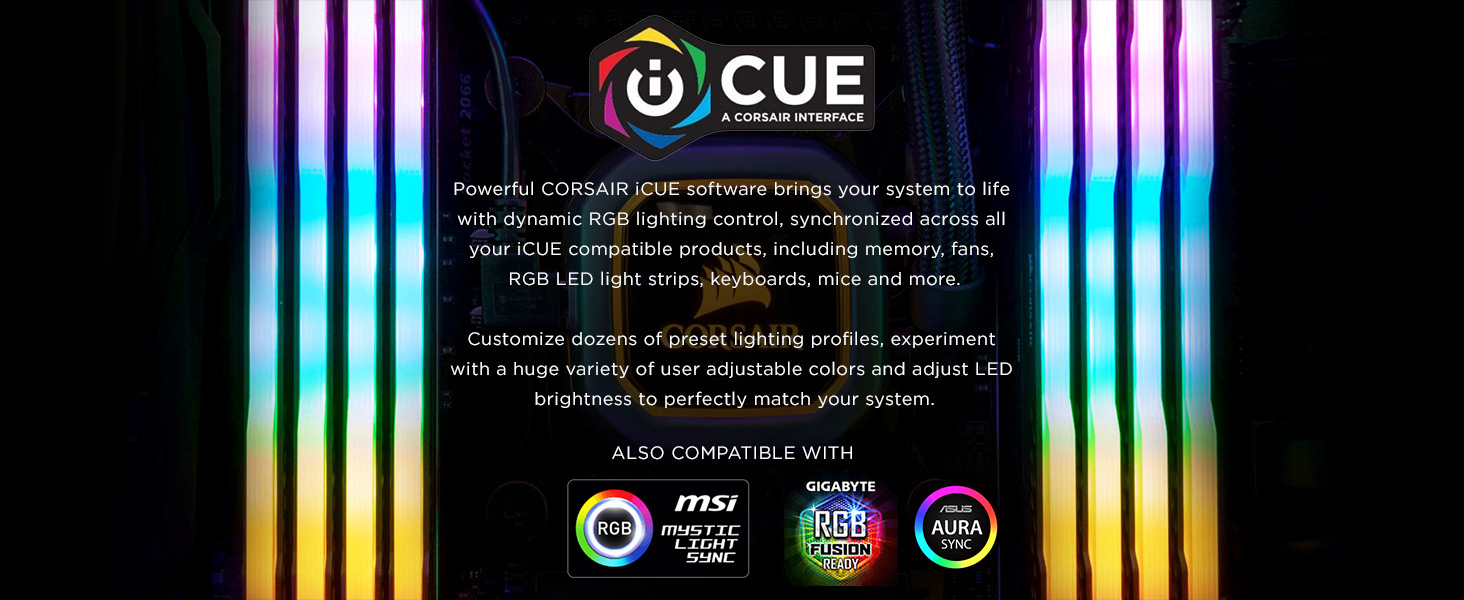
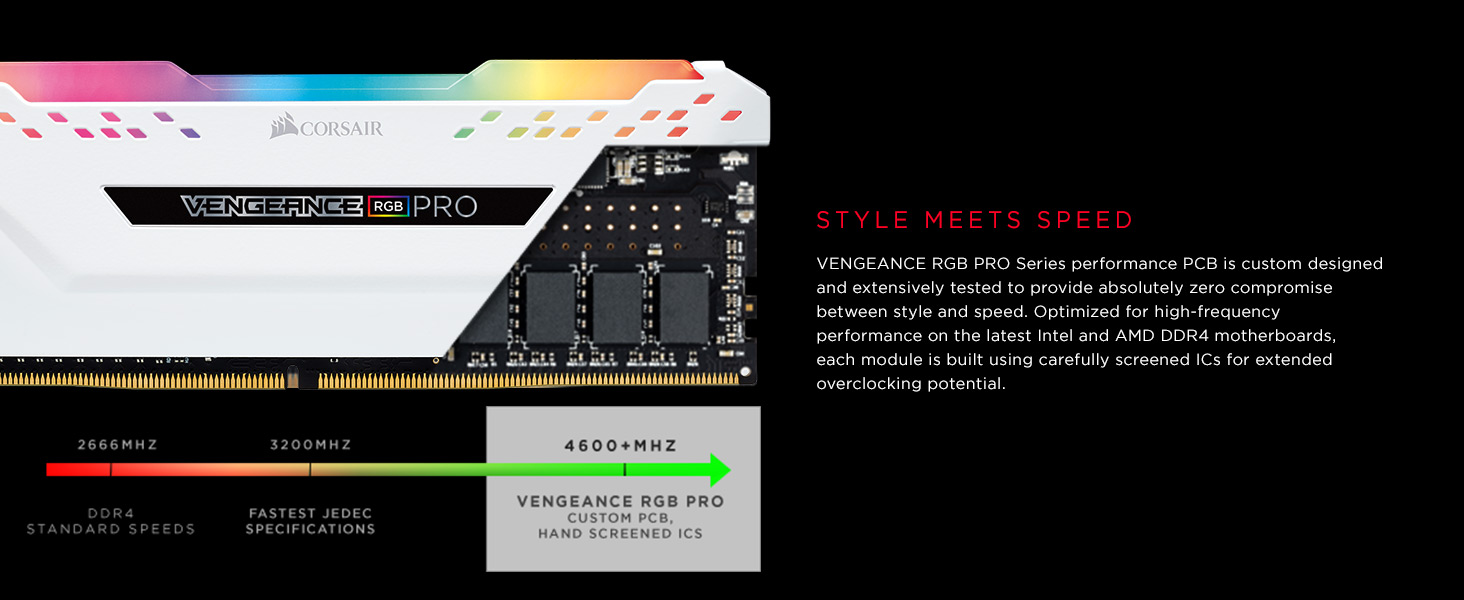
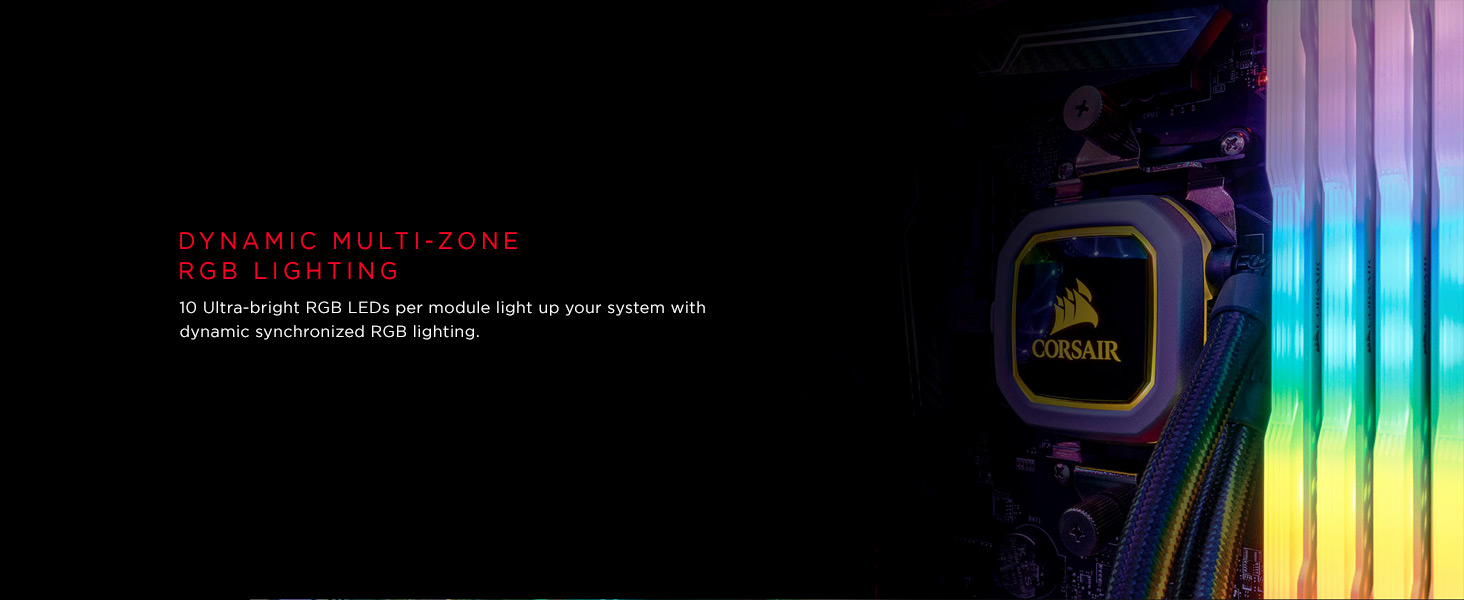
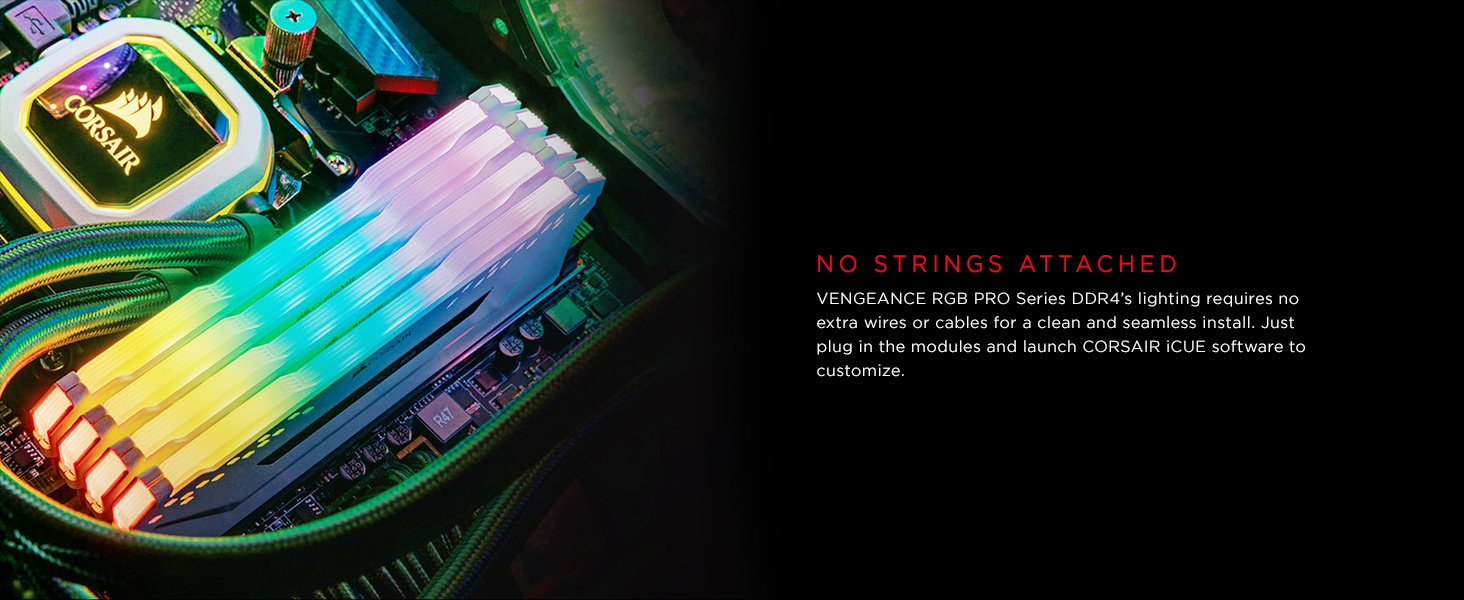
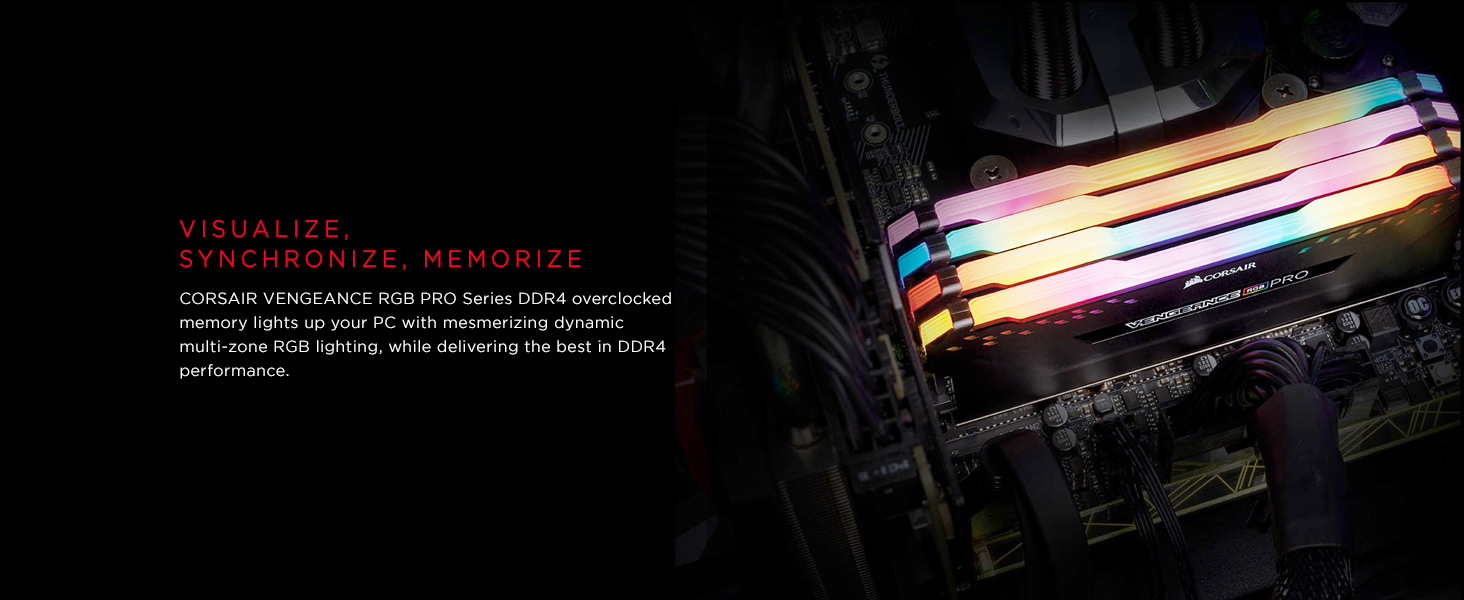
The CORSAIR Vengeance RGB PRO DDR4 32GB (2x16GB) kit combines high-performance 3200MHz memory with dynamic multi-zone RGB lighting. Designed with a custom PCB and carefully screened ICs, it delivers exceptional stability and overclocking potential on Intel and AMD platforms. Controlled via CORSAIR iCUE software, its 10 individually addressable LEDs per module let you create stunning synchronized lighting effects, making it the perfect upgrade for gamers and professionals seeking both speed and style.


| ASIN | B081XWLQKS |
| Additional Features | Led Lights, Lightweight |
| Best Sellers Rank | #52 in Computer Memory |
| Brand | Corsair |
| Column Address Strobe Latency | 15 |
| Compatible Devices | Desktop computers with Intel Z390, AMD 400 Series, 500 or X570 chipsets |
| Computer Memory Size | 32 GB |
| Customer Reviews | 4.8 out of 5 stars 8,721 Reviews |
| Data Transfer Rate | 12 gigabits_per_second |
| EU Spare Part Availability Duration | 2 years |
| Form Factor | DIMM |
| Global Trade Identification Number | 00840006613251 |
| Item Weight | 0.12 kg |
| Manufacturer | Corsair |
| Memory Form Factor | DIMM |
| Memory Generation | DDR4 |
| Memory Speed | 3200 MHz |
| Mfr Part Number | CMW32GX4M2E3200C16 |
| Model Name | Vengeance |
| Model Number | CMW32GX4M2E3200C16 |
| Number of Items | 1 |
| Number of Packs | 1 |
| Number of Pins | 288 |
| RAM Memory Technology | DIMM |
| RAM Size | 32 GB |
| Special Feature | Led Lights , Lightweight |
| UPC | 840006613251 |
| Unit Count | 1 Count |
| Voltage | 1.2 volts |
| Warranty Description | Limited Lifetime |
D**R
really good product, when it was cheap.....
It work well. Even the RGB leds still function
J**R
Great buy!!
This product was a very good price especially for 32gb of ram. This ram is not only cool looking it will also speed things up on ur computer! It will allow you to run more in the background and not lag and it is also good for if you use dual monitors. This product was very good for me because it was easy install and it improved my gameplay and sped up my gaming experience and my computer in general. This ram is perfect you won’t ever have to upgrade from this and this is perfect for anyone! I 100% recommend!!!
C**K
Gift
It was a gift for my son and he loved it.
D**N
Works great, pretty RGB, does add some heat
Got two kits for a total of 4x16gb for an ATX with a glass panel. The RAM works just fine, no blue screens, Intel XMP to 3200mhz out of the box. Once I noticed a motherboard of mine had headers for LED strips I figured I'd put one inside. I already decorate my rooms with LEDs, so why not my PC? Also I figured there'd be a way to map temp sensors to addressable LEDs so I could see at a glance what temps are like. After getting a case with a glass panel, as well as a Corsair AIO with ARGB, I went ahead and got iCUE to control that. I figured I'd do Corsair RAM as well, since I already had iCUE (program is over 1GB!) and wanted to keep the number of programs I use to control them down. Gigabyte RGB Fusion for the LED strips and Corsair iCUE for the RAM and AIO. I have noticed that with a silent fan profile the RAM can push 50C under mild-to-moderate use. My temps drop to ~40C just by turning off the LEDs at that point. With the LEDs on, turning the fans to full will drop the temps to about 42-45C. I've never thought about RAM heating up, though, so 50C might not be anything close to a problem. I've never noticed them to get any hotter even under load, but at load the case fans turn up higher and drop them as mentioned above.
M**N
Works Amazing! Much Better Than the 16GB I Had
I did a lot of shopping around for RAM before buying, so if you're shopping around for RAM as well, here's some notes on why you should consider getting these. 1. SPD Latency is 15-15-15-36 SPD latency refers to the factory-set default timings programmed into the RAM to ensure compatibility at lower speeds, such as 2133MHz. In order, those numbers represent CAS Latency, tRCD, tRP, and tRAS, which probably mean nothing to you, but these all refer to the latency and delays, and in this case, the lower the number, the better. 2. CL16-20-20-38 This is basically the same thing as the SPD latency, but refers to when XMP (Extreme Memory Profile), or manually configured overclocked settings when the RAM is running at its higher rated speed (3200MHz). These numbers are higher than the factory-default because at higher speeds, slightly higher timings may be required for stable operation. At the time that I was looking around for RAM (June/July 2024), I was seeing a lot of options that matched my needs; 32 GB, DDR4, at least 3200Mhz, and has cool showy lights. However, this is one of the few that had a CL of 16 and not 18. The difference is minimal and not noticeable, but when you factor in the price, the look, and the brand (well-known brands like Corsair are generally more reliable), this one was at the top for me.
J**E
Great RAM sticks
Ordered and got these sticks literally 6 hours after ordering them. Gotta love Amazon Prime lol Came packaged well These RAM sticks are plug and play. ~Turn off computer ~Undo clips for old RAM sticks and slide them out(I'd recommend saving old ones. hey, ya never know when you may need them ¯\_(ツ)_/¯ ) ~Plug in new ones(Make sure you press them in well and snug. The RGB lights will come on immediately when starting computer, if installed correctly) ~Turn on PC. As stated above, the rgb colors will start immediately, If installed correctly. ~Enjoy! It is really as easy as that. If you install and RGB lights do not come on as soon as you start computer, then your ram sticks are not pushed in far enough. Surprisingly, it can take more push that you'd expect, with certain boards. This happened to me on my 1st try with installing these. I didn't push them in well enough and when I started it, they didn't light up. I thought I'd have to set the lights up or whatever and after about 10 seconds, computer shut itself of and restarted over and over. After checking it, I realized I hadn't pushed them in far enough, Once I did and restarted it, RGB lights on the sticks came right on. Once installed and computer is booted up, You can press Ctrl-LftShift-Esc, click performance, then memory tab and you can see your new RAM sticks at work! Enjoy your RAM :) Cheers!
H**Z
Very nice
Pretty nice. Games finally have room to work. Had a 16gb but pc needed breathing room and this opened it up a ton. RGB is also nice but can interfere with other rgb softwares if installed
A**Y
If Wanting @3200 You May Need To Read This First....
Email reply from Corsair Support, hopefully this information will help clarify some stuff before making the purchase. Performance DRAM such as our Vengeance and Dominator series can be found at rated speeds of up to 5000MHz. However, you might notice that when you first install your RAM and boot to your system’s BIOS, the RAM is running at its standard speed (2133MHz/2400MHz in the case of DDR4 memory). Why does memory initially run at this slower speed? *DDR4 memory running at its stock 2133MHz speed (shown as 1066.7MHz in CPU-Z). To answer this question, we must consider the many different combinations of motherboards, processors, and memory that could be possible. A set of memory can be installed on numerous different processor/motherboard combinations, only some of which could actually handle the onboard changes needed for the memory modules to run at their rated speed. To avoid a bad combination resulting in an unbootable system, memory is set to run at a standard speed out of the box, which would put the modules within spec and work universally with all motherboards that support that type of memory. Intel XMP (Extreme Memory Profile) is a predefined high-performance profile that’s been tested to work with that particular module or set of modules. To enable XMP, you must install your high-performance memory on a motherboard that supports XMP in some form (usually an Intel Z or X-series chipset) and enable XMP within your motherboard's overclocking utility. *DDR4 memory running at 3000MHz with XMP (shown as 1498.5MHz in CPU-Z). If your motherboard supports overclocking but doesn’t offer the ability to read the XMP of a module, as is the case with most AMD motherboards, the label on the modules will denote the rated speed, CAS timings, and voltage. These settings can be applied manually within the overclocking utility in your motherboard’s BIOS to enable the rated speed of the module, however, adjustments may need to be made for non-Intel platforms. High speed memory can provide significant gains in various workloads from gaming to content creation. With the help of XMP, unlocking more performance can be as simple as turning it on in your system BIOS.
V**T
Top RAM mit genialer Optik – läuft seit 2 Jahren absolut stabil!
Ich habe das Corsair Vengeance RGB PRO 32GB Kit (2x16GB) jetzt seit über zwei Jahren in meinem System verbaut und täglich im Einsatz. Nach dieser langen Zeit im Dauereinsatz wird es Zeit für ein ehrliches Fazit. Erster Eindruck & Einbau: Die Riegel kamen gut verpackt an und machen schon beim Auspacken einen sehr hochwertigen, massiven Eindruck. Der Einbau lief absolut problemlos: Eingesteckt, PC gestartet, ab ins BIOS. Das XMP-Profil wurde sofort erkannt und geladen. Seit Tag eins läuft der RAM ohne einen einzigen Bluescreen oder Stabilitatsprobleme auf der angegebenen Taktfrequenz. Der Praxistest nach 2 Jahren: Hervorragende Stabilität: Egal ob beim stundenlangen Gaming, beim Rendern oder im Multitasking mit unzähligen offenen Tabs – der Arbeitsspeicher läuft extrem zuverlässig. Geniale Optik: Die RGB-Beleuchtung ist wirklich ein Highlight. Die LEDs sind hell, die Farben kräftig und die Übergänge absolut flüssig. Das wertet das gesamte Gehäuse optisch massiv auf. Einfache Handhabung: Plug-and-Play im besten Sinne. Man muss kein Profi sein, um die volle Leistung aus den Riegeln herauszuholen. Ein kleiner Kritikpunkt: Wenn es überhaupt etwas zu meckern gibt, dann betrifft das die Corsair iCUE-Software. Sobald man mehrere Komponenten von Corsair (Lüfter, Tastatur, RAM etc.) im System hat, neigt die Software dazu, etwas unübersichtlich und überladen zu wirken. Es dauert manchmal einen Moment, bis man die perfekte Beleuchtungs-Synchronisation eingestellt hat. Wenn es aber einmal läuft, dann bleibt es auch so. Fazit & Empfehlung: Wer auf der Suche nach einem langlebigen, extrem stabilen und optisch ansprechenden DDR4-Upgrade ist, macht hier absolut nichts falsch. Die 32GB sind auch heute noch die perfekte Komfortzone für Gaming und Content Creation. Trotz der minimalen Schwächen bei der Software-Übersicht gibt es von mir eine klare Kaufempfehlung und volle 5 Sterne nach zwei Jahren Dauertest!
M**D
Perfect ram sticks that weren’t to expensive but are worth as much as a car nowadays 🫡
Ram prices are horrid but never had a problem with these ram sticks even for ddr4 they worked so well never had stutters they were easy to use the software was easy to acces to change the rgb
F**N
Toppen
Toppen
E**S
Reliable performance with eye-catching RGB
Initial Impressions: The Corsair Vengeance RGB Pro kit comes in premium packaging, with each stick securely seated in protective plastic. On first inspection, the modules feel solid, with a clean matte heat spreader and well-diffused RGB lighting across the top. They look like high-end components before you even power them up. Build Quality & Design: Each DIMM has an aluminum heat spreader that feels sturdy and helps dissipate heat under load. The RGB is vibrant but not overbearing, with smooth diffusion that looks excellent once synced with other components. At standard height, they fit most mid-tower builds, though very low-clearance CPU coolers could be an issue. Ease of Use & Performance: Installation is straightforward—just slot them in, enable XMP in BIOS, and you’re at the advertised 3200MHz speeds. In testing, the kit performed reliably with stable timings and no crashes, even under heavy gaming and multitasking loads. For users who want to tweak, Corsair’s iCUE software offers full RGB control, though it does take some system resources to run. The memory bandwidth is plenty for gaming, streaming, and creative workloads, making it a great all-around choice. Value & Comparisons: While slightly more expensive than non-RGB kits, the Vengeance Pro strikes a balance between performance and aesthetics. Compared to budget RAM, the build quality and stability feel a step above. Enthusiasts who demand ultra-high overclocking may prefer faster DDR4 or DDR5 kits, but for most users this kit hits the sweet spot. Pros: • Stable 3200MHz performance with XMP enabled • Solid build with effective heat spreaders • Bright, smooth RGB lighting with iCUE control • Reliable for gaming, streaming, and multitasking • Good balance of price and performance Cons: • RGB requires iCUE software for full control • Taller modules may interfere with low-profile CPU coolers • Not the fastest option for hardcore overclockers Verdict: The Corsair Vengeance RGB Pro 2x16GB DDR4 3200 kit combines dependable performance with stylish RGB lighting. It’s an excellent choice for gamers, streamers, and builders who want a stable, visually striking memory kit that’s ready to go with minimal tweaking. A strong mix of performance, aesthetics, and value.
M**R
Love it. ARGB is just the cherry on top!!!
No need to speak of Corsair's RAM superiority, they're fantastic value and performance and this is the classic value combination for Zen 2 Ryzen CPUs (3200 MHz, CL16, dual channel). I actually downgraded my clocking frequency because I noticed no particular advantage of 3600MHz+CL18 vs this version (I doubled my capacity however) I specifically bought the RGB version because it was reduced in price to lower than the non-RGB version (who would pay more for less, right?). What can I say, it's super dope! I never thought I would care as much, but once you try out iCue from Corsair, you really get stuck on the RGB customization. It's fun for sure even if I don't usually stare at my PC. I would pay max 10€ extra for the RGB, but this really was a bargain...
Trustpilot
1 day ago
1 month ago