Desertcart purchases this item on your behalf and handles shipping, customs, and support to Senegal.
๐ Upgrade your desktop to WiFi 6E and Bluetooth 5.3 โ because buffering is so last decade!
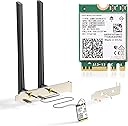
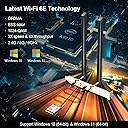
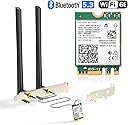
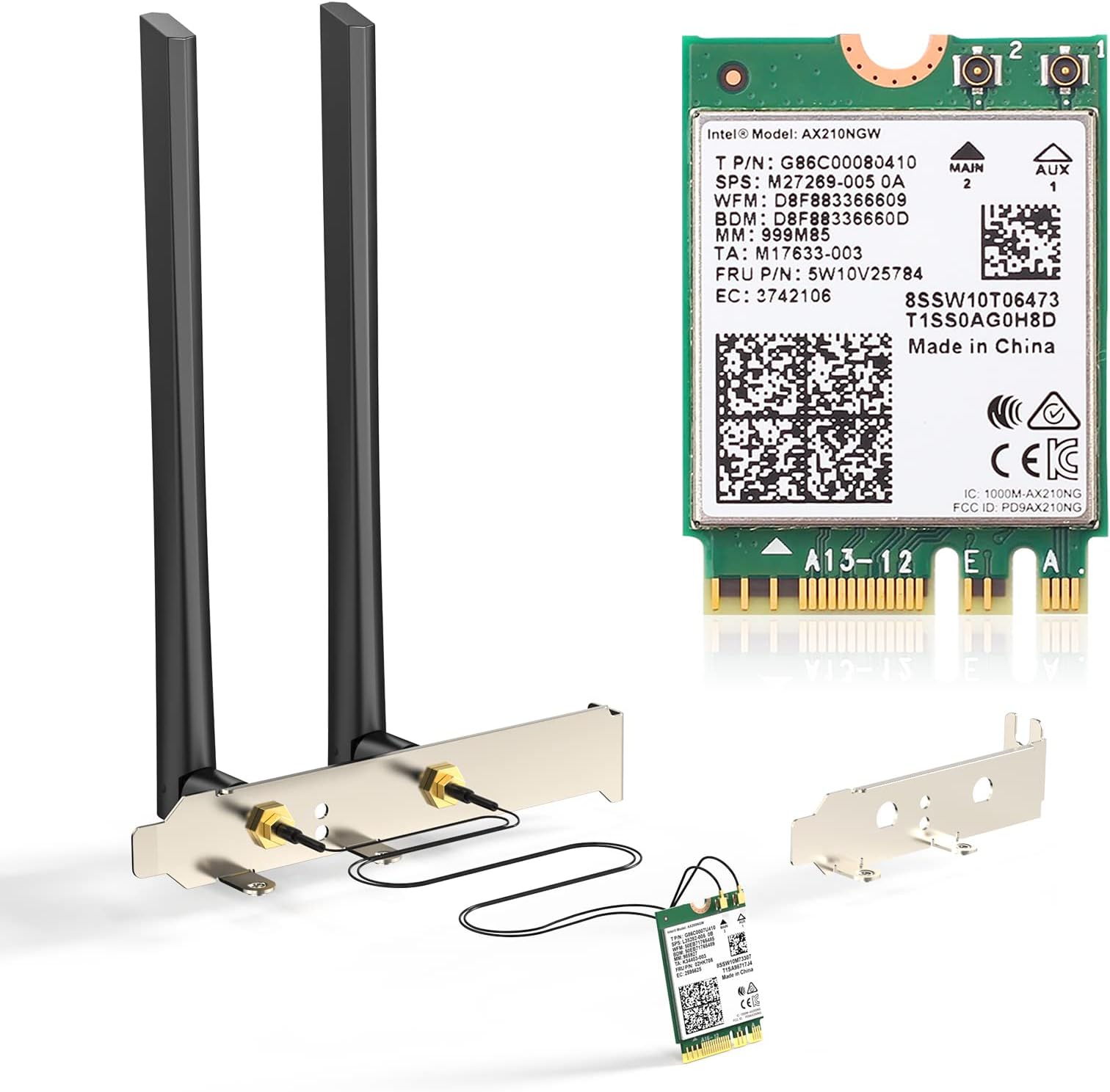
The EDUPยฎ AX210NGW WiFi Card is a cutting-edge M.2 NGFF 2230 network adapter featuring Intel's AX210 chipset. It supports tri-band WiFi 6E with speeds up to 2400Mbps on 6GHz and 5GHz bands, plus Bluetooth 5.3 for enhanced device connectivity. Compatible with Intel 4th to 8th generation CPUs and major desktop brands, it delivers superior network performance in dense environments and is optimized for Windows 10/11 (64-bit).


| ASIN | B088M5CK5K |
| Best Sellers Rank | #90 in Internal Computer Networking Cards |
| Brand | EDUP |
| Compatible Devices | Desktop |
| Compatible Operating System Family | Windows |
| Customer Reviews | 4.1 out of 5 stars 118 Reviews |
| Data Link Protocol | Bluetooth |
| Data Transfer Rate | 2400 megabits_per_second |
| Hardware Interface | Bluetooth 5 |
| Item Weight | 0.14 kg |
| Manufacturer | EDUP |
| Mfr Part Number | USB 3.0 Hub |
| Minimum Required Operating System Version | Windows 10 |
| Model Number | AX210 desktop kit |
| Number of Items | 1 |
| UPC | 793420183537 |
| Unit Count | 1 Count |
| Warranty Description | 1 year manufacturer |
R**9
Everything works, but speed disappoints (Update}
Update: I reset the networks on my laptop through the Windows system settings, and once my system rebooted, I was able to get the speeds I expected from the card. Original review (four stars): I ordered this kit to kill two birds with one stone. I used the external antennas to replace the ones I was using for my desktop computer, and that was a pretty simple swap-out. I used the AX210 Wi-Fi card to replace the AX201 in my laptop. My smartphone regularly records Wi-Fi 6E speeds of over 1050Mbps, and I was only maxing out at around 750Mbps on my laptop's Wi-Fi 6 card. I was hoping that upgrading to the AX210 would give my laptop speeds similar to those on my smartphone. While the card was relatively easy to install, reattaching the antennas is annoying because the connectors are so small and have to be precisely aligned to be snapped into place. I got it done, though, and I was prepared to be impressed by the speed increase. Unfortunately, not only did I not see a speed increase, I haven't come close to the top speed achieved with the previous card; the highest speed I've recorded is around 660Mbps. Don't get me wrong; that is plenty fast for a laptop. However, I'm disappointed that my smartphone's Wi-Fi6E modem achieves much faster speeds than my laptop's Wi-Fi 6E card, and that the newer, more advanced card is not as fast at its highest speed as the old one.
L**M
Works as intended.
Easy installation, connected to WiFi without any issues. Fit m.2 slot, speed test is perfect for the price!
A**R
Device works PCIE bracket not so great
It's pcie bracket is total crap. It works wonderfully do not have any troubles did not even need to grab any drivers just started working.
C**T
Easy Installation and fast datA transfer.
A great way for an external upgrade or as a wireless addition to any Windows computer. Installation is so simple: plug it into a usb slot and a windows opens to install the software it requires. Once installed, Windows sets it up and you are ready to connect to a wireless network. This adapter provides fast internet service and doesn't break the bank.
L**X
Requires specialized tools
Do not buy unless you have an electronics workbench and tools, especially a magnifying glass. The pictures are misleading because you can't see how incredibly tiny this stuff is. The wire leads are so tiny that it's impossible to get them snapped on without some specialized tools, and they are so fragile that they damage VERY easily if you try to press them on and get it wrong. I'm not even trying to send it back because I'm the one who damaged it, but it should have been something anybody can do. The people who make this junk should be forced to use it.
M**.
Fast Intel Wifi 6E, worked with my Lenovo Ideapad 3, but YMMV
I was skeptical of this Wifi card working with my Lenovo laptop since a lot of reviews and forum posts says Lenovo whitelists wireless cards on certain models. What I learned ALSO is that after a certain model/year, Lenovo stopped the whole Whitelist fiasco. My Ideapad 3 15ARH7 comes with Realtek 8825BE(?) and noticed wifi drops periodically. I searched Google and noticed a lot of Realtek Wifi card users were swapping in these Intel AX210 cards. Mine worked, and I'm glad. Be sure to download the Wifi and BT drivers before the transplant. Also, before you remove your old wifi/bt combo card, unpair any peripherals.
T**O
Installed on ASUS Prime B560M-A motherboard
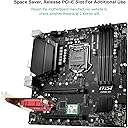
I installed this card on my ASUS Prime B560M-A motherboard. The only issue I had was connecting the cables to the card, but persistence paid off. You just have to line them up correctly, press down, and twist back a forth. The ASUS Prime motherboard comes with a bracket to hold the card. Windows 11 installed the drivers. I have an AC1900 router and I am getting over 200 Mbps when I run a speed test.
R**R
Great speeds, ease of use. But lacking all needed installation hardware.
for $28 I am thoroughly impressed with the ease of use of this card, Dell automatically recognized the card, didn't need to connect the computer via cable to download. The speeds are great, the only issue I have with the card is that there is no screw included to mount the card in the m.2 slot, if not for having a spare screw the installation would not have proceeded. I would gladly have paid $29 and had the screw included.
S**L
Installation nightmare
We spent 4 hours trying to fit the tiny antenna pins to the wifi board and failed. Then we had to return the item. Completely unusable product just because we couldn't attach the antenna.
Trustpilot
5 days ago
2 weeks ago