Desertcart purchases this item on your behalf and handles shipping, customs, and support to Senegal.
๐ Transform your rig with EZDIY-FAB: RGB brilliance made effortless!
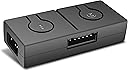
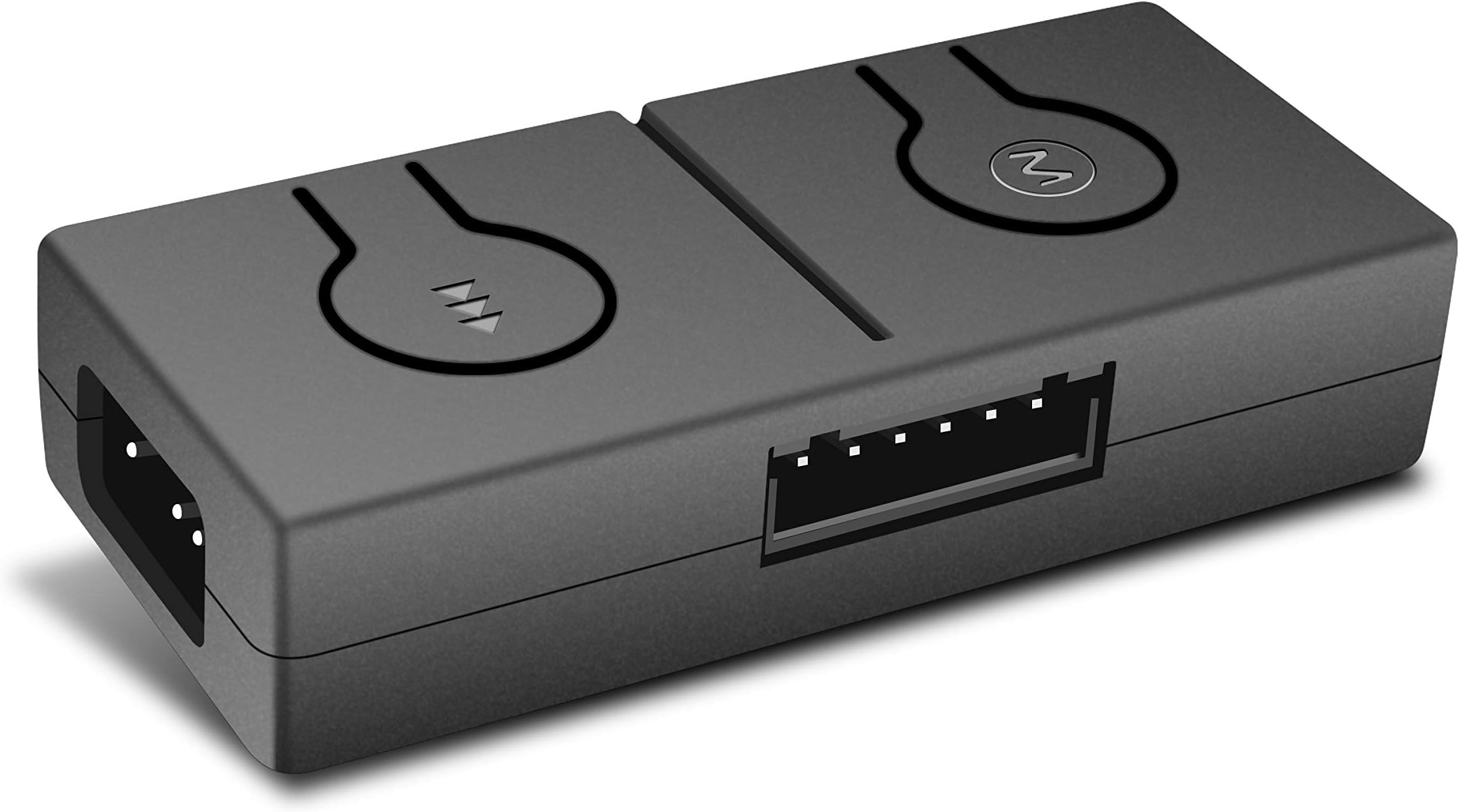
The EZDIY-FAB 12V to 5V RGB Converter is a compact, SATA-powered controller that converts 12V RGB motherboard signals to 5V ARGB, supporting up to 100 LEDs with 50 customizable lighting modes. Featuring a 3-way splitter and 3A max current output, it enables seamless expansion and vibrant, synchronized RGB lighting for professional-grade PC builds.


| ASIN | B082KJH2T3 |
| Best Sellers Rank | #321 in Computer Case Fans |
| Brand | EZDIY-FAB |
| Brand Name | EZDIY-FAB |
| Current Rating | 3 A |
| Customer Reviews | 4.2 out of 5 stars 838 Reviews |
| Manufacturer | EZDIY-FAB |
| Model | US-12V to 5V Controller |
| Mounting Type | PCB Mount |
| Part Number | US-12V to 5V Controller |
| Unit Count | 1 Count |
C**Y
Works great!
Works great!
K**.
Super Compatible with Asus b550-f gaming Motherboards!!
This was a super easy install basically plug n play, and as soon as I tested the fans just by powering on the pc it automatically synced. I was using this in order to connect my asus rog strix lc360 rgb aio because I didn't have another 3 pin connector on my motherboard and this easily resolved my issue and my pc looks amazing! Low quality material for the hub however, it is a quick solution that is budget friendly and super easy that my grandma can do it! I will keep this review updated in order to continue to explain the longevity of this solution but until then I am giving this product a 5 star review because I am extremely happy with the result.
B**B
The only one that worked for me
I bought 2 other brands until I finally ponied up and got two of these.
J**N
small & easy installation
Very easy setup, fits practically anywhere(no sticky tho), & light cycles are unique and simple. works very well being small. (does come with the connections) you either have the option to connect to the 12v on MB or leave as is using built in light cycles. NOTE: when using built in light cycles & and have it set on a certain color light & turn off PC. after turning back on it resets back to a rainbow cycle. I also have it connected to RESET button and helps cycle through colors but have it connected to MB to use MB software lighting.
T**J
Works as intended, with a catch
I bought this product because my new Phanteks Glacier One 240T30 uses ARGB, and my Asus MB is the Z390 chipset, which is not ARGB. So, 3 pin on the cooler and 4 pin on the MB. This does indeed allow me to use the lights on the pump cover, and even configure them in Corsair iCue. However, after this, it seems my Corsair Vengeance Pro RGB RAM has issues with LED operation. I had to force-reinstall the firmware to make it work and sync again. I do not know if this is the fault of the adapter or simply now that my MB has an LED device plugged into it. It could even be the specific header I'm using. To sum it up, it works great. Simple to install, but you might run into some snags with compatibility.
A**R
Damaged everything connected to it with the SATA power cable.
I started using two days ago when I gotten a good set of fans to work with even though I have purchased this last year. It worked momentarily with my ASRock motherboard but when I saw one of my storage drives not working, I opened up my computer case to see what is the problem. I double checked where ever it might be wrong. PSU works fine, I tried 4 SATA power cables. Then I tried it in a older computer I have and still doesn't work. Not only the RGB converter doesn't work, my SSD is unreadable by the BIOS. Just beware the of purchasing a voltage converter like this, it won't always work with every brand of motherboards. Especially with ASRock.
K**R
Decent for what it is
So it took a little bit to get this thing working, but once I did I'm very happy with it actually. I have an MSI x470 Gaming Plus, which only has 12v 4pin RGB headers on it. I connected the power to a SATA cable, connected the other to my motherboard RGB header and then connected my aRGB devices (Phanteks Halos Luxe Digital) to the 3pin splitter. Voila, it works! However, here's where I think a lot of people may find this review useful. I wanted to use one of the preset lighting effects of the RGB converter and it kept just defaulting to my motherboard's lighting. I opened my glass panel, pressed the button and it switched to the desired effect. Then when I rebooted, it would be back to motherboard settings. I was NOT going to do this every time I booted up, so I opened MysticLight and tried playing around with the settings. MysticLight for my motherboard only had basic lighting settings so I couldn't do any lighting effects except solid color with a breathing, flashing, etc effect on it. The RGB hub does not do "breathing" effects well. When it breathes, it just kinda flickers and shuts off, then comes back on again. So I had a thought... if this adapter has preset lighting effects and I only want to use those, why do I need to connect it to my RGB header at all? I disconnected the 4pin rgb cable from the header (but obviously kept the SATA power connected) and the hub finally would remember the effect that I wanted. The reason I gave this 3 stars is because there's really no way to attach the hub to your computer. Many of the other hubs have a magnetic back or something, but this I had to zip tie to the bottom of my case (I have the product circled in my image). I also found that the 3 pin connectors on the splitter were really flimsy and bend/detach easily. After I connected the RGBs to the hub, I actually put electrical tape around the connector because the male and female connectors ripped apart from one another and bent one of the pins when I was trying to do some cable management. Other than that, it works as intended! TLDR: - When connected to motherboard, it defaults to motherboard lighting settings - Using MysticLight, there aren't any cool effects, and the "breathing" effect does not work properly - IF YOU WANT TO USE THE HUB'S BUILT IN PRESETS... DO NOT connect the 12v 4pin to your motherboard RGB header - I recommend electrical taping the connections together from the 3pin splitter to your RGB devices, as it is flimsy and doesn't stay together well. Hope this helps someone else looking for RGB/aRGB solutions for their PC!
T**S
Provides conversion support for mobo's that only have 4-pin RGB and not 3-pin
This product is awesome! My MSI B550 Gaming Gen3 motherboard didn't have 3-pin RGB but had 4-pin RGB support instead, and this converter made it possible so I could use this specific RGB device. Plus, I can control the RGB toggles with the converter/controller instead of bothering to download external software.
R**L
If you have not 3pin 5v header your motherboard then go for it
It's working my motherboard smoothly value for money easy installation
A**N
Excelente
Se sincroniza facil al aurasync, todo muy bien
A**X
It Works!
works well with my MSI B450 board and thermalright CPU cooler! No issues as of yet but it was more or less straight-forward to install.
R**N
Eh bom
Faz o que diz que faz
O**R
No es como se espera
Los colores son iguales a los que se pide, sin embargo no funciona si quieres personalizar con el 'aura creator' pero si con lo demas
Trustpilot
2 weeks ago
1 month ago