
Buy anything from 5,000+ international stores. One checkout price. No surprise fees. Join 2M+ shoppers on Desertcart.
Desertcart purchases this item on your behalf and handles shipping, customs, and support to Senegal.
๐ฅ Relive the Past, Capture the Future!
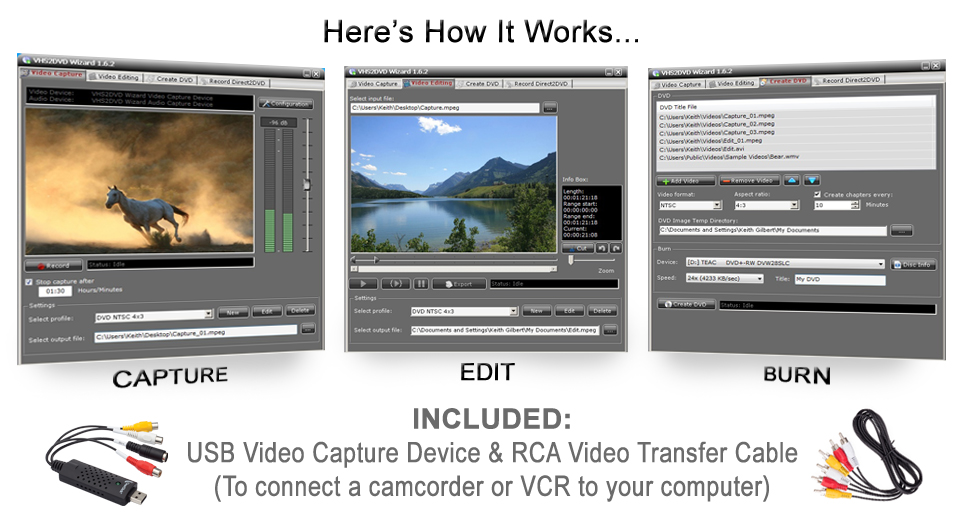
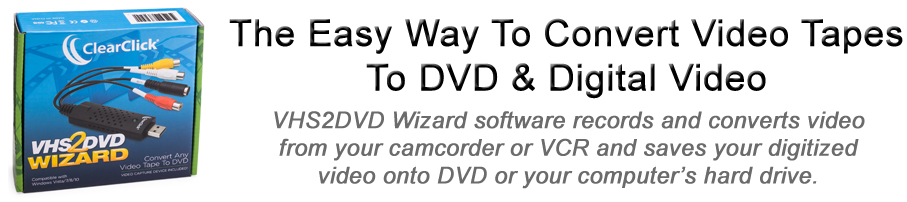
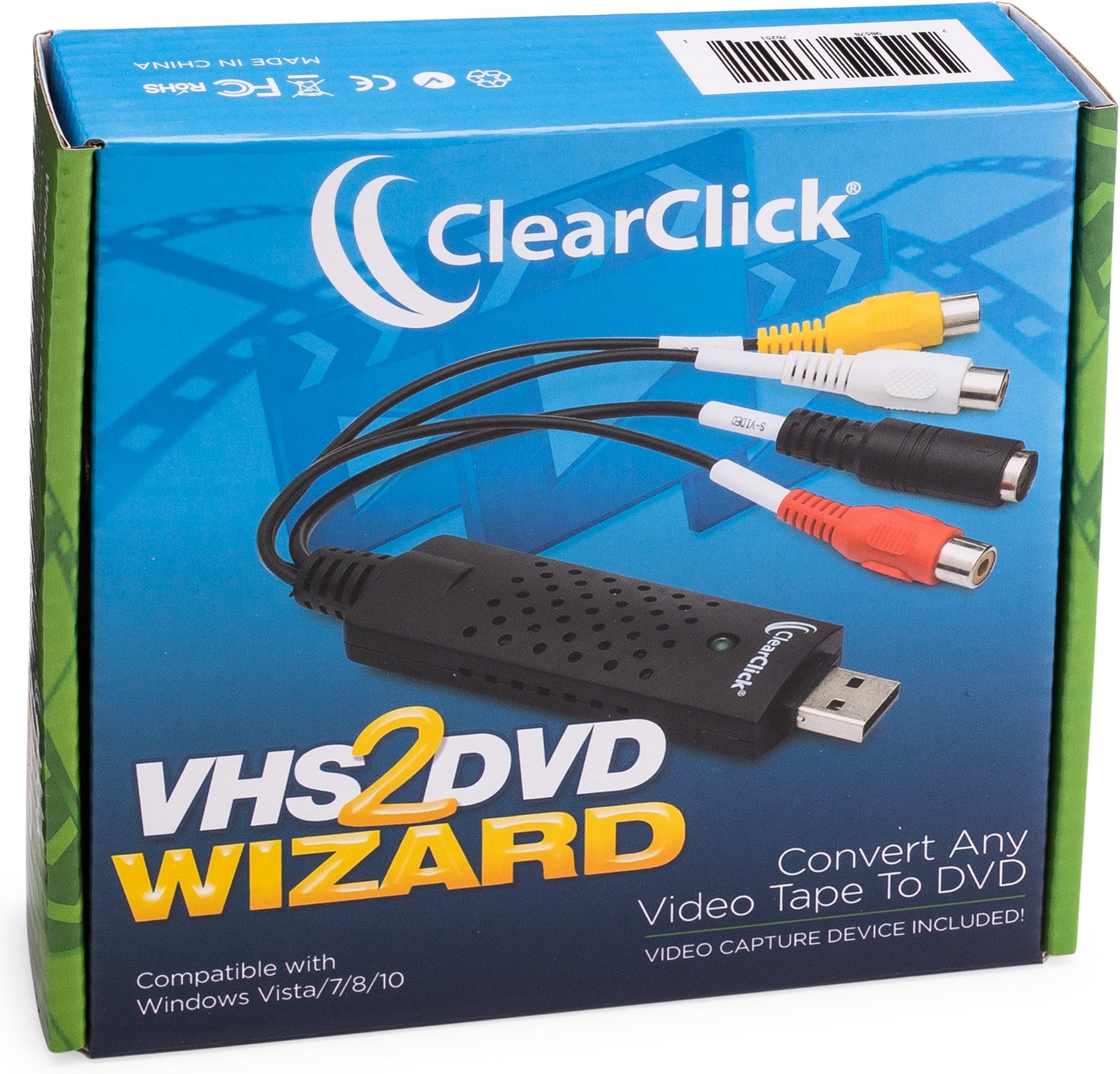
The ClearClick VHS To DVD Wizard is your ultimate solution for converting cherished VHS tapes into modern DVD or digital video files. This all-in-one package includes a USB video grabber, RCA video cable, and user-friendly software, ensuring a smooth transition from analog to digital. Plus, with free USA-based tech support, you can tackle any challenges with confidence.


| ASIN | B010MIN9A2 |
| Best Sellers Rank | #273 in Software ( See Top 100 in Software ) #9 in Video Editing |
| Customer Reviews | 4.0 4.0 out of 5 stars (1,453) |
| Date First Available | June 28, 2015 |
| Is Discontinued By Manufacturer | No |
| Manufacturer | ClearClick |
| Product Dimensions | 8 x 2 x 6 inches; 6.4 ounces |
L**N
Easy to Use Low Cost
Ordered this to transfer old family VHS tapes to digital. It costs about the price of paying to have 1 cassette transferred. I found the program easy to set up by using the enclosed instructions. It connected easily to my VHS player and mini VHS camera via the cables that came with the camera. I liked the preview window to watch what I was transferring. I have two friends who plan to purchase to convert their old cassettes to digital. I need to download a MP2 player on my Windows 10 computer media player to play the captured files. Once that was completed. No problems at all.
D**N
Better than the rest
I have purchased 3 of these capture devices and this one is the best so far. It works on a Mac - using quicktime as the capture software. Nice, clean picture (as clean as VHS can be). It has the option of (1280x720) H.264 on the "high" QuickTime setting and 1920x1080 ProRes 422 on the "maximum" setting. I think ProRes is overkill and would only use it on a short video (under 10 min) because of the extremely large file size. The "high" 1280x720 will be best for almost all of your transfers - but it's nice to have the 1920x1080 option. The one drawback over other devices is that this one forces an HD aspect ratio of 16:9 on all your incomming footage (if from VHS it should be 4:3) so your captured file will look stretched. I'm recompressing my files through a third party software to reduce the file size - and it can also fix the aspect ratio - so this is not a problem for me - just something to know.
V**.
Worth a look - after initial issues all works well - almost.
Posting after running one test. This is the easiest converting software I've ever used, it's an all-in-one package, once you get past the initial issues. Purchased from Amazon, loaded on a windows 10 PC with 4GB RAM and 2.20GHz duo core. Followed the enclosed instructions to the letter, but program would not detect signal from video player. Uninstalled, reinstalled, still nothing. Based on other reviews I thought that was that. I sent an email to tech support about 4:30 pm CST on a Thursday, figured I'd hear back early the next week. Nope, got a reply Friday morning by 7:30am. List of instructions to load a different driver. Not complicated, you do not need to be a computer wiz to follow, but you do need to be able to read. I followed the instructions and was up and running in about 15 minutes. So far I have only recorded a test DVD, only about 15 minutes in length. All seems to be OK. Have to remember I'm recording tapes that are (in some cases) 20+ years old and watching on new large screen TVs, so the quality isn't what you would hope for, but I'm putting that on my old tapes and not on the software. If warranted I'll edit this review after burning a couple full length videos to DVD, but if all acts as it did for the test my 5 stars will stand. ***edit/update*** After burning 5 videos to DVD I have to lower my rating somewhat. When this works it works well, but in 2 of the 5 videos the audio sync was off from the video, in one case by over 5 seconds. I had to capture the video a 2nd time, and it's much closer now. Also, after capture I got an error message about running out of data (the multiplexer has run out of input data) on a 3rd project. So far have not found a way around this and will have to engage tech support. In 2 of the 5 projects it worked exactly as expected, but that's less than a 50% hit rate. So far all of my projects have been an hour in duration or less. Not sure if there would be more issues with longer tapes.
K**N
Does the job!
For many a year, I had a bunch of old videotapes with family filmings on them. They have been hanging around for a good decade - I started down the digital transformation path with a combination VCR/DVD recorder machine that had an internal hard drive in it. You would record the VCR tape to the hard drive, use the remote control to break apart the video into meaningful scenes, type out the menu (which was a horrendously tedious process!) and then burn the DVD. The hard drive gave out before I could finish and, long story short, I wound up looking for another method to finish the job. This product was the second tool I purchased for this - the first was junk and did not even work (don't go for the less expensive versions of this type of product. You will eventually wind up buying this one!) I had 20 videotapes left to go through, and got them in over the span of a week. You have to use the included software here - I tried using OBS, an open source video capture software package, but it did not recognize the device. So I was stuck with the one they gave. The software is not horrible; it did crash a couple of times, it had a few mis-starts where it was supposedly recording but did not capture anything, and it was difficult to keep the preview framed in the viewing box (they have some miscalculations in their viewing box algorithm - I finally figured out that if I moved the whole application window to the top left corner of my screen, I could see what was going on.) The software outputs an MPEG stream. If you plan to put this on to a DVD and have menus for scenes, etc. you will need to get some more software. There are plenty of open source packages out there to do this - Google is your friend here. Note that I did this on a Windows 10 box with plenty of hard drive space (a 2-hour videotape will take up about 4 GB of space on the hard drive), a fairly decent video card, a modern-ish cpu, and plenty of RAM (the software takes up some memory to do the digitalization of the video.)
J**R
Excellent Conversion Device!
Sharp vibrant images - I was quite surprised. Iโve been trying various devices and this so far has been the best.
Trustpilot
2 weeks ago
2 weeks ago