


โ๏ธ Elevate your iPad experienceโwrite, draw, and create like never before!
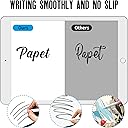
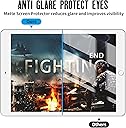
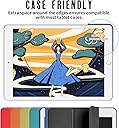
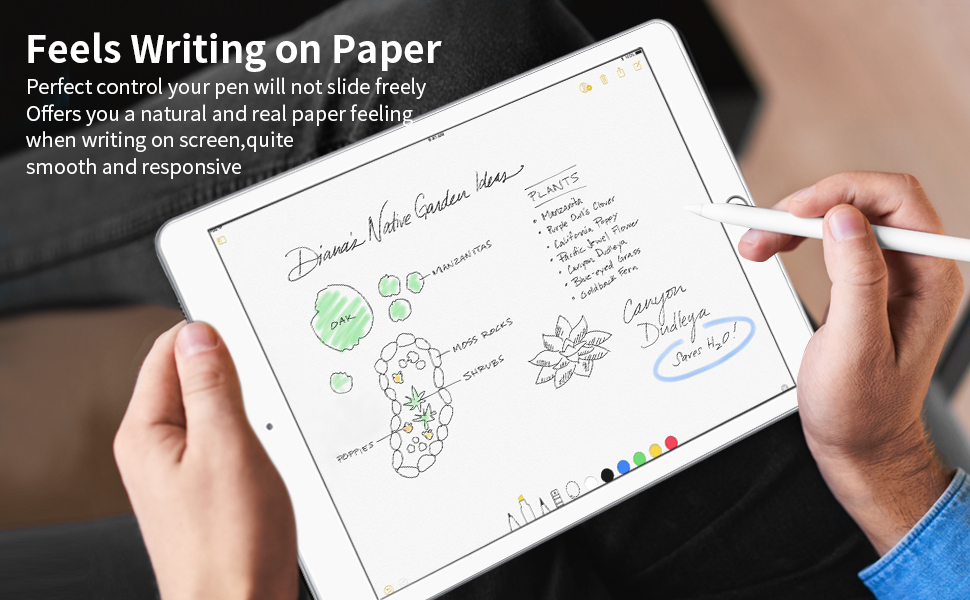
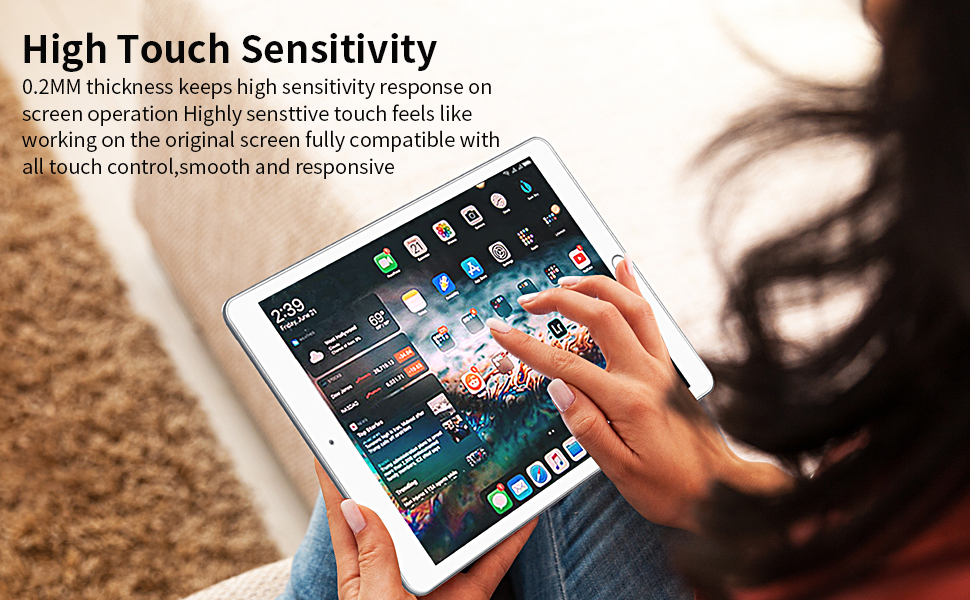
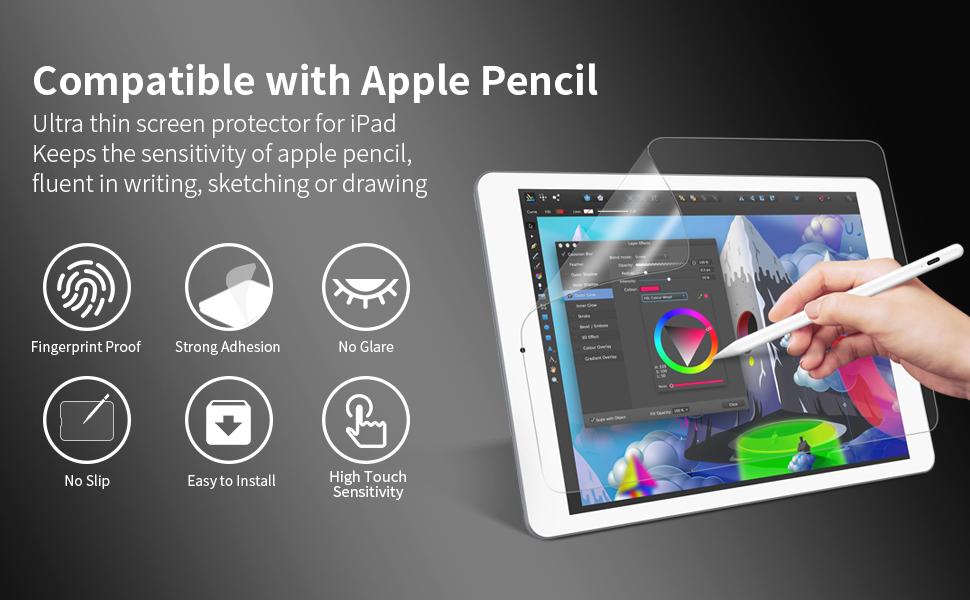
The Homagical Matte Paper Screen Protector for iPad Air 3 (2019) and iPad Pro 10.5 offers a premium paper-like texture for Apple Pencil users, combined with anti-glare and fingerprint-resistant properties. It ensures smooth stylus responsiveness, scratch protection, and a bubble-free installation, making it an essential upgrade for professionals seeking a clean, natural writing surface and enhanced screen durability.




| ASIN | B07SQQYYDK |
| Best Sellers Rank | #5,022 in Tablet Screen Protectors |
| Brand | Homagical |
| Brand Name | Homagical |
| Color | Clear |
| Compatible Devices | Tablet |
| Compatible Phone Models | Ipad |
| Compatible Tablet Computer Models | Apple iPad Air (3rd generation), Apple iPad Pro 10.5-inch |
| Customer Reviews | 4.5 out of 5 stars 3,751 Reviews |
| Item Dimensions L x W | 10.5"L x 10.5"W |
| Item Hardness | 3H |
| Material | Paper |
| Model Name | SD-001 |
| Model Number | SD-001 |
| Number of Items | 1 |
| Part Number | SC-10.5-1 |
| Product Dimensions | 10.5"L x 10.5"W |
| Screen Size | 10.5 Inches |
| Screen Surface Description | Matte |
| UPC | 749390263458 |
| Unit Count | 1.0 Count |
M**A
It came really fast and works great.
I got free shipping on this item and got it the next day (which may just be an amazon thing but hey, I ain't complaining.) I got some help installing it from a family member but it went on super easy, especially if you have experience with screen protectors. It comes with everything you need for installation. When using the apple pencil, it feels JUST LIKE PAPER! Which is exactly what its purpose is. When using it with your bare hand it can be a little bit weird, almost like sandpaper. However, it really helps to keep fingerprints and dirt off the screen and block any glare during the day. I haven't really experienced any color changes, but I am not looking for absolute color perfection, so if you aren't looking for that you won't notice I suppose. So overall, it's an amazing product that does at advertises and the installation is easy especially with the tutorial. It'll take some getting used to at first, but that is about it.
S**G
No Fingerprints - EVER
I could not believe the reviews when they said no fingerprints, but I wanted to see it for myself, and itโs true. It does put a matte finish on the screen but I just turn up the brightness whenever I want to compensate. I rather have that as a small drawback than having to constantly clean my screen. It would be great for kids! They could probably eat peanut butter & jelly sandwiches and not mess it up! Now, I do have a knockoff Apple Pencil and feel that if anyone have a pencil he or she may not have to clean the screen the screen as much if you are using that majority of the time. I still use touch screen a lot especially when exercising. Applying it was a breeze. No bubbles or lint. I applied it in the living room with the ceiling fan on. I cleaned the screen well and applied it quickly using the card provided to help smooth it down. When using the pencil it performs or responds like paper. Now this is crucial: I have already worn down two tips on my pencil and feel that if it wasnโt for this paper, I would have scratches on my screen due to the metal response located just inside the tip starting to show through! Not sure if Apple pencils wear down that fast, but just so you know. I also feel like Iโm getting less blue light from my screen. Resolution is nice without this, but if you are on your devices as much as I am itโs beneficial to have less blue light on at least one of them. The screen feels a little different too. Some may not care but others may. It may take some getting used to. I already have to occasionally clean my phone and laptop screens (no screen protector on those), and didnโt want another device that I had to clean prints from. So this works for me.
J**T
Would buy again.
After looking at prices of popular screen protectors we eventually settled on this one. Installing was a little nerve-wrecking (which is entirely due to our nerves and fear of making a mistake) as it feels like it's a one shot or you have lost kind of process. But the sticking-the-protector-to-the-screen-instructions were really clear and easy to follow and after a lot of holding our breath everything worked out. We only trapped one tiny piece of dust. We accepted it and call it 'The beauty spot'. If you end up trapping a tiny grain of dust don't worry, ours doesn't interfere with the viewing of user experience at all. If you have a tidy home and know where you put things then I would recommend purchasing 2 protectors at once. If in a few months after heavy use you want to refresh your screen protector you won't have to hunt around the internet all over again. And in case you mess up your first installation you could then use your second backup protector.. User experience, does it feel like paper? Yes it feels great. We really like the feeling of using the Apple Pencil on this surface. We haven't ever used the more expensive protector and can't say if there is a difference. But we don't feel inclined to spend 3x the amount of money to try it out. Our purchase of Paperfeel Screen Protector is a happy one. 2 content customers here (we are sharing the iPad). Recommended: YES
D**Y
Takes a little getting use to.
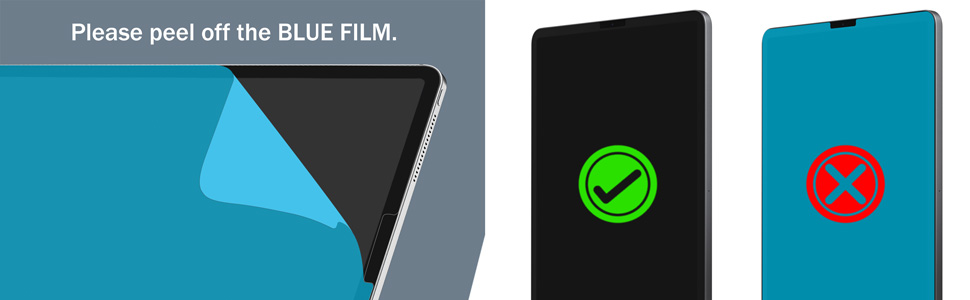
1. Take your time with the installation. It helps to be in as dust free of an environment as possible. Carefully wipe all finger prints and dust from the iPad screen. Note Apple does not recommend using the additional alcohol wipe that is included with the protector. Just take your time with the dry wipe and your screen should be spotless within a minute or two. Follow the recommendations for alignment - they work well. It takes about 10-15 minutes to work the bubbles out from under the screen protector with the included tool. It takes a fair amount downward pressure and patience, but it is possible to work them all out from under the screen protector. This is a decent quality product and perfect installation is achievable with patience. 2. The anti-glare properties are fantastic! 3. Takes a bit to get used to the touch feeling with your finger. Its obviously not the same as the silky smooth iPad screen, but is pleasant enough to use as long as you are not playing a game that requires a lot of swiping around. Sensitivity of the screen is slightly affected, but not a deal breaker. Its just not as sensitive as the bare screen when using your fingers to tap and swipe. 4. Apple Pencil - The screen protector feels much, much better than the bare screen, but there is a fair amount of friction. During the first 5 minutes or so of taking notes I felt a fatigue in my fingers and hand that I hadn't noticed with the bare screen. However, after trying a few different positions, adjusting my writing technique a bit and adjusting the pressure I was asserting on the pencil I was able to write several pages of notes without feeling the fatigue that was present initially. 5. Overall a good product at a great price - I would recommend giving it a try.
P**.
Highest Quality Product and Service.
This is the best screen protector to use with apple pencil. The texture is amazing, exactly like drwing with a pencil on a pad of paper. Before, I didnt like the feel of my palm sliding across the glass screen when writing or drawing but adding this screen protector fixed that. Now my palm glides smoothly across the screen as I work without leaving huge smudges all over the place. I highly reccomend this product if you're looking for something to add a little texture to your screen. For me, I couldn't imagine using the pencil without it. Plus, the customer service is top notch as well. I unfortunately had trapped some dust under the screen the first time and it was an eye sore. I contacted them about and they shipped me a new one immediately for free. Excellent response time and I really had the impression they wanted to make sure I was a satisfied customer. Tl;dr: best protector on the market for use with the apple pencil. Best customer service I've experienced. Highly reccomend.
R**N
Paperlike screen protector for the ipad pro is highly recommended
I can't believe that it took me this long to try out the paperlike screen protector. This product is fantastic and it's hard to beat this price at under $13. Though I can't give you a comparison with other similar products cause this is my first time using it. All I can say is that it is highly recommended and I will be ordering it for my other ipads. It feels so much better writing on this paperlike screen than glass. It took less than a minute to put it on. Thus far, I'm very happy with it.
P**G
Great Customer Service!
I attached the screen protector incorrectly and sent the company an email to which they promptly responded. They said they would send a replacement screen protector which came in just a few days and that I would not need to send them the screen protector I messed up on. For such an affordable price the screen protector is amazing and definitely helped improve my handwriting on the iPad. I've heard it wears down the Apple Pencil, but I have yet to see any damage even after using it daily. I definitely recommend this product to those looking for a paper-like screen protector.
P**R
For the person who is debating what screen to get ...
If you have an iPad and plan on writing on it on a daily basis, this is the screen you need. I use it for school, I write and draw on it daily. Short review: - great for more control - handwriting improved - Little glare - Does not ware down Apple Pencil as much as you think - screen is still responsive - You can still draw with it Long review: I first went with a matte screen because I thought it was a happy medium. It took me about a month to switch and give this paper-like one a try. It was too slippery. My handwriting improved a lot. I was able to write how I normally do and make my notes a lot neater. If you are concerned with drawing with this screen, do not worry, it is still possible and if anything, much better. You have more control. The tip of the pencil did not wear out as quick as I thought it would. There is very little glare if any. Overall, I recommend you buy this screen first. If you are not writing or drawing on the screen as often I would not recommend this screen. It is not necessary.
Trustpilot
3 days ago
2 weeks ago