Desertcart purchases this item on your behalf and handles shipping, customs, and support to Senegal.
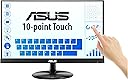
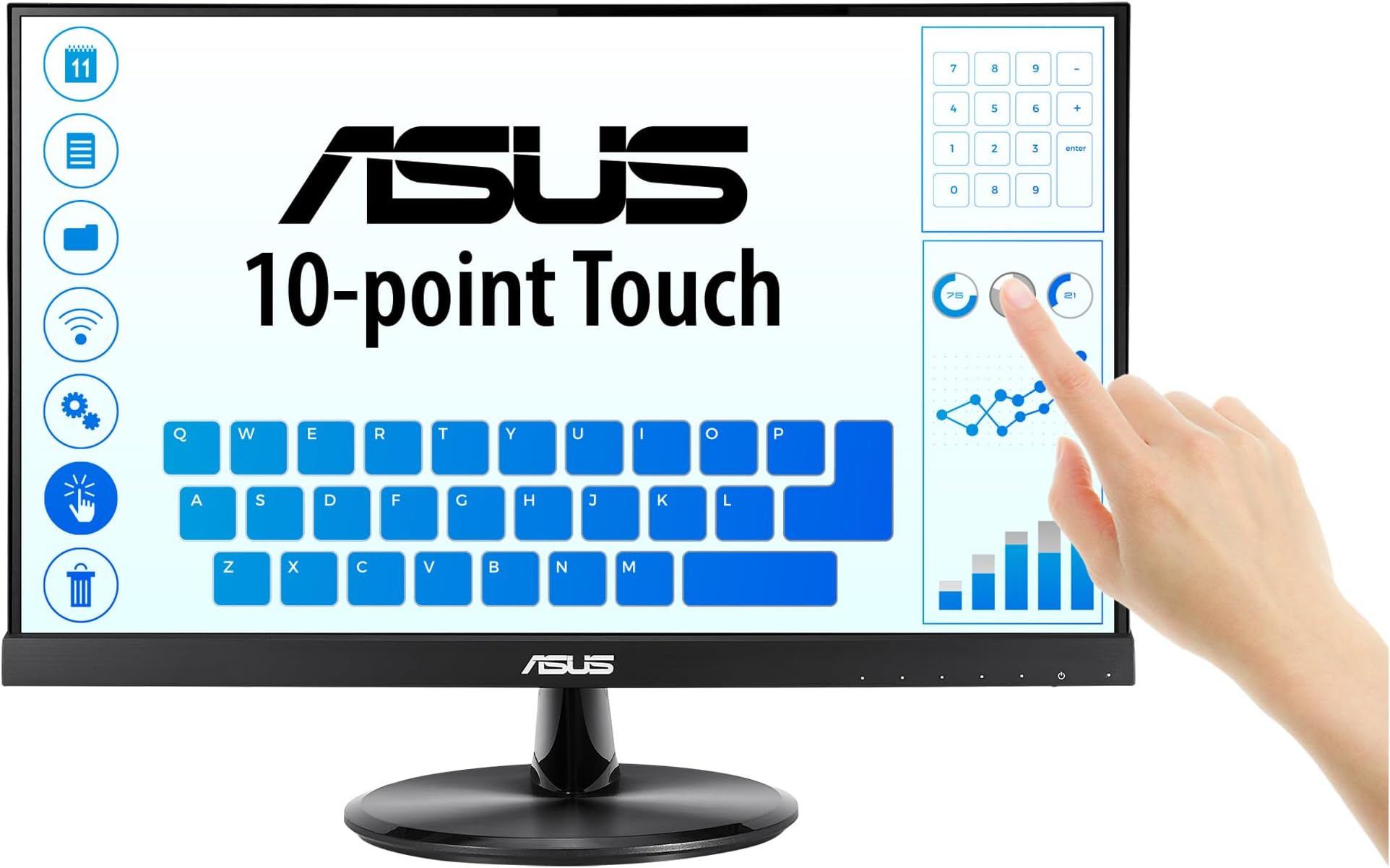
👩💻 Touch, see, and work smarter — the ASUS VT229H is your productivity game-changer!
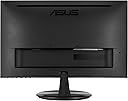
The ASUS VT229H is a 21.5-inch Full HD (1920x1080) IPS touchscreen monitor featuring 10-point multi-touch capability, wide 178° viewing angles, and ASUS Eye Care technology with flicker-free and low blue light certification. Its sleek frameless design supports seamless multi-display setups, while HDMI and USB 2.0 ports ensure versatile connectivity. Ideal for professionals seeking vibrant visuals and ergonomic comfort in business, education, and general computing.


| ASIN | B07N1YQ2NK |
| Adaptive Sync | FreeSync |
| Aspect Ratio | 16:9 |
| Aspect ratio | 16:9 |
| Best Sellers Rank | 49,683 in Computers & Accessories ( See Top 100 in Computers & Accessories ) 881 in Monitors |
| Brand | ASUS |
| Brand Name | ASUS |
| Colour | Black |
| Compatible Devices | [Partial] Windows 10 |
| Contrast Ratio | 1000:1 |
| Customer Reviews | 4.5 out of 5 stars 246 Reviews |
| Display Technology | LED |
| Display Type | LED |
| Global Trade Identification Number | 04718017058964 |
| Hardware Connectivity | USB 2.0 |
| Has Color Screen | Yes |
| Image Brightness | 250 cd/m² |
| Image contrast ratio | 1000:1 |
| Is Electric | Yes |
| Item Dimensions D x W x H | 5.2D x 49.1W x 30H centimetres |
| Item Type Name | Monitor |
| Item Weight | 5.23 Kilograms |
| Manufacturer | ASUS |
| Maximum Display Resolution | 1920 x 1080 |
| Model Name | Vt229h |
| Model Number | 90LM0490-B02170 |
| Mounting Type | Desk Mount |
| Native Resolution | 1920x1080 |
| Network Connectivity Technology | HDMI |
| Picture Quality Enhancement Technology | Flicker-free, Low Blue Light |
| Pixel Pitch | 0.2482 |
| Power Consumption Size | 21.9 Watts |
| Product Features | Touchscreen |
| Product Warranty | 1 Year |
| Refresh Rate | 60 Hz |
| Resolution | FHD 1080p |
| Response Time | 5 Milliseconds |
| Screen Finish Type | Glossy |
| Screen Size | 21 Inches |
| Screen size | 21 Inches |
| Screen surface description | Glossy |
| Shape | rectangular prism |
| Specific Uses For Product | Business, Education, General Computing |
| Total HDMI Port | 1 |
| Total USB 2.0 Ports | 1 |
| Total USB Ports | 1 |
| Total Video Out Ports | 1 |
| Unit Count | 1.0 count |
| Viewing Angle | 178 Degrees |
| Voltage | 240 Volts |
G**F
Plug and play win11 and speakers
A beautiful touchscreen monitor right up to the standards of Asus. I had to buy a DV to HDMI Lead as the only spare ports on my graphics card were DV and the monitor has 1 HDMI and 1 VGA Input. Apart from that, I run a ROG pc with two Asus monitors and it was a simple case of plug and play on windows11. The monitor was allocated as the second monitor and touch worked straight out of the box. I did however later on that day, go to the Asus website and download their specific driver for this monitor, not that I needed to but firstly, it makes you aware that there IS a driver available and secondly, I just like keeping everything up to date. ***** contrary to popular belief, there ARE built in speakers too ***** All in all a very good monitor, almost completely frameless, just don't forget to plug the supplied USB lead in (this is needed for the touch function). Would I buy again? .. Definitely!
S**N
Excellent quality reliable
Great product reluabke easy set uup definstely one if the bedt i have had touch scteen reliable. Very good quality
E**2
Great touch monitor for osu!
The speakers on mine do NOT function, maybe it's just me not being able to get them to work. Almost 0 input delay with included cable. Just plugged it into my Windows 10 system and touch worked after Windows installed the driver. I did have to manually install a touch driver on my custom Linux distro/version though. Don't ask me about color, I see the world in black, white and many shades for gray. Edit (Oct 2 2025): Monitor still working great, ordered another but didn't need it in the end. I have no clue how to clean it, tried IPA, baby wipes, Dettol wipes, floor wipes, dish soap on a dry cloth, I can't get the edges clean. The screen itself I use either glass cleaner or screen wipes, but it's a touchscreen, it's never going to stay clean unless you use finger sleeves or touch gloves. I eventually got the speakers working, they're ok not the best but not unbearable for watching videos, I had a bad port on the PC I use it with. I play osu! on this monitor daily, I have mine on a monitor arm, and it's resting against something. If you're heavy handed, put something heavy on the stand if you choose to use it, or stick something big behind it. The top of mine is slightly bent, but thats my fault, I had put a piece of tape up there and yanking it off bent it. This screen works well with Windows (all desktop versions tested down to XP), Ubuntu Unity and Ubuntu if you install the correct kernal for touchscreen support. (Note: The thing on my hand is a decoration shaped like an elevator.)
S**M
Couple issues, but workable!
I've only had the monitor installed for a few days, but it mostly seems good! There are two issues I've had: - The touch screen only works on the main screen, so in a multi-monitor setup (like I have) it needs to be set as the main display. This is a pain as it's used as a side-monitor and certain applications will default to open on that screen. - Yesterday the screen had lines running along that would only stop when I touched the monitor. This has fixed today, but if it happens continually will result in a lower rating/ return. Despite those issues, I'm already finding it very useful for interacting with discord/ spotify etc on the side screen while playing a game - it depends the game, but this often doesn't interrupt the game allowing for far smoother transition. Price seems very good.
G**Z
Mi TPV quedó de cine.
Estupendo, fácil de instalar y de usar
T**M
Super
Alles bestens. Hängt an einem pi und macht was er soll
V**.
Touch fantastico
Semplicemente favoloso. Bei colori e ottima risoluzione. Il touch è fantastico e di qualità. uno dei migliori acquisti fatti. lo consiglio assolutamente.
M**R
Nice colour contrast
Nice touchscreen monitor. Good colour contrast and crisp images. Touchscreen calibrates easily via Windows >Control Panel>tablet
T**S
Fait le job
Bon écran tactile.
Trustpilot
2 months ago
2 weeks ago